


Apple TV itself does not have built-in recording capabilities for live television shows or movies. However, there are ways to access recorded content using compatible apps and services. In this article, we’ll explore the options available for recording and watching your favorite shows on Apple TV, ensuring you make the most of this versatile streaming device.
Understanding Apple TV’s Functionality
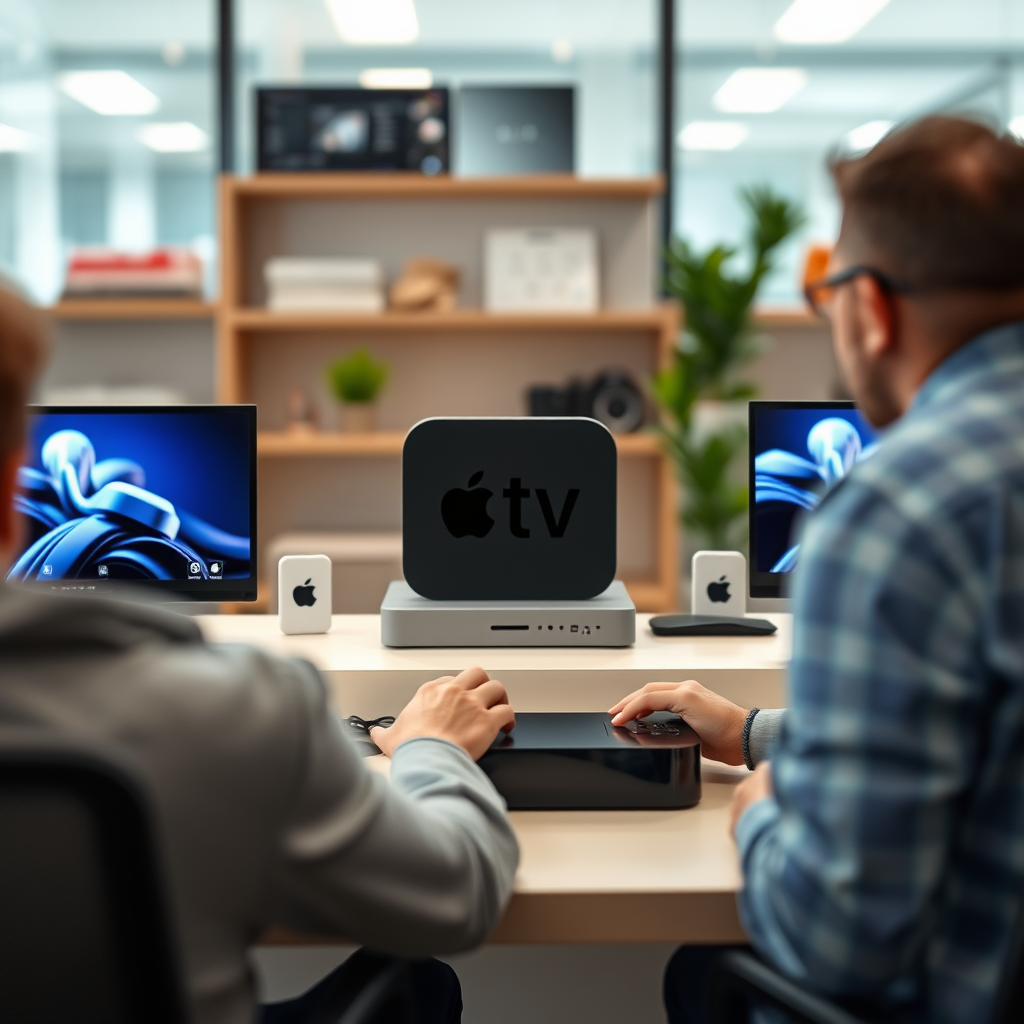
Apple TV primarily serves as a streaming device for various apps, allowing users to access a wide array of content including movies, TV shows, music, and games. While it excels in providing an extensive selection of streaming services, it lacks the native recording feature typically associated with traditional Digital Video Recorders (DVRs). This means that if you’re looking to record live television directly on your Apple TV, you will need to consider alternative solutions.
This limitation is important for users to understand, especially those transitioning from a traditional cable setup where recording shows is commonplace. Although Apple TV does not record content itself, it still offers a seamless experience for viewing on-demand content and integrating with other devices that can record live broadcasts.
Using Third-Party Apps
Many content streaming apps available on Apple TV have incorporated cloud DVR services, enabling users to record live television shows and access them later. For instance, services like Hulu with Live TV, YouTube TV, and Sling TV provide cloud DVR features that allow subscribers to save their favorite shows for later viewing.
– Hulu with Live TV: Offers a cloud DVR that allows users to record live TV with a capacity of up to 50 hours. For an additional fee, subscribers can upgrade to 200 hours.
– YouTube TV: Provides an unlimited cloud DVR storage option, enabling users to record as many shows as they want and store them for up to nine months.
– Sling TV: Users can add the cloud DVR feature to their subscription, allowing them to save content for later viewing.
When considering these options, it is essential to check the specific features each app offers, as recording capabilities can vary significantly based on the subscription plan.
Connecting with External Devices
If you’re interested in recording live TV, another option is to connect Apple TV to a compatible external DVR via HDMI. Devices such as TiVo or HDHomeRun can record live television and allow users to stream that content to their Apple TV. This method provides a more traditional DVR experience, enabling users to pause, rewind, and record live television.
For example, TiVo offers a comprehensive DVR solution that not only allows you to record shows but also integrates seamlessly with streaming services, providing a unified interface for all your viewing needs. Similarly, HDHomeRun allows users to stream live TV from an antenna or cable connection directly to their Apple TV, while also providing DVR functionalities when paired with compatible software.
Utilizing Home Sharing
Apple’s Home Sharing feature allows you to access recorded content from your other Apple devices, enhancing your viewing experience. If you have recordings stored on your Mac or iPad, you can easily view them on your Apple TV.
To enable Home Sharing, you need to ensure that all devices are signed into the same Apple ID and that Home Sharing is activated in the settings. Once set up, you can browse your library of movies and TV shows on your Apple TV, making it convenient to access content that you’ve recorded or purchased elsewhere.
Exploring Alternative Solutions
For viewers who primarily watch over-the-air broadcasts, considering an antenna and a separate DVR might be the best solution. Over-the-air signals are free and can be captured using a digital antenna, which can then be recorded using a standalone DVR like the Tablo or the HDHomeRun.
Combining streaming services with a robust DVR setup provides a comprehensive viewing experience that covers live TV, on-demand content, and the ability to record shows for later viewing. This hybrid approach allows users to take full advantage of both traditional broadcasting and modern streaming.
Top Cloud DVR Services for Apple TV (2024)
| # | Service | Storage Capacity | Cost | Best For |
|---|---|---|---|---|
| 1 | Hulu + Live TV | 50 hours (upgradable to 200) | $69.99/month | General Streaming |
| 2 | YouTube TV | Unlimited | $72.99/month | Extensive Content |
| 3 | Sling TV | 10 hours (upgradable) | $40/month | Budget-Friendly |
| 4 | DirecTV Stream | 20 hours | $74.99/month | Comprehensive Packages |
| 5 | Philo | Unlimited | $25/month | Affordable Entertainment |
| 6 | AT&T TV | 500 hours | $69.99/month | High Storage |
| 7 | fuboTV | 1,000 hours (with upgrade) | $74.99/month | Sports Enthusiasts |
Troubleshooting Common Issues
When utilizing various apps and services for recording and streaming, users may encounter a few common issues. Here are some tips to troubleshoot these problems and improve your overall experience:
1. Ensure App Updates: Regularly check for updates for your streaming apps. Outdated versions can lead to bugs and hinder recording capabilities.
2. Check Internet Connection: A stable internet connection is crucial for streaming and recording. If you’re experiencing issues, try resetting your router or connecting via Ethernet for a more reliable connection.
3. Review Subscription Plans: Ensure your subscription plan includes the desired recording features. Sometimes, lower-tier plans may limit storage or disable recording altogether.
By following these troubleshooting tips, you can enhance your experience and ensure a smoother interaction with your Apple TV and its associated services.
In summary, while Apple TV does not natively record live television shows, there are multiple ways to access recorded content through third-party apps, external devices, and Apple’s Home Sharing feature. By exploring these options, you can find the best combination that fits your viewing needs. Whether you opt for cloud DVR services, integrate external DVRs, or utilize Home Sharing, Apple TV can offer a comprehensive streaming experience that meets the demands of modern viewers.
Frequently Asked Questions
Can Apple TV record live TV shows and movies?
No, Apple TV does not have built-in recording capabilities for live TV shows and movies. However, you can use third-party apps like Hulu or YouTube TV, which offer cloud DVR features, allowing you to record shows and watch them later. This way, you can enjoy your favorite content at your convenience.
How can I record shows using Apple TV?
While Apple TV itself cannot record shows, you can utilize compatible streaming services that support DVR functionality. Services like YouTube TV or Hulu with Live TV allow you to record live broadcasts and save them to your library for later viewing. Simply subscribe to one of these services and use their app on your Apple TV.
Why can’t I directly record anything on my Apple TV?
Apple TV is primarily designed as a streaming device, focusing on providing access to various content services rather than functioning as a traditional DVR. The lack of a direct recording feature is due to licensing and copyright restrictions, which limit how content can be stored and distributed. Instead, consider using third-party apps that offer recording options.
What is the best way to record shows on Apple TV?
The best way to record shows on Apple TV is to subscribe to a streaming service that offers DVR capabilities, such as YouTube TV or Hulu with Live TV. These services not only allow you to record shows but also provide a user-friendly interface and a vast library of content. Just download the respective app on your Apple TV, and you’ll be set to record your favorite shows.
Which apps on Apple TV allow recording of content?
Apps like YouTube TV, Hulu with Live TV, and Sling TV allow you to record content directly from their platforms on Apple TV. Each of these services includes cloud DVR features, enabling you to save shows for later viewing. Be sure to check the specific terms of service for each app, as recording limits and storage may vary.
References
- Apple TV
https://en.wikipedia.org/wiki/Apple_TV - https://www.bbc.com/news/technology-58046398
https://www.bbc.com/news/technology-58046398 - https://www.theguardian.com/technology/2021/dec/16/apple-tv-plus-show-review
https://www.theguardian.com/technology/2021/dec/16/apple-tv-plus-show-review - https://www.nytimes.com/2020/11/12/technology/apple-tv-plus.html
https://www.nytimes.com/2020/11/12/technology/apple-tv-plus.html - https://www.sciencedirect.com/topics/computer-science/apple-tv
https://www.sciencedirect.com/topics/computer-science/apple-tv - https://pubmed.ncbi.nlm.nih.gov/
https://pubmed.ncbi.nlm.nih.gov/ - Google Scholar Google Scholar
https://scholar.google.com/scholar?q=can+apple+tv+record - Google Scholar Google Scholar
https://scholar.google.com/scholar?q=Apple+TV+features - Google Scholar Google Scholar
https://scholar.google.com/scholar?q=Apple+TV+recording+capabilities - https://www.mayoclinic.org/healthy-lifestyle/consumer-health/in-depth/technology-in-health-care/art-20046136
https://www.mayoclinic.org/healthy-lifestyle/consumer-health/in-depth/technology-in-health-care/art-20046136
