
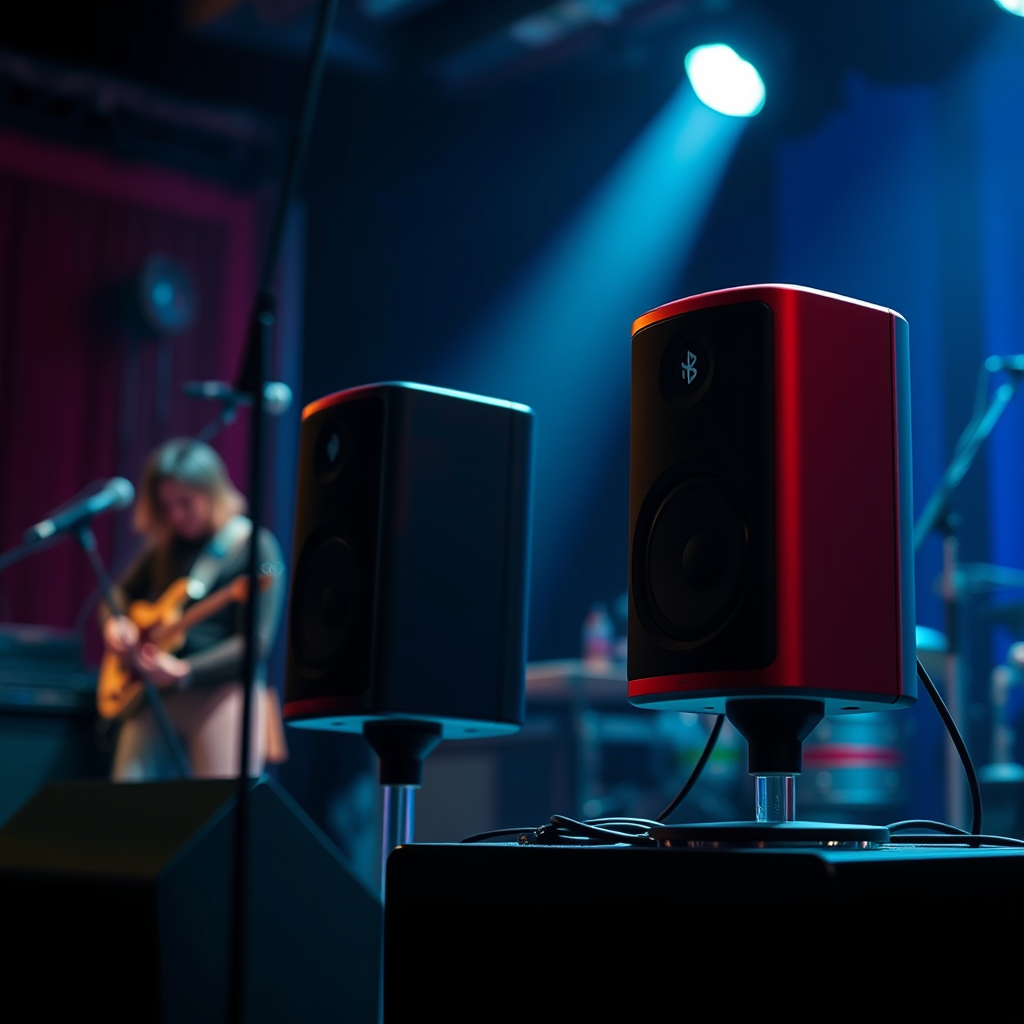

Connecting to two Bluetooth speakers at once is possible, but it largely depends on your device and the Bluetooth technology it supports. Many modern smartphones, tablets, and computers are equipped with the necessary capabilities to facilitate this kind of connection. By understanding the specific features of your device and the Bluetooth technology involved, you can enjoy a richer audio experience, whether for personal enjoyment or sharing music with a larger group.
Understanding Bluetooth Technology
Bluetooth technology has evolved significantly over the years, impacting how devices connect and communicate. The main versions to consider are Bluetooth 4.0, 4.1, and 5.0.
– Bluetooth 4.0 introduced Low Energy (LE) technology, which allows for energy-efficient operation. However, its multi-device support is limited.
– Bluetooth 4.1 improved data transfer rates and allowed devices to communicate more efficiently, but still did not offer robust multi-speaker capabilities.
– Bluetooth 5.0 marked a significant upgrade, featuring an increased range (up to 800 feet) and faster data transfer rates (up to 2 Mbps). This version supports dual audio output, enabling users to connect two speakers simultaneously without a hitch.
In addition to version differences, some manufacturers have developed unique features, such as Samsung’s Dual Audio and Apple’s HomePod stereo pairing, allowing for seamless audio sharing across devices.
Device Compatibility
Compatibility greatly influences your ability to connect to multiple Bluetooth speakers.
– Smartphones: Most recent Android devices (running Android 6.0 and later) support dual audio features. Samsung Galaxy devices, for example, allow users to play music on two Bluetooth speakers simultaneously through the Dual Audio feature. On the iOS side, Apple’s HomePod can be paired in stereo mode, allowing for a richer sound experience.
– Laptops and PCs: When it comes to computers, Windows 10 and 11 can connect to multiple Bluetooth speakers, but the experience may vary based on the Bluetooth adapter in the machine. macOS devices have limited options; while they can connect to multiple speakers, the output may not always be synchronized perfectly.
Methods to Connect Two Bluetooth Speakers
There are several methods to connect two Bluetooth speakers, depending on your device and its capabilities.
– Manufacturer-specific solutions: As mentioned, Samsung offers a Dual Audio feature in their Galaxy line, making it easy to pair two Bluetooth devices. For Apple users, the HomePod can be paired in stereo mode through the Home app, allowing for a more immersive audio experience.
– Third-party apps: If your device doesn’t support dual audio natively, several apps can help manage multiple Bluetooth connections. Apps like “AmpMe” and “Bluetooth Audio Widget” allow users to sync audio across multiple Bluetooth devices, enhancing the listening experience even when the native options fall short.
Top 7 Bluetooth Speakers with Dual Connectivity Features (2024)
| # | Speaker Model | Bluetooth Version | Dual Audio Support | Battery Life |
|---|---|---|---|---|
| 1 | JBL Charge 5 | 5.1 | Yes | 20 hours |
| 2 | Ultimate Ears MEGABOOM 3 | 5.0 | Yes | 20 hours |
| 3 | Bose SoundLink Revolve+ | 4.2 | Yes | 17 hours |
| 4 | Sony SRS-XB43 | 5.0 | Yes | 15 hours |
| 5 | Anker Soundcore Motion+ | 5.0 | Yes | 15 hours |
| 6 | JBL Flip 5 | 4.2 | No | 12 hours |
| 7 | Apple HomePod | 5.0 | Yes | 10 hours |
Sound Quality Considerations
While the ability to connect to two Bluetooth speakers is convenient, sound quality considerations are paramount.
– Sync issues: When playing audio through two speakers, you may encounter latency, which could lead to an asynchronous audio experience. This is particularly noticeable during video playback or gaming. To mitigate this, ensure that both speakers support the same Bluetooth version and have a low latency codec, such as aptX or AAC.
– Stereo vs. mono output: Depending on your setup, you may choose between stereo and mono output. Stereo output provides a more immersive experience by distributing sound across both speakers, while mono output can be beneficial for larger gatherings where sound needs to be evenly dispersed. Understanding when to utilize each option can significantly enhance your listening experience.
Troubleshooting Common Issues
Despite the advances in Bluetooth technology, users may still encounter challenges when connecting two speakers.
– Connection problems: If you face difficulties pairing two speakers, ensure both devices are in pairing mode and close enough to each other. Restarting your device and removing any previously paired devices can also help resolve connectivity issues.
– Audio lag: For those experiencing delays between speakers during playback, consider updating your Bluetooth drivers or firmware. Devices that support low-latency codecs can help in reducing lag, providing a smoother audio experience.
Additional Features to Explore
When connecting multiple Bluetooth speakers, there are additional features worth exploring.
– Party mode: Many modern speakers come with a party mode feature, allowing you to connect multiple devices for simultaneous playback. This is particularly useful for gatherings and events, ensuring everyone enjoys the same audio experience.
– Range and battery life: Keep in mind that connecting two speakers may affect battery performance and connectivity range. When utilizing multiple devices, ensure they are within the optimal range of your Bluetooth source device and consider the impact on battery life, especially during extended use.
In summary, connecting to two Bluetooth speakers at once can enhance your audio experience, provided your device supports it. Explore the options available to you, troubleshoot any issues, and consider the sound quality impacts. For a better listening experience, try out different methods and see what works best for your setup!
Frequently Asked Questions
Can I connect to two Bluetooth speakers at once on my smartphone?
Yes, many modern smartphones allow you to connect to two Bluetooth speakers simultaneously. To do this, you typically need to enable a feature like “Dual Audio” on Samsung devices or “Audio Sharing” on Apple devices. Be sure to check your phone’s Bluetooth settings for compatibility and follow the specific pairing process for multiple speakers.
How can I connect two Bluetooth speakers to my laptop?
To connect two Bluetooth speakers to your laptop, you can use a Bluetooth adapter that supports multiple device connections or software solutions that allow audio streaming to multiple outputs. Windows 10 and 11 have a built-in feature called “Stereo Mix” that can help route audio to multiple devices. Ensure your laptop’s Bluetooth drivers are updated for the best performance.
Why would I want to connect two Bluetooth speakers at once?
Connecting two Bluetooth speakers allows you to enhance your audio experience by creating a stereo sound environment or amplifying the volume for larger spaces. This is particularly useful for parties, outdoor gatherings, or when you want to enjoy music in different rooms without losing sound quality. It can also help in achieving a more immersive audio experience when watching movies or gaming.
What are the best Bluetooth speakers that support dual connections?
Some of the best Bluetooth speakers that support dual connections include the JBL Charge 5, Ultimate Ears BOOM 3, and Bose SoundLink Flex. These speakers offer reliable performance, excellent sound quality, and user-friendly features that allow pairing with multiple devices. Always check the manufacturer’s specifications to confirm dual connection capabilities before purchasing.
Which devices are compatible with connecting to two Bluetooth speakers at once?
Devices that are compatible with connecting to two Bluetooth speakers include newer smartphones (like Samsung Galaxy and iPhones), laptops with updated Bluetooth drivers, and certain tablets. Additionally, some Bluetooth transmitters and audio receivers are specifically designed to enable dual speaker connections, making it easier to enjoy music or audio across multiple speakers. Always refer to your device’s user manual for specific instructions.
References
- Bluetooth
https://en.wikipedia.org/wiki/Bluetooth - https://www.sciencedirect.com/topics/computer-science/bluetooth
https://www.sciencedirect.com/topics/computer-science/bluetooth - https://www.nature.com/articles/s41598-021-86073-6
https://www.nature.com/articles/s41598-021-86073-6 - https://pubmed.ncbi.nlm.nih.gov/30593576/
https://pubmed.ncbi.nlm.nih.gov/30593576/ - Google Scholar Google Scholar
https://scholar.google.com/scholar?q=connect+to+two+bluetooth+speakers+at+once - Google Scholar Google Scholar
https://scholar.google.com/scholar?q=bluetooth+audio+connection+multiple+devices - https://www.bbc.com/news/technology-47357943
https://www.bbc.com/news/technology-47357943 - https://www.theguardian.com/technology/2020/jan/14/how-to-connect-two-bluetooth-speakers-at-once
https://www.theguardian.com/technology/2020/jan/14/how-to-connect-two-bluetooth-speakers-at-once - https://www.cdc.gov/nceh/lead/faq.htm
https://www.cdc.gov/nceh/lead/faq.htm - https://www.mayoclinic.org/healthy-lifestyle/consumer-health/in-depth/bluetooth-technology/art-20347607
https://www.mayoclinic.org/healthy-lifestyle/consumer-health/in-depth/bluetooth-technology/art-20347607
