


Sharing YouTube TV with family members who live in another house is not officially supported by the service. However, there are options and considerations that can help you navigate this situation. YouTube TV is designed primarily for users within the same household, which can make sharing across different residences complicated. In this article, we’ll explore the family sharing features of YouTube TV, potential workarounds, and the limitations you may face.
Understanding YouTube TV’s Family Sharing Features
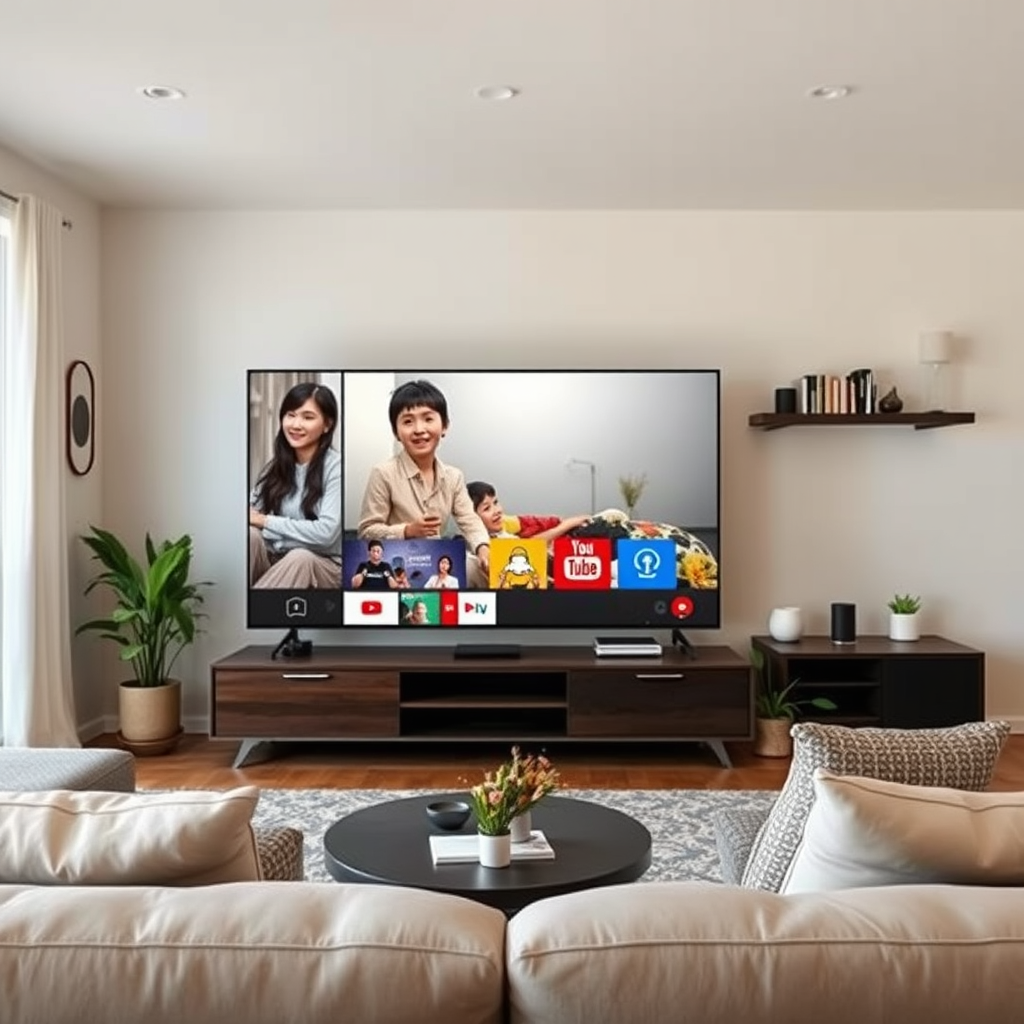
YouTube TV offers a family sharing feature that allows you to create a family group with up to six members. This makes it convenient for households where multiple people want to access the service. However, all members must reside at the same address to be part of the primary account. This means that if you add someone who lives at a different address, they won’t be able to enjoy the benefits of the family plan.
YouTube TV’s family sharing is designed to provide flexibility within a household, allowing all members to have their own personalized viewing experience. Each family group member can create their own profile, manage their recommendations, and have access to their own Cloud DVR storage. This feature is particularly useful for families with diverse viewing preferences, as it allows everyone to maintain their own watchlists and preferences.
Limitations of Sharing Across Different Households
While the family sharing feature is beneficial, YouTube TV imposes strict location verification rules, making it challenging to share the subscription with people living outside the primary residence. The service requires that all accounts within a family group be connected to the same home location. This means that if a secondary user attempts to log in from a different IP address, access may be restricted.
YouTube TV’s location verification protocol often involves checking the IP address of the user to ensure they are accessing the service from the designated home area. If a user logs in from a different location, the service may prompt them to verify their home address. This limitation can be frustrating for families who want to share the service but live in different towns or cities.
Possible Workarounds for Sharing
If you are determined to share YouTube TV with family members in another house, there are a few potential workarounds to consider. One common method is to use a Virtual Private Network (VPN) to mask the location of the secondary user. By connecting to a VPN server that is based in the same location as the primary account, users may bypass YouTube TV’s location verification. However, this approach may violate YouTube TV’s terms of service and could potentially lead to account suspension or other penalties.
Another option is for family members to create their own accounts and share the subscription costs. While this means that each person will have their own separate account, it may be a more straightforward approach that avoids any complications related to location verification. By splitting the costs, everyone can enjoy access to YouTube TV without the hassle of trying to work around the service’s restrictions.
Understanding YouTube TV’s Terms of Service
When considering sharing YouTube TV, it is essential to review the service’s terms of service carefully. YouTube TV expressly states that account sharing is limited to individuals who live at the same address. Violating these terms may result in various consequences, including account suspension. It is crucial to understand the risks involved before attempting to share your subscription with someone outside your household.
Additionally, YouTube TV reserves the right to monitor account activity for compliance with these terms. If they detect unusual activity or access from multiple locations, they may take action to protect their service integrity. Being aware of these policies can help you make informed decisions regarding account sharing and ensure that you do not inadvertently violate any rules.
Alternatives to YouTube TV for Family Viewing
If sharing YouTube TV with family members in another house proves too complicated, several alternative streaming services may better suit your needs. For instance, platforms like Hulu + Live TV and Sling TV offer family plans that allow users to share subscriptions across different locations. These services may have different rules regarding account sharing, making them more flexible for families who live apart.
Another option is to explore family plans offered by competitors like Disney+ and Amazon Prime Video, which can allow multiple users to access content under a single subscription. Many of these services also provide user-friendly interfaces and vast libraries of content, making them attractive alternatives for families looking to consolidate their streaming options.
Tips for Managing Multiple Accounts
If you decide to create separate accounts for family members, establishing a clear payment plan is essential. This can help avoid confusion over who owes what and ensure that everyone is on the same page regarding subscription renewals. One effective strategy is to set up a shared document where all family members can track their contributions and account credentials.
Additionally, keeping track of subscription renewals is crucial. Many streaming services, including YouTube TV, have automatic renewal options; however, it’s a good practice to monitor account activity regularly to ensure that no unauthorized charges occur. Maintaining clear communication about account access and responsibilities can create a more enjoyable streaming experience for everyone involved.
Comparison of Streaming Services for Family Viewing (2024)
| # | Service | Max Users | Price (Monthly) | Content Library |
|---|---|---|---|---|
| 1 | YouTube TV | 6 | $72.99 | 85+ Channels |
| 2 | Hulu + Live TV | Unlimited | $70.99 | 85+ Channels |
| 3 | Sling TV | 4 | $40.00 | 30+ Channels |
| 4 | FuboTV | 10 | $74.99 | 100+ Channels |
| 5 | Disney+ | 7 | $7.99 | Movies & TV Shows |
| 6 | Amazon Prime Video | 3 | $14.99 | Movies & TV Shows |
| 7 | Paramount+ | 6 | $4.99 | Movies & TV Shows |
If you’re considering sharing YouTube TV with family in another house, weigh the pros and cons carefully. You may find that setting up individual accounts or choosing a different streaming service better meets your needs. Explore your options and make an informed decision based on your family’s viewing habits. Whether you opt for sharing within the confines of YouTube TV’s regulations or explore alternative services, understanding your choices can help you create a more enjoyable viewing experience for everyone.
Frequently Asked Questions
Can I share my YouTube TV subscription with family members who live in another house?
Yes, you can share your YouTube TV subscription with family members who live in another house, but there are specific limitations. YouTube TV allows you to create a family group of up to six members, but everyone must reside in the same household as defined by their home address. If your family members live at different addresses, they won’t be able to access your subscription unless they meet the location criteria.
How do I set up a family group on YouTube TV for sharing with family?
To set up a family group on YouTube TV, go to your account settings and select “Family sharing.” You can invite up to five family members to join your group by entering their email addresses. Keep in mind that each member must accept the invitation and reside at the same physical address linked to your YouTube TV account for proper access.
Why does YouTube TV require family members to live at the same address for sharing?
YouTube TV requires family members to live at the same address to comply with licensing agreements and prevent abuse of the service. This restriction ensures that the subscription is used within a single household, which helps the platform manage content rights and maintain fair use among its subscribers.
What are the best alternatives for sharing YouTube TV with family members in different locations?
The best alternatives for sharing YouTube TV with family members in different locations include encouraging them to subscribe individually or using services like screen sharing through video calls for specific events. While this won’t provide full access to the subscription, it allows family members to enjoy content together in real-time.
Which devices can I use to access my YouTube TV account when sharing with family?
You can access your YouTube TV account on various devices, including smartphones, tablets, smart TVs, streaming devices like Roku and Chromecast, and web browsers on computers. Each family member in your group can log in to their own device, provided they are part of the same household as defined by YouTube TV’s guidelines.
References
- YouTube TV
https://en.wikipedia.org/wiki/YouTube_TV - https://www.bbc.com/news/technology-56894018
https://www.bbc.com/news/technology-56894018 - https://www.theguardian.com/media/2020/apr/10/youtube-tv-launches-family-sharing-plan
https://www.theguardian.com/media/2020/apr/10/youtube-tv-launches-family-sharing-plan - https://www.reuters.com/article/us-youtube-tv-family-sharing-idUSKBN21Y1XG
https://www.reuters.com/article/us-youtube-tv-family-sharing-idUSKBN21Y1XG - Google Scholar Google Scholar
https://scholar.google.com/scholar?q=YouTube+TV+family+sharing - https://scholar.google.com/scholar?q=YouTube+TV+sharing+policies Google Scholar
https://scholar.google.com/scholar?q=YouTube+TV+sharing+policies - Google Scholar Google Scholar
https://scholar.google.com/scholar?q=streaming+services+family+sharing - https://www.nytimes.com/2020/04/10/technology/youtube-tv-family-sharing.html
https://www.nytimes.com/2020/04/10/technology/youtube-tv-family-sharing.html - https://www.sciencedirect.com/topics/computer-science/youtube-tv
https://www.sciencedirect.com/topics/computer-science/youtube-tv - https://www.mayoclinic.org/healthy-lifestyle/adult-health/in-depth/what-is-youtube-tv/art-20406339
https://www.mayoclinic.org/healthy-lifestyle/adult-health/in-depth/what-is-youtube-tv/art-20406339
