


You can indeed use a smart TV without an internet connection, but its functionality will be significantly limited. While you won’t be able to access streaming services like Netflix or Hulu, there are still numerous features you can utilize to enjoy content offline. This article delves into the capabilities that remain available without internet access, how to optimize your smart TV experience offline, and alternative options for content consumption.
Understanding Smart TV Functionality
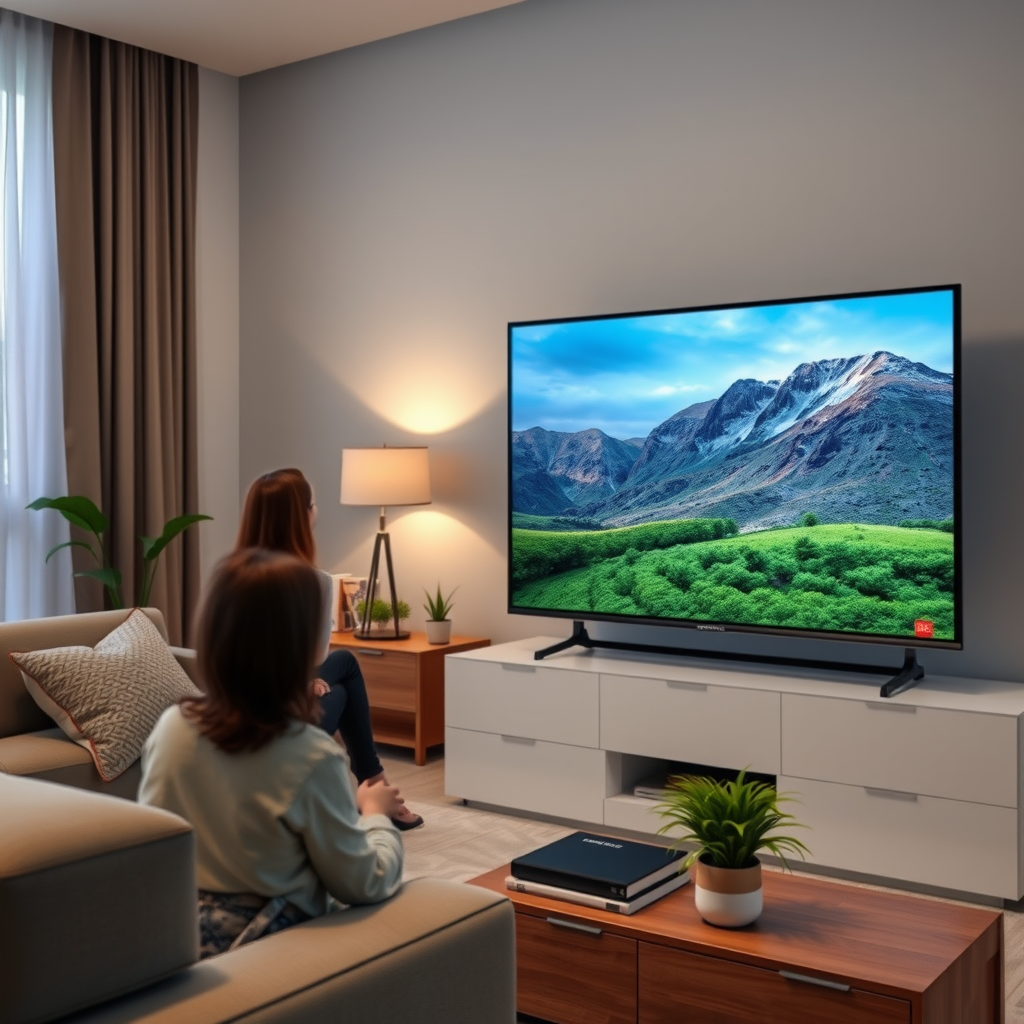
Smart TVs are designed to provide a wide range of entertainment options through internet connectivity. They come equipped with various features such as pre-installed apps, streaming services, and web browsers, all of which rely on a stable internet connection. However, it’s essential to note that offline capabilities can vary significantly by brand and model. Some smart TVs allow you to play local media through USB drives or HDMI connections, enabling you to enjoy your favorite videos, music, and photos without needing internet access.
For those who own a smart TV, it’s crucial to familiarize yourself with its specific features. Many manufacturers provide detailed manuals outlining what functions can still be utilized offline. For instance, brands like Samsung and LG often include robust media playback options, while others may focus more on streaming capabilities.
Accessing Offline Content
Even without an internet connection, you can still enjoy a variety of content on your smart TV. One of the most straightforward ways to access offline content is by connecting external devices. For instance, you can use a DVD or Blu-ray player to watch movies or shows. Additionally, many smart TVs support USB drives, allowing you to watch downloaded content directly from the drive.
Another option is screen mirroring from smartphones or tablets. If you have downloaded videos or movies on your mobile device, you can use technologies like Miracast or Chromecast (if available on your TV) to project that content onto your TV screen. This feature allows you to enjoy your favorite shows and movies offline without needing an internet connection, making it a valuable tool for offline entertainment.
Using Built-in Features Without Internet
Even without internet access, smart TVs retain several built-in features that enhance your viewing experience. For example, if you have an antenna or cable connection, you can still access live television broadcasts. This feature enables you to watch news, sports, and other content as it airs, providing a significant source of entertainment without relying on the internet.
Moreover, some smart TVs come with built-in games that do not require an internet connection. These games can offer hours of entertainment, especially for families looking to engage in interactive activities together. Additionally, there are offline apps available on some smart TVs that allow you to listen to music or play games, further enriching your viewing experience.
Connecting Devices for Content
To maximize your smart TV experience offline, consider connecting a variety of external devices. Gaming consoles like PlayStation or Xbox can enhance your entertainment options by providing access to a vast library of offline games. Similarly, a Blu-ray player will allow you to watch movies, while a digital media player can provide access to your downloaded content.
Using external storage devices is another effective strategy. Many smart TVs support a range of file formats, enabling you to play media files directly from USB drives or external hard drives. This feature allows you to curate your own library of movies, TV shows, and music, ensuring you always have something to watch or listen to, even without internet access.
Top Smart TV Brands and Their Offline Features (2024)
| # | Brand | Offline Features | Media Playback | Screen Mirroring |
|---|---|---|---|---|
| 1 | Samsung | USB Playback, Built-in Games | Yes | Yes |
| 2 | LG | USB Playback, Live TV | Yes | Yes |
| 3 | Sony | USB Playback, Built-in Apps | Yes | Yes |
| 4 | TCL | USB Playback, Local Media | Yes | Yes |
| 5 | Vizio | USB Playback, Built-in Games | Yes | Yes |
| 6 | Hisense | USB Playback, Live TV | Yes | Yes |
| 7 | Panasonic | USB Playback, Offline Apps | Yes | Yes |
Troubleshooting Common Issues
When using a smart TV offline, you may encounter some common issues that can hinder your viewing experience. One of the first steps to troubleshoot these problems is to check your TV’s settings, particularly the media playback options. Ensure that the TV is set to recognize the external devices you are using. If your USB drive or external hard drive isn’t being detected, try using a different port or ensure that the device is formatted in a compatible file system, such as FAT32 or NTFS.
Another common issue is related to screen mirroring. If your smartphone or tablet isn’t connecting to the TV, verify that both devices are on the same network (if applicable) and that screen mirroring is enabled on your TV. Sometimes, a simple restart of both devices can resolve connectivity issues.
Possible Alternatives
If you find that a smart TV’s features are too limited without internet access, you might consider alternatives. A standard television equipped with a digital converter box can provide live TV options without the need for internet. Additionally, using external streaming devices like Roku, Amazon Fire Stick, or Apple TV can sometimes allow for offline content playback if you download movies or shows in advance.
Furthermore, exploring other media options like DVDs, Blu-rays, or digital downloads from services that allow offline viewing can enhance your content consumption. Many platforms, such as Amazon Prime Video or Google Play Movies, let you download content to watch without an internet connection.
In summary, while a smart TV can function without an internet connection, your viewing options will be limited. By understanding your device’s capabilities, exploring offline content sources, and utilizing external devices, you can still enjoy a diverse entertainment experience. Whether it’s through connecting a DVD player, using USB drives, or leveraging screen mirroring, there are plenty of ways to make the most out of your smart TV offline.
Frequently Asked Questions
Can I use a smart TV without an internet connection?
Yes, you can use a smart TV without an internet connection, but its functionality will be limited. Without internet access, you won’t be able to stream online content or use most apps designed for smart TVs. However, you can still watch regular TV channels if you have a cable or satellite connection, or use external devices like DVD players or gaming consoles.
What features of a smart TV work offline?
Smart TVs can work offline in several ways. You can access local media files through USB drives or external hard drives, watch live TV with an antenna, and use built-in features like screen mirroring from other devices that are on the same local network. However, streaming services and internet-dependent apps will be unavailable.
How can I watch movies on my smart TV without the internet?
To watch movies on your smart TV without internet, you can use several methods. Connect a USB drive loaded with movies, use a DVD or Blu-ray player, or stream content from a device like a laptop or smartphone using HDMI. Just ensure the format is compatible with your TV.
Why would someone want a smart TV without internet?
Some people may prefer a smart TV without internet for privacy reasons, to avoid distractions from apps and notifications, or to reduce monthly costs associated with internet service. Additionally, those in areas with unreliable internet may find a smart TV more useful for offline media consumption.
What is the best way to use a smart TV without Wi-Fi?
The best way to use a smart TV without Wi-Fi is to maximize its offline capabilities. Utilize wired connections for streaming devices, connect to local media sources, and make use of cable or satellite services for live television. This approach allows you to enjoy a variety of content without needing an internet connection.
References
- Smart TV
https://en.wikipedia.org/wiki/Smart_TV - https://www.bbc.com/news/technology-58451668
https://www.bbc.com/news/technology-58451668 - https://www.theguardian.com/technology/2020/jul/14/smart-tv-privacy-issues
https://www.theguardian.com/technology/2020/jul/14/smart-tv-privacy-issues - https://www.nytimes.com/2021/01/30/technology/smart-tv-privacy.html
https://www.nytimes.com/2021/01/30/technology/smart-tv-privacy.html - https://www.sciencedirect.com/topics/computer-science/smart-tv
https://www.sciencedirect.com/topics/computer-science/smart-tv - https://www.reuters.com/article/us-technology-privacy-analysis-idUSKBN2A52B8
https://www.reuters.com/article/us-technology-privacy-analysis-idUSKBN2A52B8 - Google Scholar Google Scholar
https://scholar.google.com/scholar?q=Smart+TV+without+internet - Google Scholar Google Scholar
https://scholar.google.com/scholar?q=offline+smart+TV+functionality - Google Scholar Google Scholar
https://scholar.google.com/scholar?q=Smart+TV+features+without+internet - https://www.lifewire.com/smart-tv-without-internet-5070335
https://www.lifewire.com/smart-tv-without-internet-5070335
