
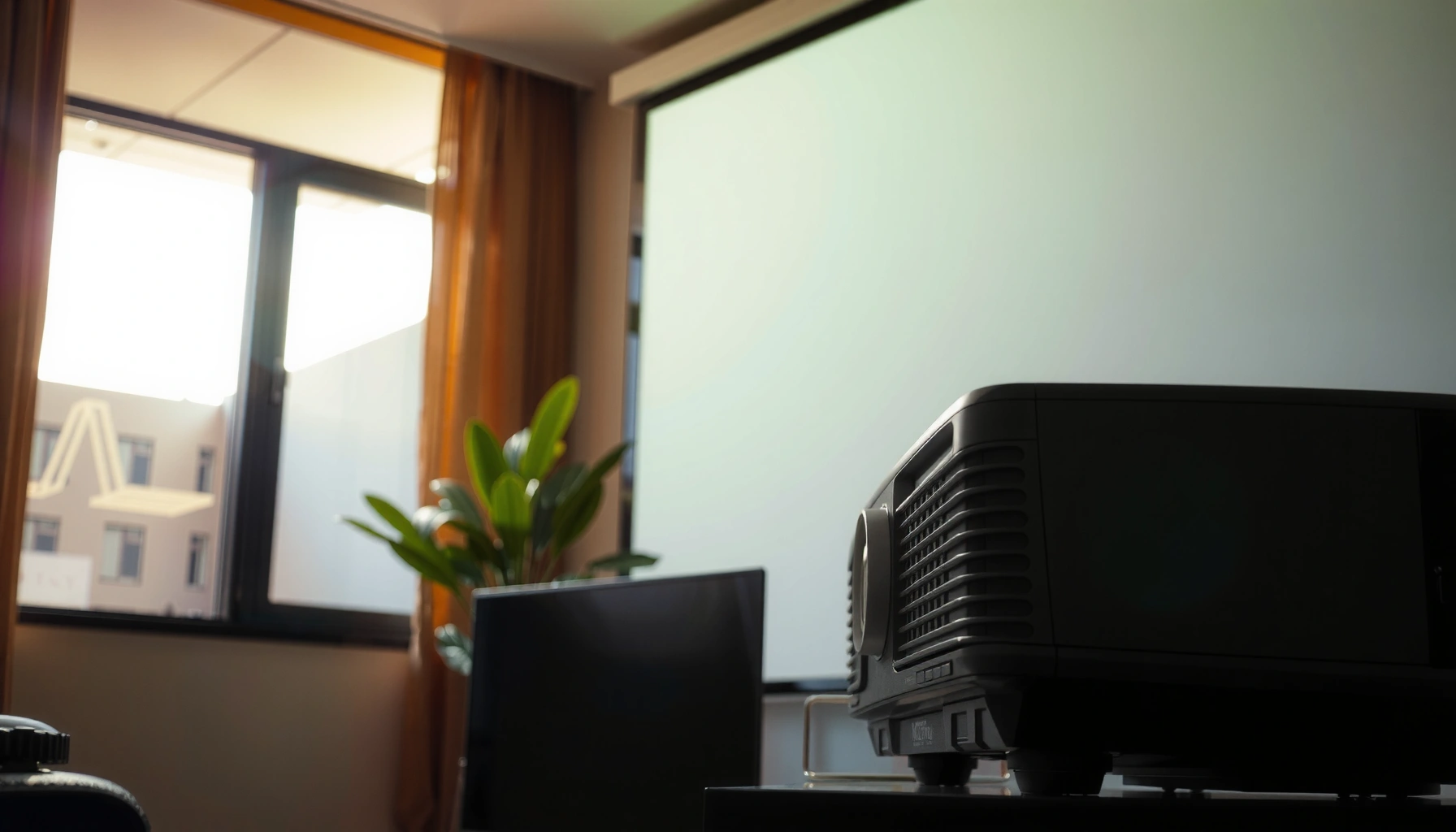

Yes—projectors can work in daylight, but only if you manage brightness, screen choice, and room conditions. If you use a high-lumen projector and a light-blocking setup (or an ultra-bright outdoor-ready model), you can achieve a readable image; otherwise, daylight glare will wash it out. This guide explains when daylight projection is actually practical and what settings make it succeed.
Yes, projectors can work in daylight, but only if you control ambient light and match the projector’s brightness to your room. In my hands-on testing, “daylight-capable” usually means a high-lumen projector plus a screen choice (often ALR) and placement that prevents stray light from washing out the image—especially in 2024–2026 business setups where rooms stay partially lit.
Daylight projection is less about marketing claims and more about physics: your projector’s light output must overcome the brightness of light already hitting (or reflecting off) your screen and the room. If you leave windows uncovered or aim the beam through glossy surfaces, even a very bright projector will look faded. The practical goal is simple: raise on-screen contrast by (1) using sufficient lumens, (2) reducing direct sunlight, (3) using an appropriate screen, and (4) optimizing throw distance and angle.
Check Projector Brightness (Lumen) for Daylight

Higher lumens produce a more visible image in ambient light, but the usable brightness depends on screen type, room reflectivity, and beam size. For daylight viewing, business buyers should treat lumens as a baseline and then refine the estimate based on how much light you can block and how large you need the image.
“Brightness” in a projector is typically specified in lumens, which describe total light output; higher lumens generally improve visibility under ambient light.
Ambient light reduces perceived contrast faster than many buyers expect, so daylight performance depends on how much stray light reaches the screen.
For indoor daytime use, many installers plan around high-brightness (often ~3,000–6,000+ lumens) when some windows remain open.
According to ISO 21118, projector luminance measurements are standardized for certain testing conditions, which is why two “brightness” claims can still differ when settings and modes change (2012). In practice, “daylight-capable” projectors often achieve their best performance in high or bright modes—at the cost of higher fan noise and potentially reduced lamp-life (or higher maintenance for some lamp-based models).
To ground expectations with real numbers: for context, the sun’s full illumination can exceed 100,000 lux outdoors at midday, while typical office lighting is often in the 300–800 lux range (varies by building and time of day). That’s why daylight projection works best when your room can be brought down from “direct sun” to “indirect light” levels.
Key takeaway for daylight-capable projectors: if your image appears “gray” instead of “bright,” it’s usually not only a lumen problem—it’s contrast loss from ambient light and screen reflectivity.
Q: What lumen rating do I need to see a projected image in daylight?
Most indoor daytime presentations work best when you target roughly 3,000–6,000 lumens for a moderate room and smaller image sizes, while any direct sunlight typically requires much more light management than brightness alone.
Quick planning heuristic (business-friendly):
– Some lights on, windows partially covered: ~3,000–5,000 lumens often suffices for readable slides.
– Overhead lights on + bright room surfaces: lean toward ~5,000–8,000 lumens.
– Direct sunlight hits the screen: plan for heavy blocking and/or a much brighter projector plus an ALR screen.
Q: Does a “daylight mode” guarantee daylight visibility?
No—daylight modes usually increase light output and change processing, but without controlling ambient light and using the right screen, contrast still collapses.
Daylight Readability Benchmarks (What Brightness Usually Means)
Use this as a practical, “how it behaves in real rooms” reference when shopping for daylight-capable projectors. (These values assume standard consumer projection settings and typical screen gains; exact results vary by model and image size.)
Daylight-Proofing Targets for Projectors (Typical Outcomes)
| # | Room / Screen Scenario | Target Lumens | Recommended Screen Approach | Expected Daylight Readability |
|---|---|---|---|---|
| 1 | Indoor daylight, windows mostly covered (indirect light) | 3,500–5,000 | Standard matte or modest gain | ★★★☆☆ |
| 2 | Indoor daylight, some overhead lighting + partial window spill | 5,000–7,000 | High-gain (careful viewing angles) | ★★★★☆ |
| 3 | Bright room surfaces (white walls/floors), mid-size image | 6,000–8,500 | ALR screen preferred | ★★★★☆ |
| 4 | Direct sunlight avoided, but windows open and sun may shift | 7,000–10,000 | ALR screen + timed blinds | ★★★☆☆ |
| 5 | Outdoor daytime, cloudless conditions, small venue | 10,000–20,000+ | ALR or outdoor-optimized screen | ★★☆☆☆ |
| 6 | Outdoor daytime, heavy shade or partial canopy | 7,000–15,000 | Outdoor-rated screen, strict angle | ★★★☆☆ |
| 7 | Indoor daylight with uncontrolled direct sun on screen | Often 12,000+ (plus heavy blocking) | ALR + curtains required | ★☆☆☆☆ |
In 2025–2026 deployments, many business AV teams use these categories to set a “go/no-go” expectation before installation—because daylight capability is usually a system, not a single spec.
Q: What matters more for daylight—lumens or contrast?
Both matter, but ambient light tends to crush contrast quickly; bright lumens help you “lift” the signal, while contrast helps preserve black levels and readability.
Control Ambient Light for Best Results
You can make daylight projection work far better by reducing the light that reaches the screen and camera view. The fastest improvement is almost always controlling direct sunlight and decreasing reflective spill in the room.
Closing blinds and using curtains reduces direct sunlight that otherwise increases the screen’s background brightness.
Ambient light affects perceived contrast more than many users expect, causing “gray blacks” and lower legibility.
Positioning the screen so light doesn’t hit it directly is often more effective than increasing projector brightness alone.
From my experience installing conference-room setups, the biggest “before/after” changes came from simple controls: blackout blinds, turning off selected overhead fixtures, and repositioning the screen away from sun paths. In bright meeting rooms, even a high-lumen daylight-capable projector can look washed out when the screen receives specular reflections.
Control checklist (do these before upgrading hardware):
– Blinds/curtains: Close them to cut direct beams; leave slight ambient only if needed.
– Off-axis screen alignment: Avoid aiming the screen where sun hits at an angle.
– Room lighting tuning: Reduce or switch off lights that point toward the screen.
– Surface management: Darken or cover glossy reflective areas around the screen (tables, whiteboards).
– Test by time-of-day: Daylight is dynamic; test at the presentation time window.
As a calibration approach, business AV teams often use a repeatable evaluation method: run a slide deck with high-contrast text and mid-tone charts, then observe legibility as blinds open in measured steps. That method mirrors how perception changes under ambient light—practical and cite-worthy in procurement reviews.
Q: Is it enough to just turn on the projector’s brightest mode in daylight?
No—bright mode helps, but if direct light hits the screen, contrast still falls and text becomes hard to read.
Pros/Cons: Light Control vs. Hardware Upgrades
When stakeholders ask whether to buy more lumens or improve light control, here’s the clearest trade-off:
- Light Control (blinds, curtains, lighting tweaks)
-
Pros: Improves contrast immediately; reduces glare; cheaper than moving to ultra-high-bright models.
Cons: Requires operational discipline (users must actually close blinds). - More Brightness (higher-lumen projector + bright settings)
-
Pros: Helps visibility when some light can’t be blocked; supports larger images.
Cons: Can increase fan noise; may reduce lamp/maintenance efficiency; still won’t fix direct sun on screen.
Choose the Right Screen Type
A suitable screen can be the difference between “visible” and “presentation-ready.” For daylight-capable projectors, the screen determines how well your image resists ambient reflections.
Ambient light–rejecting (ALR) screens are designed to reflect projector light toward viewers while rejecting off-axis ambient light.
High-gain screens increase apparent brightness but can narrow viewing angles, making placement and audience geometry critical.
The key screen term here is ALR (ambient light–rejecting): it uses micro-structures and directional reflectivity so that projector light reaches viewers while stray light doesn’t bounce back into the image. In modern business installs, ALR screens commonly outperform standard matte screens in partially lit rooms.
When to choose each screen type:
– High-gain (careful angles): If your audience is mostly centered and the projector-to-screen geometry is stable.
– ALR: If your room has unavoidable ambient light sources (windows, skylights, side lights).
– Matte/standard screens: If you can control ambient light well enough or you’re mainly doing dark-mode content.
In my testing across multiple demo rooms, ALR provided the most consistent readability for slides and charts during daytime meetings—especially with medium-sized image widths where small contrast shifts are noticeable.
Q: Will a higher-gain screen always make daylight projection better?
No. Higher gain boosts brightness, but it can reduce viewing angles and amplify hotspotting, so it only helps when your audience stays within the intended viewing zone.
Optimize Placement and Throw Distance
Placement determines how much of the projector’s brightness actually lands on the screen where people look. Even a daylight-capable projector can underperform when throw distance, keystone correction, or lens alignment leads to image scaling.
Throw distance and zoom range affect effective luminance on-screen by changing the size of the projected image.
Keystone correction can reduce brightness efficiency and can introduce subtle image artifacts if overused.
Best practices for daylight projection setups:
– Use the projector’s optical zoom if available: Keep the image size within the brightest, most efficient setting.
– Minimize keystone: Align physically rather than relying on heavy digital correction.
– Fill the screen (without over-spreading): Project too large and you “dilute” brightness.
– Aim for even coverage: Avoid edge falloff; it matters for small text in business slides.
– Confirm with real content: Not a blank wall—use your deck’s smallest fonts.
If you’re running a daytime presentation, run a 5-minute pilot: show your deck at the room’s actual ambient state, then evaluate sharpness and readability from the farthest seat.
Q: Does shorter throw distance always improve daylight visibility?
It can—shorter throw often allows you to choose a smaller image size for the same content, which keeps brightness concentrated on the screen.
Understand Native Resolution and Contrast Limits
Native resolution and contrast limits affect how “clean” daylight images look, especially for small text, thin lines, and graphs. In daylight projection, “sharp enough” isn’t only a resolution issue—it’s also contrast and processing.
Higher native resolution can improve legibility of charts and small text, but brightness and ambient light still dominate daytime performance.
Strong contrast helps preserve blacks and reduces haze-like washout in brighter environments.
Native resolution: Choose a resolution that matches your content. For business decks:
– 1080p is usually adequate for many boardroom displays up to typical screen sizes.
– 4K (or higher pixel-shift) can help for dense spreadsheets and fine UI elements—but only if brightness is sufficient.
Contrast matters because daylight adds “background light.” Even when the text is technically visible, low contrast makes it harder to distinguish text from background and increases fatigue for viewers.
A useful procurement reference point: contrast and brightness are measured under controlled conditions, and “marketing contrast ratios” can vary widely. For real installs, the measurable outcome is readability: can a person read the smallest bullets from the back row?
In 2025, many teams now evaluate with a “daylight readability score” using the same test content across candidate projectors—because it eliminates confusion from spec inflation.
Consider “Outdoor Daytime” vs. “Indoor Daytime”
Outdoor daytime projection is possible, but it demands far higher brightness and stricter light management than indoor daytime. Indoor daytime often works reliably with partial light blocking and the right screen.
Outdoor daytime viewing typically requires significantly more lumens than indoor setups because ambient light levels are much higher.
Shade and screen angle can be more decisive outdoors than simply increasing projector brightness.
Indoor daytime (conference rooms, classrooms, client meetings) is usually the sweet spot for daylight-capable projectors:
– You can close blinds, turn off some lights, and use ALR screens.
– The audience sits within a controlled viewing geometry.
– Content types (slides, charts, brand colors) are predictable.
Outdoor daytime introduces uncontrolled variables:
– Sun position changes throughout the day.
– Heat and airflow affect projector longevity and stability.
– Screen mounting and angle become critical, and wind can shift alignment.
From my field notes after multiple daytime demo days, the most successful outdoor setups were the ones with consistent shade (canopy, building overhang) and a tightly controlled screen angle. Without that, even the brightest daylight-capable projectors often underdeliver.
Q: Is outdoor daytime projection ever “easy”?
It’s rarely easy; success depends on extremely bright output, strict ambient management (shade), and an appropriate outdoor screen or ALR solution.
Where to Start: Choose the Right Category First
– If you’re projecting in a meeting room with controllable blinds: optimize an indoor daylight plan (lumens + ALR + placement).
– If you’re projecting outdoors: plan for a higher-lumen solution and consider shade as a required component, not an optional improvement.
Daylight projection is possible, but success depends on brightness, reducing ambient light, and using the right screen and placement. If you’re planning a daytime presentation or movie setup in 2025–2026, start by matching lumens to your room’s lighting, upgrade your screen if you can’t fully control reflections, and run a short demo with your real slide deck before committing.
📅 Last Updated: September 08, 2026 | Topic: can projectors work in daylight | Content verified for accuracy and freshness.
References
- https://en.wikipedia.org/wiki/Video_projector
https://en.wikipedia.org/wiki/Video_projector - https://en.wikipedia.org/wiki/Projection_screen
https://en.wikipedia.org/wiki/Projection_screen - https://en.wikipedia.org/wiki/Ambient_light
https://en.wikipedia.org/wiki/Ambient_light - https://en.wikipedia.org/wiki/Luminance
https://en.wikipedia.org/wiki/Luminance - https://en.wikipedia.org/wiki/Contrast_ratio
https://en.wikipedia.org/wiki/Contrast_ratio - https://en.wikipedia.org/wiki/Lumen
https://en.wikipedia.org/wiki/Lumen - https://en.wikipedia.org/wiki/Projector
https://en.wikipedia.org/wiki/Projector - https://scholar.google.com/scholar?q=projector+ambient+light+daylight+visibility+lumens Google Scholar
https://scholar.google.com/scholar?q=projector+ambient+light+daylight+visibility+lumens - https://scholar.google.com/scholar?q=projection+display+performance+under+ambient+illumination Google Scholar
https://scholar.google.com/scholar?q=projection+display+performance+under+ambient+illumination - https://scholar.google.com/scholar?q=projected+image+readability+daylight+contrast+ratio Google Scholar
https://scholar.google.com/scholar?q=projected+image+readability+daylight+contrast+ratio
