

Connecting your AirPods to Fire TV is indeed possible, allowing you to enjoy your favorite shows and movies wirelessly. By leveraging Bluetooth technology, you can enhance your viewing experience with high-quality audio without disturbing others in your home. In this article, you will learn how to pair your AirPods with Fire TV, troubleshoot common issues, and discover the benefits of using Bluetooth headphones with your streaming device.
How to Pair AirPods with Fire TV
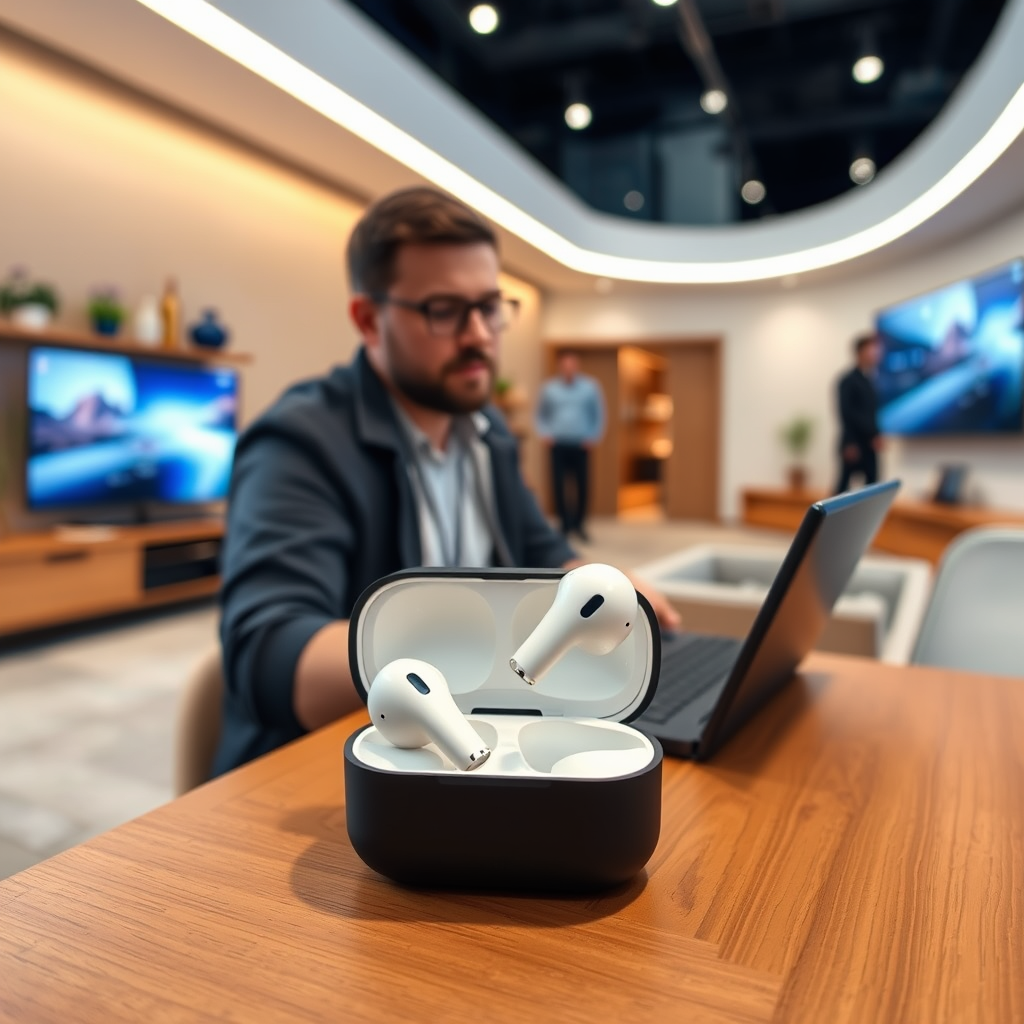
Pairing your AirPods with Fire TV is a straightforward process. Here are the steps to get you started:
1. Ensure your Fire TV is on: Begin by powering on your Fire TV device and navigating to the main menu.
2. Navigate to Settings: Use your remote to select the “Settings” option, which is usually represented by a gear icon located at the top of the screen.
3. Select Controllers & Bluetooth Devices: From the Settings menu, scroll down and choose “Controllers & Bluetooth Devices.” This section allows you to manage all connected devices.
4. Choose Other Bluetooth Devices: Within this menu, select “Other Bluetooth Devices” to start the pairing process.
5. Put your AirPods in pairing mode: Open the lid of your AirPods case. Press and hold the button on the back of the case until you see the light flash white, indicating that your AirPods are now in pairing mode.
6. Select your AirPods on Fire TV: Your Fire TV will search for available Bluetooth devices. Once your AirPods appear on the screen, select them to complete the pairing process.
Once connected, you should be able to enjoy sound from your Fire TV directly through your AirPods.
Troubleshooting Connection Issues
While pairing your AirPods with Fire TV is generally simple, you may encounter some issues. Here are common problems and their solutions:
– AirPods do not appear: Ensure that your AirPods are charged and within a close range of the Fire TV. If they are not connecting, try resetting them by holding the setup button for about 15 seconds until the light flashes amber, then white again.
– Restart your Fire TV: If the connection fails, restarting your Fire TV can often resolve minor glitches. Simply unplug the device, wait a few seconds, and then plug it back in.
– Software updates: Check for any software updates on your Fire TV, as outdated firmware can affect Bluetooth functionality. Navigate to Settings > My Fire TV > About, and select “Check for Updates.”
By following these troubleshooting tips, you should be able to resolve most connection issues with your AirPods.
Benefits of Using AirPods with Fire TV
Using AirPods with your Fire TV offers several advantages that can significantly enhance your viewing experience:
– Wireless audio experience: Enjoy your favorite shows and movies without the hassle of tangled cords. This wireless capability allows for greater mobility and comfort, especially for extended viewing sessions.
– High-quality sound: AirPods are designed to deliver superior sound quality, which can elevate the audio experience when watching movies or playing games. Their balanced sound profile ensures that you catch every detail in dialogue and sound effects.
– Seamless audio management: Features like automatic ear detection allow for quick sound management. When you remove an AirPod, the audio pauses, ensuring you don’t miss important moments as you take a break or interact with others.
These benefits make AirPods an excellent choice for anyone looking to enhance their Fire TV experience.
Common Features and Limitations
While using AirPods with Fire TV has its perks, there are also some features and limitations to consider:
– Voice command integration: If your Fire TV supports Alexa, you can use voice commands to control playback and search for content while using your AirPods. This feature adds convenience to your viewing experience.
– Spatial audio limitations: Be aware that some advanced features, such as spatial audio, may not be available when using AirPods with Fire TV. This could limit the immersive experience typically available through other devices.
– Connection delay: Some users may notice a slight audio delay when using AirPods, particularly during gaming. This latency can impact timing in fast-paced games, so consider this if you plan to use your AirPods for gaming.
Understanding these features and limitations will help you make the most out of your AirPods when paired with Fire TV.
AirPods vs. Alternative Bluetooth Headphones for Fire TV
| # | Headphone | Battery Life | Audio Quality | Comfort | Price |
|---|---|---|---|---|---|
| 1 | Apple AirPods (3rd Gen) | Up to 30 hours | Excellent | Very Comfortable | $179 |
| 2 | Sony WH-1000XM4 | Up to 30 hours | Outstanding | Very Comfortable | $348 |
| 3 | Bose QuietComfort 35 II | Up to 20 hours | Excellent | Very Comfortable | $299 |
| 4 | Jabra Elite 85h | Up to 36 hours | Very Good | Comfortable | $249 |
| 5 | Sennheiser Momentum 3 | Up to 17 hours | Exceptional | Very Comfortable | $349 |
| 6 | Anker Soundcore Life Q30 | Up to 40 hours | Good | Very Comfortable | $79 |
| 7 | TaoTronics SoundSurge 60 | Up to 30 hours | Decent | Comfortable | $59 |
Alternative Bluetooth Headphones for Fire TV
If you are considering alternatives to AirPods for your Fire TV, there are several options available that may offer enhanced compatibility and features:
– Sony WH-1000XM4: Known for outstanding sound quality and noise cancellation, these headphones are a favorite among audiophiles, making them a top choice for streaming.
– Bose QuietComfort 35 II: Renowned for their comfort and excellent audio quality, these headphones also offer effective noise cancellation, ensuring an immersive viewing experience.
– Anker Soundcore Life Q30: A budget-friendly option that provides impressive battery life and decent sound quality, making it a great choice for casual viewers.
When exploring alternative headphones, look for models that offer low latency to improve audio synchronization with video. Evaluating different brands and models based on sound quality, comfort, and price can help you make an informed decision.
Maintaining Your AirPods
To ensure optimal performance and longevity of your AirPods, consider the following maintenance tips:
– Regular cleaning: Dust and debris can accumulate in the speakers and microphones of your AirPods. Use a soft, dry cloth or a brush specifically designed for electronics to keep them clean without damaging the components.
– Keep them updated: Regularly check for firmware updates through your Apple device. Keeping your AirPods updated ensures you have the latest features and improvements.
– Proper storage: Always store your AirPods in their charging case when not in use. This practice not only preserves battery life but also protects them from damage.
Proper maintenance can extend the life of your AirPods and enhance your overall listening experience.
In conclusion, connecting your AirPods to Fire TV is a straightforward process that enhances your viewing experience with wireless convenience. By following the outlined steps, troubleshooting any issues, and understanding the benefits and limitations, you can maximize your streaming enjoyment. Additionally, exploring alternative Bluetooth headphones may provide options better suited to your needs. Try connecting your AirPods today, and elevate your streaming experience!
Frequently Asked Questions
Can you connect AirPods to Fire TV?
Yes, you can connect AirPods to Fire TV as long as your Fire TV device supports Bluetooth. To do this, put your AirPods in pairing mode, navigate to the Bluetooth settings on your Fire TV, and select your AirPods from the list of available devices.
How do I pair my AirPods with Fire TV?
To pair your AirPods with Fire TV, first ensure that your AirPods are charged and in their case. Open the case and press and hold the button on the back until the light starts flashing white. Then, go to the Fire TV Settings, select ‘Controllers & Bluetooth Devices,’ choose ‘Other Bluetooth Devices,’ and select your AirPods from the list.
Why won’t my AirPods connect to my Fire TV?
If your AirPods won’t connect to your Fire TV, ensure that Bluetooth is enabled on your Fire TV and that your AirPods are in pairing mode. Additionally, check for any software updates for your Fire TV, as outdated firmware can cause connectivity issues. Restarting both devices can also help resolve persistent connectivity problems.
What are the benefits of using AirPods with Fire TV?
Using AirPods with Fire TV provides a wireless audio experience, allowing you to enjoy movies and music without disturbing others. They also offer noise cancellation and sound quality enhancements, making your viewing experience more immersive. Plus, the convenience of a seamless connection adds to the overall ease of use.
Which AirPods are compatible with Fire TV?
All versions of AirPods, including AirPods, AirPods Pro, and AirPods Max, are compatible with Fire TV as they all support Bluetooth connectivity. However, features like spatial audio and advanced controls may vary based on the model you choose, so consider your preferences for an optimal experience.
References
- https://www.lifewire.com/how-to-connect-airpods-to-amazon-fire-tv-5070776
https://www.lifewire.com/how-to-connect-airpods-to-amazon-fire-tv-5070776 - https://www.pcmag.com/how-to/how-to-connect-airpods-to-amazon-fire-tv
https://www.pcmag.com/how-to/how-to-connect-airpods-to-amazon-fire-tv - Google Scholar Google Scholar
https://scholar.google.com/scholar?q=connect+airpods+to+fire+tv - Google Scholar Google Scholar
https://scholar.google.com/scholar?q=AirPods+Amazon+Fire+TV - Google Scholar Google Scholar
https://scholar.google.com/scholar?q=Bluetooth+connectivity+Fire+TV+AirPods - Google Scholar Google Scholar
https://scholar.google.com/scholar?q=can+you+connect+airpods+to+fire+tv - can you connect airpods to fire tv – Search results
https://en.wikipedia.org/wiki/Special:Search?search=can+you+connect+airpods+to+fire+tv - https://www.ncbi.nlm.nih.gov/search/research-articles/?term=can+you+connect+airpods+to+fire+tv
https://www.ncbi.nlm.nih.gov/search/research-articles/?term=can+you+connect+airpods+to+fire+tv
