

Mounting a curved TV is definitely possible, but it requires careful consideration and the right equipment. Curved TVs, designed to enhance the viewing experience by providing a more immersive perspective, have specific mounting requirements due to their unique shape. In this article, you’ll learn about the specific requirements, potential challenges, and tips for successfully mounting your curved television to enhance your viewing experience.
Understanding Curved TV Design
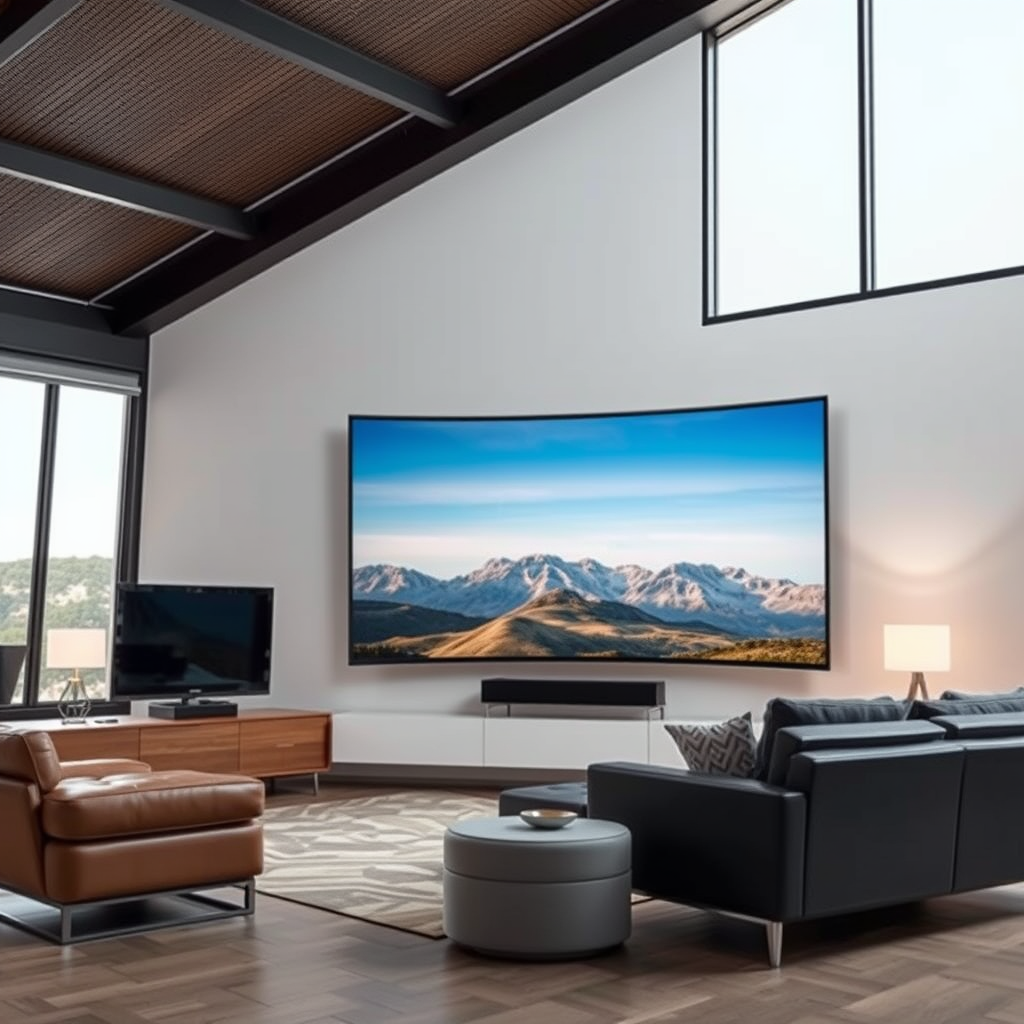
Curved TVs are engineered to create a wider field of view, simulating a more cinematic experience. The design philosophy behind these televisions is that the gentle curve can help reduce distortion and offer a more consistent viewing angle, especially when watched from the center of the screen. However, this unique shape poses challenges when it comes to mounting.
The curvature affects how the TV fits against the wall. Traditional flat mounts may not adequately support the rounded back of a curved TV, necessitating the use of specialized mounting brackets designed for this purpose. These brackets not only ensure a secure fit but also help maintain the intended viewing angles, which are crucial for enjoying the immersive experience that curved TVs offer.
Choosing the Right Mount
When selecting a mount for your curved TV, it is essential to look for models specifically designed for curved screens. These mounts typically feature adjustable arms or tilting capabilities that can accommodate the TV’s shape and ensure optimal viewing angles.
In addition to compatibility, you should consider the weight capacity of the mount. Curved TVs can be heavier than their flat counterparts, so selecting a mount that can support the weight of your specific model is critical. Lastly, opt for a mount that allows for some degree of adjustability. This will not only help with the installation process but also enable you to fine-tune the positioning of your TV for the best viewing experience.
Wall Preparation and Location
Selecting the appropriate wall for mounting your curved TV is crucial. Ideally, you want a wall that can adequately support the weight of the TV and mount. Most mounts require attachment to wall studs, which provide the necessary strength and stability.
Using a stud finder is essential to locate these studs within your wall. Once you have identified the studs, consider the viewing distance from your seating area. The recommended distance for optimal viewing is generally 1.5 to 2.5 times the diagonal size of the TV. Additionally, avoid placing the TV where it might suffer from glare, such as opposite a window or under direct light.
Top Curved TV Mounts (2024)
| # | Mount Brand | Weight Capacity | Adjustability | Price |
|---|---|---|---|---|
| 1 | Sanus VLT6-B1 | +125 lbs | Tilts & Swivels | $129.99 |
| 2 | Mounting Dream MD2380 | +110 lbs | Tilts | $69.99 |
| 3 | VideoSecu ML531BE | +80 lbs | Fixed | $29.99 |
| 4 | Perlesmith PSMFK1 | +110 lbs | Tilts | $49.99 |
| 5 | Echogear EGLF2 | +125 lbs | Tilts & Swivels | $99.99 |
| 6 | Kanto PDX650 | +60 lbs | Fixed | $69.99 |
| 7 | VIVO TV-M-W05 | +110 lbs | Tilts | $39.99 |
Installation Steps for Mounting
To ensure a successful installation of your curved TV, gather the necessary tools beforehand, which typically include a level, drill, screwdriver, and the mounting hardware that comes with your chosen mount.
Begin by marking the location of the mount on the wall, ensuring it is level and centered according to your viewing preferences. Next, drill pilot holes into the marked locations of the wall studs. Secure the mount in place according to the manufacturer’s instructions, carefully following any guidelines for weight distribution and structural integrity. Once the mount is secured, attach the TV according to the specified steps, ensuring it is firmly locked in place before releasing any support. Finally, use a level to double-check the alignment of the TV on the mount.
Cable Management Solutions
Proper cable management is crucial for maintaining a clean and organized entertainment setup. Before mounting your TV, plan how you will route your cables. Use cable covers or conduits that can be painted to match your wall color, ensuring a seamless look.
Additionally, consider using cable ties or clips to bundle cables together, preventing tangling and making it easier to manage them in the future. Some mounts also offer integrated cable management solutions, which can further simplify the process.
Potential Challenges and Solutions
When mounting a curved TV, there are several potential challenges to be aware of. One common issue is glare and reflections on the screen, which can detract from the viewing experience, especially in bright rooms. To mitigate this, consider positioning the TV away from direct light sources or using curtains and blinds to control the ambient light.
Another consideration is the placement of the TV at the right height to avoid neck strain. The ideal height is generally at eye level when seated. If the TV is too high or too low, it can cause discomfort during prolonged viewing sessions. If the wall mount you selected does not provide adequate adjustability, you may need to consider an alternative mount that allows for tilting or swiveling.
Benefits of Mounting a Curved TV
Mounting your curved TV offers numerous benefits that can significantly enhance your viewing experience. One of the primary advantages is space savings. By mounting the TV on the wall, you free up valuable floor space, which can be particularly beneficial in smaller rooms.
Additionally, wall mounting can provide a sleek and modern aesthetic, contributing to a clean and uncluttered look. This arrangement also allows for optimal sightlines, ensuring that everyone in the room can enjoy the best possible view, minimizing distortions caused by viewing angles.
Moreover, wall mounting reduces the risk of accidental damage from pets or children, as the TV is securely fastened out of reach. This added safety and organization can enhance the overall enjoyment of your entertainment space.
In summary, mounting a curved TV can optimize your space and viewing pleasure, but it requires careful planning and the right tools. By following the guidelines and tips outlined, you can successfully mount your curved TV for an enhanced entertainment experience. If you’re ready to take the next step, gather your tools and start planning your installation today!
Frequently Asked Questions
Can you mount a curved TV on the wall?
Yes, you can mount a curved TV on the wall, but it requires a compatible wall mount designed specifically for curved screens. These mounts help accommodate the unique shape of the TV, ensuring a secure fit and optimal viewing angle. Always ensure that the mount can support the weight and size of your curved TV for safe installation.
What type of wall mount is best for a curved TV?
The best wall mount for a curved TV is a full-motion or articulating mount, as it allows for tilting and swiveling to achieve the best viewing position. Fixed mounts can also be used, but they may limit your viewing flexibility. Make sure to check the mount’s specifications to ensure it fits your TV’s VESA pattern.
How do you properly install a curved TV mount?
To properly install a curved TV mount, first, locate the studs in your wall using a stud finder, as this will provide the necessary support. Then, follow the manufacturer’s instructions to attach the mounting bracket to the wall, ensuring it’s level. Finally, securely attach the TV to the bracket and double-check all connections for stability.
Why should you consider mounting a curved TV instead of using a stand?
Mounting a curved TV can save space and create a more streamlined appearance in your living area. Additionally, wall mounting allows for better viewing angles, especially for curved TVs that are designed to enhance immersion. It can also help reduce clutter by eliminating the need for a bulky TV stand.
Which curved TVs are most compatible with wall mounts?
Most major brands like Samsung, LG, and Sony offer curved TVs that are compatible with wall mounts, as long as you select a mount that matches their VESA mounting specifications. It’s essential to check the model’s manual or the manufacturer’s website for specific mounting recommendations to ensure compatibility with your chosen wall mount.
References
- https://www.bbc.com/news/technology-36235305
https://www.bbc.com/news/technology-36235305 - https://www.theguardian.com/technology/2016/may/03/curved-tv-mount
https://www.theguardian.com/technology/2016/may/03/curved-tv-mount - https://www.sciencedirect.com/science/article/pii/S2351978917300534
https://www.sciencedirect.com/science/article/pii/S2351978917300534 - HDMI Licensing Administrator, Inc.
https://www.hdmi.org/spec/ - https://www.hgtv.com/how-to/how-to-mount-a-tv-on-the-wall
https://www.hgtv.com/how-to/how-to-mount-a-tv-on-the-wall - https://www.google.com/search?q=can+you+mount+a+curved+tv&tbm=scholar
https://www.google.com/search?q=can+you+mount+a+curved+tv&tbm=scholar - Google Scholar Google Scholar
https://scholar.google.com/scholar?q=mounting+curved+TV - Google Scholar Google Scholar
https://scholar.google.com/scholar?q=curved+TV+installation+guidelines - Google Scholar Google Scholar
https://scholar.google.com/scholar?q=can+you+mount+a+curved+tv - can you mount a curved tv – Search results
https://en.wikipedia.org/wiki/Special:Search?search=can+you+mount+a+curved+tv
