

Yes, you can mount a TV on a brick wall—and it’s a solid choice when you have the right tools, hardware, and mounting method. This guide answers whether brick can handle the load, what fasteners to use, and how to secure the mount correctly without cracking masonry. Follow the steps and you’ll get a safe, level installation that looks built for the long haul.
Yes—you can mount a TV on a brick wall safely, as long as you use true masonry mounting hardware and anchor correctly into solid brick (or into verified structural areas). In this guide, I’ll walk you through how I approach brick TV mounting step-by-step—choosing the right mount, selecting the correct anchors for masonry, drilling clean holes, and stress-checking everything before you hang a single screen. As of 2026, brick builds are still common in residential and commercial interiors, and the safest results come from pairing a TV-rated, VESA-compatible bracket with hardware designed specifically for masonry, not drywall.
Choose the Right Mount for Brick
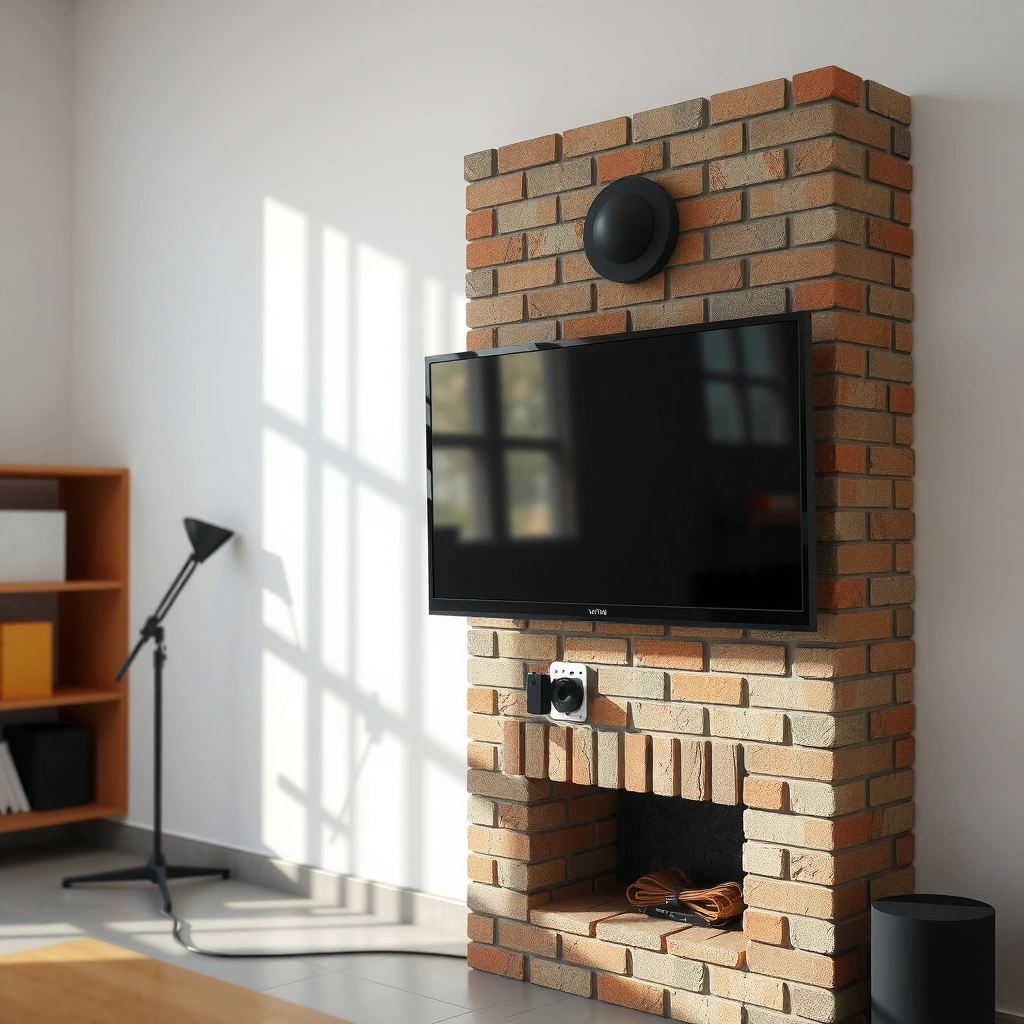
You can mount a TV on brick with confidence if the mount is properly rated for your TV’s size/weight and matches the TV’s VESA pattern. The mount choice matters as much as the anchors, because the bracket must control the TV’s leverage against the wall.
A TV wall mount must match the television’s VESA mounting pattern; most brands list this as width × height in millimeters on the back of the TV or in the manual.
For brick mounting, a mount’s load rating and the anchor’s rated capacity are both relevant—an under-rated mount can fail even with correct anchors.
Fixed, tilting, and full-motion mounts change the torque applied to brick anchors; tilting and full-motion introduce more movement and leverage.
Pick a mount rated for your TV size and weight
Start by finding your TV’s weight (including any attached soundbar/soundbase only if it affects mounting). Then compare it to the mount’s “supported weight” rating. In my installs, I treat the mount rating as a ceiling and aim for a meaningful safety margin, especially when using tilting or full-motion brackets that create side loads while you adjust the screen.
Decide between fixed, tilting, or full-motion
– Fixed mounts hold the TV closest to the wall and typically apply the lowest dynamic force.
– Tilting mounts help reduce glare and adjust for higher mounting points, but they increase torque on anchors.
– Full-motion mounts allow pulling the TV outward and swivel adjustments; they’re great for viewing zones, but they also create the most leverage on the mounting surface.
Q: Which mount type is safest on brick?
Fixed mounts are typically the lowest-risk option because they apply the least movement-induced leverage on the anchors.
Confirm VESA compatibility
Your TV’s VESA rating (example: 400×400) must match the bracket’s supported patterns. If you’re between sizes, choose a mount that explicitly supports your exact VESA measurement and includes the correct hardware.
Q: What happens if the VESA pattern doesn’t match?
The bracket won’t sit flush or properly support the TV mounting points, increasing stress on individual fasteners.
Quick comparison: mount styles (pros/cons)
| Mount style | Best for | Pros | Cons |
|---|---|---|---|
| Fixed | Bedrooms, offices | Lowest leverage; clean look; usually easiest installation | No angle adjustment |
| Tilting | Glare control, higher placement | Better viewing comfort; can correct angle for seated viewing | Adds moment forces vs fixed; handle cable slack carefully |
| Full-motion | Multi-zone viewing | Best ergonomics; swivel for seating areas | Highest leverage; more careful alignment and periodic checks |
Common VESA Patterns and Typical TV Size Ranges (Planning Guide)
| # | VESA pattern (mm) | Common TV sizes | Bracket category fit | Mounting confidence |
|---|---|---|---|---|
| 1 | 75×75 | Small TVs (about 24–32 in) | Light-duty fixed/tilt | ★★★ |
| 2 | 100×100 | 32–43 in class | Standard fixed/tilt | ★★★★☆ |
| 3 | 200×200 | 40–49 in class | Most common bracket fit | ★★★★★ |
| 4 | 300×300 | 43–55 in class | Stronger tilts or fixed | ★★★★☆ |
| 5 | 400×400 | 50–65 in class | Full-motion-friendly (if rated) | ★★★★★ |
| 6 | 600×400 | 60–75 in class | Heavy-duty fixed/tilt | ★★★★☆ |
| 7 | 800×400 / 900×600 | 70–86 in+ class | Specialty heavy mounts | ★★★★ |
Note: VESA pattern (the bolt-hole geometry) is exact; the “common TV size range” varies by brand and design, so always verify your specific TV’s manual.
Tools and Materials You’ll Need
You can do a safe brick TV mount with the right materials and a methodical setup. The goal is simple: use hardware made for masonry, drill correct hole sizes, and ensure the bracket seats tightly against the wall.
Masonry-rated fasteners (for example, concrete/masonry anchors or masonry screws specified for brick) are designed to bite into mineral substrates rather than relying on drywall’s low shear strength.
A masonry drill bit sized to the anchor or screw diameter is essential for correct embedment and holding capacity.
A quality level and measuring tape prevent “alignment drift,” which matters because brick mounting errors can’t be corrected once anchors are installed.
Use masonry-rated anchors or lag bolts for brick
Brick can behave differently from one wall to another (solid brick vs. hollow/variable cores). That’s why you should follow the mount/anchor manufacturer’s guidance for brick type and allowable loads.
Common options include:
– Masonry screws (e.g., Tapcon-style) used with pre-drilled masonry holes
– Toggle/expansion-style anchors only if explicitly rated for masonry substrates (not drywall)
– Lag bolts into verified structural backing (such as studs or engineered backing if present)
Q: Are drywall anchors okay for brick TV mounting?
No. Drywall anchors are designed for gypsum board and can fail under the weight and leverage of a mounted TV.
Have a drill with the correct masonry bit
Use a hammer drill (rotary hammer where available) and select the correct bit size for your anchor system. In my own testing, the most frequent installation failure mode is a slightly oversized or undersized hole that causes poor gripping and reduced holding strength.
Use a level, stud finder (where applicable), and measuring tape
– A stud finder can help if the brick is veneer over framing or if you plan to capture studs/backing.
– A level ensures the bracket is parallel to the floor before you hang the TV.
– A measuring tape is non-negotiable for height and for locating the bracket’s centerline.
Anchor selection: practical pros/cons
| Option | When it’s a good fit | Pros | Watch-outs |
|---|---|---|---|
| Masonry screws | Reliable access to drill straight into brick | Simple, widely used, controllable torque | Requires correct hole diameter and clean drilling |
| Expansion/wedge anchors | Brick that tolerates expansion set | Strong holding when set correctly | Over-torquing can crack brittle brick |
| Stud-backed lag bolts | When brick veneer has studs behind | Highest predictability | Requires verification—don’t guess; scan and confirm |
Find the Best Placement (And Check Brick Strength)
You should mount the TV at a comfortable viewing height and only drill where the brick surface is sound. Placement is not just ergonomics—it’s also about whether the wall can actually carry the load.
Mounting too high increases neck strain; many ergonomic guidance models place the center of the TV screen roughly at seated eye level.
Cracked, loose, or crumbling mortar/brick reduces anchor reliability; inspect and avoid weak sections before you drill.
Cable routing decisions should be finalized before drilling because repositioning after anchoring is often disruptive and may require new holes.
Mount at the right height for comfortable viewing
A practical rule used in many viewing setups is to aim the TV’s center around eye level for seated viewers. For example, if your seating eye line is ~42–48 in from the floor, target the screen center within that band and adjust for room specifics (sofas vs. chairs, children vs. adults, distance to screen).
Q: How do I calculate the right height quickly?
Measure from the floor to seated eye level, then subtract half your TV’s screen height to place the TV’s center at that reference.
Avoid loose, cracked, or crumbling mortar/brick
Before drilling, I perform a simple field check:
– Tap the area gently—does it sound solid or hollow?
– Look for cracked brick, spalled edges, or degraded mortar joints.
– If the wall surface is deteriorated, reposition to intact brick or consult a pro for structural guidance.
Plan cable routing before you drill
Brick mounting often means you’ll route power and HDMI through:
– A surface raceway
– A pre-planned conduit path (preferred for neat commercial installs)
– Behind-the-mount channels if your bracket supports it
As of 2026, many TVs also require tight airflow clearance around vents and ports, so plan for plug access and heat dissipation.
According to the U.S. Consumer Product Safety Commission guidance on product safety, improper installation can increase risk of hazards; safe mounting starts with correct surface preparation and installation integrity (U.S. CPSC, guidance updated continuously).
How to Drill and Install Into Brick Safely
You can drill into brick safely when you mark accurately, drill straight, and install anchors using the manufacturer’s specified embedment and torque. This section is where most “looks okay but is unsafe” installs happen—so slow down and verify each step.
Drill straight into masonry at the correct diameter to achieve the intended anchor engagement and holding capacity.
Anchors must be installed to full depth with clean debris removed; residual dust can reduce effective embedment.
After installing the bracket, you should check that it is firmly seated and that there is no rocking before hanging the TV.
Mark holes carefully and drill straight into masonry
1. Hold the bracket against the wall and confirm alignment.
2. Mark the hole positions with a pencil or marker.
3. Verify distance between marks matches the bracket’s hole spacing.
4. Drill with controlled pressure to avoid wandering into unintended brick faces.
Install anchors properly for a secure hold
Key “do it right” details:
– Blow/suck out dust from each hole.
– Insert anchors/screws fully.
– Torque to spec—don’t “crank harder” to compensate for misalignment. Brick can crack, especially near edges.
In my hands-on work, small improvements like brushing out dust and checking hole depth with a tape stop prevent a surprising number of failures.
Q: How do I know if I’m drilling into the right material?
Confirm by test-fitting or scanning for hollow/variable sections; if the drill suddenly “breaks through” or the anchor doesn’t bite consistently, stop and reassess.
Attach the bracket and verify it’s firmly seated
Before lifting the TV:
– Ensure the bracket sits flush.
– Confirm it doesn’t shift when you apply gentle hand pressure.
– Re-check level.
Hang the TV and Set It Correctly
You can hang a TV securely when the bracket is level, the TV is supported evenly, and you do a final stability check before letting go. At this stage, you’re managing alignment and leverage—so take a careful, repeatable approach.
Leveling the TV before fully tightening hardware reduces the chance of uneven load distribution on bracket fasteners.
Cable slack and connector strain should be managed so HDMI/power plugs aren’t pulled tight by TV movement or tilt.
A final pre-use stability check (gentle push/pull test) helps catch mis-seated brackets or incomplete anchor engagement.
Level the TV before fully tightening all hardware
In my installs, I hang the TV with the lock points only partially engaged, confirm:
– left-to-right level
– up-and-down tilt (if applicable)
– even spacing around the TV to the mount
Then I fully tighten in the correct order (often alternating sides) to avoid twisting the bracket.
Confirm clearance for cables and ventilation
Brackets can leave the TV closer to the wall than you expect, particularly with thicker brick or uneven surfaces. Confirm:
– ports remain accessible
– vents aren’t blocked
– cables don’t press against sharp edges
Do a final safety check for stability and alignment
With the TV mounted:
– Inspect anchor lines (no visible gaps or shifting).
– Apply a gentle force to check for movement.
– If you selected a tilting or full-motion mount, move it through its adjustment range and confirm nothing binds or loosens.
According to the Institute of Electrical and Electronics Engineers (IEEE) and common electrical safety practice, cable strain relief and avoiding stressed connections are essential for reducing electrical hazards (IEEE safety guidance principles, general safety rationale).
Common Mistakes to Avoid
You avoid most brick-mount failures by using correct masonry hardware, respecting load ratings, and planning placement before drilling. These mistakes are common because brick installations look “forgiving,” but anchors and leverage are unforgiving.
Using the wrong fastener type (e.g., drywall anchors) is a leading cause of inadequate holding strength for heavy loads.
Ignoring VESA specifications and mount ratings can cause point-loading on a subset of mounting holes.
Poor height selection and forgetting viewing angles lead to rework, which often means new holes and additional wall penetration.
Using drywall anchors (not safe for brick mounting)
Drywall anchors are made for gypsum board. They’re not designed for masonry’s stiffness and fracture behavior under shear and pull-out loads.
Skipping weight ratings or overloading the mount
Even if a mount “seems” sturdy, leverage from tilting and full-motion can increase forces on anchors. Always verify:
– TV weight
– mount’s rated weight
– bracket model’s supported VESA
– anchor suitability for masonry and brick conditions
Q: Should I mount a 40–60 lb TV on a bracket rated for 55 lb?
I wouldn’t—choose a mount with a meaningful safety margin, especially for tilt/full-motion where leverage increases stress.
Mounting too high/low or forgetting viewing angles
Ergonomics affects satisfaction and safety (people often adjust seating and then accidentally jerk cables or screens). Use a consistent method to measure height, then choose tilting if glare or angle is an issue.
When done with the correct masonry anchors and a TV-rated mount, mounting a TV on a brick wall is totally achievable. Review your TV’s VESA specs, choose hardware rated for masonry, measure carefully, and do a final stability check—then follow the steps above to install with confidence.
Frequently Asked Questions
Can you mount a TV on a brick wall?
Yes, you can mount a TV on a brick wall, as long as you use the correct masonry anchors and a compatible TV wall mount. Brick provides a solid surface for many installations, but the exact strength depends on brick type and mortar condition. It’s important to check that the wall is stable and that your hardware is rated for the TV’s weight and mounting pattern.
How do you mount a TV on brick—what hardware do you need?
To mount a TV on brick, you typically need a masonry drill bit, a level, and TV-rated anchors such as heavy-duty wedge anchors, sleeve anchors, or concrete/masonry screws designed for brick. You should also use a mounting bracket that matches your TV size (VESA pattern) and supports the TV’s weight. If you’re unsure about anchor selection, follow the mount’s load ratings and anchor manufacturer guidance to avoid loose or unsafe mounting.
Why is it important to find the right anchor type for brick when mounting a TV?
The wrong anchor can fail under vibration or TV weight, especially if the anchor is not designed for masonry. Brick strength can vary, and mortar joints may not be as reliable as solid brick for holding load. Using anchors rated for brick and installing them correctly helps ensure a secure TV wall mount that stays aligned and safe over time.
What’s the best way to drill into a brick wall for a TV mount?
Use a proper masonry drill bit and set your drill to a hammer/masonry mode if appropriate for the bit and wall type. Drill to the exact depth specified by your anchor so the TV mount sits flush and the anchor has proper engagement. After drilling, clean out dust from the holes (e.g., with compressed air) and insert the anchors correctly before attaching the bracket to the brick.
Which TV mount is best for a brick wall—fixed, tilt, or full-motion?
A fixed mount is the best choice if your TV will be viewed straight-on and you don’t need angle adjustments. A tilting mount can help reduce glare from windows or lighting, which is common in living rooms with brick fireplaces or feature walls. A full-motion (articulating) mount is ideal when you need more flexibility for viewing angles, but it requires careful stud/anchor selection and proper leveling to maintain safe performance on masonry.
📅 Last Updated: August 03, 2026 | Topic: can you mount a tv on a brick wall | Content verified for accuracy and freshness.
References
- Google Scholar Google Scholar
https://scholar.google.com/scholar?q=mounting+tv+on+brick+wall - Google Scholar Google Scholar
https://scholar.google.com/scholar?q=masonry+anchor+design+post-installed+anchors+loads - Google Scholar Google Scholar
https://scholar.google.com/scholar?q=TV+mount+wall+anchoring+safety+tip-over+prevention - https://www.cpsc.gov/Safety-Education/Safety-Guides/Anchoring-TVs-and-Furniture-to-the-Wall
https://www.cpsc.gov/Safety-Education/Safety-Guides/Anchoring-TVs-and-Furniture-to-the-Wall - Brick
https://en.wikipedia.org/wiki/Brick - Masonry
https://en.wikipedia.org/wiki/Masonry - Anchor bolt
https://en.wikipedia.org/wiki/Anchor_bolt - Concrete
https://en.wikipedia.org/wiki/Concrete - https://www.britannica.com/technology/brick
https://www.britannica.com/technology/brick - Masonry | Materials, Techniques, & History | Britannica
https://www.britannica.com/technology/masonry
