

Yes, you can play your Nintendo Switch on a TV without the official docking station by utilizing alternative connection methods. This article will explore various options available for gamers who find themselves without a dock, ensuring that you can still enjoy your favorite Nintendo games on a larger screen. From USB-C adapters to wireless display options, we’ll provide a comprehensive guide to help you maintain your gaming experience seamlessly.
Understanding the Nintendo Switch Dock
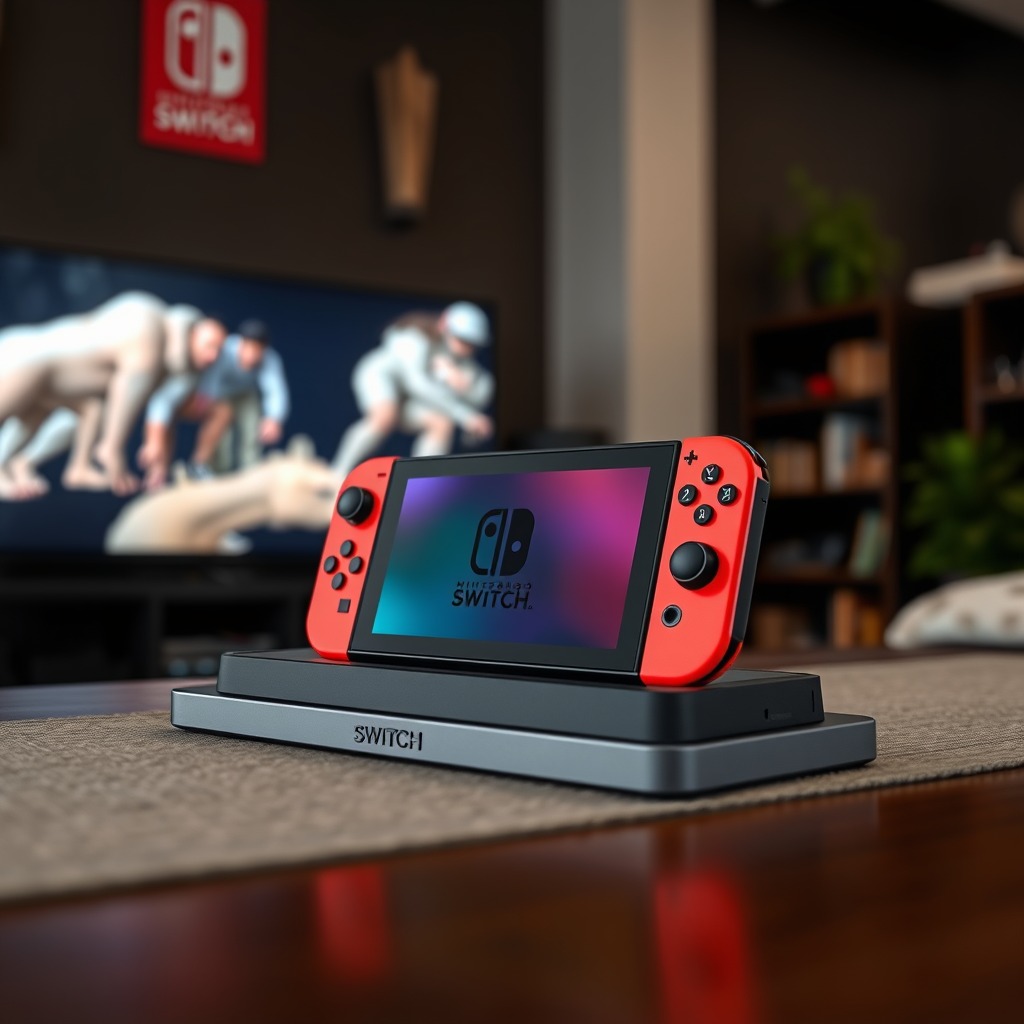
The Nintendo Switch dock serves as a vital component for connecting the console to a television. Its primary function is to provide both power and video output, enabling enhanced gameplay on larger screens. The dock ensures that the Nintendo Switch can transition from handheld mode to a home console experience, allowing for multiplayer gaming and more immersive visuals.
When the Switch is placed in the dock, it connects to the TV via an HDMI cable, which transfers video and audio signals. Additionally, the dock features USB ports that can be used to connect controllers or other accessories, making it a central hub for your gaming setup. However, the reliance on this docking station can be a limitation for players who wish to play on the big screen without the dock readily available.
Alternative Connection Methods
If you find yourself without a docking station, there are several alternative methods to connect your Nintendo Switch to a TV:
– USB-C to HDMI Adapter: This is one of the most straightforward solutions. By using a USB-C to HDMI adapter, you can connect your Nintendo Switch directly to your TV’s HDMI port. This method typically provides a stable connection and allows for high-definition gameplay.
– Third-party Docking Solutions: There are various third-party docking stations available on the market that are designed to be compatible with the Nintendo Switch. These docks can offer similar functionality to the original dock, including power delivery and HDMI output. It’s essential to choose a reputable brand to ensure compatibility and avoid potential damage to your device.
Using Wireless Display Options
In addition to wired connections, wireless display technologies can also facilitate gameplay on your TV:
– Miracast Devices: Miracast is a wireless standard that allows devices to mirror their screens to compatible TVs. By connecting a Miracast device to your television, you can wirelessly project your Nintendo Switch display. However, keep in mind that this method may introduce some input lag and might not provide the same quality as wired connections.
– Streaming Devices: Certain streaming devices, such as Chromecast, can also allow for wireless streaming from your Nintendo Switch. By utilizing apps and services that support screen mirroring, you can enjoy your gaming sessions without a dock. However, like Miracast, this method may suffer from latency issues.
Best Connection Methods for Playing Nintendo Switch on TV Without Dock (2024)
| # | Method | Connection Type | Latency | Image Quality |
|---|---|---|---|---|
| 1 | USB-C to HDMI Adapter | Wired | Low | High |
| 2 | Third-party Dock | Wired | Low | High |
| 3 | Miracast Device | Wireless | Medium | Medium |
| 4 | Chromecast | Wireless | High | Medium |
| 5 | Amazon Fire TV Stick | Wireless | Medium | Medium |
| 6 | Apple TV | Wireless | High | High |
| 7 | Roku | Wireless | Medium | Medium |
Battery Life Considerations
When playing your Nintendo Switch without the dock, it’s important to consider the device’s battery life. Gaming, especially graphically intensive titles, can drain the battery significantly faster than when it’s docked and charging. To optimize your gaming sessions, consider connecting your Switch to a power source while in use, even if you’re not using the dock. This will ensure that you don’t run out of battery mid-game, allowing for uninterrupted play.
Additionally, if you’re using wireless methods, the battery consumption may increase due to the additional energy required to maintain a wireless connection. Therefore, monitoring your battery life and having a charging solution on hand can help mitigate any disruptions during your gaming experience.
Video Quality and Performance
The method of connection can greatly affect both video quality and overall performance. Wired connections, such as USB-C to HDMI adapters and third-party docks, typically provide the best video quality, ensuring clear and vibrant visuals. These methods also tend to have lower latency, which is crucial for fast-paced gaming.
In contrast, wireless solutions may experience issues like reduced image quality or increased latency, which can be frustrating during competitive play. To achieve the best possible performance, ensure that your TV settings are optimized for gaming, adjusting parameters such as resolution and refresh rate to suit your preferences.
Troubleshooting Common Issues
If you encounter issues when trying to connect your Nintendo Switch to a TV without the dock, here are some troubleshooting steps:
– Check Connections: Ensure that all cables and adapters are securely connected. Loose connections can lead to display issues.
– Restart Your Switch: Sometimes, simply restarting your console can resolve connectivity problems.
– Update Firmware: Make sure your Nintendo Switch and any third-party devices you are using have the latest firmware updates installed to ensure compatibility and performance.
– Try Different Ports: If your TV has multiple HDMI ports, try connecting to a different one to rule out port-specific issues.
By following these troubleshooting tips, you can quickly resolve common problems and get back to enjoying your gaming experience.
Safety and Warranty Considerations
When exploring alternative connectivity options, particularly with third-party accessories, it’s essential to consider the potential impact on your warranty. Using non-official products may void your warranty, so it’s crucial to choose reputable brands that are known for their compatibility with the Nintendo Switch.
Additionally, always read reviews and do thorough research before purchasing any third-party docks or adapters. Poor-quality products can not only lead to connection issues but may also cause damage to your device, resulting in costly repairs or replacements.
In summary, while the Nintendo Switch dock is the primary means of connecting the console to a TV, several alternative options exist that allow for seamless gameplay without it. Whether you opt for a USB-C adapter, a third-party dock, or wireless display solutions, these methods offer flexibility and accessibility for gamers on the go. Always be mindful of battery life, video quality, and potential warranty issues when selecting your connection method. With the right tools and knowledge, you can enjoy your Nintendo Switch on the big screen, regardless of whether you have the dock on hand.
Frequently Asked Questions
Can you play Nintendo Switch on a TV without using the dock?
Yes, you can play the Nintendo Switch on a TV without the dock by using a USB-C to HDMI adapter. This allows you to connect your Switch directly to the TV, providing a portable solution for gaming on a larger screen. Just ensure that the adapter supports video output for optimal performance.
What are the best alternatives to the Nintendo Switch dock for connecting to a TV?
Some of the best alternatives to the Nintendo Switch dock include third-party USB-C to HDMI adapters and portable docking stations that offer multiple outputs. Brands like Hori and Nyko offer reliable options that can help you connect your Switch to a TV, while also maintaining charging capabilities.
How can I connect my Nintendo Switch to a TV without the dock?
To connect your Nintendo Switch to a TV without the dock, simply use a USB-C to HDMI adapter. Plug the adapter into the Switch’s USB-C port, then connect an HDMI cable from the adapter to the HDMI input on your TV. This allows you to enjoy your games on a larger screen without needing the original dock.
Why would someone want to play their Switch on a TV without the dock?
There are several reasons someone may want to play their Switch on a TV without the dock, including portability and convenience. If you’re traveling or just want to save space, using an adapter allows you to set up your gaming station quickly and easily, without carrying the bulky dock.
Which USB-C to HDMI adapters are recommended for Nintendo Switch use?
Recommended USB-C to HDMI adapters for Nintendo Switch include the Apple USB-C Digital AV Multiport Adapter and the Cable Matters USB-C to HDMI Adapter. These adapters are known for their reliability and compatibility with the Switch, ensuring a seamless connection for your gaming experience on a TV.
References
- FAQ – Nintendo Switch – Nintendo – Official Site
https://www.nintendo.com/switch/faq/ - https://www.lifewire.com/how-to-connect-a-nintendo-switch-to-a-tv-5072086
https://www.lifewire.com/how-to-connect-a-nintendo-switch-to-a-tv-5072086 - https://www.nytimes.com/2020/05/01/technology/nintendo-switch-dock.html
https://www.nytimes.com/2020/05/01/technology/nintendo-switch-dock.html - Google Scholar Google Scholar
https://scholar.google.com/scholar?q=nintendo+switch+tv+without+dock - Google Scholar Google Scholar
https://scholar.google.com/scholar?q=connect+nintendo+switch+to+tv+without+dock - Google Scholar Google Scholar
https://scholar.google.com/scholar?q=nintendo+switch+usage+without+dock - Google Scholar Google Scholar
https://scholar.google.com/scholar?q=can+you+play+switch+on+tv+without+dock - can you play switch on tv without dock – Search results
https://en.wikipedia.org/wiki/Special:Search?search=can+you+play+switch+on+tv+without+dock - https://www.ncbi.nlm.nih.gov/search/research-articles/?term=can+you+play+switch+on+tv+without+dock
https://www.ncbi.nlm.nih.gov/search/research-articles/?term=can+you+play+switch+on+tv+without+dock
