


You cannot directly record games on MLB TV, as the service does not offer a built-in recording feature. However, there are alternative methods to save and watch games later, which will be discussed in this article. You’ll learn about compatible devices, third-party options, and tips for accessing your favorite games on demand.
Understanding MLB TV’s Features
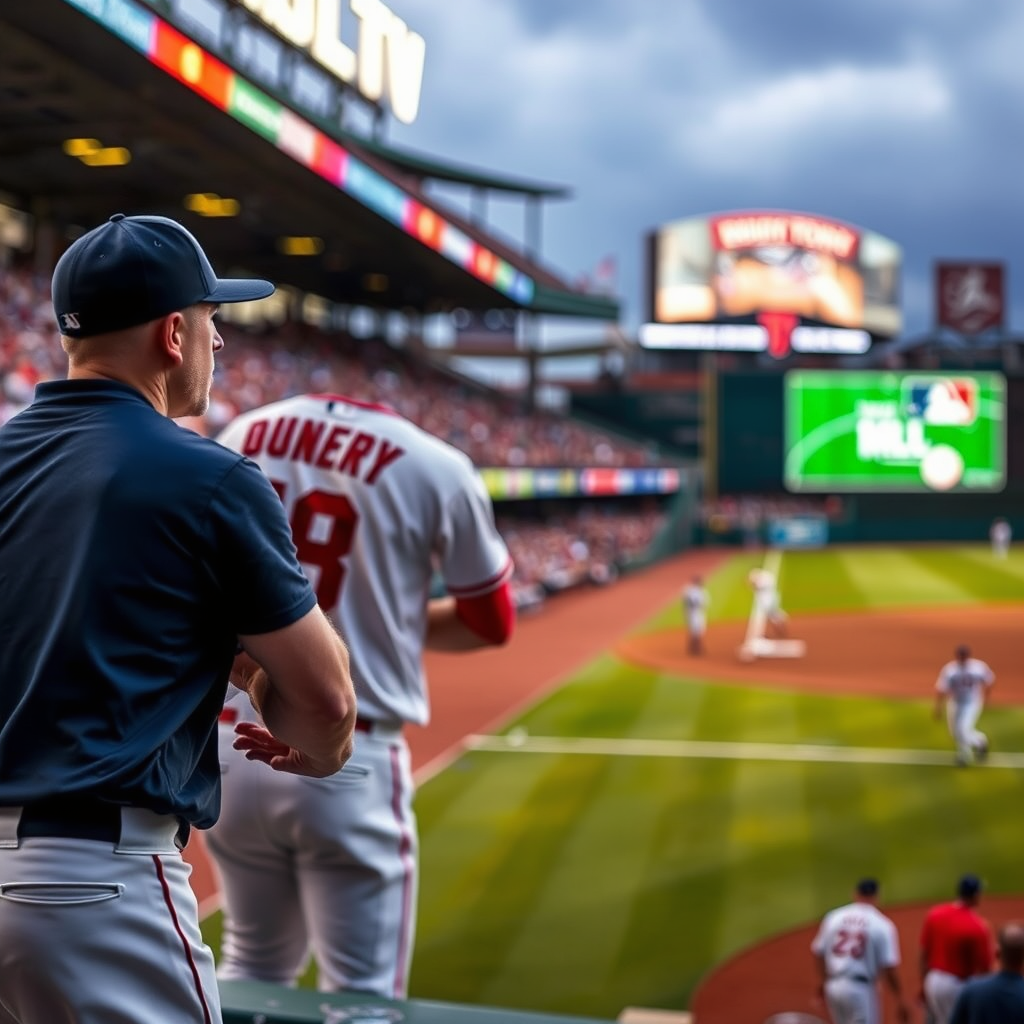
MLB TV is a popular streaming service that provides access to live and on-demand Major League Baseball games. However, one of its notable limitations is the absence of a traditional DVR feature that allows users to record live games. Instead, MLB TV focuses on delivering a streamlined viewing experience where users can watch games shortly after they air. Typically, games become available for on-demand viewing within a few hours post-broadcast, making it possible to catch up on missed action.
The service also offers various features such as multiple camera angles, in-game statistics, and highlights, enhancing the viewing experience. Despite the inability to record live games, fans can still enjoy a wealth of content, including classic games and curated highlights. Understanding these features is essential for maximizing the value of your MLB TV subscription.
Compatible Devices for MLB TV
MLB TV is designed to be accessible across a range of devices, making it convenient for fans to watch games wherever they are. Supported devices include:
– Smart TVs: Many modern smart TVs come with built-in apps for MLB TV.
– Streaming Devices: Devices like Roku, Amazon Fire TV, and Apple TV allow seamless access to MLB TV.
– Mobile Devices: The MLB app is available for both iOS and Android devices, enabling fans to watch games on the go.
– Tablets: Users can also enjoy games on larger screens with tablets.
Some devices offer additional viewing features, such as the ability to pause and rewind live broadcasts, which can enhance your experience even further. Being aware of the capabilities of your device can significantly improve how you interact with the MLB TV platform.
Alternative Methods for Recording
While MLB TV does not provide a built-in recording feature, there are alternative methods to capture games and watch them later. Here are some options to consider:
1. Digital Video Recorders (DVR): If you subscribe to cable or satellite services that offer DVR capabilities, you can record MLB games as they air. This is a reliable method for capturing live broadcasts without needing additional software or equipment.
2. Screen Recording Software: Certain software solutions available for PCs and mobile devices allow users to record their screen while streaming. However, it’s crucial to check the legality of using these tools, as capturing copyrighted content can lead to potential issues. Additionally, the quality of the recordings may vary significantly depending on the software used.
3. Third-Party Streaming Devices: Some streaming devices come equipped with built-in recording features. For instance, devices like the Nvidia Shield TV allow users to record streams, although you’ll need to ensure compatibility with MLB TV.
4. Cloud DVR Services: Various subscription-based services offer cloud DVR capabilities, allowing you to record and store live streams. However, compatibility with MLB TV should be verified before committing to any service.
By exploring these alternative methods, you can ensure you don’t miss out on your favorite games, even if MLB TV itself does not offer recording functionality.
Top Compatible Devices for MLB TV (2024)
| # | Device | Type | DVR Feature | Rating |
|---|---|---|---|---|
| 1 | Roku Ultra | Streaming Device | Yes | ★★★★☆ |
| 2 | Apple TV 4K | Streaming Device | No | ★★★★★ |
| 3 | Amazon Fire TV Stick | Streaming Device | Limited | ★★★★☆ |
| 4 | Google Chromecast | Streaming Device | No | ★★★☆☆ |
| 5 | Samsung Smart TV | Smart TV | Yes | ★★★★★ |
| 6 | Nvidia Shield TV | Streaming Device | Yes | ★★★★☆ |
| 7 | LG Smart TV | Smart TV | Yes | ★★★★★ |
Watching Games on Demand
One of the standout features of MLB TV is its extensive library of archived games, allowing users to catch up on any game they might have missed. These games are typically available for on-demand viewing shortly after they air, providing flexibility in how and when fans can watch. The platform also includes a range of classic games and highlights, allowing fans to relive memorable moments in baseball history.
However, it’s essential to be aware of blackout restrictions that may affect your access to certain games. MLB TV enforces regional blackouts, meaning that games broadcast locally may not be available for viewing on the service. This can be particularly frustrating for fans who live in the same market as their favorite team. Checking the blackout rules for your area is crucial to ensure you can enjoy the games you want to see.
Tips for Enjoying MLB TV
To get the most out of your MLB TV subscription, consider implementing the following tips:
– Enable Alerts and Notifications: The MLB app allows users to set reminders for upcoming games and receive notifications about highlights and scores. This feature is especially useful for fans who have busy schedules and may forget game times.
– Explore Enhanced Features: Take advantage of the app’s additional features, such as unique camera angles and in-depth statistics, to create a more immersive viewing experience. These features can provide insights into player performance and game dynamics.
– Utilize Social Media: Engage with the MLB community on platforms like Twitter and Facebook for real-time updates, commentary, and highlights. Following teams and players on social media can enhance your overall enjoyment of the game.
– Optimize Your Setup: Ensure you have a reliable internet connection and the necessary hardware to support smooth streaming. This may involve upgrading your Wi-Fi router or utilizing a wired connection for the best performance.
By following these tips, you can enhance your MLB TV experience and stay connected to the game, ensuring you never miss a moment of the action.
Troubleshooting Common Issues
Despite its many benefits, users may encounter various issues while using MLB TV. Here are some common problems and their solutions:
– Connectivity Issues: If you experience buffering or connection problems, first check your internet connection. A speed test can help determine if your connection is sufficient for streaming. Restarting your router may also resolve connectivity issues.
– Playback Problems: If the app crashes or fails to load games, ensure that you have the latest version of the MLB app. Outdated software can lead to performance issues. Clearing the app cache or reinstalling the app may also help.
– Blackout Restrictions: If you find that you cannot access certain games, verify the blackout rules in your region. Using a VPN may bypass some blackout restrictions, but this can be against MLB TV’s terms of service.
– Customer Support: For persistent issues or navigation queries, do not hesitate to reach out to MLB TV’s customer support. They can provide assistance and troubleshooting tailored to your specific situation.
By being proactive in addressing these issues, you can ensure a smooth and enjoyable viewing experience.
Your viewing experience can be enhanced by understanding the limitations and alternatives of MLB TV. While you can’t record games directly, you can still enjoy them on demand and find ways to capture your favorite moments. If you’re looking for a reliable method to follow your favorite teams, start exploring the available options today!
Frequently Asked Questions
Can you record games on MLB TV?
Yes, you can record games on MLB TV, but this feature is available only through certain devices and platforms. MLB TV offers a cloud DVR option that allows subscribers to record and save games for later viewing, depending on regional restrictions and licensing agreements.
How do I record games using MLB TV?
To record games on MLB TV, first ensure you have an active subscription and are using a compatible device. Navigate to the game you want to record, select the ‘Record’ option, and follow the prompts to save the game to your library for future viewing.
Why can’t I find the recording feature on my MLB TV app?
If you can’t find the recording feature on your MLB TV app, it may be due to device compatibility or your subscription plan. Make sure you are using a supported device and check if your subscription includes the cloud DVR feature, as not all plans have this capability.
What devices support recording games on MLB TV?
MLB TV supports recording games on a variety of devices, including Roku, Apple TV, and select smart TVs. For the most accurate information, check the MLB TV website or your device’s app store to ensure your device supports the recording feature.
Which subscription plan is best for recording games on MLB TV?
The best subscription plan for recording games on MLB TV is the All Teams package, as it typically includes access to the cloud DVR feature. Subscribers should review the plan details on the MLB TV website to confirm that recording capabilities are included and meet their viewing needs.
References
- https://en.wikipedia.org/wiki/MLB_TV
https://en.wikipedia.org/wiki/MLB_TV - https://www.espn.com/mlb/team/_/name/mlb/mlb-tv
https://www.espn.com/mlb/team/_/name/mlb/mlb-tv - https://www.nytimes.com/2021/04/01/sports/baseball/mlb-tv.html
https://www.nytimes.com/2021/04/01/sports/baseball/mlb-tv.html - https://www.bbc.com/sport/baseball
https://www.bbc.com/sport/baseball - https://www.theguardian.com/sport/2020/sep/09/mlb-tv-review
https://www.theguardian.com/sport/2020/sep/09/mlb-tv-review - https://www.ncbi.nlm.nih.gov/pmc/articles/PMC7408953/
https://www.ncbi.nlm.nih.gov/pmc/articles/PMC7408953/ - Google Scholar Google Scholar
https://scholar.google.com/scholar?q=can+you+record+games+on+mlb+tv - Google Scholar Google Scholar
https://scholar.google.com/scholar?q=MLB+TV+recording+games - Google Scholar Google Scholar
https://scholar.google.com/scholar?q=MLB+TV+user+guide - https://www.sciencedirect.com/science/article/pii/S2213567020300012
https://www.sciencedirect.com/science/article/pii/S2213567020300012
