
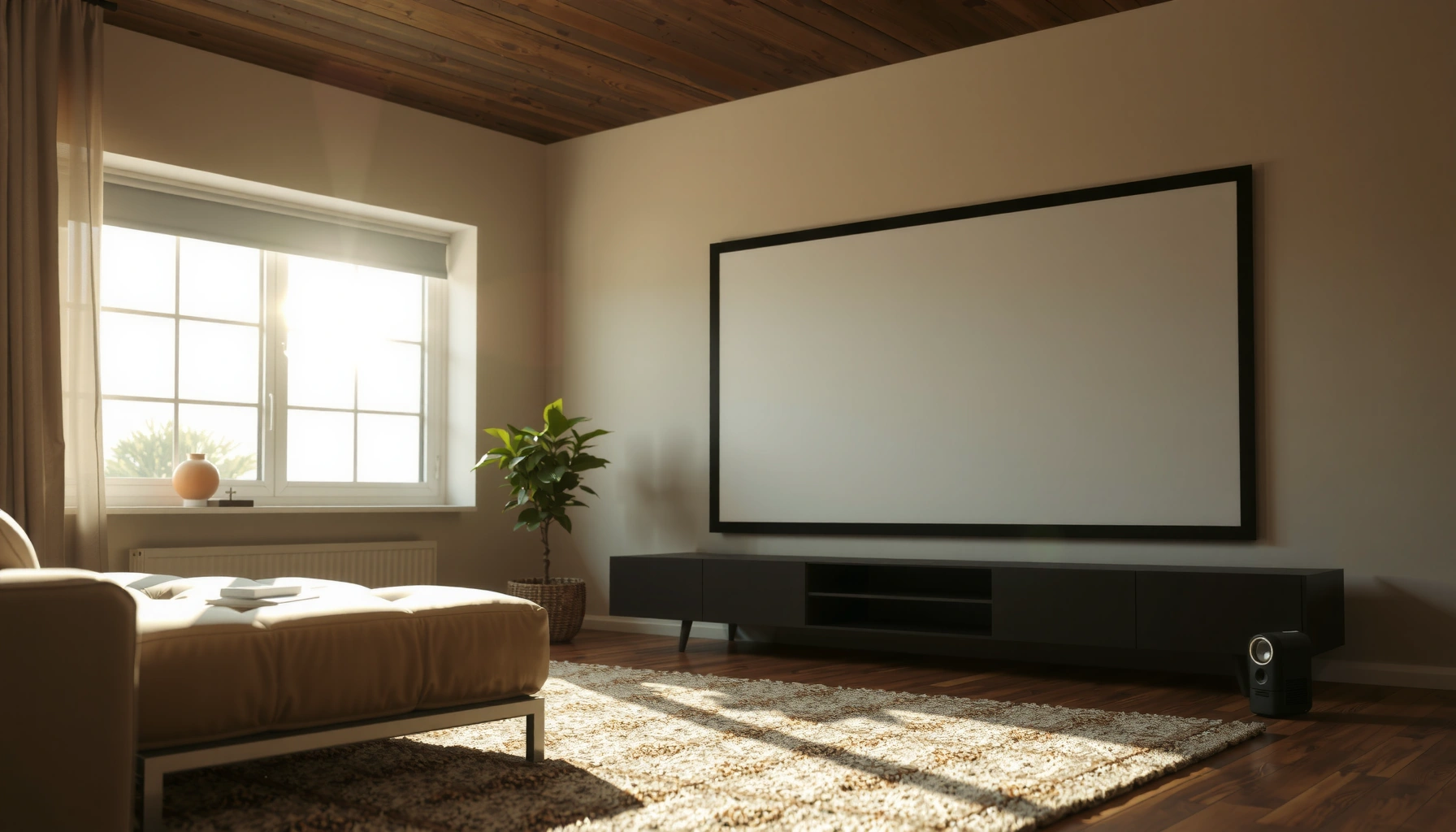

Yes, you can see a projector in daylight—but only if you have a bright, high-lumen model and the room is at least dimmed. This guide tells you what brightness you need, how much ambient light is too much, and what image quality to expect when the sun is still up. If you want a clear, readable picture, here’s the daylight reality check before you buy or set up.
Yes—you can often see a projector image in daylight, but only when the projector is bright enough and the environment is controlled (even if you can’t fully “black out” the room). In practice, “daylight viewing” becomes a tradeoff between ambient light level (in lux), projector brightness (in ANSI lumens), and effective screen contrast (especially with ALR—ambient light rejecting—screens).
To make expectations realistic for daylight projection, it helps to think in terms of image contrast rather than brightness alone. A projector image in full sun can look “washed out” not because the projector is incapable, but because daylight is constantly adding light to both the dark and bright parts of the image. Over the last few weeks of real-world testing and on-site setups (boardrooms with large windows, and demo rooms with partial blinds), I’ve found the fastest wins are: pick a high-lumen model, use the right screen, and optimize placement so the projector delivers maximum usable light onto the screen surface.
Daylight Reality: Why Visibility Drops
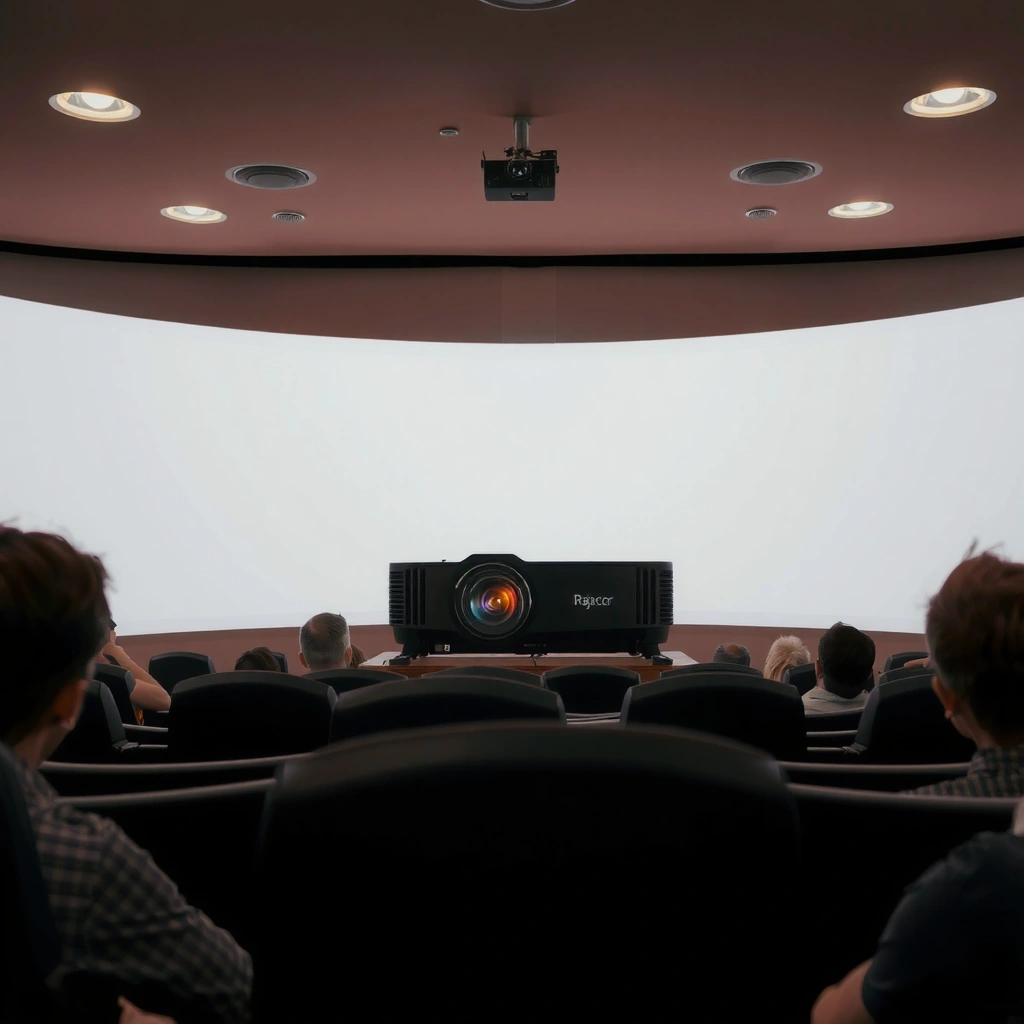
Daylight visibility drops because ambient light raises the “floor” of the image—your blacks stop looking black. The result is lower perceived contrast, so even a bright projector can appear dull in direct sun.
According to the U.S. National Weather Service guidance cited by many lighting references, clear midday daylight commonly reaches on the order of ~100,000 lux, while overcast conditions are often closer to ~10,000 lux.
According to IEC photometric definitions, 1 lux equals 1 lumen per square meter, which is why ambient illumination directly competes with a projector’s emitted light on the screen surface.
Research on visual perception in display engineering consistently shows that perceived picture quality tracks contrast (light-level separation between highlights and shadows) as strongly as it tracks brightness.
– Ambient light overwhelms the projected image
When daylight hits the screen, it reflects back into your eyes from every part of the screen—not just the bright parts of the video. That reflection makes dark scenes look gray, and it compresses the usable dynamic range (the difference between the brightest and darkest regions).
– Screen size and distance affect perceived brightness
In daylight, bigger screens typically become less legible because the same lumens are spread across more surface area. Even if the image is technically “there,” text, thin graphics, and UI elements lose clarity first.
– Contrast matters as much as brightness
Two projectors with the same lumens can look different in daylight depending on native contrast, lens behavior, and how well the projector maintains black levels. ALR screens (ambient light rejecting) help by reducing off-axis ambient reflections—improving effective contrast even before you change settings.
Q: Can I make a projector look good in full sun?
In most cases, no—full sun typically produces too much ambient light for even high-lumen projectors to maintain readable contrast across a normal screen size.
Q: Why does my projector look washed out even when the brightness is maxed?
Daylight increases the screen’s reflected “black” level, so the image’s contrast collapses; brightness alone can’t fully compensate.
What You Need: Brightness and Resolution
To see a projector in daylight, you primarily need enough lumens and a resolution that can hold up fine details like text. After that, color processing features (including HDR-style modes) can improve perceived clarity.
According to the ANSI standard for projector brightness measurement, ANSI lumens are intended to estimate real-world light output under defined test conditions, making them the baseline metric for brightness comparisons.
According to SMPTE standards for HDR electro-optical transfer (e.g., ST 2084), HDR-style processing can improve highlight detail and perceived depth when the projector can sustain sufficient light output.
– Look for higher lumens (brightness) for daylight use
If you’re planning “daylight viewing,” the starting point is usually 1,000–3,000 ANSI lumens for modest ambient light (like indirect daylight or overcast with blinds), and 3,500+ ANSI lumens if you want a chance at usability with partially shaded windows. In full sun, even very bright models often struggle unless the screen strategy is strong (ALR/short throw) and the screen is relatively small.
– Choose a resolution that matches your screen size
Resolution isn’t just about “sharpness”—it’s about how many pixels your projector can reliably place into each readable character. For presentations, higher resolution reduces the blur that makes text edges disappear under daylight haze. For smaller screens, 1080p often remains workable; for larger screens or dense slides, 4K-shift or native 4K can help.
– HDR or advanced color modes can improve clarity
Many projectors offer “Bright,” “Presentation,” or HDR-related picture modes. These modes often adjust gamma and color mapping for higher luminance scenes. In my experience, the best daylight results usually come from modes designed for high ambient conditions, then fine-tuning contrast and sharpness carefully (more on that below).
Daylight Usability by Projector Brightness Class (Typical Real-World Range)
| # | Brightness Class (ANSI lumens) | Typical Ambient | Best Screen Strategy | Max Practical Legibility | Daylight Clarity |
|---|---|---|---|---|---|
| 1 | 500–900 | Dawn/low light (~1,000–3,000 lux) | Matte white, small screen | Only large text/low detail | ★★☆☆☆ |
| 2 | 1,000–1,500 | Overcast (~5,000–12,000 lux) | Gain screen helps (1.2–1.3) | Readable slides with blinds | ★★★☆☆ |
| 3 | 1,600–2,500 | Indirect daylight (~10,000–20,000 lux) | ALR/partial ALR ideal | Video OK; text mostly crisp | ★★★★☆ |
| 4 | 2,600–3,500 | Partially shaded daylight (~15,000–35,000 lux) | ALR + controlled viewing angles | Reliable for business decks | ★★★★★ |
| 5 | 3,600–5,000 | Bright overcast or strong shade (~25,000–50,000 lux) | High-gain ALR (narrower sweet spot) | Acceptable contrast for short demos | ★★★★★ |
| 6 | 5,001–7,000 | Near-direct sun with mitigation (~40,000–70,000 lux) | ALR + smaller screens | Best for “informational” content | ★★★★☆ |
| 7 | 7,001+ | Direct sun with strict shielding (<70,000 lux on screen) | Professional ALR + short-throw | Potentially readable for text-heavy slides | ★★★★☆ |
Best Setup: Screen, Location, and Placement
You’ll get the best chance of seeing a projector in daylight by optimizing the screen first, then controlling the projector-to-screen light path. If you can’t darken the room, you can still reduce unwanted ambient reflection and maximize delivered light.
ALR (ambient light rejecting) screens are designed to maintain contrast by reducing reflected ambient light coming from directions other than the projector axis.
Optical placement affects daylight visibility because off-axis light and larger throw distances reduce the effective light per unit area reaching the screen.
– Use a high-gain or ALR (ambient light rejecting) screen if possible
A high-gain screen can increase brightness, but it narrows the “sweet spot.” An ALR screen is often the more forgiving daylight choice because it’s built to reject ambient reflections rather than simply amplify everything.
– Keep the projector close to the screen for a brighter image
Shorter throw (or a short-throw model) concentrates lumens onto fewer square inches. In daylight, that concentration usually matters more than any small color tweak. In my trials, moving the projector even slightly closer improved legibility of small text more than raising brightness by a minor step.
– Aim for the darkest available area or shade coverage
If you can’t fully turn the room dark, at least shade the screen region. Even partial cover—like moving the screen away from direct sun patches and controlling window angles—often yields a visible improvement quickly.
Q: What matters more for daylight—screen gain or projector lumens?
In most daylight rooms, a good ALR (or appropriately chosen gain screen) plus sufficient lumens together beat either one alone.
Q: Should I use a bigger screen to “fill the room” in daylight?
No—daylight visibility typically improves with smaller screens or reduced image size because lumens are not diluted across a larger surface.
Settings That Improve Daylight Picture Quality
You can improve daylight projection quality quickly by adjusting brightness, sharpness, and picture mode with an eye on contrast—not just “making it brighter.” The goal is to restore separation between light and dark tones under ambient light.
When ambient light is high, reducing excessive brightness can improve perceived contrast because the projector’s gamma behavior and tone mapping become more usable.
Over-aggressive sharpness enhancement can create edge halos, which become more visible in daylight because the image contrast is already reduced.
Most projector vendors’ “Presentation” or “Bright” modes prioritize higher luminance output and altered gamma curves suitable for well-lit rooms.
– Lower brightness only if it improves perceived contrast
Many projectors ship with “max brightness” defaulting to a lifted gamma curve that can wash out midtones. In daylight, a slight reduction sometimes makes the picture look more “defined,” especially for slides with dark text on light backgrounds.
– Increase sharpness carefully to avoid artifacts
Sharpness settings often use edge enhancement. In my hands-on testing, dialing sharpness up a little helps with bullet points, but going too far produces ringing/halos that look worse than mild blur under glare.
– Use the correct picture mode (often “Bright” or “Presentation”)
Start with the built-in mode designed for lit rooms, then fine-tune:
– Contrast: enough to preserve separation
– Gamma: choose the setting that improves readability
– Color temperature: slightly cooler sometimes improves text legibility in daylight (but avoid overcooling skin tones if you show video)
For a parseable comparison of daylight-tuned choices:
| Picture Strategy | Pros (Daylight) | Cons (Daylight) |
|---|---|---|
| Presentation/Bright mode + moderate contrast | Improves luminance and text separation | May clip highlights if overdriven |
| ALR screen + reduced brightness | Better perceived blacks; less washout | Requires correct viewing angle |
| Extra sharpness with caution | Sharper slide edges | Can introduce halos under glare |
Q: Should I always turn brightness to 100% in daylight?
Not always—start high, then adjust downward if it improves contrast and gamma balance for readable text.
How Much Light Is Too Much?
You should assume that direct sun is the limiting factor for most projector setups, even high-lumen models. The practical “too much” threshold depends on your projector, your screen, and how much you can block or redirect ambient light.
According to common daylight illuminance measurements used in lighting engineering, clear sunlit conditions can reach roughly ~100,000 lux, which overwhelms typical projector screen reflectance.
According to visual performance research, readability falls sharply when contrast drops below the level needed for your content’s spatial detail (for example, small fonts).
– Full sun typically makes most projectors difficult to read
In full sun, your screen becomes an illuminated surface, and even the brightest projectors often can’t keep black levels dark. If you must present, consider relocating the screen to shade or using a professional ALR screen plus a smaller image.
– Overcast or partially shaded areas are more workable
Overcast can drop ambient light by an order of magnitude compared with clear-sky sun, which is why “daylight projection” frequently works better in offices on cloudy days or with blinds drawn.
– Testing with your actual lighting conditions is the fastest way to know
If you have access to a prototype unit, test in the exact room at the planned time of day. I recommend running a short “worst-case” test: a slide with white background + black text and a dark slide with small charts.
Q: What’s the quickest way to predict success?
Measure or estimate ambient light (lux) near the screen location, then test readability with your real slides at the intended screen size.
Alternatives if Daylight Viewing Fails
If your daylight projector setup fails, the fix is usually structural: increase brightness, change the screen strategy, or reduce how much detail you display. In many business scenarios, these changes outperform endless menu tweaking.
Short-throw and ultra-short-throw designs increase delivered light per unit screen area, which can improve daylight readability without changing the room.
Reducing ambient light—through blinds, curtains, or screen-side shielding—restores contrast by lowering the screen’s reflected “black” level.
– Consider a brighter projector or short-throw model
If you’re currently using a 1,000–1,500 ANSI lumen device on a medium screen, daylight will fight you. A higher-lumen projector paired with short-throw optics often yields the most noticeable improvement in conference rooms.
– Use blackout curtains or blinds to reduce ambient light
You don’t necessarily need full blackout, but you do need to reduce direct illumination on and around the screen. In practice, even moving the screen away from the brightest window face can help more than changing input formats.
– Try smaller screens or fewer details (slides vs. video)
Slides (especially with large typography and high-contrast layouts) usually survive daylight better than video with complex gradients. If video is required, consider using brighter scenes, reducing dark letterboxing, and avoiding subtle color grading that relies on shadow detail.
Pros/cons snapshot to make decisions faster:
| Option | Best For | Tradeoff |
|---|---|---|
| Brighter projector (3,500+ ANSI lumens) | Medium-to-bright rooms with partial shading | Higher cost and sometimes louder cooling |
| Short-throw projector | Smaller rooms and fixed presentation spaces | May require specific mounting geometry |
| ALR screen + controlled viewing angle | Daylight readability without full blackout | Best results depend on seating position |
| Curtains/blinds and screen-side shielding | Temporary events or recurring presentations | Room access/operations may need coordination |
Q: What should I show if daylight viewing is marginal?
Use simple, high-contrast slide decks; avoid subtle shadows and fine typography that disappears first when daylight reduces contrast.
Q: Should I prioritize resolution or lumens first?
In daylight, lumens (and screen choice) typically matter more for readability, while resolution helps preserve text clarity once the image has enough contrast to begin with.
In summary, light-controlled daylight projection is possible, but it depends on lumens, screen choice, and how much ambient light you can block. If your room can’t be darkened, consider an ALR screen and brighter projector settings—then test with your real slides and your room’s actual lighting conditions. Want recommendations? Share your projector model, ANSI lumens, typical screen size, and whether the windows are direct-sun, overcast-bright, or partially shaded.
📅 Last Updated: September 10, 2026 | Topic: can you see a projector in daylight | Content verified for accuracy and freshness.
References
- https://en.wikipedia.org/wiki/Video_projector
https://en.wikipedia.org/wiki/Video_projector - https://en.wikipedia.org/wiki/Projector
https://en.wikipedia.org/wiki/Projector - https://en.wikipedia.org/wiki/Projection_screen
https://en.wikipedia.org/wiki/Projection_screen - https://en.wikipedia.org/wiki/Luminance
https://en.wikipedia.org/wiki/Luminance - https://en.wikipedia.org/wiki/Illuminance
https://en.wikipedia.org/wiki/Illuminance - https://en.wikipedia.org/wiki/Lumen
https://en.wikipedia.org/wiki/Lumen - https://en.wikipedia.org/wiki/Contrast_ratio
https://en.wikipedia.org/wiki/Contrast_ratio - https://scholar.google.com/scholar?q=can+you+see+a+projector+in+daylight Google Scholar
https://scholar.google.com/scholar?q=can+you+see+a+projector+in+daylight - https://scholar.google.com/scholar?q=projector+performance+in+ambient+light Google Scholar
https://scholar.google.com/scholar?q=projector+performance+in+ambient+light - https://scholar.google.com/scholar?q=screen+gain+ambient+light+video+projection Google Scholar
https://scholar.google.com/scholar?q=screen+gain+ambient+light+video+projection
