


Tozo earbuds do not have built-in tracking features, which means you cannot locate them using a dedicated application or GPS technology. However, you can implement various strategies to help recover your earbuds if they are misplaced. In this article, we will delve into the limitations of Tozo earbuds, proactive measures to prevent loss, and alternative solutions to keep track of your valuable listening devices.
Understanding the Limitations of Tozo Earbuds
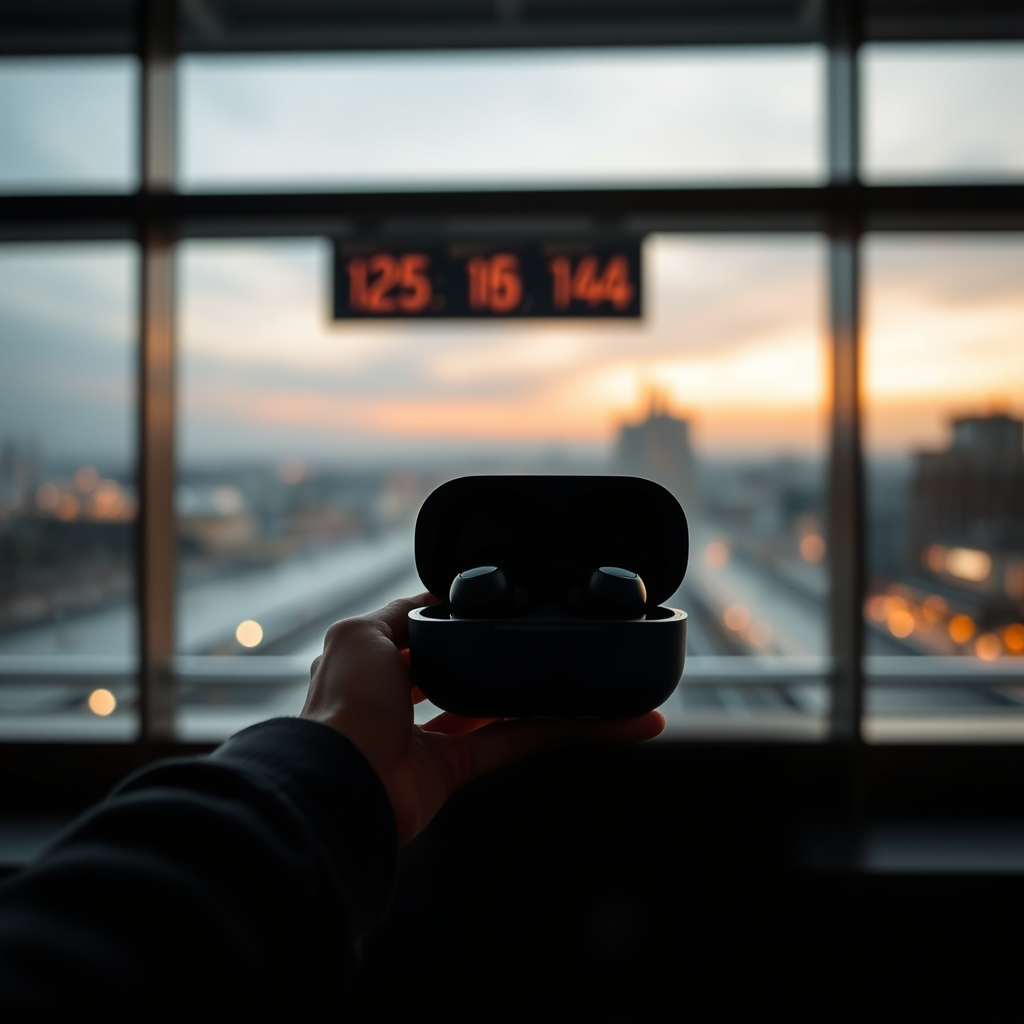
Tozo earbuds are popular for their affordability and sound quality, but they do lack certain advanced features that some other brands offer, particularly in terms of tracking capabilities. Unlike devices from manufacturers such as Apple or Samsung, which have integrated tracking systems that allow users to locate them via a smartphone app, Tozo earbuds do not come with this functionality. This means that once they are out of Bluetooth range or disconnected from your device, you have no means of directly locating them.
Additionally, Tozo earbuds do not connect to a dedicated smartphone app designed for finding lost items. This limitation can be frustrating for users who frequently misplace their earbuds, particularly considering how small and easy to lose they can be. Understanding these limitations is the first step toward developing effective strategies for keeping track of your Tozo earbuds.
Tips to Prevent Losing Your Tozo Earbuds
Preventing the loss of your Tozo earbuds starts with establishing good storage habits. Here are several practical tips to help you keep track of them:
– Dedicated Storage Case: Always use a dedicated case for your Tozo earbuds when they are not in use. This will not only protect them from damage but also make them harder to misplace. Choose a case with a bright color or distinctive design to enhance visibility.
– Keychain or Strap: Consider attaching a keychain or strap to the earbud case. This will make it easier to spot in your bag or on a surface, reducing the chance of misplacement.
– Designated Spot: Create a designated spot in your home or workspace for your earbuds. By always returning them to this spot after use, you will develop a routine that helps prevent loss.
– Use of Labels: If your case allows, use labels or stickers with your contact information. In the event that someone finds your earbuds, they can reach out to you.
By adopting these simple yet effective strategies, you can significantly reduce the likelihood of losing your Tozo earbuds.
Utilizing Bluetooth Features for Location Awareness
Tozo earbuds connect to your device through Bluetooth, which can be leveraged to help you keep track of them, albeit indirectly. Here’s how you can utilize Bluetooth features for location awareness:
– Last Known Location: If your earbuds are connected to your smartphone, you can check your device’s Bluetooth settings to see the last known connection. While this won’t give you an exact location, it can help you remember where you last used them.
– Proximity Alerts: Make sure to keep your earbuds connected to your smartphone as much as possible. If you leave them behind, your phone will typically show a disconnection alert, reminding you to retrieve them before you move too far away.
– Audio Alerts: When you are within Bluetooth range, you can also use features that allow you to play sounds through the earbuds if they are misplaced. This function can be especially useful if you have just misplaced them within your home.
By staying aware of your Bluetooth connections, you can enhance your chances of locating your Tozo earbuds in case they go missing.
What to Do If You Lose Your Tozo Earbuds
If you find yourself in the unfortunate situation of losing your Tozo earbuds, here are steps you can take to help recover them:
– Search Common Areas: Start by checking common places where you usually use or store your earbuds, such as your car, gym bag, or at home. Often, they may just be lying around in plain sight.
– Bluetooth Sound Alerts: If your earbuds are still within Bluetooth range, use the sound alert feature on your connected device to help locate them. This option can be extremely effective in quieter environments.
– Ask for Help: If you’re in a public space, don’t hesitate to ask nearby people if they have seen your earbuds. Sometimes, an extra set of eyes can make all the difference.
– Retrace Your Steps: Think back to where you last used them and retrace your steps. Often, recalling your movements can point you to where they might be.
By implementing these strategies, you can enhance your chances of finding your lost Tozo earbuds.
Alternative Tracking Solutions
If you frequently misplace your earbuds, it may be worth exploring alternative tracking solutions. Here are a few options:
– Third-Party Tracking Devices: Consider investing in small tracking devices such as Tile or Chipolo that can be attached to your earbud case. These devices connect to a smartphone app and allow you to track items’ locations.
– Smart Accessories: Look for smart cases that come with built-in tracking technology. These cases can help you keep tabs on your earbuds and provide added protection.
– Invest in New Earbuds: If you find that losing your earbuds is a recurring issue, it might be time to invest in a different pair of earbuds that feature integrated tracking capabilities, such as Apple AirPods or Samsung Galaxy Buds. These models can provide peace of mind with their built-in locating features.
Exploring these alternative tracking solutions can significantly enhance your ability to keep track of your earbuds.
Maintenance Tips to Avoid Loss
Maintaining your Tozo earbuds can also help you keep track of them. Here are some tips for effective maintenance:
– Regular Cleaning: Regularly clean your earbuds and their case to maintain their functionality and make them more visible. A clean case will make it easier to spot among other items.
– Battery Checks: Keep an eye on the battery levels of your earbuds. If they die, you won’t be able to use any Bluetooth features to locate them.
– Routine Checks: Periodically check your designated storage area and your belongings to ensure your earbuds are where they should be. This habit can prevent loss and ensure they are always ready for use.
By incorporating these maintenance tips into your routine, you can enhance the longevity and visibility of your Tozo earbuds.
Tozo Earbuds Comparison with Tracking Options (2024)
| # | Model | Tracking Feature | Battery Life | Price |
|---|---|---|---|---|
| 1 | Tozo T10 | No | 4-5 hours | $39.99 |
| 2 | Apple AirPods | Yes | 5 hours | $159.00 |
| 3 | Samsung Galaxy Buds | Yes | 6 hours | $149.99 |
| 4 | Jabra Elite 75t | Yes | 7.5 hours | $179.99 |
| 5 | Sony WF-1000XM4 | Yes | 8 hours | $279.99 |
| 6 | Anker Soundcore Life P2 | No | 7 hours | $49.99 |
| 7 | OnePlus Buds Z | No | 5 hours | $49.99 |
In summary, while Tozo earbuds do not feature built-in tracking capabilities, implementing proactive measures can significantly diminish your chances of losing them. Emphasize proper storage, leverage Bluetooth features, and consider alternative tracking solutions to safeguard your earbuds. By taking these steps, you can enjoy your Tozo earbuds with greater peace of mind. For further assistance or to explore new options, check out our selection today.
Frequently Asked Questions
Can you track Tozo earbuds if they are lost?
Unfortunately, Tozo earbuds do not have built-in GPS tracking capabilities, making it difficult to locate them if lost. However, you can use Bluetooth tracking apps or features available on smartphones to see the last known location of the earbuds when they were connected.
How do you find Tozo earbuds if they are out of battery?
If your Tozo earbuds are out of battery, they cannot be tracked through Bluetooth since they need to be powered on to connect to your device. You can try to retrace your steps to the last place you used them or check common areas where you typically store your earbuds, as well as any places you visited recently.
Why can’t I find my Tozo earbuds using my phone?
If you are unable to find your Tozo earbuds using your phone, it may be due to them being turned off or out of range. Tozo earbuds typically need to be within a certain Bluetooth range (usually about 30 feet) to connect, so make sure they are powered on and nearby when trying to locate them.
What is the best way to prevent losing Tozo earbuds?
To prevent losing your Tozo earbuds, consider using a Bluetooth tracking device that can attach to the charging case. Additionally, always store your earbuds in their case when not in use and develop a habit of keeping them in a designated spot to reduce the chances of misplacing them.
Which Tozo earbuds have the best features for tracking and locating?
While Tozo earbuds generally lack advanced tracking features, the Tozo T10 and T12 models offer decent battery life and connectivity, which can help you stay aware of their last known location via your smartphone. For better tracking capabilities, consider earbuds from brands that include built-in GPS or integration with tracking apps.
References
- https://www.wikiwand.com/en/Tozo_Earbuds
https://www.wikiwand.com/en/Tozo_Earbuds - Google Scholar Google Scholar
https://scholar.google.com/scholar?q=Tozo+earbuds+tracking - https://www.ncbi.nlm.nih.gov/pmc/articles/PMC7427898/
https://www.ncbi.nlm.nih.gov/pmc/articles/PMC7427898/ - Google Scholar Google Scholar
https://scholar.google.com/scholar?q=wireless+earbuds+tracking+technology - https://www.cdc.gov/niosh/topics/noise/default.html
https://www.cdc.gov/niosh/topics/noise/default.html - https://www.sciencedirect.com/science/article/pii/S2212670919301543
https://www.sciencedirect.com/science/article/pii/S2212670919301543 - https://www.bbc.com/news/technology-54030575
https://www.bbc.com/news/technology-54030575 - https://www.theguardian.com/technology/2020/jun/02/apple-airpods-apple-music-spotify
https://www.theguardian.com/technology/2020/jun/02/apple-airpods-apple-music-spotify - https://www.nytimes.com/2020/12/02/technology/apple-airpods-max.html
https://www.nytimes.com/2020/12/02/technology/apple-airpods-max.html - https://www.pmi.gov/knowledgebase/earbuds-and-hearing-safety/
https://www.pmi.gov/knowledgebase/earbuds-and-hearing-safety/
