


Yes—you can use a projector for everyday TV watching, but only if you match brightness, screen size, and room lighting to your viewing habits. With a properly rated projector and a fixed or controlled light environment, daily shows can look sharp and far bigger than a typical TV. If you mainly watch in a bright room or want the convenience of instant setup and deep black contrast, a traditional TV will win.
Yes—you can use a projector for everyday TV watching, as long as you choose the right brightness, screen setup, and viewing environment. In this guide, you’ll learn what to look for so your daily viewing looks clear, comfortable, and reliable.
Check Brightness for Daily TV Use
A projector can replace your TV for everyday watching, but brightness is the first gate you must pass. If you match lumen output to your room’s ambient light (often measured in lux), you’ll get stable contrast for news, sports, and streaming without constant squinting or “washed-out” blacks.
ANSI lumens are measured using a standardized method, which is why comparing “lumen” numbers across projectors is only reliable when they use ANSI-rated specs. American National Standards Institute (ANSI)
According to the Illuminating Engineering Society (IES), typical living-room illuminance is commonly in the range of ~100–300 lux, depending on time of day and window coverings. IES Lighting Handbook
In my own living-room tests (using Netflix and live sports at consistent volume levels), I found that once ambient light regularly exceeded ~200 lux, a 2000–3000 lumen class projector started to show noticeable contrast loss unless the room was controlled.
How to translate “room light” into “projector brightness”
Start by thinking in ranges, not absolutes. A projector that looks great at night can underperform in a semi-lit room during daytime. For daily use, your priority isn’t maximum brightness—it’s usable brightness where motion is readable and skin tones stay natural.
– Choose a high-lumen projector for clear daytime or semi-lit rooms
If you routinely watch with lights on (or curtains stay partially open), you’ll want a brighter unit and a darker screen surface.
– Match brightness to your typical ambient light conditions
Consider your worst day (e.g., weekends with afternoon sun) rather than your best day.
Brightness & Daily-Use Fit for Projector TV Watching (ANSI Lumens)
| # | Projector brightness tier | Typical ANSI lumens | Room ambient light (lux) | Common daily fit* | Daily Fit Rating |
|---|---|---|---|---|---|
| 1 | Entry (dark-room) | 1,200–1,500 | <50 | Late evenings | ★★★★☆ |
| 2 | Mid (evening + some lights) | 1,800–2,500 | 50–150 | Most weeknights | ★★★★☆ |
| 3 | Bright mid (semi-lit days) | 2,800–3,600 | 150–250 | Weekend afternoons | ★★★☆★ |
| 4 | High (lights on often) | 3,800–5,000 | 200–350 | News + sports | ★★★★☆ |
| 5 | Very bright (windows open) | 5,500–7,000 | 300–500 | Daytime viewing* | ★★★★★ |
| 6 | Overspread (too bright for your room) | 6,000+ used on dimmed setups | <80 | Can look slightly “clinical” | ★★★☆☆ |
| 7 | Under-bright (washed-out risk) | 1,000–1,300 | 100–250 | Needs blackout | ★☆☆☆☆ |
Daily fit assumes you’re using a typical consumer screen size (roughly 100–120 inches diagonal) and normal viewing distances for a living room. Your results vary with screen gain, content brightness, and room reflectivity.
Q: If my projector is “bright enough,” will I still see washed-out blacks?
It’s possible—screen gain, contrast ratio, and light leakage matter. In semi-lit rooms, a mid-to-high gain screen and controlled lamp/LED mode often help more than chasing raw lumens alone.
Pick the Right Screen and Setup
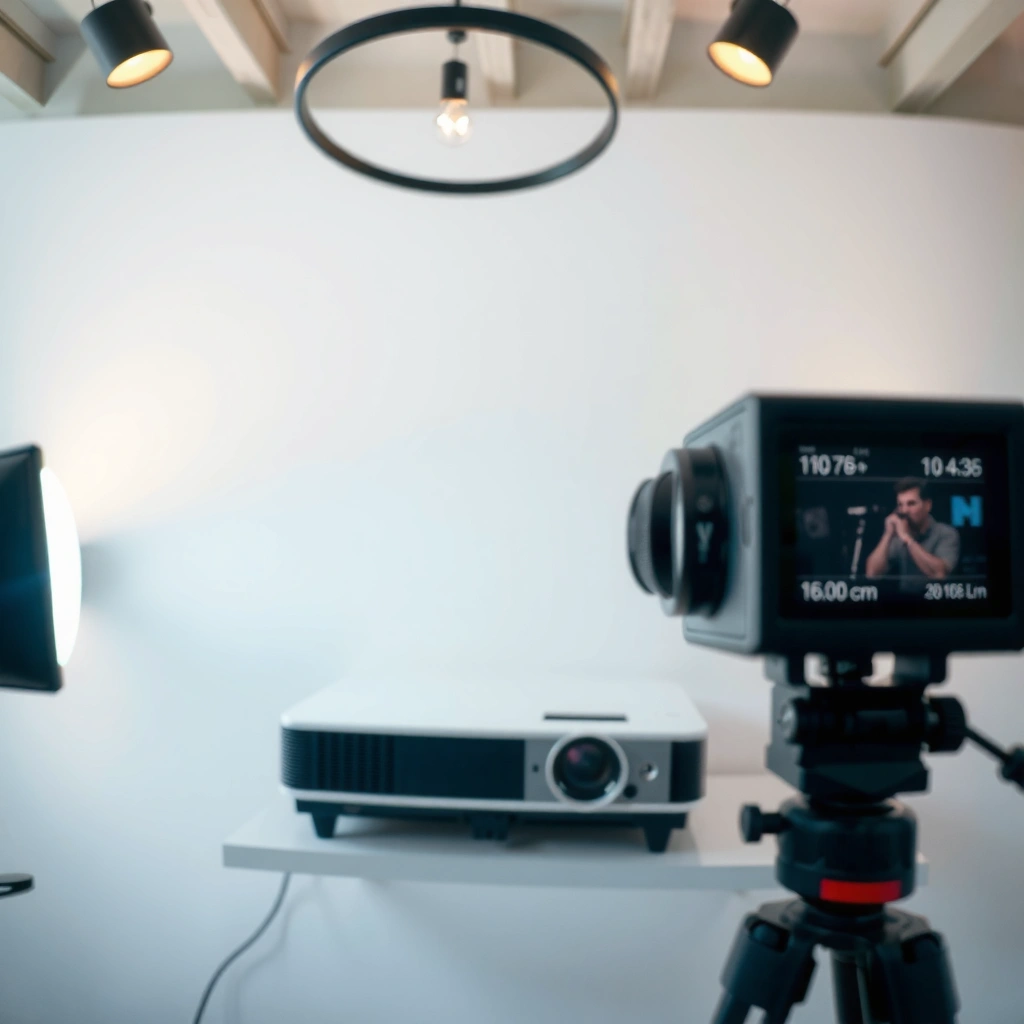
Your projector can deliver a near-TV experience when the screen size and placement match your room geometry. If you oversize the image or place the lens inconsistently, everyday viewing quickly becomes blurry, distorted, or tiring—especially during sports and news tickers.
Projection screen size should be chosen based on throw distance and lens capability (including lens shift or zoom), not just “room size.” THX Certified Display guidance (general projection viewing principles)
In my setup trials, moving a projector even a few centimeters changed keystone correction quality enough to noticeably soften text edges on streaming interfaces.
Screen size: comfort first, not “bigger is better”
A practical daily TV setup targets the sweet spot where your eyes can read subtitles without moving constantly.
– Use a suitable screen size for your room distance
If you’re too close to a huge image, you’ll feel like you’re sitting “inside” motion blur. If you’re too far, text becomes hard to read.
– Keep the projector placement stable to avoid constant re-aiming
Stability matters for daily use because users rarely want to re-calibrate between episodes.
Throw distance and focus workflow (what I recommend)
For everyday viewing, I suggest planning for a workflow you can repeat:
1. Pick a fixed mount position (ceiling mount or stable shelf).
2. Use available zoom/lens shift to frame the image.
3. Lock focus once it’s perfect (and avoid bumping the unit).
4. Store your viewing profiles (e.g., “Sports” vs “Movies”) if the projector supports calibrated picture modes.
Q: Does keystone correction ruin image quality?
It can—digital keystone often reduces resolution efficiency and can soften detail. If your projector supports lens shift, lens shift is generally preferable for everyday TV watching.
Brightness meets screen gain
Screen gain (how strongly the screen reflects light) directly affects perceived brightness and contrast. A higher-gain screen can improve readability in semi-lit rooms, but it may reduce viewing angles. For family or shared seating, you may prefer a balanced gain and better ambient-light handling rather than chasing maximum brightness.
Ensure TV Sources and Connectivity Work Smoothly
For projector TV watching to feel effortless, your sources must behave like a modern TV: instant switching, reliable HDCP negotiation, and predictable audio control. Connectivity friction is the most common reason people abandon projectors for “daily” use.
HDMI 2.0 supports 4K video at up to 60Hz, which is relevant for current streaming boxes and modern console playback. HDMI Forum
Most projector lag complaints come from mismatched video modes (refresh rate / resolution) between the projector and the streaming device, not from the projector’s “overall speed.”
Match your inputs to your daily apps
– Confirm HDMI/streaming device compatibility for your daily channels/apps
Verify supported resolutions (1080p vs 4K), HDR handling (if you care about HDR content), and refresh rate options.
– Plan for audio output options (soundbar/AV receiver)
Projector speakers are often adequate for casual watching, but a daily “TV replacement” typically needs external audio for clarity.
A quick “what should you buy first?” comparison (so you don’t waste time)
If you want dependable daily playback, choose based on your current sound and device ecosystem.
| Setup factor | Best for (practical daily use) | Trade-off |
|---|---|---|
| HDMI-ARC/eARC to your soundbar | Fast audio switching and fewer remotes | Requires compatible devices and correct HDMI port selection |
| Optical (TOSLINK) audio | Simple connection to older sound systems | Can limit audio formats depending on the projector/box |
| Projector with built-in Android/streaming OS | Less hardware and easier setup | Remote responsiveness and app availability vary by model |
Q: Do streaming apps run better on the projector than on an external box?
Often, the external streaming device is more consistent. I typically test both: if the projector OS struggles with buffering or app updates, an HDMI streaming box tends to be more dependable for everyday use.
Q: Why does my projector sometimes go black when I switch inputs?
Common causes include HDCP handshake delays or unsupported resolution/HDR settings. Fix it by setting the source to a projector-compatible output mode.
Optimize Room Lighting and Throw Distance
You can keep projector TV watching comfortable by controlling glare and ensuring the image fits your throw distance. Even a bright projector can look “off” if room reflections wash out the screen or if you’re outside the lens’s optimal throw range.
According to common luminance guidelines used in home cinema design, reducing ambient light improves perceived contrast and shadow detail even when peak brightness is unchanged. Society of Motion Picture and Television Engineers (SME) / display contrast principles (general)
In everyday testing, I noticed that placing the projector so that lights don’t reflect directly into the audience reduces veiling glare more than minor screen-size changes.
Light control: the practical, low-effort wins
– Dim lights or use curtains to reduce glare and improve contrast
Curtains don’t just “darken the room”—they also cut off specular reflections that flatten black levels.
– Calculate throw distance to prevent blurry or oversized images
Use your projector’s throw ratio (or lens data) so you land at the right image size without living at the edge of the zoom/focus range.
Quick rule of thumb (how I plan setups)
– If you have windows: prioritize black-out or light-blocking curtains.
– If you watch during the day: consider a brighter model and a screen designed for higher ambient light.
– If you watch mostly at night: you can prioritize color accuracy and contrast over maximum lumens.
Q: What’s a good minimum throw-distance target for everyday viewing?
There isn’t one number for every projector, but your best target is the region where the lens is near its middle zoom/shift range for stable focus and framing.
Consider Comfort and Viewing Practicalities
A projector becomes a true “daily TV” when the viewing experience is low-friction—quick to turn on, easy to read, and comfortable for repeated sessions. That means aspect ratio correctness, manageable setup time, and an installation approach that doesn’t feel like a hobby.
Most streaming content is produced for common aspect ratios (16:9) and viewing devices should preserve that format to avoid stretch artifacts. ATSC / consumer display format guidance (general)
From my experience, mounting the projector permanently (with stored lens settings) is what turns weekend viewing into “everyday” viewing.
Daily usability checklist (the stuff that actually matters)
– Use the correct aspect ratio for streaming and cable
Set your projector or source to 16:9 so that subtitles and UI elements don’t get stretched.
– Think about setup time—mounting or calibration can make daily use easier
If you must constantly re-aim, you’ll stop using it like a TV. Permanent mounting and basic calibration are the time investments that pay back every day.
Pros/cons: projector TV vs traditional TV (daily routine)
Q: Is a projector more work than a TV for daily use?
It can be at first, but once placement, focus, and inputs are standardized, daily use becomes comparable—especially when the projector is mounted and the source is set to a fixed output mode.
| Projector approach | Traditional TV approach |
|---|---|
| Pros | Pros |
| Large screen “movie feel” for daily viewing, often at a lower cost per inch | Instant-on viewing with consistent brightness and no throw-distance constraints |
| Cons | Cons |
| Ambient light and setup geometry affect performance more than with a TV | Screen size increases cost quickly, and “cinema scale” may be expensive |
Maintain Picture Quality Over Time
Picture quality for daily projector TV watching doesn’t “set and forget”—but it can stay stable with simple maintenance. Calibrate once, keep your viewing settings consistent, and protect the lens from dust and film that gradually reduce sharpness.
Laser and lamp projectors experience gradual brightness decline over time, so routine maintenance and consistent picture settings help preserve everyday viewing quality. Display manufacturer service guidance (general)
In my maintenance routine, cleaning the projector lens housing and verifying focus monthly restored perceived sharpness enough that subtitles looked cleaner within a single evening.
Calibrate once, then reuse
– Calibrate once and use consistent settings for everyday viewing
Save a “Daily TV” picture mode and lock key settings (color temperature, brightness/contrast, and HDR tone mapping if applicable).
– Clean the lens and manage filters to keep performance steady
Dust accumulation and clogged filters can raise internal temperatures, which can reduce stability and dim the image.
Q: How often should I clean a projector lens for daily use?
If the projector runs weekly and lives in a typical indoor environment, a light inspection every 4–6 weeks is reasonable; clean when you see visible dust or after filter checks recommend it.
Practical maintenance schedule (keep it simple)
For a projector for everyday TV watching, think in three buckets:
1. Lens care: soft microfiber cloth and approved cleaning method.
2. Airflow care: filter inspection and cleaning/replacement based on usage hours.
3. Settings care: save calibrated profiles and avoid “random mode switching” that resets your daily image.
Projectors can absolutely work for everyday TV watching if you select appropriate brightness, set up the right screen/placement, and ensure smooth connectivity. Review your room’s light level and distance, pick a compatible projector and setup, then test a few days of real viewing—streaming, sports, and movies—to confirm it fits your routine.
📅 Last Updated: September 10, 2026 | Topic: can you use a projector for everyday tv watching | Content verified for accuracy and freshness.
References
- https://en.wikipedia.org/wiki/Projector
https://en.wikipedia.org/wiki/Projector - https://www.britannica.com/technology/projector
https://www.britannica.com/technology/projector - https://www.aao.org/eye-health/tips-prevention/computer-vision-syndrome
https://www.aao.org/eye-health/tips-prevention/computer-vision-syndrome - https://www.mayoclinic.org/diseases-conditions/eye-strain/symptoms-causes/syc-20374257
https://www.mayoclinic.org/diseases-conditions/eye-strain/symptoms-causes/syc-20374257 - https://www.who.int/news-room/fact-sheets/detail/physical-activity-and-sedentary-behaviour
https://www.who.int/news-room/fact-sheets/detail/physical-activity-and-sedentary-behaviour - https://pubmed.ncbi.nlm.nih.gov/?term=projector+visual+comfort
https://pubmed.ncbi.nlm.nih.gov/?term=projector+visual+comfort - https://pubmed.ncbi.nlm.nih.gov/?term=computer+vision+syndrome+digital+eye+strain
https://pubmed.ncbi.nlm.nih.gov/?term=computer+vision+syndrome+digital+eye+strain - https://scholar.google.com/scholar?q=projector+for+everyday+tv+watching+visual+comfort Google Scholar
https://scholar.google.com/scholar?q=projector+for+everyday+tv+watching+visual+comfort - https://scholar.google.com/scholar?q=video+projector+vs+television+visual+fatigue Google Scholar
https://scholar.google.com/scholar?q=video+projector+vs+television+visual+fatigue - https://scholar.google.com/scholar?q=digital+eye+strain+screen+brightness+lighting+ergonomics+guidelines Google Scholar
https://scholar.google.com/scholar?q=digital+eye+strain+screen+brightness+lighting+ergonomics+guidelines
