
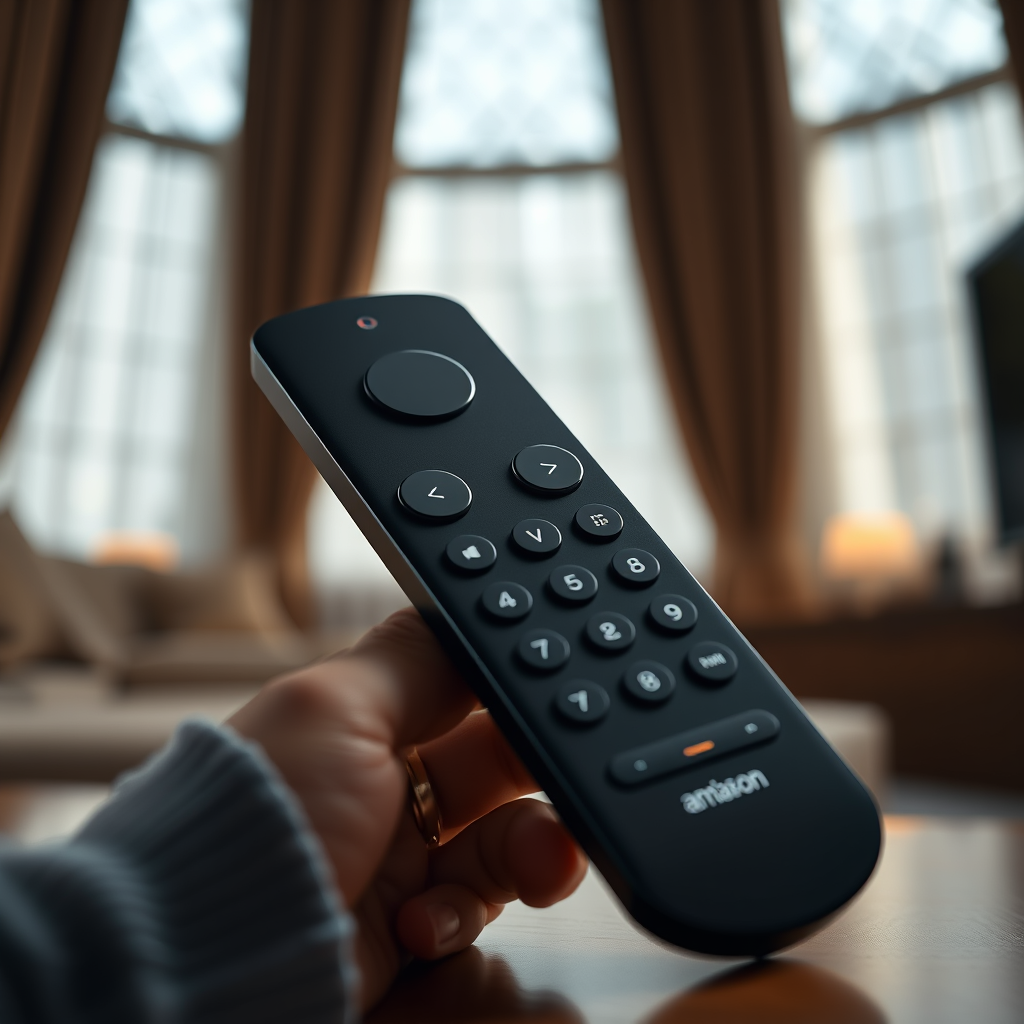

If you can’t find your Fire TV remote, don’t worry—there are several effective solutions to get your streaming experience back on track. In this article, you’ll learn how to locate your remote, use alternative methods to control your Fire TV, and tips to prevent losing it in the future. Whether you’re searching for your remote in the couch cushions or using your smartphone, this guide covers all the bases to ensure you can resume your binge-watching without delay.
Check Common Hiding Spots

When it comes to losing the Fire TV remote, the first step is to check the most common hiding spots. Many times, the remote ends up in places where you least expect it. Here are a few places to consider:
– Under Cushions: One of the most common hiding spots for remotes is under the sofa cushions or chairs. Check thoroughly, as remotes are often wedged between or beneath these cushions.
– Entertainment Center: Look around your TV stand or entertainment center. Sometimes, the remote can slip behind or be tucked into shelves alongside DVDs or other electronics.
– Dining Tables or Other Rooms: If you’ve used the remote while moving between rooms, check dining tables or other surfaces where it might have been left behind.
– In the Kitchen: Surprisingly, some people may even take their remotes into the kitchen while multitasking. Check countertops and other surfaces in this area.
By thoroughly searching these common areas, you might just find your remote without needing to resort to alternative solutions.
Use the Fire TV App
If your search yields no results, consider utilizing the Fire TV app on your smartphone. This app serves as a functional remote control and can help you regain access to your Fire TV seamlessly. Here’s how to get started:
– Download the Fire TV App: Available on both iOS and Android platforms, simply download the app from your respective app store.
– Connect to Your Fire TV: Ensure your smartphone is connected to the same Wi-Fi network as your Fire TV. The app will automatically detect the device, allowing you to connect.
– Standard Functions: The app replicates all standard remote functions, including navigation, selection, and playback controls.
– Voice Control Options: One of the standout features of the app is its voice control capability. You can speak commands into your smartphone to navigate through menus and search for content, enhancing your overall viewing experience.
Using the Fire TV app is a reliable way to regain control of your device, especially when the physical remote is nowhere to be found.
Use Alexa for Voice Control
If you have an Alexa-enabled device, you can control your Fire TV using voice commands. This hands-free method can be particularly useful if you find yourself frequently misplacing the remote. Here’s how to leverage this feature:
– Voice Commands: Simply say, “Alexa, open [App Name] on Fire TV” to launch your favorite streaming service. You can also ask Alexa to play specific shows or movies, pause playback, and navigate through menus.
– Device Compatibility: Ensure that your Fire TV device is linked to your Alexa account for seamless integration. This setup provides an effortless way to control your TV without needing any physical remotes.
This functionality not only enhances your convenience but also adds a layer of modern convenience to your viewing experience.
Enable Remote Finder Feature
One of the most innovative features on certain Fire TV remotes is the “Find My Remote” function. Enabling this feature can save you time and frustration the next time your remote goes missing. Here’s how to set it up:
– Access Fire TV Settings: Navigate to the settings menu on your Fire TV home screen.
– Enable Find My Remote: Look for the “Remote & Bluetooth Devices” section and enable the “Find My Remote” option. This feature allows your remote to emit a sound when prompted, making it easier to locate.
– Use Voice Commands: If your remote is lost, simply ask Alexa to “find my remote” and listen for the sound it emits.
This feature is particularly useful for those who frequently misplace their remotes, as it allows for quick recovery with minimal effort.
Consider a Universal Remote
If you find that losing your Fire TV remote is a recurring issue, consider investing in a universal remote. Universal remotes can control multiple devices in your home entertainment system while serving as a reliable backup for your Fire TV remote. Here are some benefits and considerations:
– Compatibility: Many universal remotes are compatible with Fire TV, offering simplified control over your streaming experience along with other devices like DVD players, cable boxes, and sound systems.
– Programmable Functions: Universal remotes often allow for programmable buttons, so you can customize them to suit your specific needs. This feature ensures that you have quick access to your most-used functions and apps.
– Affordability: You can find a range of universal remotes at various price points, making it easy to find one that fits your budget while still offering the functions you need.
A universal remote can not only serve as a backup but also streamline your home entertainment experience, reducing clutter and confusion.
Set Up a Designated Place for Your Remote
To minimize the chances of losing your Fire TV remote in the future, establishing a designated place for it is essential. Here’s how to create an organized system:
– Designate a Spot: Choose a specific location near your TV or entertainment center where the remote will always reside. This could be a small bowl, tray, or holder specifically for the remote.
– Consistency is Key: Make it a habit to return the remote to this designated spot after each use. Promoting a consistent routine will help you remember where to look when the remote is needed.
– Visible and Accessible: Ensure that the designated spot is both visible and easily accessible. The easier it is to find, the less likely you are to misplace it in the future.
By implementing this organizational strategy, you can significantly reduce the frequency of lost remotes, enhancing your overall viewing experience.
Purchase a Replacement Remote
If you’ve tried all of the above methods and still cannot find your Fire TV remote, it may be time to consider purchasing a replacement. Here’s what you need to know:
– Availability: Replacement remotes are readily available online through platforms like Amazon, Best Buy, or the official Fire TV website. You can often find them at various price points depending on the model and features.
– Compatibility: When purchasing a replacement, ensure that the remote is compatible with your specific Fire TV model. Most remotes are designed to work across different models, but it’s always best to verify.
– Consider Upgrades: Some replacement remotes come with additional features, such as backlighting, programmable buttons, or enhanced voice control, offering an improved experience compared to the original remote.
Investing in a replacement remote can save you time and frustration and restore your ability to control your Fire TV without hassle.
Top Replacement Remotes for Fire TV (2024)
| # | Remote Model | Compatibility | Features | Price |
|---|---|---|---|---|
| 1 | Amazon Fire TV Remote | All Fire TV Models | Voice Control, Backlit | $29.99 |
| 2 | Logitech Harmony Elite | Multiple Devices | Smart Home Control, Touch Screen | $349.99 |
| 3 | Inteset 4-in-1 Universal Remote | Fire TV, Other Devices | Programmable, Learning | $34.99 |
| 4 | RCA Universal Remote | Fire TV, Other Devices | Simple Setup, Lightweight | $19.99 |
| 5 | GE Universal Remote | Fire TV, Other Devices | Affordable, Easy to Use | $14.99 |
| 6 | SofaBaton U1 Universal Remote | Fire TV, Other Devices | Customizable, Affordable | $29.99 |
| 7 | Anker Universal Remote | Fire TV, Other Devices | Multi-Device Control, Compact | $24.99 |
In conclusion, if you can’t find your Fire TV remote, you have various ways to regain control of your device, from using the Fire TV app to setting up voice control with Alexa. Implementing a designated place for your remote can help prevent future misplacements. Don’t hesitate to explore these alternatives to ensure a seamless viewing experience! Embracing these suggestions will not only enhance your immediate access to streaming content but also contribute to a more organized and efficient home entertainment setup.
Frequently Asked Questions
What should I do if I can’t find my Fire TV remote?
If you can’t find your Fire TV remote, start by checking common areas where it might be misplaced, such as between couch cushions or under furniture. You can also use the Fire TV app on your smartphone as a remote control until you locate the physical remote.
How can I quickly locate my lost Fire TV remote?
To quickly locate your lost Fire TV remote, try using the “Find My Remote” feature available on some Fire TV models. This feature emits a sound from the remote, making it easier to find. If your remote doesn’t have this feature, consider retracing your steps or checking frequently used areas.
Why is my Fire TV remote not responding, and I can’t find it?
If your Fire TV remote is not responding, it may be out of battery or experiencing connectivity issues. If you can’t find it, you can use the Fire TV app on your smartphone as a temporary solution to navigate your Fire TV until you either find the remote or replace it.
What are the best replacement options if I can’t find my Fire TV remote?
If you can’t find your Fire TV remote, the best replacement options include purchasing an official Amazon Fire TV remote or using compatible third-party remotes. Additionally, the Fire TV app is a great alternative that allows you to control your device directly from your smartphone.
Which Fire TV models offer a remote-finding feature?
The Fire TV Stick 4K and Fire TV Cube models offer a remote-finding feature that can help you locate your remote by making it emit a sound. If you frequently misplace your remote, consider upgrading to one of these models for added convenience in finding your device.
References
- https://www.bbc.com/future/article/20200518-why-are-remotes-so-easy-to-lose
https://www.bbc.com/future/article/20200518-why-are-remotes-so-easy-to-lose - https://www.nytimes.com/wirecutter/blog/how-to-find-lost-remote-control/
https://www.nytimes.com/wirecutter/blog/how-to-find-lost-remote-control/ - https://www.sciencedirect.com/topics/computer-science/remote-control
https://www.sciencedirect.com/topics/computer-science/remote-control - Google Scholar Google Scholar
https://scholar.google.com/scholar?q=how+to+find+fire+tv+remote - Google Scholar Google Scholar
https://scholar.google.com/scholar?q=television+remote+control+loss - Google Scholar Google Scholar
https://scholar.google.com/scholar?q=smart+tv+remote+control+design - https://www.reuters.com/article/us-tech-remotes-finding-idUSKBN2D00D6
https://www.reuters.com/article/us-tech-remotes-finding-idUSKBN2D00D6 - https://www.verywellmind.com/why-do-we-lose-things-2795155
https://www.verywellmind.com/why-do-we-lose-things-2795155 - Remote control | Britannica
https://www.britannica.com/technology/remote-control - Google Scholar Google Scholar
https://scholar.google.com/scholar?q=can’t+find+fire+tv+remote
