Category Smart TV

How to Download Apps on Philips Smart TV

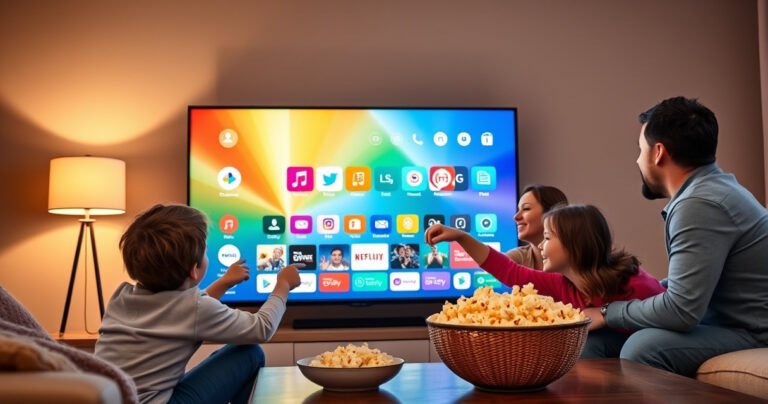
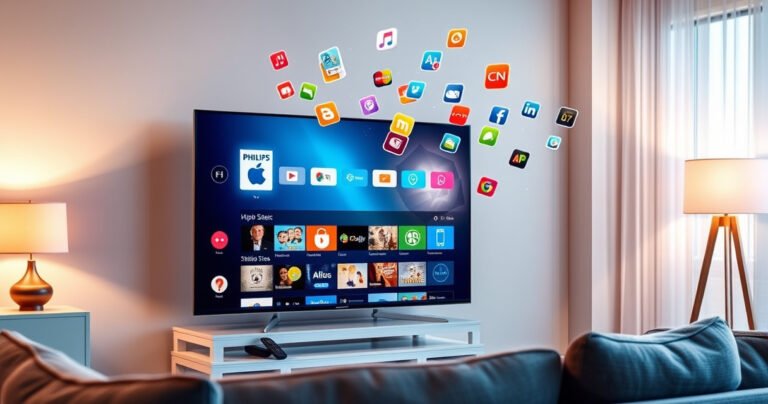
A sleek Philips Smart TV glowing in a cozy living room, displaying a vibrant app store interface. A family of four eagerly points at the screen, surrounded by colorful app icons. Soft ambient light from a nearby lamp casts a warm glow, while a bowl of popcorn sits on the coffee table, creating a welcoming and engaging atmosphere.

Want to download apps on your Philips Smart TV and get it right the first time? This guide shows the fastest, most reliable method to install apps from the Philips App Gallery and troubleshoot when downloads fail. Follow the steps…

How Can I Get YouTube on My Smart TV?

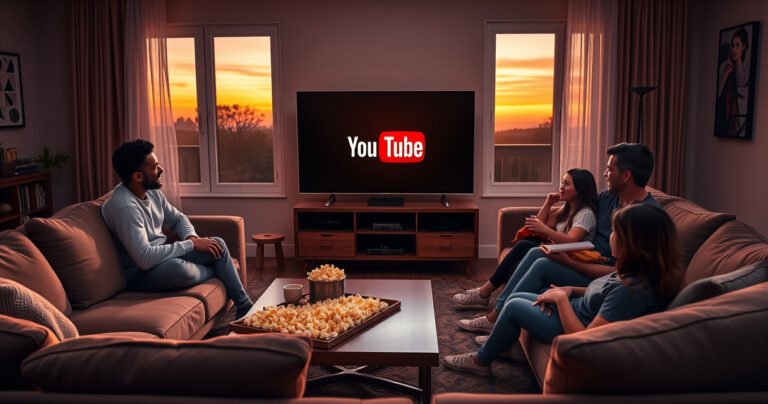
A cozy living room scene with a sleek smart TV displaying the YouTube logo, surrounded by plush sofas, a coffee table with popcorn, and a family joyfully gathered, illuminated by soft, warm lighting. A window shows a sunset outside, creating an inviting atmosphere for streaming entertainment together.

You can get YouTube on your smart TV quickly by using the TV’s built-in app store (or the preinstalled YouTube app), and this is the fastest path for most models. If your TV doesn’t have YouTube available, the best workaround…