How to Delete an App From LG Smart TV
If you’re trying to delete an app from an LG Smart TV, the fastest way is to remove it directly from the Home screen using the app’s options menu. This guide walks you through the exact clicks to uninstall the…

If you’re trying to delete an app from an LG Smart TV, the fastest way is to remove it directly from the Home screen using the app’s options menu. This guide walks you through the exact clicks to uninstall the…
A universal remote can work with a smart TV—but only if you match the remote’s control method (IR vs Bluetooth/Wi‑Fi) and programming to your TV brand and model. If your smart TV supports standard IR commands, a widely compatible universal…

Yes—you can connect Bluetooth audio to a Roku TV in most setups, but you can’t use Bluetooth to pair a phone or tablet as a full “audio output” device unless your Roku model supports Bluetooth audio. If your Roku TV…
Want to connect WiFi to your LG Smart TV? This step-by-step guide shows the fastest working method to get your LG TV online so streaming apps load immediately. Follow these exact prompts in the TV settings, and you’ll avoid the…
The camera on a Samsung Smart TV is usually built into the top bezel of the screen, centered in most models. If your TV has no visible lens there, the set likely doesn’t include an internal camera and requires an…

You can’t add ESPN+ as a standalone channel inside YouTube TV, so there’s no simple button to “install” it with your current lineup. This article explains what you can do instead—like using the ESPN+ app or pairing ESPN+ coverage with…
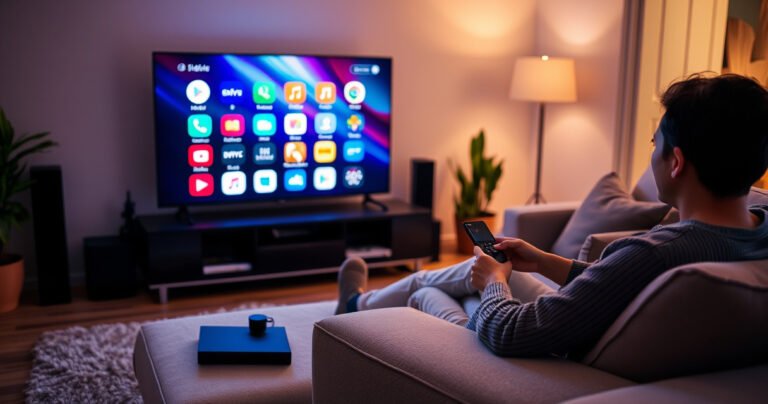
Learn how to program a smart TV with a step-by-step process that gets you from unboxing to working apps fast. If you want the quickest path to set up your Wi‑Fi, sign in to streaming services, and map the remote…
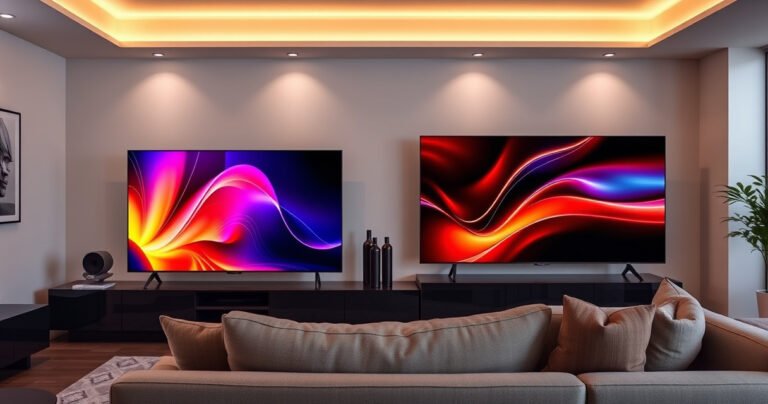
Samsung S95H vs Sony X90L comes down to which TV gives you the best picture quality and value for your viewing setup. This comparison delivers a clear winner—S95H for buyers prioritizing peak brightness and premium HDR impact, or X90L for…
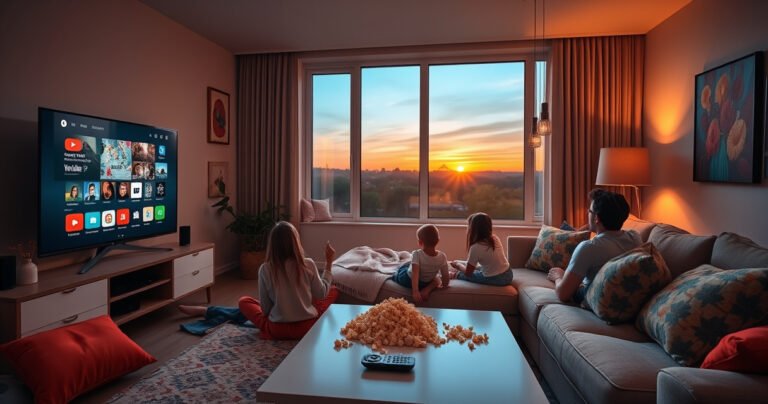
You can watch YouTube TV on your smart TV quickly—here’s the fastest method that works for most TVs: use the YouTube TV app from your TV’s app store and sign in with your account. If your model doesn’t support the…
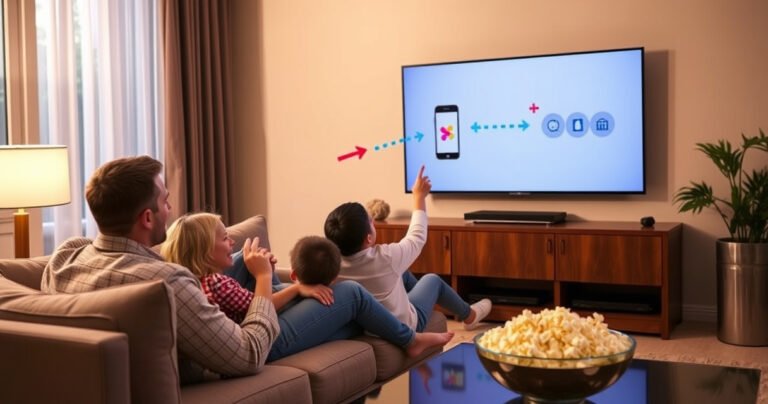
Broadcasting your phone to your TV is easiest when you use a Chromecast or an AirPlay-capable device—follow the step-by-step setup for your iPhone or Android and you’ll get screen mirroring and compatible video playing fast. This guide walks you through…