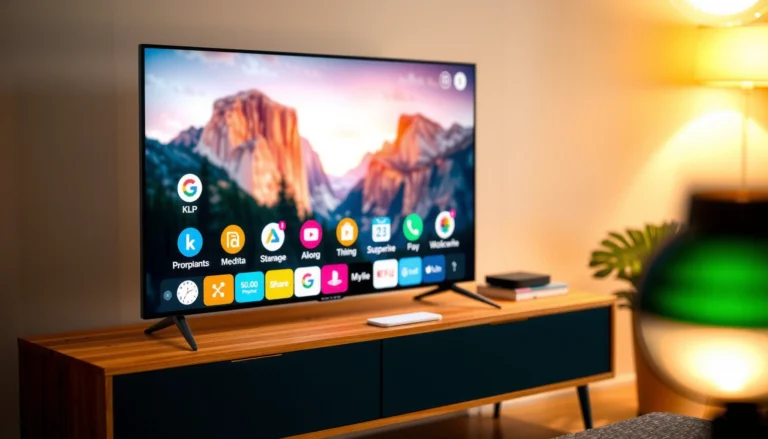
Can You Browse the Internet on a Smart TV?
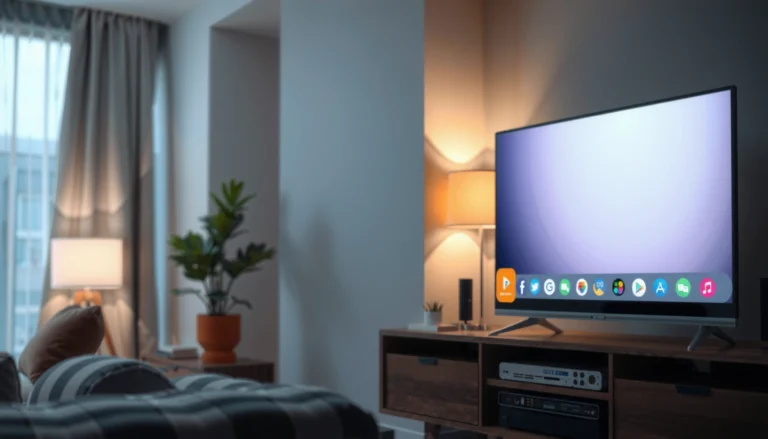
Yes—you can browse the internet on a smart TV, but the experience depends on which smart TV platform and browser your model supports. This guide will tell you whether true web browsing is possible, what limits you’ll hit (keyboard, speed,…