Category Sound

How to Bridge a 4 Channel Amp to 2 Speakers

How to Bridge a 4 Channel Amp to 2 Speakers

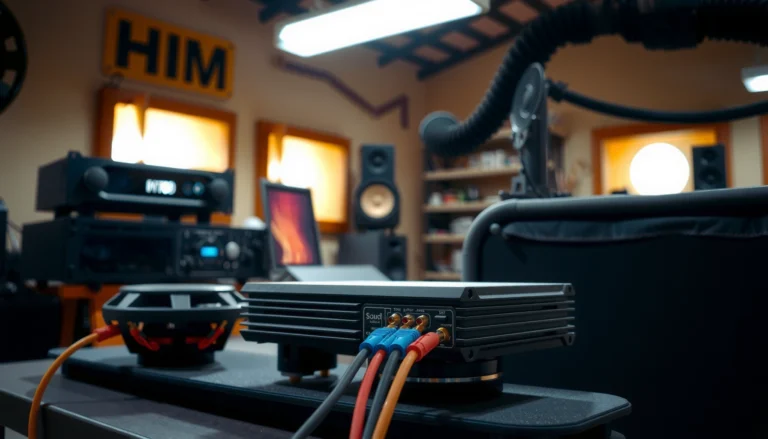
You can bridge a 4-channel amp to 2 speakers, but the correct method—and whether it’s even safe—depends on the amp’s channel configuration and each speaker’s impedance. If your amp supports 4-champ “bridged” operation to a 2-channel load (and your speakers…

Can You Use a 4K Roku on a Regular TV?

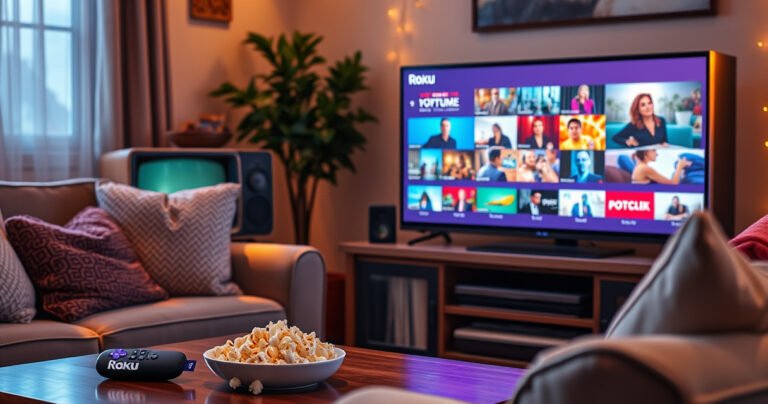
A cozy living room scene featuring a vintage TV with a colorful 4K Roku streaming device beside it, displaying vibrant images on the screen. Soft warm lighting enhances the contrasting old and new technology, while a plush sofa adorned with throw pillows invites relaxation. A coffee table holds popcorn and a remote, adding to the inviting atmosphere.

Yes—you can use a 4K Roku on a regular TV, and it will still work normally. If your TV supports only 1080p (or lower), the Roku will automatically scale everything down to fit your screen. The only time you won’t…

How to Biamp Speakers: Step-by-Step Setup Guide

How to Biamp Speakers: Step-by-Step Setup Guide

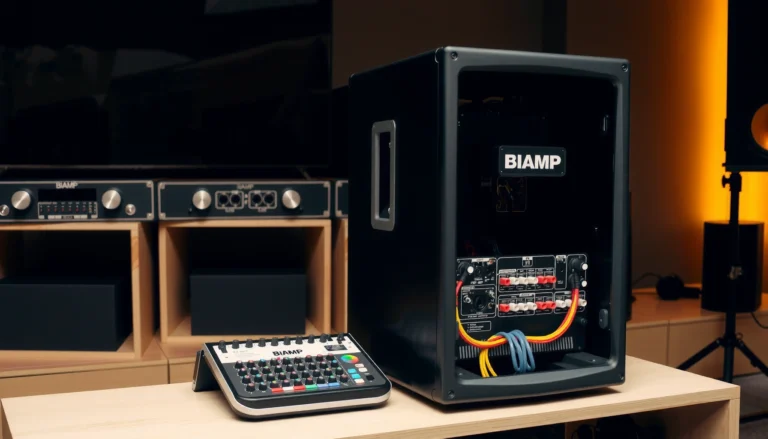
Want to know how to biamp speakers and get the wiring right the first time? This step-by-step setup guide walks you through choosing the correct crossover points, connecting your amp channels to the right speaker terminals, and verifying polarity and…

How Do I Put My Earbuds Into Pairing Mode?

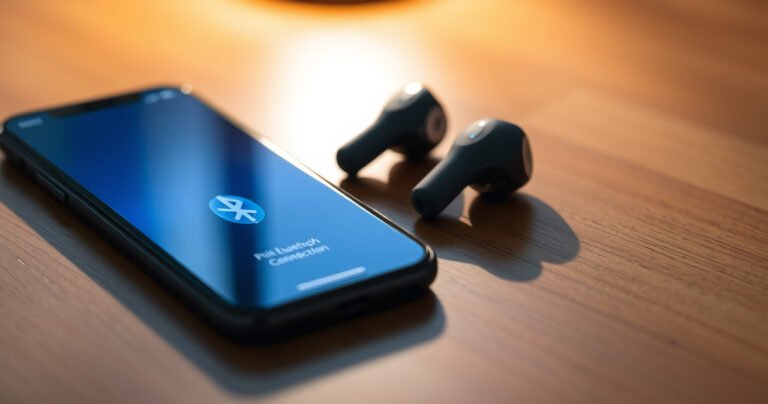
A close-up of sleek, modern earbuds resting on a wooden table, surrounded by soft, ambient light. One earbud glows softly, indicating pairing mode, while a smartphone displays a vibrant Bluetooth connection screen nearby. Delicate shadows play across the surface, evoking a sense of technology and ease in everyday life.

To put your earbuds into pairing mode, press and hold the correct pairing button (often the touch-and-hold on one earbud) until the LED flashes rapidly or you hear a pairing tone. This is the fastest way to make your earbuds…