


Many monitors do come with built-in speakers, but the quality and functionality can vary significantly among different models. While some monitors provide adequate sound for basic tasks like video calls and casual viewing, others fall short, prompting users to seek external audio solutions. This article will explore whether your monitor has speakers, the types of audio options available, and what you need to consider when choosing a monitor for audio needs.
Understanding Built-In Speakers
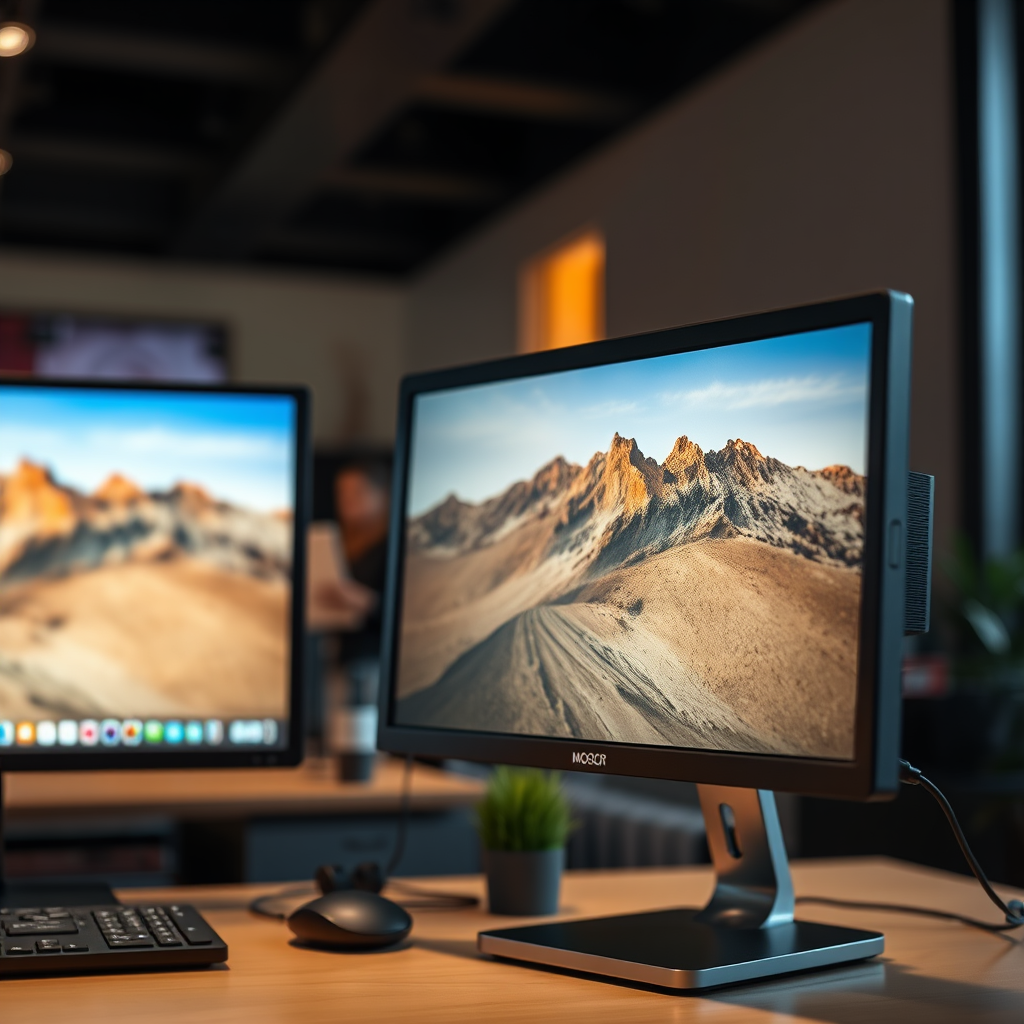
In recent years, the integration of built-in speakers into monitors has become increasingly common. Many modern monitors are equipped with these speakers to facilitate basic audio playback without the necessity for additional equipment. However, the sound quality can differ markedly between models. Some monitors are designed with enhanced audio capabilities, offering a richer sound experience, while others may produce sound that is tinny or lacks depth.
The design of the monitor plays a crucial role in determining audio quality. Monitors with larger enclosures may accommodate larger speakers, which can enhance sound clarity and volume. Conversely, slimmer monitors often sacrifice audio performance for aesthetics, resulting in lower sound quality. Therefore, it is essential to assess the audio capabilities of a monitor, especially if sound quality is a priority for your usage.
Types of Monitors with Speakers
Monitors with built-in speakers can be broadly categorized into two types: those with high-quality audio and those with minimal output.
1. High-Quality Monitors: Some models, particularly those aimed at professionals and gamers, feature superior audio systems. These monitors often come equipped with multiple drivers and advanced audio technologies, allowing for a more immersive sound experience. Brands like Dell UltraSharp and ASUS ProArt typically fall into this category, delivering sound that can suffice for casual music listening or video conferencing.
2. Basic Monitors: On the other end of the spectrum, many budget and entry-level monitors come with basic built-in speakers. These speakers may be adequate for simple tasks such as notifications or video calls but often lack the quality necessary for more demanding audio experiences. For serious gaming or media consumption, users may find that these monitors do not provide the audio performance required.
Checking Your Monitor for Audio Capabilities
Before purchasing or utilizing a monitor, it is advisable to confirm its audio capabilities. Here are some practical steps to follow:
– User Manual and Specifications: Start by consulting the user manual or the manufacturer’s website. Detailed specifications will typically indicate whether the monitor has built-in speakers and provide information on sound quality and power output.
– Audio Ports: Examine your monitor for audio input/output ports. If you see a headphone jack or audio input, it’s likely that the monitor has built-in audio capabilities. Some monitors may even feature advanced connections, such as USB-C with audio support.
📋 DATA
Top 7 Monitors with Built-In Speakers (2023)
| # | Monitor Model | Speaker Type | Audio Power (W) | User Rating |
|---|---|---|---|---|
| 1 | Dell UltraSharp U2720Q | Integrated | 5 | ★★★★☆ |
| 2 | ASUS ProArt PA32UCX | Integrated | 10 | ★★★★★ |
| 3 | LG 27UN850-W | Integrated | 5 | ★★★★☆ |
| 4 | Samsung Odyssey G7 | Integrated | 7 | ★★★★☆ |
| 5 | BenQ PD3220U | Integrated | 5 | ★★★★☆ |
| 6 | Acer Predator X34 | Integrated | 10 | ★★★★★ |
| 7 | HP Z27k G3 | Integrated | 5 | ★★★☆☆ |
Advantages of Monitors with Built-In Speakers
The primary advantage of monitors that come equipped with built-in speakers is convenience. For users with limited audio needs—such as those engaged in video conferencing or casual viewing—these monitors can save valuable desk space by eliminating the need for additional external speakers.
Additionally, built-in speakers simplify setup and reduce cable clutter, making them ideal for minimalist workspaces. This convenience is particularly beneficial for users who require a straightforward, plug-and-play solution without the complexities of connecting and configuring multiple devices.
Disadvantages of Monitors with Built-In Speakers
Despite their convenience, built-in speakers often come with drawbacks. One of the most significant disadvantages is sound quality; many built-in speakers are not designed for high-fidelity audio, which can disappoint audiophiles or gamers seeking an immersive audio experience.
Furthermore, the volume output and audio range are typically limited, which can hinder the overall experience when watching movies, playing games, or listening to music. For those who prioritize audio quality, it may be necessary to invest in a separate audio system or high-quality headphones.
Alternatives to Built-In Monitor Speakers
For users who find built-in speakers lacking, several alternatives can significantly enhance audio experience:
1. External Speakers: Investing in high-quality external speakers or soundbars can provide a much richer sound experience. This option is ideal for users who regularly consume media or engage in gaming.
2. Headphones: For personalized sound experiences, headphones or gaming headsets offer superior audio quality and immersive sound. Many models also come with noise-canceling features, further enhancing the experience.
3. Audio Interfaces: If professional audio quality is necessary, consider using an audio interface that connects to external speakers or studio monitors. This setup allows for better sound fidelity and control over audio output.
Making an Informed Decision
When choosing a monitor, assessing your audio needs based on your usage is paramount. Consider whether you primarily engage in casual viewing, gaming, or professional work that requires high-quality sound.
Additionally, compare monitor specifications, including audio power, built-in speaker quality, and connectivity options, to find the best fit for your requirements. Reading user reviews can also provide insights into real-world audio performance and overall satisfaction with the monitor.
In summary, understanding the built-in audio options available in monitors can significantly enhance your overall experience. While built-in speakers offer convenience and space-saving benefits, it’s essential to assess whether they meet your audio requirements or if external audio solutions are necessary. By making an informed decision, you can choose a monitor that not only meets your visual needs but also delivers the audio experience you desire.
Frequently Asked Questions
Do all monitors come with built-in speakers?
No, not all monitors come with built-in speakers. While many modern monitors, especially those designed for multimedia use, do include integrated audio systems, others may lack this feature altogether. It’s essential to check the specifications of a monitor before purchase if sound output is a priority for your setup.
How do I know if my monitor has speakers?
To determine if your monitor has built-in speakers, check the product specifications on the manufacturer’s website or the retailer’s page. Additionally, look for physical features such as speaker grills or audio output ports on the monitor itself, which can indicate the presence of integrated audio.
Why would I choose a monitor without built-in speakers?
Choosing a monitor without built-in speakers can be beneficial if you seek higher audio quality or have specific sound requirements. External speakers or sound systems typically provide better sound performance compared to integrated options, making them ideal for gamers, musicians, or movie enthusiasts.
What are the best monitors with built-in speakers?
Some of the best monitors with built-in speakers include the LG UltraFine 4K, Dell UltraSharp U2720Q, and ASUS ProArt PA278QV. These models are known for their excellent display quality as well as decent sound output, providing a convenient all-in-one solution for users who want both visual and audio capabilities without the clutter of external speakers.
Which connections do I need to use external speakers with a monitor?
To connect external speakers to a monitor, you typically need an audio output jack, which is often a 3.5mm headphone port or an HDMI connection that supports audio. Ensure your monitor has the appropriate output port, and then connect your external speakers using the corresponding cables for optimal sound quality.
References
- Computer monitor
https://en.wikipedia.org/wiki/Computer_monitor - https://www.britannica.com/technology/monitor
https://www.britannica.com/technology/monitor - https://www.sciencedirect.com/topics/computer-science/computer-monitor
https://www.sciencedirect.com/topics/computer-science/computer-monitor - https://pubmed.ncbi.nlm.nih.gov/
https://pubmed.ncbi.nlm.nih.gov/ - Nature
https://www.nature.com/ - Google Scholar Google Scholar
https://scholar.google.com/scholar?q=do+monitors+have+speakers - Google Scholar Google Scholar
https://scholar.google.com/scholar?q=computer+monitors+and+audio - Google Scholar Google Scholar
https://scholar.google.com/scholar?q=monitors+with+built-in+speakers - https://www.cdc.gov/niosh/topics/computers/default.html
https://www.cdc.gov/niosh/topics/computers/default.html - https://www.bbc.com/news/technology-60120354
https://www.bbc.com/news/technology-60120354
