


Many Samsung monitors do come with built-in speakers, but not all models include this feature. This article will explore which Samsung monitors have speakers, the sound quality you can expect, and alternatives if your model lacks audio output. Understanding your options is crucial for making an informed decision that meets your audio needs.
Understanding Samsung Monitor Models
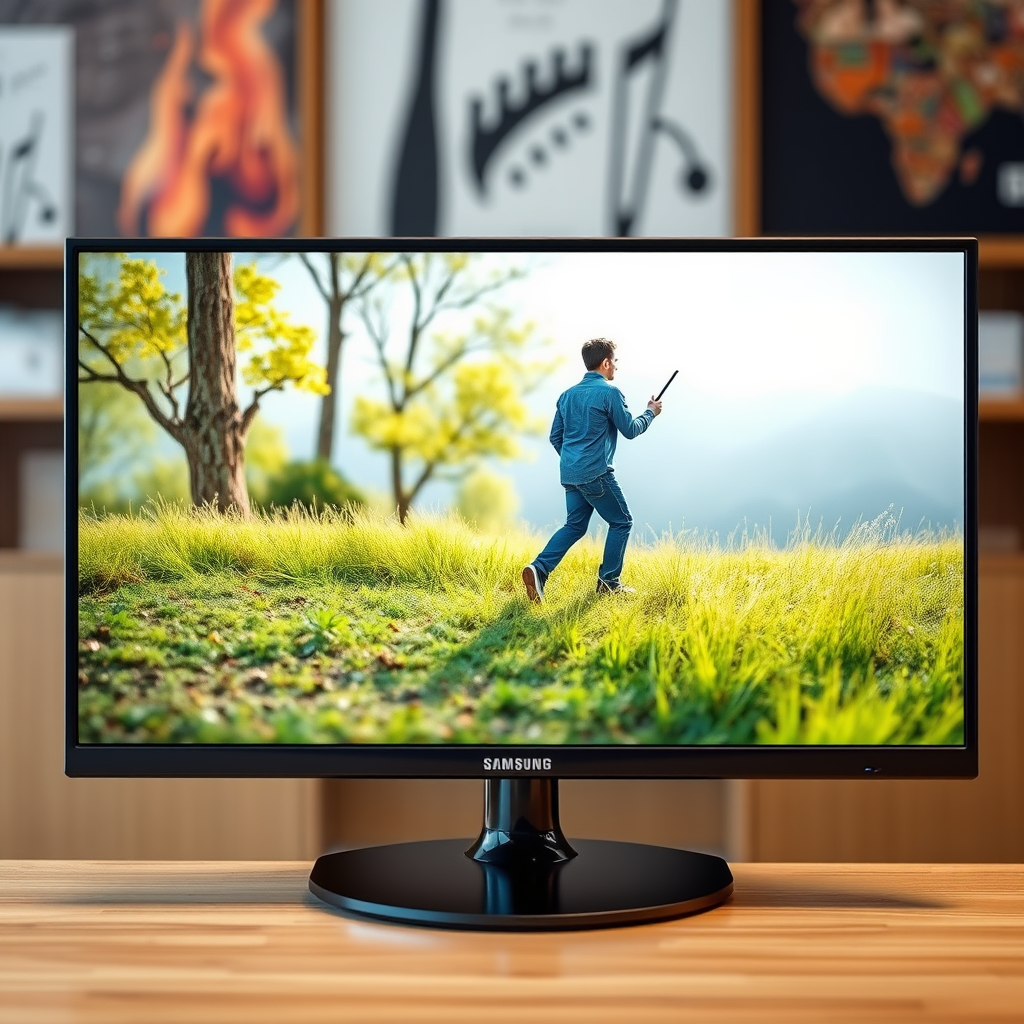
Samsung offers a diverse range of monitor products that cater to various use cases, from budget-friendly options for everyday tasks to high-end gaming monitors designed for enthusiasts. Their lineup includes models like the Samsung Odyssey, which is highly regarded among gamers, as well as professional-grade monitors aimed at content creators.
In terms of audio capabilities, speaker availability varies across the Samsung monitor range. While many of their consumer-oriented models come equipped with built-in speakers, more specialized or budget models may not include this feature. For example, certain ultra-wide monitors and high-resolution displays often forego integrated audio in favor of enhanced visual performance. Therefore, it’s essential to assess the specific model you are considering to determine whether it includes integrated speakers.
Checking Specifications
To ascertain whether a Samsung monitor includes built-in speakers, it’s best to consult the product specifications available on the Samsung website or through authorized retailers. These specifications will typically detail audio capabilities, including the presence of built-in speakers, wattage, and any sound enhancement technologies included.
Additionally, user manuals can be invaluable resources. Many digital manuals provide comprehensive details about the monitor’s features, including its audio capabilities. Checking the manual can save you time and help ensure that you make the right choice for your specific needs.
Sound Quality Insights
When it comes to built-in audio quality, many Samsung monitors offer fair sound performance, but it’s essential to set your expectations realistically. Typically, monitors with integrated speakers produce lower-quality sound than dedicated external speakers.
For basic tasks, such as video calls or casual media consumption, built-in speakers may suffice. However, for users who engage in gaming, movie watching, or professional audio production, the sound quality may not meet performance expectations. Monitors designed for gaming, like the Samsung Odyssey series, often provide better integrated audio than budget models, but they still cannot compete with high-quality external audio solutions.
Sound Quality Comparison
Built-in Speaker Quality Ratings (2024)
| # | Monitor Model | Speaker Type | Wattage | Quality Rating |
|---|---|---|---|---|
| 1 | Samsung Odyssey G7 | Built-in | 2x 7W | ★★★★☆ |
| 2 | Samsung S80A | Built-in | 2x 5W | ★★★☆☆ |
| 3 | Samsung C27F398 | Built-in | 2x 3W | ★★☆☆☆ |
| 4 | Samsung U28R550 | Built-in | 2x 5W | ★★★☆☆ |
| 5 | Samsung G5 Odyssey | Built-in | 2x 5W | ★★★☆☆ |
| 6 | Samsung M5 Smart Monitor | Built-in | 2x 5W | ★★★☆☆ |
| 7 | Samsung CF390 | Built-in | 2x 3W | ★★☆☆☆ |
Alternatives for Sound
If your monitor lacks built-in speakers or if you find the audio quality unsatisfactory, there are several alternatives to enhance your sound experience. Investing in external speakers or a soundbar can significantly improve audio quality. These options often provide a richer sound experience, making them ideal for gaming, movie watching, and music listening.
For those who prefer a more personal audio experience, headphones or gaming headsets are excellent alternatives. Many headsets come with advanced features such as surround sound technology, which can greatly enhance immersion during gaming or while watching films.
Choosing the right audio solution depends on your specific requirements and the environment in which you use your monitor.
Troubleshooting Audio Issues
If your Samsung monitor has built-in speakers but you’re experiencing issues with sound output, there are a few troubleshooting steps to consider. First, ensure that your monitor is correctly connected to your device. Check all cables and connections, including HDMI or DisplayPort cables.
Next, review the audio output settings on your device to confirm that they are configured correctly. Sometimes, the output may be set to a different device, such as external speakers or headphones. Additionally, ensure that the monitor’s volume is turned up and not muted.
If these steps do not resolve the issue, consider performing a factory reset on your monitor or checking for firmware updates that may address audio problems.
Popular Samsung Monitors with Speakers
Several Samsung monitor models are known for their built-in speakers and sound quality. Here are a few notable examples:
– Samsung Odyssey G7: This gaming monitor not only features stunning visuals but also comes equipped with decent built-in audio, making it a popular choice among gamers.
– Samsung S80A: Ideal for professional use, this monitor provides good sound quality along with exceptional display performance.
– Samsung C27F398: A budget-friendly option that offers basic audio capabilities sufficient for everyday tasks.
User reviews often highlight the quality of the sound, so consulting these can provide valuable insights into the performance and satisfaction of various models.
In summary, while many Samsung monitors do feature built-in speakers, it’s essential to verify this on a model-by-model basis. If sound quality is a priority for you, consider using external audio solutions for a better experience. For more information, check out Samsung’s official website or consult your product manual.
Frequently Asked Questions
Do Samsung monitors come with built-in speakers?
Many Samsung monitors do not come with built-in speakers, particularly the lower-end models. However, some higher-end or gaming monitors may feature integrated audio systems. It’s important to check the specifications of the specific Samsung monitor model you are considering to confirm whether it includes speakers.
How can I tell if my Samsung monitor has speakers?
You can determine if your Samsung monitor has speakers by checking the product specifications on the official Samsung website or the user manual that came with the monitor. Additionally, look for audio output ports or buttons on the monitor itself, which can indicate the presence of built-in speakers.
Why would I need speakers for my Samsung monitor?
Speakers are essential if you intend to use your Samsung monitor for activities that require sound, such as watching videos, playing games, or video conferencing. If your monitor lacks built-in speakers, you may need to invest in external speakers or headphones to enhance your audio experience.
What is the best way to connect external speakers to a Samsung monitor?
The best way to connect external speakers to your Samsung monitor is to use the audio output ports available, such as a 3.5mm headphone jack or HDMI ARC if supported. Once connected, make sure to adjust the audio settings on both the monitor and your computer to ensure sound is routed to the external speakers.
Which Samsung monitor models have the best audio performance?
Models like the Samsung Odyssey G7 and the Samsung CRG9 are known for their superior audio performance, featuring better-integrated speakers compared to other models. However, if audio quality is a priority, it’s often recommended to use high-quality external speakers for an enhanced sound experience, regardless of the monitor’s built-in capabilities.
References
- https://www.bbc.com/news/technology-55234332
https://www.bbc.com/news/technology-55234332 - https://www.theguardian.com/technology/2020/dec/18/samsung-odyssey-g9-review
https://www.theguardian.com/technology/2020/dec/18/samsung-odyssey-g9-review - https://www.nytimes.com/2021/01/11/technology/personaltech/samsung-gaming-monitor-review.html
https://www.nytimes.com/2021/01/11/technology/personaltech/samsung-gaming-monitor-review.html - Google Scholar Google Scholar
https://scholar.google.com/scholar?q=samsung+monitor+speakers - Google Scholar Google Scholar
https://scholar.google.com/scholar?q=samsung+monitor+audio+output - Google Scholar Google Scholar
https://scholar.google.com/scholar?q=do+samsung+monitors+have+speakers - https://www.reuters.com/article/us-samsung-displays-idUSKBN2A30Y0
https://www.reuters.com/article/us-samsung-displays-idUSKBN2A30Y0 - https://www.sciencedirect.com/topics/computer-science/monitor-speakers
https://www.sciencedirect.com/topics/computer-science/monitor-speakers - Google Scholar Google Scholar
https://scholar.google.com/scholar?q=does+samsung+monitor+have+speakers - does samsung monitor have speakers – Search results
https://en.wikipedia.org/wiki/Special:Search?search=does+samsung+monitor+have+speakers
