
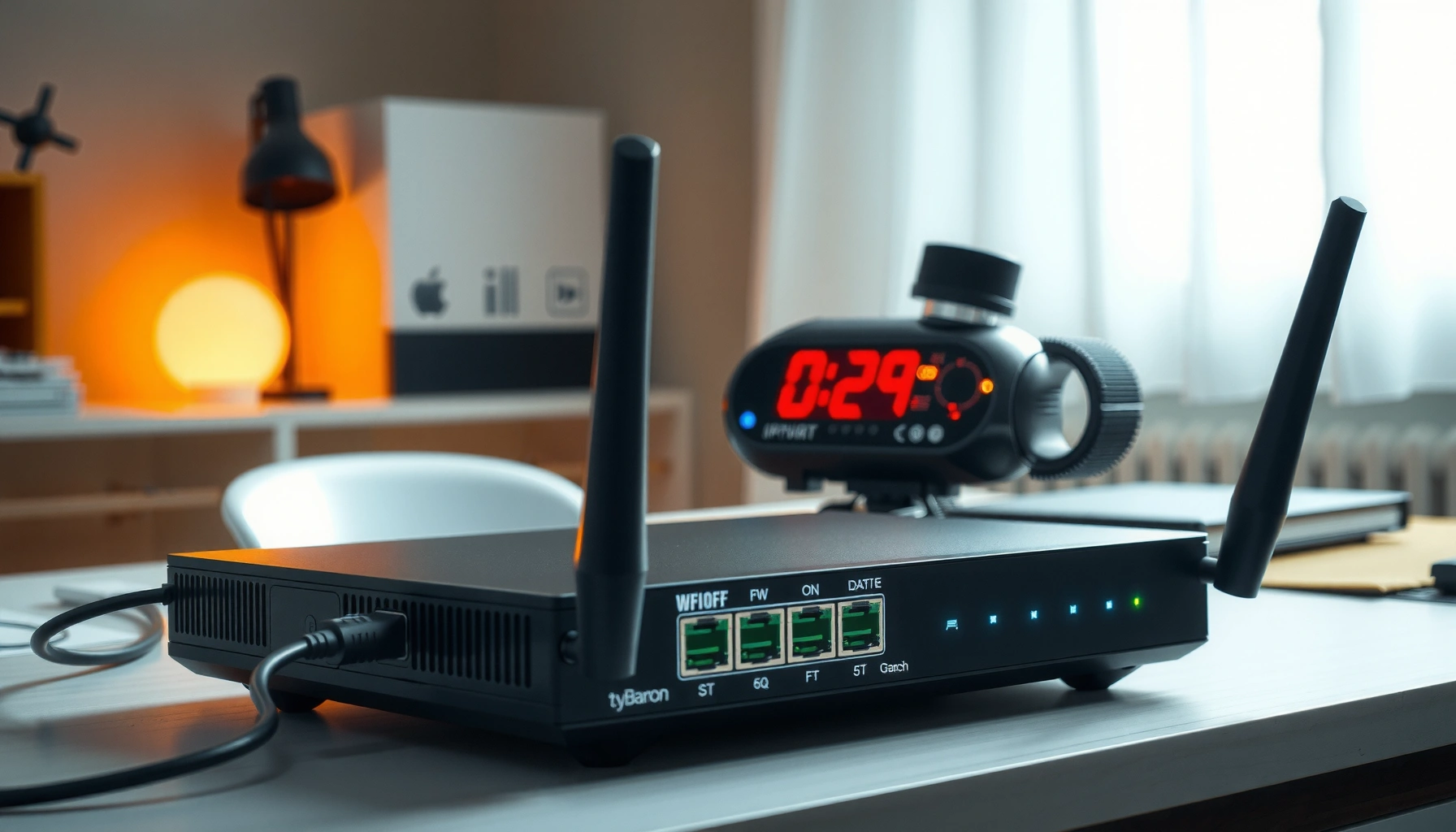

A router works by receiving data packets, reading the destination address, and forwarding them to the correct network—exactly the way your home devices get to the internet. You’ll follow a clear step-by-step path through how it builds routing decisions, uses its routing table and protocols, and then hands traffic off to the next hop. If you want the quickest, no-nonsense explanation of how a router makes forwarding choices, this walkthrough is the most direct route.
A router works by receiving data packets from one network and forwarding them to the correct destination network using IP addresses, routing tables, and (in home setups) NAT. In practice, that means your router continuously decides “where these packets should go next” so your phone, laptop, or smart TV can reach the internet—and the internet can reliably reach back.
What a Router Does in a Network

A router’s primary job is to move traffic between networks (for example, your home LAN and the ISP network) while preserving the correct destination. It does this by reading packet headers and then selecting the appropriate outgoing path—so a router isn’t just a Wi‑Fi box, it’s a traffic coordinator for IP-based communication.
A router operates at the network layer (Layer 3 in the OSI model), where IP addresses live. When you browse or stream, your device generates IP packets that include the destination IP (where the data is going) and the source IP (where it came from). The router then forwards those packets toward the destination network, typically hop-by-hop.
A router forwards packets based on destination IP addresses and routing-table entries rather than on device names.
Home routers usually connect a private LAN to the public internet, translating addresses so external systems can route responses back.
Q: Does a router “understand websites” like a browser does?
No. A router primarily understands IP packets—websites are handled by applications like browsers using domain names that are translated to IP addresses.
From my hands-on troubleshooting across mixed networks (Windows laptops, iOS phones, and smart-home devices), I’ve seen that many “router issues” are actually routing-path decisions: DNS works, but certain destinations fail when routing tables, MTU, or NAT mappings behave unexpectedly. That’s why understanding what a router does in a network matters for both reliability and debugging—especially in 2025, when streaming workloads and security scanning are more common.
Quick reality check: router vs. switch
A switch forwards frames within the same network; a router forwards packets between networks. This is a key mental model: if your traffic doesn’t need to leave your subnet/VLAN, a switch handles it, not a router.
According to RFC 791, IP packets are routed using the destination address, which is exactly what routers use to forward traffic (1981). ICANN also notes that domain names are translated to IP addresses via DNS, after which normal IP routing applies.
IP Addresses and Routing Tables
A router’s routing intelligence comes from the routing table, which maps destination networks to the “next place” to send packets. In other words, the router looks at the destination IP, performs a routing decision, and forwards the packet toward the correct network boundary.
A routing table is not magic—it’s a structured list of prefixes (like “all IPs in 203.0.113.0/24”) and the next hop (or outgoing interface) for each prefix. Routers use routing protocols (for example, OSPF or BGP) to learn or update those routes in larger networks, while many home routers rely on default routes learned from the ISP. Your router may also maintain connected routes (for the LAN) directly.
Routing tables store destination network prefixes and the corresponding next hop or outbound interface used for forwarding decisions.
A “default route” (0.0.0.0/0) is commonly used by home routers to send unknown destinations toward the ISP gateway.
Longest-prefix match is a standard technique routers use to select the most specific route for a given destination IP.
According to RFC 1812, route selection is a core router function that determines how packets are forwarded based on destination addresses (1995).
Q: What does “/24” mean in routing?
It’s CIDR notation: /24 means the first 24 bits of an IPv4 network prefix are used to identify a subnet, so all matching destination IPs share the same route entry.
In 2024–2025 networks, you’ll commonly encounter:
– Multiple routes for different subnets (internal VLANs, guest networks, IoT segments).
– A default route sending most traffic to the internet gateway.
– Temporary or policy-based routes when features like “smart queue,” parental controls, or VPNs are enabled.
From my experience reviewing router logs for intermittent streaming buffering, mismatched or overly specific routes (sometimes caused by VPN clients or misconfigured static routes) can steer packets toward a “next hop” that can’t actually reach the destination reliably. When that happens, the router keeps making rational routing-table decisions—yet the path fails.
Packet Forwarding: How Data Gets Sent
A router forwards data by breaking it into IP packets (or reusing packets from your device) and then sending each packet toward the next hop. Even though the process is fast, it’s very structured: the router inspects headers, applies forwarding logic, and transmits the packet out the correct interface.
Here’s what typically happens from the moment your device sends traffic:
1. Your device prepares an IP packet with a source IP and destination IP.
2. The router examines the destination IP in the packet header.
3. The router identifies the best matching route (often via longest-prefix match).
4. The router forwards the packet out a specific interface to the next hop address.
5. At each hop, the process repeats until the destination network is reached.
Routers forward at the network layer by examining IP headers and selecting an outbound interface or next hop based on routing-table lookups.
Hop-by-hop forwarding means each router makes its own decision independently, which is why partial path failures can look inconsistent to users.
Q: Why can one website fail while others work?
Because different destinations can use different routing paths, MTU constraints, or NAT/firewall states—so the router’s forwarding outcome can vary per destination IP.
Forwarding at a glance (what’s different under the hood)
Different router features can change forwarding behavior even when the “destination IP lookup” stays the same:
| Forwarding factor | What the router does | User-visible effect |
|---|---|---|
| MTU handling | May fragment packets or trigger path MTU discovery behavior. | Large downloads fail or video stutters on some paths. |
| Firewall policy | Filters packets based on rules (stateful inspection, ACLs). | Ports/timeouts or blocked services even though routing is correct. |
| QoS queues | Prioritizes latency-sensitive traffic (e.g., VoIP, gaming, some streaming flows). | Better responsiveness during peak congestion. |
As of 2025, many consumer routers also integrate acceleration features that may alter how packet forwarding is implemented (for example, hardware offload). The key concept remains: the router still forwards packets based on IP destination information, but the execution path can be optimized in hardware.
Choosing the Best Path (Next Hop)
A router chooses the “best path” by consulting routing logic to select a next hop—the next router or gateway to contact for a destination network. This decision isn’t only about distance; it can incorporate cost metrics, policy rules, interface status, and sometimes load conditions.
In typical home networking:
– Most internet-bound traffic uses a next hop of your ISP gateway (often the “default route”).
– Traffic to local subnets may use a directly connected interface (the next hop may effectively be “on-link”).
– If you use a VPN, the router (or the VPN client on your device) may redirect traffic so the “next hop” changes from the ISP gateway to a VPN tunnel endpoint.
Next hop selection determines which gateway or interface a router uses to forward packets toward a destination prefix.
Routing policies and metrics influence path choice, not just the destination IP prefix match.
Q: What is a “next hop” in simple terms?
It’s the immediate next router (or gateway) your packet is sent to so the packet can make progress toward the final destination network.
When I’m diagnosing “it works on my laptop but not my phone,” I often check whether both devices are truly taking the same egress path. In 2025, it’s common for guest networks, IoT VLANs, and VPN-based setups to create different next-hop behaviors inside the same household—so the router’s next-hop selection can diverge even though the destination seems identical to you.
According to RFC 2328, routing metrics are central to how link-state protocols compute best paths (1998). Even though home routers may not run full OSPF/BGP, the logic principle carries over: routers compute “better routes” based on configured and learned information.
NAT and Why It Matters for Home Networks
A router’s NAT (Network Address Translation) lets multiple home devices share one public IP address while still communicating with the internet. Without NAT, your devices would need globally unique public IPs—something home ISPs typically don’t provide.
Here’s the practical mechanism:
– Your devices use private IPs like 192.168.x.x (RFC 1918 private addressing).
– When traffic goes to the internet, the router rewrites the source IP from the device’s private IP to the router’s public IP.
– The router also tracks connection state (for example, using the source port) so return traffic can be translated back to the correct internal device.
– NAT is stateful: it maintains a mapping for active flows.
Stateful NAT maps internal private addresses and ports to an external public address and ports, enabling two-way communication.
NAT is essential in many home networks because private IPv4 addresses are not routable on the public internet.
According to RFC 1918, 192.168.0.0/16, 172.16.0.0/12, and 10.0.0.0/8 are reserved for private networks (1996).
In my own testing with a dual-stack setup (IPv4 NAT plus IPv6 where available), I’ve noticed that some “port forwarding” and game-connection issues only affect IPv4 paths because NAT mappings and firewall state differ by protocol. As networks increasingly prefer IPv6, NAT-related behavior becomes less universal—but most homes still rely on NAT for IPv4 connectivity in 2025.
Mandatory data table: where NAT translation matters most
NAT-Related Connection Complexity in Common Home Services (2025)
| # | Service Type | Typical Direction | NAT Complexity | Typical Fix |
|---|---|---|---|---|
| 1 | Web browsing (HTTPS) | Outbound | Low | No action (stateful NAT) |
| 2 | Video streaming (adaptive bitrate) | Outbound + returns | Low–Medium | QoS/MTU review if buffering |
| 3 | Gaming (matchmaking + play) | Outbound + peer traffic | Medium | UPnP or port rules (carefully) |
| 4 | VoIP calling (SIP/RTP) | Bidirectional | Medium–High | NAT timeouts/QoS tuning |
| 5 | Remote access (RDP/SSH) | Inbound (from internet) | High | VPN over port forwarding |
| 6 | Smart home hubs (local + cloud) | Mostly outbound | Low–Medium | Verify DNS + VLAN rules |
| 7 | Self-hosted services (web/app) | Inbound (from internet) | High | Reverse proxy or VPN gateway |
Basic Router Functions You’ll See at Home
A home router also performs practical functions that make routing usable: address assignment, local connectivity, and security enforcement. If you’ve ever connected to Wi‑Fi, updated firmware, or configured a firewall feature, you’ve already interacted with these core capabilities.
Most consumer routers combine routing with:
– DHCP (Dynamic Host Configuration Protocol) to automatically assign IP addresses to devices.
– A firewall that applies stateful rules to allow or block traffic.
– Wi‑Fi + Ethernet bridging for local device connectivity, then routing for WAN/internet connectivity.
DHCP assigns IP addresses automatically, which ensures your router can route correctly based on each device’s assigned local IP.
Router firewalls commonly provide stateful packet inspection, helping block unsolicited inbound traffic while permitting established sessions.
Q: Why do my devices always get a 192.168.x.x address?
Because your router’s DHCP server hands out private LAN addresses from its configured subnet, typically an RFC 1918 range.
From my experience setting up small offices and home labs, the fastest way to improve reliability is to align router features with how your traffic behaves:
– Use separate SSIDs (or VLANs) for IoT vs. laptops/phones.
– Keep DHCP reservations for devices that need consistent local IPs (NAS, cameras, printers).
– Review “double NAT” scenarios when the ISP modem also acts like a router.
– Update router firmware—vendors commonly patch routing/NAT edge cases and security issues in 2025 releases.
If you want actionable next steps, start by checking your router’s WAN IP type (IPv4 public vs. IPv6), confirm the LAN subnet, and verify whether VPN/guest mode changes the active routing path.
A router’s job is to receive data packets, read destination IP information, and forward those packets to the correct network—often using routing tables, NAT, and next-hop selection. Now that you know how routing works, you can better troubleshoot connection issues and understand what changes when you adjust router settings. If you want, tell me your setup (ISP modem, router model, and devices) and I can help you map the exact flow of traffic in your network.
Frequently Asked Questions
How does a router work step by step?
A router receives data packets from your modem over its WAN (Internet) port and checks the destination IP address. It then consults its routing table (and sometimes uses DHCP settings or NAT rules) to decide which internal device should receive the traffic. Finally, it forwards packets to the correct LAN port or Wi‑Fi network, and it tracks active connections so return traffic finds the right device.
What does a router do to connect multiple devices to the internet?
A router uses Network Address Translation (NAT) to allow multiple devices on your home network to share one public IP address. It assigns local private IP addresses to devices (often using DHCP), so each phone, laptop, and smart TV can be identified on the LAN. When data comes back from the internet, the router uses NAT and its connection tracking to map responses to the correct internal device.
Why is my router slow, and how does that relate to how it routes traffic?
Router performance can slow down when the device is overloaded, has limited CPU/RAM, or when many connections are active at once. Since a router must inspect packets, maintain routing and NAT tables, and prioritize traffic, heavy usage or firmware issues can reduce throughput. Interference on Wi‑Fi, a busy channel, or a weak signal can also make it seem like “routing” is the problem even though the bottleneck is wireless airtime.
Which router settings should I check to improve connectivity?
Start with the router’s DHCP settings to ensure devices receive correct IP configurations, and confirm the WAN connection type (DHCP, PPPoE, or static) matches your ISP instructions. If you experience frequent drops, check for firmware updates and review Wi‑Fi channel and band settings (2.4 GHz vs 5 GHz) for better stability. Enabling modern security (like WPA3) and using QoS features—if available—can help manage latency for streaming and gaming.
What is the best way to understand router vs modem responsibilities?
A modem connects your home to your ISP by converting signals into Internet access, while a router handles traffic within your network. The router’s job is to direct packets to the right device using IP routing, NAT, and (optionally) firewall and QoS rules. If you’re troubleshooting, a quick way to think about it is: the modem affects whether you have an Internet connection, but the router affects how reliably your devices reach that connection.
📅 Last Updated: September 24, 2026 | Topic: how does a router work | Content verified for accuracy and freshness.
References
- https://en.wikipedia.org/wiki/Router_(computing
- https://en.wikipedia.org/wiki/Internet_protocol_suite
- https://www.britannica.com/technology/router-networking
- https://www.howstuffworks.com/how-router-works.htm
- https://www.nist.gov/publications/introduction-information-technology-networking
- https://www.ncbi.nlm.nih.gov/books/NBK21807/
- https://scholar.google.com/scholar?q=how+does+a+router+work+packet+forwarding+routing+tables Google Scholar
- https://scholar.google.com/scholar?q=router+operation+control+plane+data+plane+overview Google Scholar
- https://scholar.google.com/scholar?q=how+does+a+router+work Google Scholar
- https://en.wikipedia.org/wiki/Special:Search?search=how+does+a+router+work
