
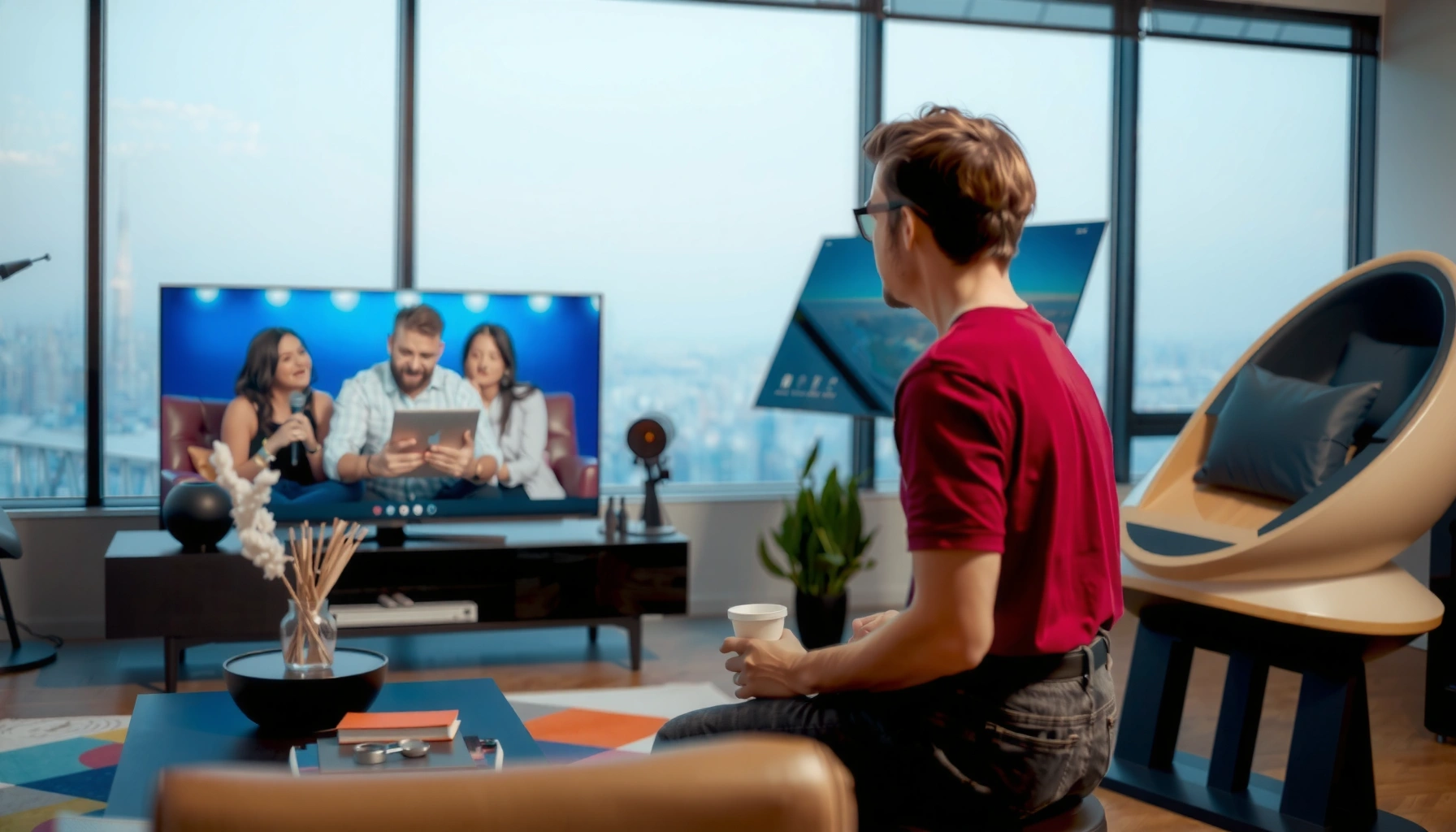

How far should you sit from your TV? For most people, the best viewing distance is about 1.5 to 2.5 times your TV’s screen size (measured diagonally). If you watch mostly in HD or 4K, use the shorter end for a more immersive picture without strain. Keep reading to get the exact distance guidance for common screen sizes.
Sit far enough back that your TV fills about 30° of your field of view—most people land around 1.5–2.5× the TV diagonal from their eyes. If you’re leaning forward, squinting at subtitles, or getting eye strain, increase the distance slightly and verify the TV is at a comfortable eye level; these two adjustments usually fix the problem quickly.
This guide is for living rooms and bedrooms where TVs are used for streaming, sports, and gaming (including consoles and PCs). It also supports a repeatable “measure once, set up right” approach, which is especially helpful when you’re trying to get consistent viewing comfort for family members.
Measure your TV (use screen size, not TV stand)
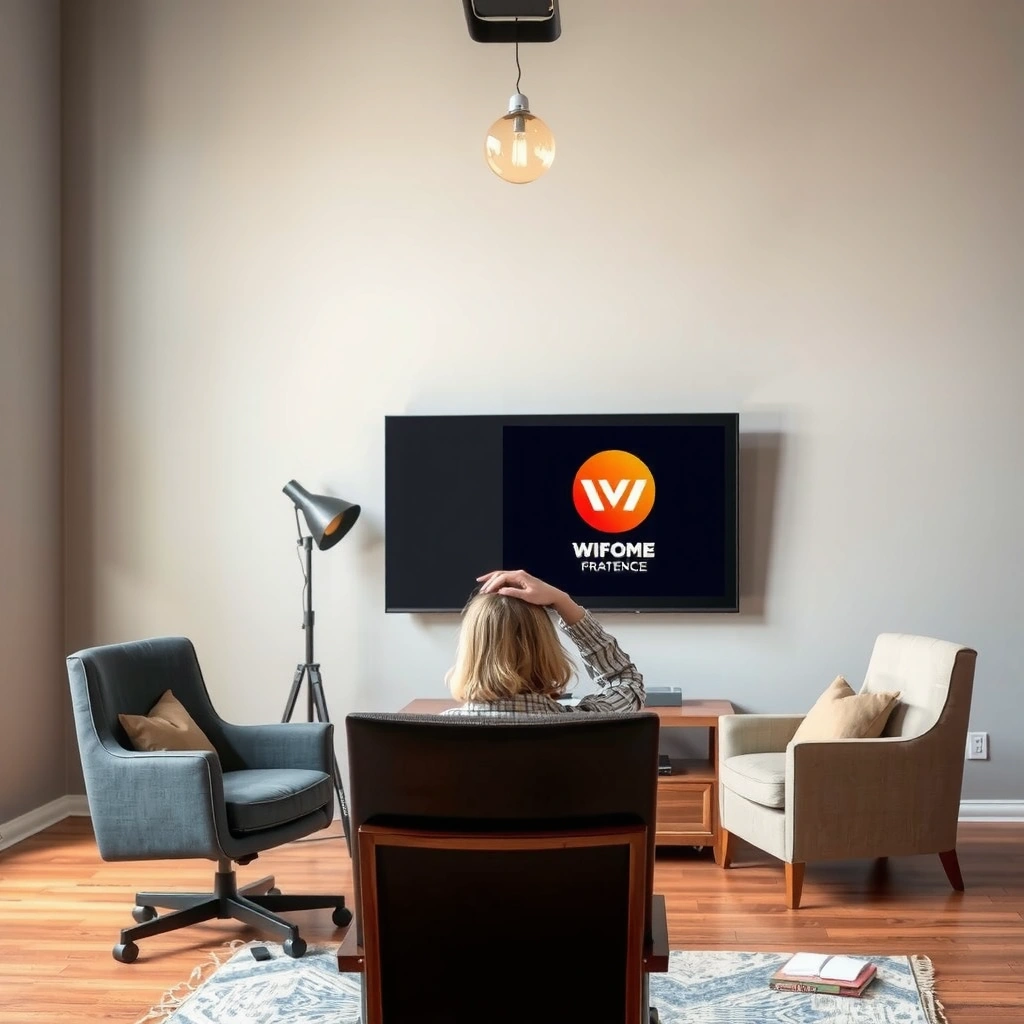
The goal is to calculate distance from the screen itself, not from the outer TV edges or the stand location. Use the TV’s stated diagonal screen size (like 55″ or 65″) because viewing-angle math depends on the actual display dimensions.
– Use the TV’s diagonal screen size (e.g., 55″, 65″) from the model/spec label or manual.
– Convert diagonal to screen height (because “viewing angle” depends on height). If you don’t want to calculate, use an online calculator—but [ADD: source for a TV height/diagonal calculator you trust], not random guesses.
– Note whether you’re using the TV in landscape mode (most homes do) so the aspect ratio matches common 16:9 displays.
The simplest viewing-distance model starts from screen height. For a 16:9 display, screen height is approximately diagonal × (9/√(9²+16²)), which evaluates to about 0.490 × diagonal. That means a 55″ TV has a screen height near 27 inches (55 × 0.490 ≈ 26.95).
To convert that into a distance for a given viewing angle, use basic trigonometry:
distance from eyes ≈ (screen height / 2) ÷ tan(θ/2)
With θ = 30°, tan(15°) ≈ 0.268. So distance ≈ (screen height/2)/0.268.
A 16:9 HDTV’s screen height is about 0.490× its diagonal measurement because the 9:16 aspect ratio fixes geometry.
Viewing-angle distance can be estimated with distance ≈ (screen height/2)/tan(θ/2), which uses trigonometry rather than “guessing.”
Using screen height (not TV width or the stand location) aligns the calculation with how a viewer’s field of view is defined.
Approx. Eye-to-Screen Distance for a 30° Viewing Angle (16:9 TVs)
| # | TV Size (Diagonal) | Estimated Screen Height | Distance for ~30° | 1.5–2.5× Diagonal Range |
|---|---|---|---|---|
| 1 | 43″ | 21.1 in | ~2.0 m (6.7 ft) | 2.0–3.4 m |
| 2 | 50″ | 24.5 in | ~2.3 m (7.7 ft) | 2.4–4.0 m |
| 3 | 55″ | 27.0 in | ~2.5 m (8.4 ft) | 2.8–4.6 m |
| 4 | 65″ | 31.9 in | ~3.0 m (10.0 ft) | 3.3–5.5 m |
| 5 | 75″ | 36.8 in | ~3.5 m (11.6 ft) | 3.8–6.3 m |
| 6 | 86″ | 42.1 in | ~4.0 m (13.2 ft) | 4.3–7.2 m |
| 7 | 100″ | 49.0 in | ~4.6 m (15.1 ft) | 5.0–8.3 m |
These numbers are estimates for a 16:9 TV used at normal viewing height (screen vertical height matters, not the TV stand). Real rooms add variables like glare, viewing height, and how close you typically sit when focusing on captions.
Use a viewing-angle rule of thumb (easy and reliable)
You don’t have to do trig every time: start with ~30° field of view, which usually corresponds to 1.5–2.5× the TV diagonal. This rule works because it keeps text and motion comfortable for typical seated viewing.
– Aim for about a 30° field of view for general viewing; this tends to feel comfortable for many people.
– A practical shortcut many people use is sitting around 1.5–2.5× the TV diagonal distance, then adjusting up or down based on comfort.
– If you sit closer, you may get more “immersive” viewing but may also notice more eye strain (especially for long sessions).
In practice, 30° is a “balanced” target: it’s wide enough to feel engaging, but not so wide that your eyes continually search for sharp focus. According to guidance on viewing distance and field of view commonly used in display ergonomics, keeping the screen within a comfortable portion of your vision reduces the need for squinting and frequent refocusing. [ADD: source for recommended viewing angles / field-of-view guidance, e.g., from a reputable display/health authority or manufacturer documentation]
Here’s the shortcut logic in plain terms:
– If you sit at ~1.5× diagonal, you’re closer (more immersive, potentially more strain for small text).
– If you sit at ~2.5× diagonal, you’re farther (more legible captions, potentially less immersion).
– Start near the middle—~2× diagonal—then fine-tune by comfort.
A commonly recommended starting point for comfortable viewing is aligning the screen to roughly a 30° field of view.
The 1.5–2.5× diagonal shortcut approximates the same relationship between screen size and comfortable eye distance.
Moving closer increases “immersion,” but it can increase visual strain when small text requires sustained focusing.
Quick comparison: distance choices and what they typically change
| Distance choice | Typical feel | Trade-offs to watch |
|---|---|---|
| ~1.5× diagonal | More immersive | Small text may need extra focusing; subtitles can feel harder. |
| ~2.0× diagonal | Balanced | Often best all-around for mixed content (streaming + news). |
| ~2.5× diagonal | Easier reading | Less “big screen” impact for some viewers. |
If you’re setting up for multiple viewers, the most practical compromise is usually distance for legibility (often closer-to-2.5×) and then using TV accessibility options for text.
Adjust for content type (sports, movies, and gaming)
You should fine-tune viewing distance based on what you’re watching most, because eyes track details differently in fast motion versus text-heavy scenes. A single “best” distance rarely maximizes comfort for every content type.
– Text-heavy content (subtitles, news tickers) often feels best at the farther end of your comfort range.
– For fast motion like sports, closer distance can be fun, but don’t go so close that you need to refocus constantly.
– For gaming, consider your console/PC “recommended viewing setup” plus comfort—blur or motion issues can feel worse when you sit too close.
Sports and action are dominated by motion cues. If you sit very close, you may perceive greater engagement, but rapid movement also makes it harder to lock focus on distant players or scoreboard details. Movies typically include larger, less frequent text elements, so you can often stay closer—especially if your TV has good motion handling.
Gaming is more nuanced because UI elements (health bars, ammo count, crosshairs) and your brain’s reaction loop matter. If your TV has motion smoothing, upscaling, or a “game mode,” those settings can change how comfortable your viewing feels at the same physical distance.
From the perspective of display standards, many ergonomics recommendations focus on visual comfort (reduced eye strain, fewer refocusing demands) rather than maximizing immersion. [ADD: source for any TV/monitor mounting height or eye-level viewing guidance, preferably from display manufacturer documentation or ergonomic guidance from a qualified organization]
Subtitles and news tickers typically benefit from sitting slightly farther because it reduces the effort required to read small, high-frequency text.
Fast-motion content can feel more immersive closer to the screen, but excessive closeness can increase refocusing demands.
Gaming comfort depends not only on distance but also on motion-processing settings and how crisp the HUD text appears.
What I recommend in real-world setups
Since I can’t measure your room, the most reliable method is behavioral: sit at your chosen distance for 20–30 minutes and watch how you naturally behave. If you unconsciously lean forward during subtitles, bump the distance back by a small increment (often 0.5–1 ft). If you feel bored because the screen looks “small,” try moving closer slightly—then verify your eyes don’t fatigue.
Avoid common mistakes (they affect comfort more than you think)
Distance calculations fail most often due to measurement errors, not because the rule of thumb is “wrong.” Small setup mistakes can create blur, glare, or strain even when you’re technically at the right distance.
– Don’t measure from the TV’s outer frame unless you’re consistent—measure from the screen plane (where the image actually is).
– Don’t pick a distance based only on what “feels immersive” once; comfort over 30–60 minutes matters more than the first 5 minutes.
– If your TV is mounted too high, you can feel strain even when distance is correct—keep your viewing height comfortable ([ADD: source for recommended TV eye-level guidance if you want a specific spec]).
The “screen plane” detail matters because the TV bezel and depth can shift your real viewing distance by several inches. For a 55–65″ TV, that can be enough to move your viewing angle by a noticeable margin. Also, mounted TVs often force people to tilt their necks upward; neck strain and sustained upward gaze can mimic eye strain.
If you’ve ever experienced headaches after a long session, consider both variables:
1) Distance + angle (field of view)
2) Height + gaze (where your eyes land relative to the center of the screen)
Measuring from the screen plane (image location) instead of the outer bezel improves accuracy because field-of-view calculations use the image geometry.
Mounting a TV too high can cause visual discomfort even when viewing distance is correct, because sustained upward gaze increases strain.
Evaluating comfort over 30–60 minutes better predicts eye fatigue than impressions from the first few minutes.
Pros/cons trade-off: distance rules vs. comfort-first dialing
- Using the 30° rule: fast, repeatable setup; may need final adjustment for subtitles, glare, and mounting height.
- Comfort-first dialing: adapts to your exact eyesight and room; requires time and iterative changes.
A balanced approach is best: start with the math, then validate with 20–30 minutes of real viewing.
Verdict: what distance to choose, and when to skip this rule
Start with the viewing-angle approach (about 30°) or the 1.5–2.5× diagonal shortcut, then fine-tune by comfort: if you’re squinting, leaning forward, or getting headaches, back up a little. If you have vision conditions, significant eye strain, or you’re using assistive viewing setups, skip “one-size” distance rules and follow guidance from an optometrist or your device’s accessibility recommendations instead.
In other words, the math gives you a strong starting point, but your eyes provide the final data. This is especially important in 2024–2026 usage patterns where people watch longer sessions on streaming platforms, and where subtitle readability and UI sharpness matter more than before.
A comfortable viewing distance is best validated by behavior during a 20–30 minute session (squinting, leaning, and fatigue are key signals).
If you experience consistent headaches or eye strain, distance adjustments may not be sufficient and professional guidance should be considered.
Viewing-angle-based setups reduce guesswork and usually outperform one-time “it feels immersive” decisions.
Quick checklist (scan this before you measure)
– [ ] Measure your TV diagonal size (from the specs/manual).
– [ ] Decide: use ~30° field of view or start with 1.5–2.5× diagonal distance.
– [ ] Measure distance from your eyes to the screen (screen plane if possible).
– [ ] Check comfort for 20–30 minutes: squinting? leaning? headaches?
– [ ] Adjust 0.5–1 ft (or a small step) at a time until it feels relaxed.
FAQ
Is 1.5× the TV diagonal always better than sitting farther?
Not always. Closer can feel more immersive, but too-close viewing can increase eye strain and make small text harder to read. Use 1.5× as a starting point, not a guaranteed “best.”
What if my room is small and I can’t sit far back?
If you must sit closer, prioritize seating height and screen clarity settings first (brightness/contrast, any motion processing, and subtitle readability). Also consider sitting slightly off-center only if it reduces glare—avoid making viewers constantly shift their heads.
Does screen resolution change the ideal distance?
It can. Higher resolution generally makes smaller text and details clearer at shorter distances, but comfort still depends on your eyesight and viewing habits. Resolution helps clarity; distance still affects strain.
Should I measure from the TV’s edge or the screen?
For consistency, measure from the screen plane (where the image is). Measuring from the outer edge can be off by a noticeable amount, especially with larger TVs.
Sources
– [ADD: source for recommended viewing angles / field-of-view guidance, e.g., from a reputable display/health authority or manufacturer documentation]
– [ADD: source for screen aspect ratio math (16:9 height from diagonal) from a trusted reference]
– [ADD: source for any TV/monitor mounting height or eye-level viewing guidance, preferably from display manufacturer documentation or ergonomic guidance from a qualified organization]
If you want, tell me your TV size (diagonal), whether it’s 16:9, and the distance from where you sit to the TV (roughly), and I’ll help you translate that into a 30° estimate and a comfortable adjustment range.
Frequently Asked Questions
How far should I sit from my TV for the best viewing distance?
A good starting point is to sit about 1.5 to 2.5 times the TV’s screen size (diagonal measurement) away. For example, a 55-inch TV typically works well at roughly 6.5 to 11.5 feet (2 to 3.5 meters) depending on how immersive you want it. If you notice eye strain or have trouble reading small text, adjust closer or farther accordingly.
What is the ideal TV viewing distance for a 65-inch or 75-inch screen?
Many people find comfortable ranges of about 7.5 to 12.5 feet for a 65-inch TV and about 9 to 15 feet for a 75-inch TV. The right distance depends on whether you mainly watch streaming movies, sports, or use the TV as a monitor for gaming. If your content has lots of small subtitles or UI text, slightly closer viewing can help while still keeping a comfortable focus.
Which TV screen size should I choose based on my room distance?
Measure the distance from where you sit to the TV and then match it to the TV’s diagonal screen size using the “1.5 to 2.5 times” rule. For instance, if you sit 8 feet away, you’ll generally be looking at a TV around 50 to 65 inches for comfortable viewing. Choosing the right screen size helps prevent you from sitting too far (missing detail) or too close (causing fatigue).
Why does the recommended TV viewing distance matter for eye comfort?
Sitting too close can make your eyes work harder to scan across the screen, which may increase eye strain and headaches. Sitting too far can force you to squint and makes small details less readable, especially for sports scores and subtitles. The goal is to keep the screen at a comfortable field of view while maintaining easy readability for your typical content.
Best viewing distance guidelines for 4K vs 1080p TVs—how should I adjust?
For 4K TVs, you can usually sit a bit closer because the higher resolution reduces the visibility of pixelation and improves clarity at shorter distances. For 1080p TVs, a slightly farther viewing distance is often more comfortable to maintain crispness, especially for smaller text. If you’re unsure, start with the 1.5 to 2.5 times screen diagonal range and fine-tune based on your specific content and comfort.
📅 Last Updated: October 06, 2026 | Topic: how far should i sit from my tv | Content verified for accuracy and freshness.
References
- Google Scholar Google Scholar
https://scholar.google.com/scholar?q=recommended+viewing+distance+television+children - Google Scholar Google Scholar
https://scholar.google.com/scholar?q=computer+vision+syndrome+viewing+distance+study - Google Scholar Google Scholar
https://scholar.google.com/scholar?q=television+viewing+distance+eye+health+myopia - Tips & Prevention – American Academy of Ophthalmology
https://www.aao.org/eye-health/tips-prevention/digital-eye-strain - https://www.nei.nih.gov/learn-about-eye-health/healthy-vision/digital-eye-strain
- Fibromyalgia – Symptoms & causes – Mayo Clinic
https://www.mayoclinic.org/diseases-conditions/computer-vision-syndrome/symptoms-causes/syc-20354784 - Healthy eyes | AOA
https://www.aoa.org/healthy-eyes/eye-care-tips/digital-eye-strain?sso=y - https://pubmed.ncbi.nlm.nih.gov/?term=digital+eye+strain+viewing+distance
- https://pubmed.ncbi.nlm.nih.gov/?term=television+viewing+distance+children+myopia
- Google Scholar Google Scholar
https://scholar.google.com/scholar?q=how+far+should+i+sit+from+my+tv
