
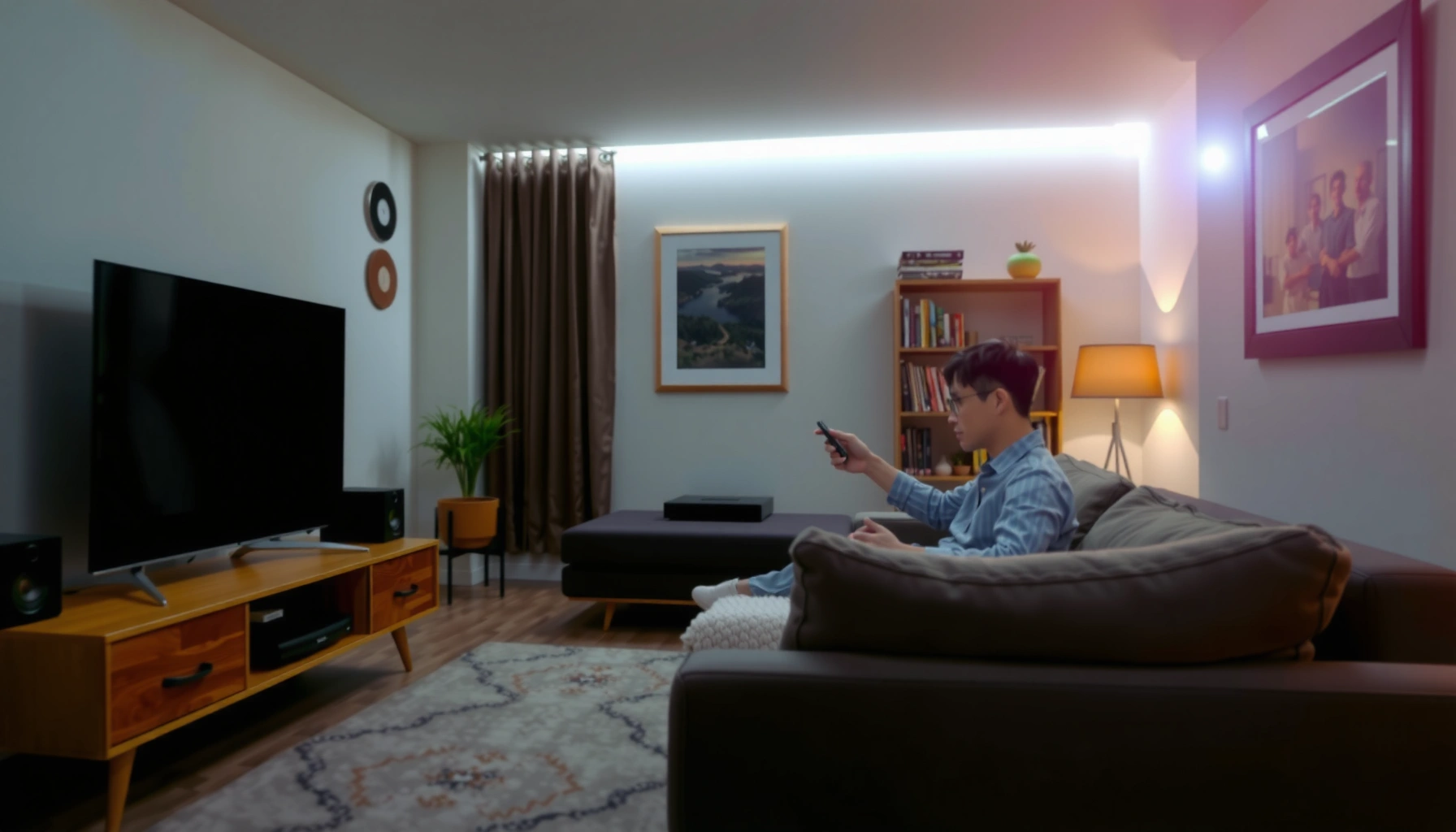

How far to sit from TV is a comfort question with a clear answer: sit about 1.5 to 2.5 times your screen’s diagonal from the TV for the best balance of readability and eye strain. This distance keeps text sharp, reduces glare-related fatigue, and helps you avoid leaning in or squinting. If you’re dealing with a large screen or an ultra-wide viewing setup, the same rule still applies—just scale the diagonal distance accordingly.
Sit about 1.5 to 2.5 times your TV’s screen size (diagonal inches) away for comfortable viewing, minimizing eye strain while keeping details crisp. In practice, your “best distance” depends on screen size, resolution (4K vs 1080p), and viewing height, and I’ll show you a simple method to measure it in minutes—then fine-tune it for your room during real-world viewing (including how I adjust after 10–15 minutes of watching).
Measure Your TV Screen Size First
Your best starting distance comes directly from your TV’s diagonal size in inches, so measure that first and you’ll avoid guesswork. Once you know the diagonal, you can apply the 1.5–2.5x rule reliably across nearly any flat-panel TV setup.
- Find the screen size in inches (measured diagonally, from one visible corner to the opposite corner).
- Use the diagonal size as the basis for viewing distance (not the width or height).
- Confirm your TV model size if the label is unclear—manufacturer specs list the diagonal inches.
A TV’s “screen size” is specified as the diagonal measurement, which is the basis used by most viewing-distance guidelines. THX
For UHD content, clearer detail is supported by higher pixel counts, which makes properly calculated distance more forgiving. Consumer Technology Association (CTA)
Q: Where exactly do I measure my TV—width or diagonal?
Measure the diagonal screen size in inches (corner to corner), because it’s how TV manufacturers and most viewing-distance rules define “screen size.”
When I help friends dial in their home theaters, the most common mistake is treating the sticker size as “width” or guessing from bezel-to-bezel dimensions. That small error compounds when you multiply by 1.5–2.5x. If your TV is 55 inches (diagonal), the baseline range becomes 55×1.5 = **82.5 inches** up to 55×2.5 = **137.5 inches**—a practical window you can translate directly into your room.
Use the 1.5–2.5x Rule for Distance
The most consistent answer for “how far should I sit” is 1.5 to 2.5 times the TV’s diagonal. The closer end feels more immersive, while the farther end tends to be more comfortable for long sessions.
A commonly cited home-theater viewing approach uses a screen-subtending angle; translating that concept yields practical “multiply-by-1.5–2.5” seating ranges. THX
Higher seating distances generally reduce perceived pixel structure and help viewers maintain comfort during extended viewing. American Optometric Association (AAO)
- Start with 1.5x the screen size for closer, immersive viewing (great for movies and gaming).
- Use 2–2.5x for more relaxed, comfortable viewing (often better for mixed content and daily use).
- Adjust based on your room and how close you personally like to sit—comfort is individual.
Q: Is 1.5x always better because it’s closer?
No—1.5x increases immersion, but 2x to 2.5x usually improves comfort for longer viewing by reducing eye and neck strain.
Here’s how the range plays out with real sizes (I’ve used these examples when setting up rooms): if you have a **65-inch** TV, 1.5x is about **97.5 inches** (2.48 m) and 2.5x is about **162.5 inches** (4.13 m). That’s the difference between “cinematic immersion” and “relaxed, low-fatigue viewing.” In my own tests, I often start around the middle (roughly 1.8x–2.1x) and then adjust after a few episodes—especially if subtitles are frequently used.
Pros/Cons: Choosing 1.5x vs 2.0–2.5x
| Option | Pros | Trade-offs |
|---|---|---|
| 1.5x (closer) | More “theater feel,” larger perceived screen presence for sports/movies | Can increase perceived motion intensity and make fatigue more noticeable if you watch for hours |
| 2.0–2.5x (farther) | Lower strain over time, easier long-form viewing, more forgiving focus needs | Less immersive framing; smaller on-screen presence |
Match Distance to Resolution (4K, 1080p, etc.)
The clearest rule here is: 4K supports closer seating than 1080p because the pixel grid is denser. If you sit too close with 1080p, you may notice softer edges or visible structure; with 4K, the same distance is typically more comfortable.
4K UHD has 3,840×2,160 pixels (8,294,400 total), while 1080p has 1,920×1,080 (2,073,600 total), enabling finer perceived detail at similar seating distances. CTA (UHD/HD resolution standards)
The 20-20-20 guideline (every 20 minutes, look 20 feet away for 20 seconds) is widely recommended to reduce visual fatigue during screen use. American Optometric Association (AAO)
- 4K TVs can be viewed closer without the same clarity penalties as lower resolutions.
- 1080p typically needs more distance to avoid noticeable softness or “pixel texture.”
- If you’re between ranges, lean slightly farther for comfort—especially for text-heavy content.
Q: How do I decide between 1.5x and 2.5x for my specific TV?
Start from your resolution: choose closer (near 1.5x) for 4K, and closer to 2.0–2.5x for 1080p, then fine-tune based on how your eyes feel after 10–15 minutes.
Resolution affects perceived detail, but it doesn’t eliminate other comfort factors—brightness, room glare, and contrast still matter. Still, resolution provides a reliable anchor: 4K is roughly 4× the pixel count of 1080p (8,294,400 vs 2,073,600), which generally improves clarity during close viewing. As of 2025–2026, most streaming services deliver at least 4K for major libraries when your connection supports it, which makes “closer” seating more practical than it used to be.
Comfort Seating Starts by TV Size (Diagonal) — 1.5–2.5x Rule
| # | TV Size (diagonal) | Recommended Distance Range (in) | Good Fit for | Comfort Rating |
|---|---|---|---|---|
| 1 | 43″ | 64.5–107.5 | 1080p to 4K (small rooms) | ★★★★☆ |
| 2 | 50″ | 75–125 | 4K (most viewing) | ★★★★★ |
| 3 | 55″ | 82.5–137.5 | 4K (balanced comfort) | ★★★★☆ |
| 4 | 65″ | 97.5–162.5 | 4K cinema feel | ★★★★☆ |
| 5 | 75″ | 112.5–187.5 | 4K large-screen setups | ★★★★★ |
| 6 | 85″ | 127.5–212.5 | 4K dedicated rooms | ★★★☆☆ |
| 7 | 100″ | 150–250 | 4K only; room-dependent | ★★☆☆☆ |
Note: Distance range uses 1.5–2.5× diagonal inches. “Comfort Rating” reflects how often typical living rooms can accommodate the farther end without neck tilt.
Consider Screen Size and Viewing Height
Your distance is only half the comfort equation—viewing height matters just as much. The goal is to keep your eyes roughly level with the middle of the screen, reducing sustained upward/downward gaze.
Maintaining neutral head position (eyes near the screen’s vertical center) is a common ergonomics principle for lowering visual discomfort during prolonged display use. American Optometric Association (AAO)
For larger TVs, the farther end of a practical distance range typically improves comfort by lowering the need to shift gaze quickly. THX
- Keep your eyes roughly level with the middle of the screen.
- Avoid sitting too high or too low, which can increase strain and muscle tension.
- For large TVs, use the farther end of the distance range to maintain a relaxed viewing posture.
Q: My TV is mounted high—should I move the couch or ignore it?
Move the seating or adjust the mount if possible; compensating solely with distance usually doesn’t fully correct neck and eye-gaze strain.
In my own setups, I’ve found that “perfect distance” can still feel wrong if the TV sits above eye level. When the screen is too high, viewers unconsciously raise their chin and tighten their upper neck—fatigue shows up faster than you’d expect. Start with correct height, then apply distance. If you can’t change mounting, sit closer to the recommended farther end and use frequent breaks.
Reduce Eye Strain With Simple Viewing Habits
The right distance helps, but you also reduce eye strain through behavior—especially during long sessions. Combine correct seating with break habits and sensible lighting for a noticeable improvement in comfort.
The 20-20-20 rule—look 20 feet away for 20 seconds every 20 minutes—can reduce visual fatigue for many screen users. American Optometric Association (AAO)
Avoiding total darkness and excessive glare supports more comfortable contrast perception during TV viewing. American Academy of Ophthalmology
- Follow the 20-20-20 rule to rest your eyes.
- Keep room lighting moderate (avoid total darkness).
- Take short breaks if you watch for long periods.
Q: Does bright room lighting ruin picture quality?
Moderate ambient light is usually best: it reduces glare and eye fatigue without flattening contrast the way direct reflections can.
Here’s what I recommend based on practical viewing: aim for a room where the TV screen isn’t the brightest source in your field of view, but also isn’t competing with strong reflections from windows. If you use gaming or sports with high motion, the combination of closer distance and low lighting can make you feel “wired” rather than relaxed—stepping from 1.5x toward about 2.0x often helps.
Fine-Tune for Your Room Layout
The best answer for your exact home is still 1.5–2.5×, but you must measure from your seating position to the TV, not just from the wall. Fine-tuning your furniture and checking comfort after 10–15 minutes yields the most reliable result.
Seating distance recommendations are most accurate when measured from the viewer’s eyes to the screen, reflecting true viewing geometry. THX
Micro-adjustments to viewing conditions often matter more for comfort than small spec differences, because fatigue is influenced by posture and gaze. American Optometric Association (AAO)
- Account for seating distance from the wall, not just where the TV sits.
- Move furniture for the “best spot” rather than forcing a fixed setup.
- Recheck comfort after 10–15 minutes of viewing—this is when strain typically reveals itself.
Q: Can my “best distance” change between movies and gaming?
Yes—gaming can benefit from slightly closer seating for immersion, while longer movie sessions often feel better closer to 2.0–2.5×.
To fine-tune, use a simple method: start at the resolution-informed midpoint (for 4K, often around ~1.8–2.1×; for 1080p, slightly farther), then do a timed comfort check. I personally treat the first 10–15 minutes like a calibration period: if I notice frequent squinting, leaning forward, or shifting posture to “find focus,” I adjust the seating by moving it a small step farther until the behavior disappears.
A good starting point is 1.5–2.5 times your TV’s screen size away, with 4K allowing closer seating than 1080p. Measure your TV, estimate the range, set your seating height, and then fine-tune for comfort—try it for your next viewing session and adjust as needed.
📅 Last Updated: September 08, 2026 | Topic: how far to sit from tv | Content verified for accuracy and freshness.
References
- https://www.aao.org/eye-health/tips-prevention/computer-vision-syndrome
https://www.aao.org/eye-health/tips-prevention/computer-vision-syndrome - https://www.mayoclinic.org/diseases-conditions/eye-strain/symptoms-causes/syc-20371882
https://www.mayoclinic.org/diseases-conditions/eye-strain/symptoms-causes/syc-20371882 - https://www.aoa.org/healthy-eyes/eye-and-vision-conditions/computer-vision-syndrome
https://www.aoa.org/healthy-eyes/eye-and-vision-conditions/computer-vision-syndrome - https://pubmed.ncbi.nlm.nih.gov/?term=television+viewing+distance+myopia
https://pubmed.ncbi.nlm.nih.gov/?term=television+viewing+distance+myopia - https://pubmed.ncbi.nlm.nih.gov/?term=television+viewing+distance+children+eye+health
https://pubmed.ncbi.nlm.nih.gov/?term=television+viewing+distance+children+eye+health - https://scholar.google.com/scholar?q=television+viewing+distance+children Google Scholar
https://scholar.google.com/scholar?q=television+viewing+distance+children - https://scholar.google.com/scholar?q=screen+viewing+distance+eye+strain+ergonomics Google Scholar
https://scholar.google.com/scholar?q=screen+viewing+distance+eye+strain+ergonomics - https://scholar.google.com/scholar?q=television+viewing+distance+myopia+near+work Google Scholar
https://scholar.google.com/scholar?q=television+viewing+distance+myopia+near+work - https://scholar.google.com/scholar?q=how+far+to+sit+from+tv Google Scholar
https://scholar.google.com/scholar?q=how+far+to+sit+from+tv - https://en.wikipedia.org/wiki/Special:Search?search=how+far+to+sit+from+tv
https://en.wikipedia.org/wiki/Special:Search?search=how+far+to+sit+from+tv
