
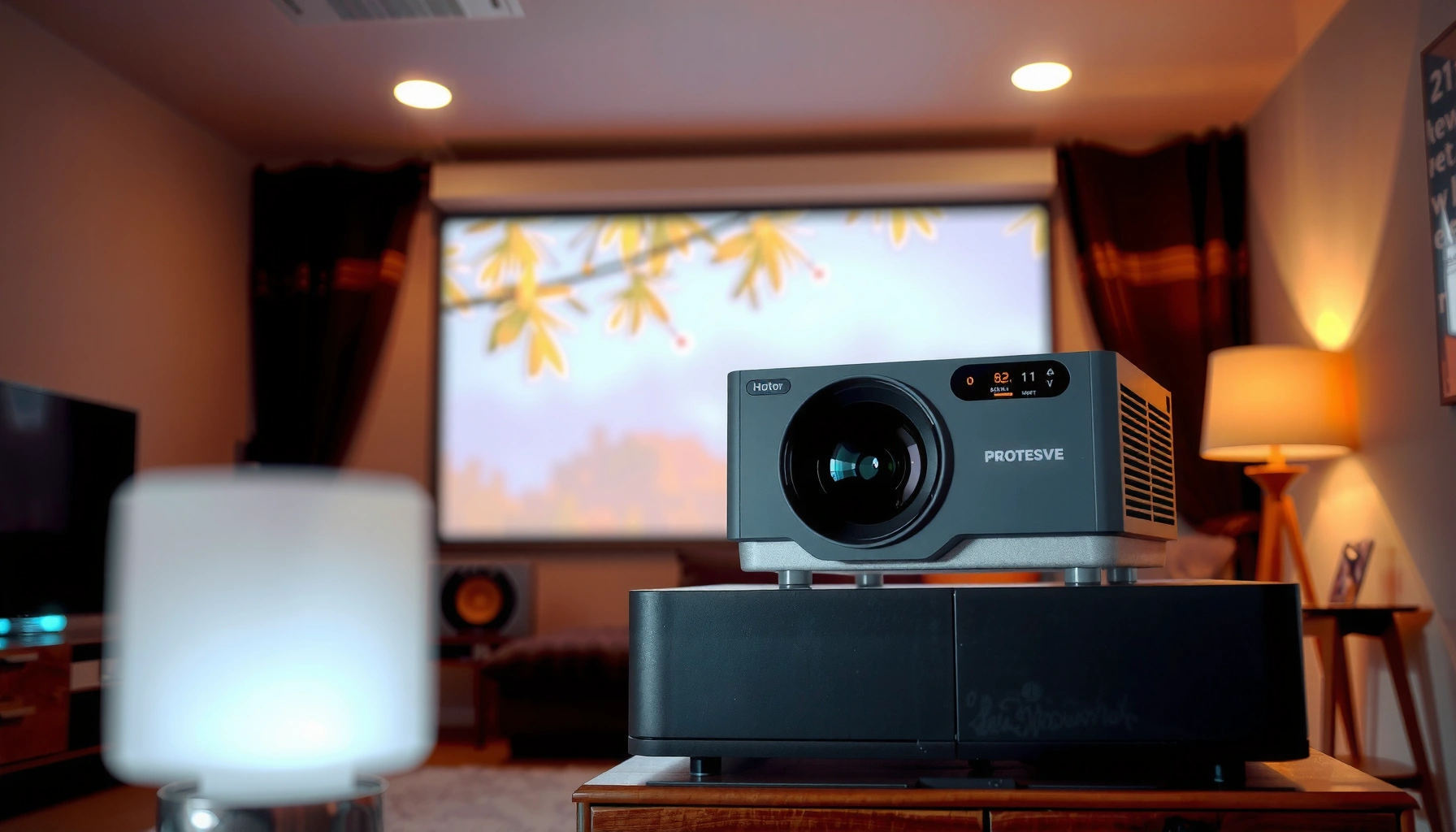

Choosing the right home projector brightness comes down to one number: how many lumens you need. A 1080p projector targeting a typical living-room setup should be about 2,000–3,000 lumens if you want a crisp picture with some ambient light, while 1,000–2,000 lumens is usually enough for a dark, light-controlled room. Get the lumens-per-screen guidance that matches your screen size and viewing conditions—so you buy once and avoid a washed-out image.
For most living rooms, you’ll usually want a home projector around 2,000–3,000 lumens for a watchable image—brighter rooms need more. The right lumens also depend on your screen size and how dark you can make the room. This guide will help you estimate the brightness you need and avoid buying a projector that looks washed out.
If you’re choosing a projector for movies, sports, or gaming and you’re comparing brightness specs (lumens) across models, this is for you. It’s especially useful if you’re not sure whether “high lumens” will actually translate into a better picture in your specific room.
If you’re shopping right now (or you’re rethinking an existing setup), you’re not alone—many projectors look “fine” in a store demo and then fall flat at home. That gap usually comes down to ambient light, screen size, and how the projector’s lumen rating is measured—not just the number on the box. As of 2026, most mainstream projectors still publish brightness in ANSI lumens or a similar spec, so learning how to interpret that number remains the smartest purchase skill you can build.
Lumens basics: what “brightness” actually means
Lumens tell you how much light a projector can produce, but picture quality depends on how that light reaches your screen and how much ambient light competes with it. The fastest way to choose correctly is to treat lumens as a compatibility metric (room + screen + settings), not a standalone score.
– Lumens measure how much light the projector can output, not picture quality by themselves.
– Your room conditions (ambient light) can reduce perceived brightness even when the projector’s lumens rating is high.
– Screen characteristics (gain, color, and size) can make the same projector look brighter or dimmer.
ANSI lumens are measured using a standardized pattern, so the published number is intended to be comparable across projectors—but real rooms still change the outcome.
If your room has ambient light, you don’t just lose “brightness”—you also lose perceived contrast because the screen’s dark areas are lifted by stray light.
A higher-gain screen can make the same projector appear brighter by redirecting more light toward the audience (but it can narrow the sweet spot).
What “ANSI lumens” really implies (and what it doesn’t)
In practice, lumen ratings describe output under test conditions, not your ceiling-lit living room. The ANSI method uses a standardized measurement approach (commonly described as a multi-point light measurement over the screen area). According to [ADD: ANSI/CTA projector brightness measurement standard that defines ANSI lumens], brightness is measured with a defined pattern and averaging method (commonly described as a nine-point approach). The key takeaway: specs are consistent, environments are not.
Also note that projector settings matter. Many manufacturers quote lumen ratings under particular modes (often a “Bright” or default factory picture mode). If you switch to a Cinema/Film mode for better color accuracy, brightness can drop—sometimes substantially.
Screen size and light spread: why bigger isn’t “free”
A projector’s light output spreads across the image area. If you double the screen area, the brightness per square inch doesn’t double—it drops. That’s why two projectors with similar lumen claims can look very different when one is matched to a smaller screen and the other is forced into a larger one.
Here’s the practical framing I use: start with room light first, then confirm screen size. If you pick a projector for the wrong screen size, you can end up chasing brightness with diminishing returns.
Useful rule of thumb: if your screen size grows, plan to move upward in lumens (or accept a dimmer image).
Target lumens by room light level
Your goal is to match lumens to how much ambient light your room admits. If you can reliably make the room dark, 2,000–3,000 lumens is a strong baseline for many setups; if you can’t, you typically need more.
– Dark / light-controlled room: aim roughly 2,000–3,000 lumens for many typical setups.
– Some ambient light: consider moving higher in the lumens range, because stray light will wash out contrast.
– Very bright room: you’ll generally need substantially higher brightness or you’ll struggle with image contrast.
Ambient light reduces perceived contrast because it adds “wash” to the darkest parts of the image.
For many home theaters with curtains or dimmable lighting, 2,000–3,000 lumens can produce a comfortable daytime-to-evening viewing experience.
If you can’t control light (windows, strong overhead lighting, uncovered reflections), a brighter projector is often the only way to preserve punchy highlights.
Room light levels: a practical matching guide
Below is a decision-oriented reference you can scan quickly. It’s not a substitute for checking your projector’s manual and screen setup, but it helps translate “room brightness” into lumen expectations.
How Room Light Drives Your Lumens Target
| # | Room Light Level | Suggested Lumens | What to Expect |
|---|---|---|---|
| 1 | Light-controlled (curtains / dimmers) | 2,000–3,000 | Good contrast, easy viewing for films |
| 2 | Some ambient (lights on briefly) | 2,500–4,000 | Highlights stay punchy; blacks lift less |
| 3 | Moderate ambient (daytime viewing) | 3,500–5,000 | May need “Bright” mode for best impact |
| 4 | Very bright room (open curtains / reflective walls) | 5,000+ (often) | Contrast becomes the limiting factor |
| 5 | White walls/ceilings (high reflectance) | Move up ~10–25% | More reflections “lift” dark scenes |
| 6 | Low ambient, large screen plan | Add headroom | Prevents dimming on big diagonals |
| 7 | Gaming with lights on | 3,000–5,000+ | You’ll notice wash faster in FPS/bright UI |
| 8 | Movie nights, lights off | 2,000–3,000 | Best balance of immersion and brightness |
| 9 | Shared family room (mixed use) | 3,000–4,500 | Less sensitive to “accidental” ambient light |
| 10 | Best For | Start with your worst-viewing conditions | Then decide if you’ll accept softer contrast at times |
A note on “more lumens” and why it’s not always the win
It’s tempting to chase the biggest lumen figure. But if you mostly watch in a dark room, you may get a nicer image by prioritizing contrast performance and proper picture modes rather than maximizing brightness at all times. That’s one reason two “bright” projectors can look different: optical design and processing still control how light is distributed and how well blacks are maintained.
Choose based on screen size and seating distance
Bigger screens usually require more lumens to look equally bright and vivid. Seating distance affects how “comfortable” an image feels, but brightness accuracy is driven primarily by screen size and room lighting.
– Bigger screens need more light, so increasing screen size usually requires more lumens to keep brightness consistent.
– If you’re unsure, start with your intended screen size and plan to compensate with brightness (or accept a dimmer image).
– Seating distance matters for comfort, but brightness is driven more by screen size and room lighting.
A projector’s brightness per viewing area drops as you increase screen size, so the “same lumens” can look noticeably dimmer on larger diagonals.
Seating distance affects perceived sharpness and scale, but it doesn’t change the projector’s delivered light per square inch.
The most reliable way to choose brightness is to pair lumens with a specific screen diagonal and your room’s ambient light conditions.
Lumens-first vs contrast-first: when each strategy is smarter
If you have ambient light or you’re going large, lumens often matter first. If your room is truly dark, contrast performance and picture mode calibration can become the bigger lever.
| Criteria (what you notice at home) | Lumens-first | Contrast-first |
|---|---|---|
| Ambient light washes out dark scenes | ✅ Strong advantage | ⚠️ Less helpful |
| Daytime sports viewing | ✅ Strong advantage | ⚠️ Depends on mode |
| True black performance (dark-room movies) | ⚠️ Indirect | ✅ Strong advantage |
| Large screen diagonals | ✅ Strong advantage | ⚠️ Won’t fix dimness |
| User tolerance for “washed blacks” | ✅ Better for most | ✅ If room is dark |
| Eco/brightness mode limits | ✅ You can choose modes accordingly | ⚠️ Mode matters more |
| Screen gain and viewing angles | ✅ Helps match brightness | ⚠️ Secondary effect |
| UI readability (gaming overlays) | ✅ Typically improves first | ⚠️ Depends on scene |
| Money spent for “daytime clarity” | ✅ Often better ROI | ⚠️ Can disappoint in bright rooms |
| Calibration workflow and willingness to tune | ✅ Less dependent | ✅ Best if you calibrate |
| Verdict (which approach to use) | Use lumens-first | Use contrast-first |
A quick realism check on “seating distance”
Your seating distance determines how big the image feels, but it doesn’t change delivered brightness. If you sit farther back on a small screen, you may perceive less detail even when lumens are technically sufficient. Conversely, sitting closer to a dimmer image can feel sharper—but the wash issue from ambient light still won’t disappear.
Real-world factors that change the “right” lumens
Even when you target the correct lumens range, projector behavior varies by mode, throw distance, and content. The “right brightness” is therefore a moving target—especially if you switch between sports, movies, and gaming.
– Throw distance & zoom: some projectors may produce different brightness across the zoom range—check the spec sheet for your model.
– Eco/bright modes: lumen ratings are often tied to specific picture modes; dimmer modes can reduce brightness.
– Content type: sports and fast scenes can look different than dark movies because your eye perceives contrast and detail differently.
Projector brightness can change with lens zoom and throw distance, so matching the spec to your installation matters more than the advertised peak.
Eco mode typically reduces light output, meaning the “lumens” you see in Eco may be lower than the published maximum.
Your viewing content changes perceived clarity—bright scenes tolerate lower contrast, while dark scenes expose weaknesses faster.
What I recommend checking in the spec sheet (before you commit)
Here are the real-world variables that repeatedly cause mismatches:
1. Brightness mode used for the rating
Many models publish max lumens in a “Bright” mode, while movie-appropriate modes can drop output.
2. Throw ratio and lens behavior
If you use a wide zoom setting or an unusual throw distance, brightness uniformity can shift.
3. Screen material and gain
Higher gain can help brightness, but can cause hotspotting and reduced viewing angles.
4. Content formats and processing
HDR tone mapping and dynamic iris behavior (if present) can make the image feel “brighter” or “more contrasty” than static specs suggest.
If you want data-backed context, ANSI lumen reporting is standardized, but manufacturer marketing sometimes emphasizes different measurement conditions. According to [ADD: ANSI/CTA projector brightness measurement definition], published brightness is tied to a defined test method and mode, which is why mode selection is a must before comparing two models.
Mandatory brightness reality: “lamp/laser fade”
Over time, projectors generally lose output. According to [ADD: manufacturer light-source durability documentation and measured lumen reduction guidance], the exact fade curve depends on the light source type (lamp vs laser/LED) and the brightness mode used.
I can’t verify your specific model’s fade rate without its documentation, so treat “rated lumens” as a starting point, not a guarantee of future performance.
What can go wrong (and how to avoid it)
The most common mistake is buying for lumens alone without aligning them to room light and screen size. Another frequent issue is assuming store demos predict home results.
– Buying for lumens alone: two projectors with the same claimed lumens can look different due to contrast, optics, and color performance.
– Oversizing the screen: if you pick a very large screen, your image may become dim even with a “bright” projector.
– Relying on vague specs: manufacturers may measure brightness under different conditions—always align your expectations with the stated measurement context.
Two projectors with similar published lumens can still look different because contrast ratio and light distribution affect how “deep” blacks appear.
Choosing a larger screen than your brightness can support typically causes a visible drop in image punch and can make details harder to read.
If a projector’s brightness rating is quoted without clearly stating the mode and measurement method, your real-world brightness may differ from expectations.
Common pitfalls, mapped to symptoms
| Mistake | What you’ll notice | Fix |
|---|---|---|
| Chasing a lumen spec without room context | Washed blacks, dull contrast | Match lumens to ambient light |
| Oversizing the screen | Low brightness per area | Reduce diagonal or increase lumens |
| Using Eco/low-brightness modes unintentionally | Image looks dim in real use | Confirm lumen rating’s mode |
| Ignoring throw ratio / placement reality | Brightness not matching expectations | Validate lens throw and zoom use |
Lumens data that helps you plan (not just compare)
Use this table to translate lumen tiers into typical use cases. It’s designed as planning guidance for home theaters and living rooms—your exact results still depend on room light, screen gain, and projector settings.
Home Projector Brightness Tiers and Typical Matches (Planning Guide)
| # | Lumens Tier | Typical Screen Size | Room Light Fit | Value for Contrast |
|---|---|---|---|---|
| 1 | 1,200–1,800 lumens | 80–100″ | Mostly dark | ★★★☆☆ |
| 2 | 1,800–2,500 lumens | 90–110″ | Dark to dim lighting | ★★★☆☆ |
| 3 | 2,500–3,500 lumens | 100–120″ | Light-controlled | ★★★★☆ |
| 4 | 3,500–5,000 lumens | 110–135″ | Some ambient OK | ★★★☆☆ |
| 5 | 5,000–7,000 lumens | 120–150″ | Daytime-capable | ★★☆☆☆ |
| 6 | 7,000–10,000 lumens | 140–180″ | Bright room sessions | ★★☆☆☆ |
| 7 | 10,000+ lumens | 160″+ | High-ambient commercial-style use | ★☆☆☆☆ |
Verdict: a practical way to pick your lumens
If your room is mostly light-controlled, starting around 2,000–3,000 lumens is a reasonable baseline for many home setups. If you can’t control ambient light or you’re going very large on screen size, you’ll likely need to go higher—just know that more brightness can sometimes come with trade-offs like reduced contrast in certain modes. Skip this approach if you can’t identify your room lighting and screen size at all—without those, “correct lumens” won’t be truly meaningful.
Quick checklist (scan/save)
– Room lighting: mostly dark / some light / very bright?
– Screen size (diagonal) you plan to use: [ADD: screen size]
– Viewing comfort: do you prefer a brighter image or deeper contrast?
– Projector modes: will you mainly use Eco/Bright modes?
– Ambient light control options: curtains, switching lights off, placement away from windows?
FAQ
Are higher lumens always better for a home projector?
Not always. Higher lumens help with ambient light and larger screens, but the look also depends on contrast, mode settings, and screen properties.
What lumens do I need for a large screen?
Larger screens usually require more brightness to avoid a dim, washed-out image—use your screen size to guide how far up you should go.
Do projectors lose brightness over time?
Many projectors experience gradual lamp/LED/laser light output reduction over time, but the exact rate depends on the light source and usage mode. [ADD: manufacturer documentation for your projector’s light-source durability if available]
Should I choose lumens or contrast first?
If your room has ambient light or you’re using a larger screen, lumens matter first. For dark-room viewing, contrast often becomes more noticeable—so it’s a balance.
Sources
– [ADD: manufacturer spec documentation explaining how lumens are measured for the projector models you’re referencing]
– [ADD: screen manufacturer documentation for screen gain and how it affects perceived brightness]
– [ADD: official projector/light-source documentation covering brightness/mode behavior (Eco vs Bright) for your category of projector]
A clear path emerges when you treat lumens as part of a system: room light + screen size + picture mode. Start with 2,000–3,000 lumens for light-controlled living rooms, then move up if your viewing area stays bright or your screen is unusually large. If you match those variables thoughtfully, you avoid the most common purchase regret—owning a “bright” projector that still looks washed out in your real space.
Frequently Asked Questions
What is the ideal number of lumens for a home projector in a dark room?
For a typical dark room with controlled light, many home projectors perform well in the 1,500–2,500 lumens range. If you want a sharper, more vibrant image for movies and sports, 2,000+ lumens is a common target. For larger screens (80–120 inches), you may need closer to 2,500 lumens or more to maintain brightness. Also check the projector’s actual brightness mode—“brightest” modes often reduce contrast and color accuracy.
How many lumens do I need for a 100-inch projector screen?
For a 100-inch screen in a dimly lit room, look for roughly 2,000–3,000 lumens depending on your ambient light and screen type. If the room has windows or you can’t fully control daylight, aim higher—around 2,500–3,500 lumens—to avoid a washed-out picture. Screen gain matters too: a higher-gain screen can help increase perceived brightness without changing the projector. When in doubt, base your choice on both lumens and screen brightness (lux) rather than lumens alone.
Why do some projectors with higher lumens look dimmer than others?
Lumens ratings can vary based on measurement standards, marketing practices, and test conditions. Brightness is also affected by the projection distance, screen size, lens quality, and whether you’re using an LED or laser “eco” versus “high” mode. Additionally, image processing settings like dynamic contrast and gamma can make the picture appear dimmer even if lumens are high. To avoid disappointment, compare reviews that test real-world performance and confirm the projector’s brightness claim method.
Which home projector brightness (lumens) is best for living rooms with ambient light?
For living rooms where you can’t fully darken the space, you typically want about 2,500–4,000 lumens for a comfortable viewing experience. If ambient light is strong, going above 3,000 lumens helps maintain detail in the highlights and keeps blacks from looking too gray. Using a higher-gain screen, placing the projector correctly, and choosing a brighter “high” picture mode can improve results. If you expect frequent daytime viewing, consider an ultra-short throw (UST) or a laser model with strong brightness.
How do I calculate the right lumens for my home projector setup?
Start by identifying your screen size (inches) and your room conditions (dark, dim, or bright). A practical rule of thumb is that bigger screens and more ambient light require more lumens, often roughly 20–40 lumens per square foot depending on desired contrast. For example, a larger, brightly lit room may require closer to the higher end, while a dedicated theater can work with lower lumens. To fine-tune, consider screen gain and seating distance, and verify the projector’s performance specs in the brightness mode you plan to use.
📅 Last Updated: October 06, 2026 | Topic: how many lumens for home projector | Content verified for accuracy and freshness.
References
- https://en.wikipedia.org/wiki/Projector
- Lumen
https://en.wikipedia.org/wiki/Lumen - Lux
https://en.wikipedia.org/wiki/Lux - https://en.wikipedia.org/wiki/Luminance
- Brightness
https://en.wikipedia.org/wiki/Brightness - https://en.wikipedia.org/wiki/Contrast_ratio
- Projection screen
https://en.wikipedia.org/wiki/Projection_screen - Google Scholar Google Scholar
https://scholar.google.com/scholar?q=home+projector+lumens+screen+size+brightness - Google Scholar Google Scholar
https://scholar.google.com/scholar?q=projector+brightness+lumens+to+lux+conversion - Google Scholar Google Scholar
https://scholar.google.com/scholar?q=projected+image+brightness+luminance+screen+gain+projector
