


Bi-wiring speakers can significantly enhance audio clarity and performance by using separate pairs of wires for low and high frequencies. This approach allows for a cleaner signal and can reduce interference, leading to an improved listening experience. In this guide, you will learn how to properly bi-wire your speakers, explore the benefits of bi-wiring, and discover the essential equipment needed for a successful setup.
Understanding Bi-Wiring
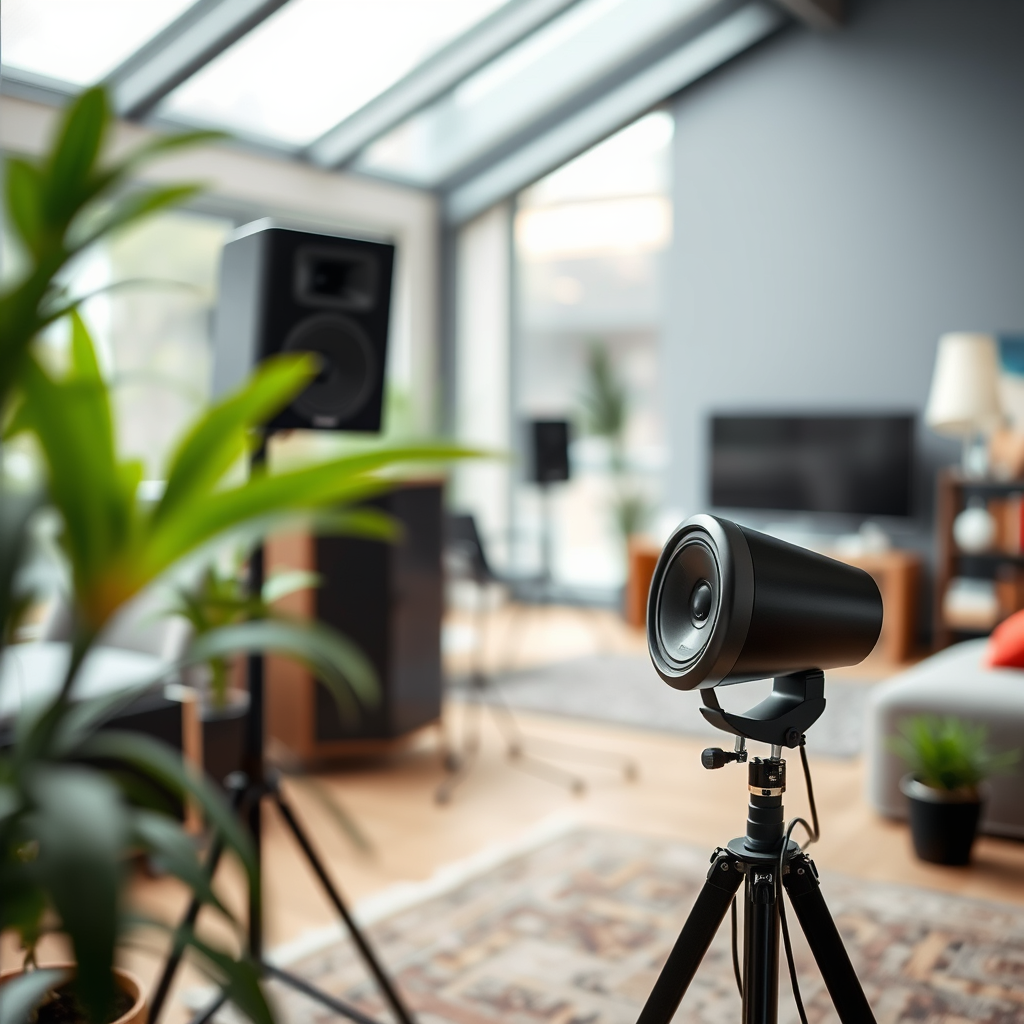
Bi-wiring is a technique that separates the electrical signals sent to the high-frequency and low-frequency drivers in your speakers. Often, speakers are designed with dual terminals, allowing for this configuration. By using distinct pairs of wires for the different frequency ranges, bi-wiring can effectively minimize interference and enhance sound quality. The high frequencies, which require more precision, can be delivered via a dedicated wire path, while the low frequencies can utilize a separate route. This results in a clearer, more detailed sound reproduction, as each frequency range is handled more efficiently.
Equipment Needed for Bi-Wiring
To successfully bi-wire your speakers, you will need the following equipment:
– Quality Speaker Wire: Opt for a quality speaker wire with an appropriate gauge. Generally, 14 to 16 AWG (American Wire Gauge) is suitable for most home audio applications. Thicker wires (lower gauge numbers) are recommended for longer runs to reduce resistance.
– Speaker Connectors: Ensure that the connectors you choose are compatible with both your speakers and amplifier. Common types include banana plugs, spade connectors, and bare wire connections.
– Tools: Basic tools such as wire strippers, a screwdriver, and possibly a multimeter (for testing) may be needed. Having these tools on hand will facilitate a smoother installation process.
Preparing Your Speakers and Amplifier
Before diving into the bi-wiring process, it is crucial to prepare your equipment properly.
– Check for Bi-Wire Compatibility: Inspect your speakers and amplifier to confirm that they have bi-wire terminals. Most modern speakers designed for bi-wiring will have dual terminals, usually labeled as “high” and “low.”
– Remove Existing Wiring: If your speakers are already wired using traditional methods, disconnect the existing wiring to avoid any interference during the bi-wiring process. Ensure that the speaker is powered off and unplugged before making any changes.
Speaker Wire Types and Their Benefits
| # | Wire Type | Gauge | Flexibility | Best For |
|---|---|---|---|---|
| 1 | Copper | 16 AWG | High | General Use |
| 2 | OFC (Oxygen-Free Copper) | 14 AWG | Medium | High-End Systems |
| 3 | Silver | 16 AWG | Low | Audiophile Use |
| 4 | Multistranded | 14 AWG | High | Flexible Applications |
| 5 | Solid Core | 12 AWG | Low | Fixed Installations |
| 6 | Bi-Wire Specific | 14 AWG | Medium | Bi-Wiring |
| 7 | Flat Cable | 16 AWG | High | Home Theatre |
Setting Up the Bi-Wiring
Once you have prepared your equipment, it is time to set up the bi-wiring:
– Connect the Speaker Wires: Start by cutting two pairs of speaker wires to the appropriate lengths for your setup. Strip the insulation off the ends of each wire to expose the conductors. Attach one pair of wires to the high-frequency terminals on the speaker and the corresponding terminals on the amplifier. Repeat this process for the low-frequency terminals. Ensure that you maintain the correct polarity; positive to positive (often marked in red) and negative to negative (often marked in black).
– Secure Connections: After connecting the wires, ensure all connections are tight and secure. Loose connections can lead to signal loss or distortion. If using connectors, make sure they are firmly pressed into place.
Testing Your Setup
After completing the bi-wiring process, it’s essential to test your audio system to evaluate the improvements:
– Play Reference Tracks: Select a few music tracks that you are familiar with and play them through your system. This will help you discern any differences in sound quality before and after bi-wiring.
– Listen for Differences: Pay close attention to clarity, imaging, and overall sound quality. You should notice an enhanced separation of instruments and a more defined soundstage, as well as improved bass response and treble clarity.
Troubleshooting Common Issues
If you experience any issues post-installation, here are some common troubleshooting steps:
– Check Connections: Ensure that all wires are properly connected and not damaged. Loose or frayed wires can lead to sound quality issues.
– Evaluate Speaker Placement: Sometimes, sound quality problems may stem from incorrect speaker positioning. Experiment with speaker placement to optimize performance, as room acoustics greatly influence audio output.
Maintenance Tips for Bi-Wired Speakers
To keep your bi-wired setup performing at its best, follow these maintenance tips:
– Regularly Inspect Wires: Check your speaker wires for any signs of wear and tear, such as fraying or damage. Replace any damaged sections immediately to maintain sound quality.
– Keep Connections Clean: Dust and debris can accumulate on speaker terminals, affecting audio performance. Clean the terminals regularly with a dry cloth to ensure optimal connectivity.
In summary, bi-wiring your speakers can significantly enhance your listening experience by providing clearer sound and reducing interference. By following the outlined steps, you can ensure a successful setup that maximizes sound quality. If you haven’t already, consider trying bi-wiring to experience the difference in your audio system today!
Frequently Asked Questions
What is bi-wiring and how does it work for speakers?
Bi-wiring involves using two separate sets of speaker cables to connect a single speaker to an amplifier, typically separating the low-frequency and high-frequency signals. This method can enhance sound quality by reducing interference and allowing for clearer audio reproduction, making it a popular choice among audiophiles.
How do I set up bi-wired speakers in my home audio system?
To set up bi-wired speakers, first, ensure your amplifier has bi-wire outputs and your speakers have separate terminals for high and low frequencies. Connect one set of cables from the amplifier to the low-frequency terminals and another set to the high-frequency terminals, ensuring proper polarity. Finally, secure all connections and test your system to ensure optimal sound quality.
Why should I consider bi-wiring my speakers?
Bi-wiring can provide improved sound clarity and detail by minimizing the interaction between different frequency signals. This separation allows your audio system to perform more efficiently, potentially enhancing your listening experience, especially in complex music passages or when using high-quality audio equipment.
What type of speaker wire is best for bi-wiring?
The best speaker wire for bi-wiring typically has a thicker gauge, such as 12 or 14 AWG, to minimize resistance and ensure efficient power transfer. Additionally, look for high-quality copper wire, as it offers excellent conductivity and durability, which can significantly improve the overall performance of your bi-wired speakers.
Which speakers are suitable for bi-wiring?
Most modern speakers with separate terminals for low and high frequencies can be bi-wired, but it’s essential to check the specifications of your speakers. Look for models that explicitly support bi-wiring features, as they will be designed to take advantage of the benefits this configuration offers, leading to a better audio experience.
References
- Speaker wire
https://en.wikipedia.org/wiki/Speaker_cable - https://www.audioholics.com/tutorials/best-practices-for-bi-wiring-your-speakers
https://www.audioholics.com/tutorials/best-practices-for-bi-wiring-your-speakers - https://www.audio.com/articles/bi-wiring-explained
https://www.audio.com/articles/bi-wiring-explained - Contact Us
https://www.audioadvisor.com/prodinfo.asp?number=BIWIRING - https://www.hifinews.com/content/bi-wiring-your-speakers
https://www.hifinews.com/content/bi-wiring-your-speakers - A Blog for Audio, Home Theater, and More | Klipsch
https://www.klipsch.com/blog/bi-wiring-explained - Google Scholar Google Scholar
https://scholar.google.com/scholar?q=how+to+bi+wire+speakers - Google Scholar Google Scholar
https://scholar.google.com/scholar?q=bi-wiring+speakers+techniques - how to bi wire speakers – Search results
https://en.wikipedia.org/wiki/Special:Search?search=how+to+bi+wire+speakers - https://www.ncbi.nlm.nih.gov/search/research-articles/?term=how+to+bi+wire+speakers
https://www.ncbi.nlm.nih.gov/search/research-articles/?term=how+to+bi+wire+speakers

[…] issues with streaming apps.” “Clearing app cache and reinstalling the YouTube app are common troubleshooting steps for persistent crashes.” “Network recovery actions like restarting the TV and router can fix […]
[…] projector supports it. This guide walks you through the simplest wired setup first, plus the most common troubleshooting steps I’ve seen in real boardrooms and classrooms, including the “no signal” and “wrong […]