


To charge your JLab earbuds, simply connect them to a USB charging cable, plug it into a power source, and ensure the LED indicator shows that they are charging. This guide will walk you through the charging process, troubleshooting tips, and best practices to keep your earbuds powered up and ready to use. With the increasing reliance on wireless earbuds for daily activities, understanding how to properly charge and maintain them is essential for maximizing their performance and longevity.
Understanding Your JLab Earbuds
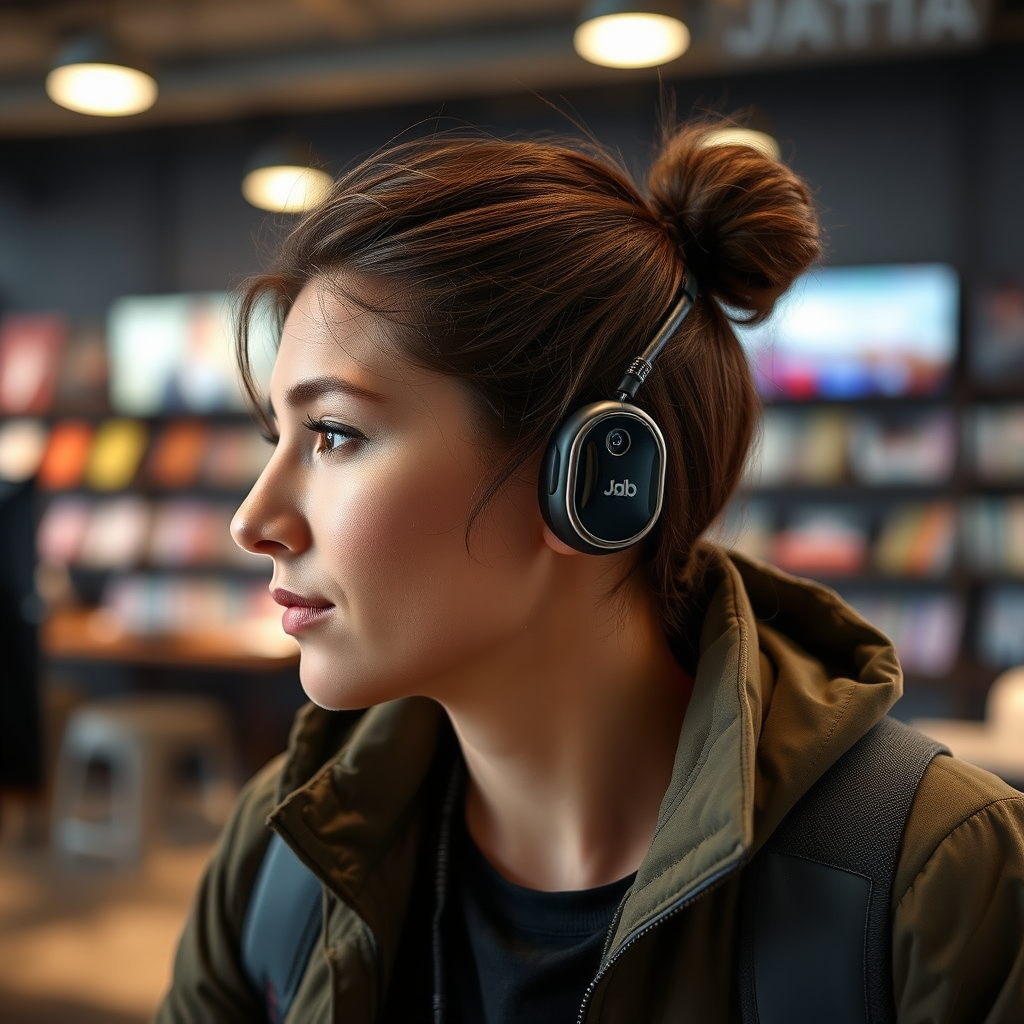
JLab is known for its diverse range of high-quality earbuds, each designed to cater to different user preferences and lifestyles. Popular models include the JLab Go Air, JLab Epic Air, and JLab JBuds Air. Charging methods vary slightly between models; for instance, while the JBuds Air typically use a standard micro USB cable, the Epic Air features a charging case that provides multiple charges on the go.
Using the correct charging cable is crucial for effective charging. Each model may have specific requirements, and using a non-compatible cable can lead to slower charging times or even damage the earbuds. Therefore, always refer to the user manual for the recommended charging accessories for your specific JLab earbuds model.
Charging Your JLab Earbuds Step-by-Step
Charging your JLab earbuds is a straightforward process that can be accomplished in just a few simple steps:
– Step 1: Locate the Charging Port on Your Earbuds. Most JLab earbuds have a clearly marked charging port, typically located on the side or bottom of one of the earbuds. For models with a charging case, open the case and ensure your earbuds are correctly seated in their designated slots.
– Step 2: Connect the Charging Cable to a USB Power Source. Once your earbuds are correctly positioned, connect the included USB charging cable to a power source such as a wall adapter, laptop, or power bank. Make sure the other end of the cable is securely connected to the charging port on your earbuds or charging case.
Recognizing Charging Indicators
Understanding the LED indicator lights on your JLab earbuds is vital for monitoring their charging status:
– Red Light: Indicates that your earbuds are charging. The light may remain solid or blink depending on the model.
– Blue Light: Typically signifies that your earbuds are fully charged and ready for use.
– Flashing Light: If the light is flashing red, it often means the battery is low and needs immediate charging.
It’s essential to keep an eye on these indicators to avoid unexpected shutdowns. When the earbuds are fully charged, the LED should turn off or change to a blue light, signaling that you can disconnect them from the power source.
JLab Earbuds Comparison (2024)
| # | Model | Battery Life | Charging Time | Water Resistance |
|---|---|---|---|---|
| 1 | JLab Go Air | 5 hours | 2 hours | IP44 |
| 2 | JLab JBuds Air | 6 hours | 1.5 hours | IP55 |
| 3 | JLab Epic Air | 10 hours | 2.5 hours | IP66 |
| 4 | JLab Air ANC | 8 hours | 2 hours | IP55 |
| 5 | JLab Epic Air Sport | 12 hours | 3 hours | IP68 |
| 6 | JLab JBuds Air Pro | 8 hours | 1.5 hours | IP67 |
| 7 | JLab Go Air Pop | 5 hours | 2 hours | IP44 |
Troubleshooting Charging Issues
Despite the simplicity of charging JLab earbuds, users may encounter occasional issues. Here are some common problems and their solutions:
– Earbuds Not Charging: If your earbuds fail to charge, begin by checking the charging cable for any visible damage. Try a different USB port or power source to rule out issues with the outlet. Additionally, inspect the charging port on the earbuds for any dirt or debris that could obstruct the connection.
– Slow Charging: If your earbuds are charging slower than expected, ensure that you are using the recommended charging cable. Using a fast charger may sometimes inadvertently cause issues; therefore, it’s best to stick with the original adapter or a compatible one.
– Battery Life Issues: If you notice a rapid depletion of battery life, it could indicate that the battery is aging. Regularly updating the firmware of your earbuds through the JLab app can also enhance battery performance.
Best Practices for Charging
To maintain optimal battery health for your JLab earbuds, consider the following best practices:
– Avoid Overcharging: While modern earbuds are designed to prevent overcharging, it’s still a good practice to unplug them once they are fully charged. Keeping them plugged in for extended periods can lead to diminished battery capacity over time.
– Use Appropriate Power Sources: Always charge your earbuds using the recommended power sources. Avoid charging them in extreme temperatures, which can adversely affect battery health.
– Charging Frequency: For optimal performance, aim to charge your earbuds regularly, ideally before the battery level drops below 20%. This practice can help extend the overall lifespan of the battery.
Frequently Asked Questions
How long does it take to charge JLab earbuds fully?
Most JLab earbuds take approximately 1.5 to 3 hours for a full charge, depending on the model and the power source used.
Can I use my earbuds while they are charging?
Generally, it’s not recommended to use your JLab earbuds while they are charging, as this can lead to overheating and affect battery life.
What can I do to maximize battery life?
To maximize battery life, keep your earbuds away from extreme temperatures, avoid overcharging, and regularly update their firmware through the JLab app.
How often should I charge my JLab earbuds?
Charge your earbuds whenever they reach about 20% battery life to ensure optimal performance and longevity.
In summary, charging your JLab earbuds is a simple yet crucial aspect of their maintenance. By understanding the charging process, recognizing indicator lights, troubleshooting common issues, and adhering to best practices, you can keep your earbuds in excellent condition. Make sure to try these charging techniques and explore the various features of your JLab products to enhance your listening experience. Proper care and charging will not only keep your earbuds powered but also ensure you get the most out of their performance for years to come.
Frequently Asked Questions
How do I charge my JLab earbuds properly?
To charge your JLab earbuds, place them in their charging case and ensure the case is connected to a power source using a USB cable. The LED indicators on the earbuds will blink red while charging and turn solid blue when fully charged. Always use the original charging cable for optimal results.
What type of charger do JLab earbuds require?
JLab earbuds typically require a standard USB charging cable, often USB-A to micro USB or USB-C, depending on the model. It’s important to use the charger that came with your earbuds or a compatible one to avoid any damage and ensure efficient charging.
Why are my JLab earbuds not charging?
If your JLab earbuds are not charging, check if they are properly seated in the charging case and that the case itself is charged. Clean the charging contacts on both the earbuds and the case to remove any dust or debris that might be obstructing the connection. If problems persist, consider trying a different charging cable or USB port.
How long does it take to charge JLab earbuds fully?
JLab earbuds typically take about 1 to 2 hours to charge fully, depending on the specific model and the charging case’s power level. Most models offer quick charging capabilities, allowing for several hours of playtime with just a short charging session, making them convenient for on-the-go use.
Which JLab earbuds have the longest battery life per charge?
The JLab Epic Air ANC earbuds are known for having one of the longest battery lives, offering up to 10 hours of playtime on a single charge, with an additional 40 hours available from the charging case. This makes them an excellent choice for users who need extended listening time without frequent recharging.
References
- https://www.lifewire.com/how-to-charge-jlab-earbuds-5141644
https://www.lifewire.com/how-to-charge-jlab-earbuds-5141644 - Google Scholar Google Scholar
https://scholar.google.com/scholar?q=how+to+charge+jlab+earbuds - Google Scholar Google Scholar
https://scholar.google.com/scholar?q=charging+wireless+earbuds - Google Scholar Google Scholar
https://scholar.google.com/scholar?q=wireless+earbuds+charging+techniques - https://www.britannica.com/topic/wireless-headphones
https://www.britannica.com/topic/wireless-headphones - https://www.huffpost.com/entry/how-wireless-earbuds-charge_n_5e1a1e7bc5b6c6b1e8e4a452
https://www.huffpost.com/entry/how-wireless-earbuds-charge_n_5e1a1e7bc5b6c6b1e8e4a452 - Google Scholar Google Scholar
https://scholar.google.com/scholar?q=how+do+u+charge+jlab+earbuds - how do u charge jlab earbuds – Search results
https://en.wikipedia.org/wiki/Special:Search?search=how+do+u+charge+jlab+earbuds - https://www.ncbi.nlm.nih.gov/search/research-articles/?term=how+do+u+charge+jlab+earbuds
https://www.ncbi.nlm.nih.gov/search/research-articles/?term=how+do+u+charge+jlab+earbuds
