


Cleaning your MacBook speakers is essential for maintaining optimal sound quality and preventing dust buildup that can affect performance. Regular upkeep not only enhances your listening experience but also prolongs the lifespan of your device. In this comprehensive guide, you will discover effective methods to clean your MacBook speakers safely and efficiently.
Understanding Your MacBook Speakers
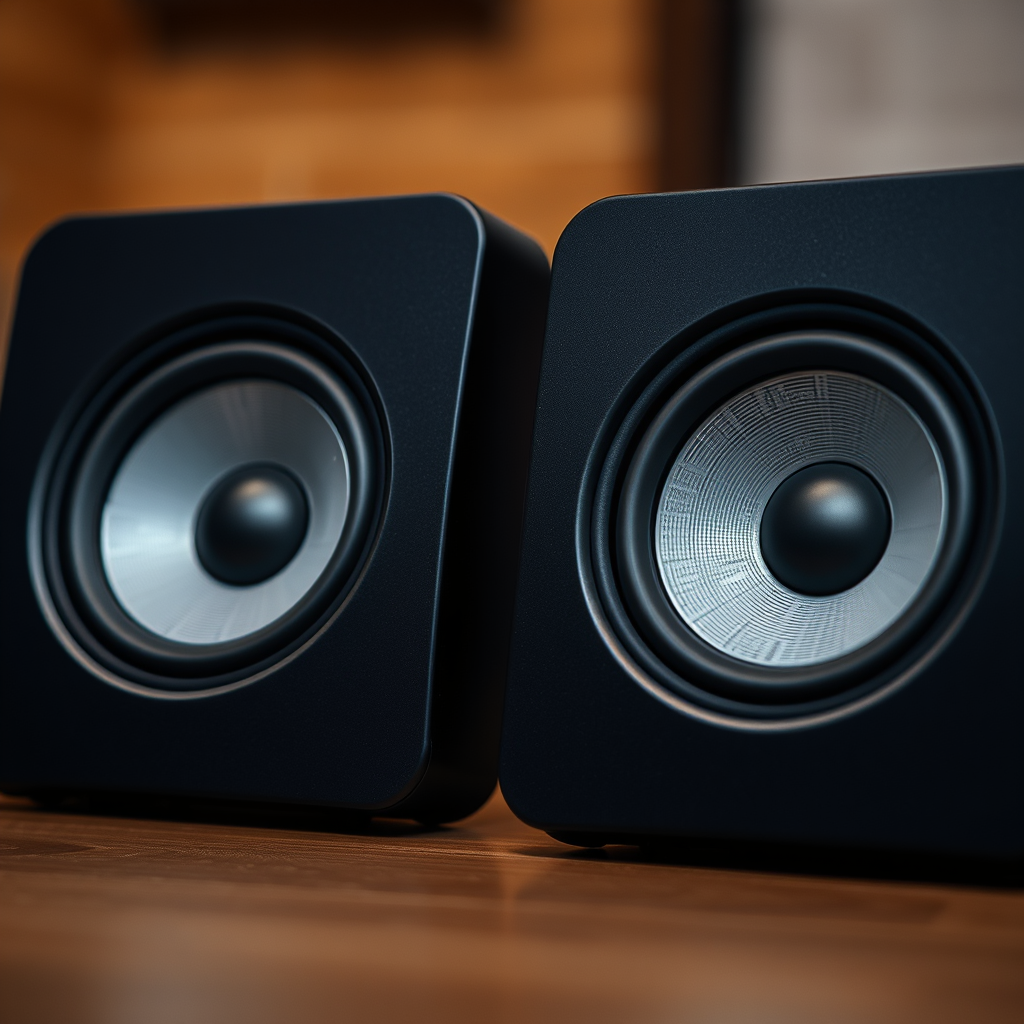
MacBook speakers are strategically placed to deliver rich and immersive audio while maintaining a sleek design. Typically located on the left and right sides of the device, these speakers are engineered to project sound outward for an optimal auditory experience. However, due to their location, they are susceptible to dust, lint, and other debris, which can accumulate over time and impair sound quality.
Regular cleaning is necessary because dust and debris can muffle sound and lead to distortion. If you notice a decrease in clarity or volume, it may be time to give your speakers some attention. Additionally, neglecting to clean can lead to more severe issues, such as speaker damage or malfunction. By understanding the importance of speaker maintenance, you can ensure that your MacBook continues to perform at its best.
Essential Tools for Cleaning
To effectively clean your MacBook speakers, you will need a few essential tools:
– Soft microfiber cloth: This is ideal for dusting without scratching the delicate surfaces of your MacBook.
– Compressed air: A can of compressed air is crucial for blowing out stubborn debris that may be lodged in the speaker grills.
– Isopropyl alcohol (optional): For deeper cleaning, a small amount of isopropyl alcohol can be used to disinfect and remove grime, but it should be used sparingly and applied to the cloth, not directly to the speakers.
Having these tools on hand will enable you to perform a thorough cleaning with minimal risk of damage to your MacBook.
Step-by-Step Cleaning Process
Follow these steps to safely clean your MacBook speakers:
1. Power off your MacBook and unplug it: For safety, ensure that your device is completely powered down and disconnected from any power source to avoid electrical issues or accidental damage.
2. Use a microfiber cloth: Gently wipe the speaker area to remove surface dust. Be careful not to apply too much pressure, as this could damage the speaker grill.
3. Use compressed air: Hold the can upright and use short bursts of air to dislodge any dirt or debris that may be stuck in the speaker grills. Keep the nozzle a few inches away from the surface to prevent moisture from entering the speaker.
4. Inspect the speakers: After cleaning, take a moment to inspect the speaker grills for any remaining debris. If you notice any persistent spots, you can use a lightly dampened microfiber cloth with isopropyl alcohol to gently clean those areas.
5. Drying: Allow the area to air dry completely before powering your MacBook back on.
Common Speaker Issues and Cleaning Methods
| # | Issue | Symptoms | Recommended Cleaning Method | Frequency |
|---|---|---|---|---|
| 1 | Low Volume | Distorted Sound | Compressed Air | Every 3 Months |
| 2 | Muffled Sound | Difficulty Hearing | Microfiber Cloth | Every Month |
| 3 | Crackling Noise | Intermittent Sound | Compressed Air + Cloth | Every 2 Months |
| 4 | Dust Accumulation | Visible Dirt | Microfiber Cloth | Weekly |
| 5 | Sticky Residue | Grime Build-up | Isopropyl Alcohol | Monthly |
| 6 | Water Damage | Audio Distortion | Professional Cleaning | Immediately |
| 7 | Electronic Failure | No Sound | Authorized Service | As Needed |
Tips for Preventing Dust Buildup
Preventing dust buildup in your MacBook speakers is crucial for maintaining sound quality and overall device health. Here are some effective tips:
– Keep your MacBook in a clean, dry environment: Avoid using your device in dusty or humid areas, as this can significantly increase the amount of debris that settles on your speakers.
– Use a laptop sleeve or cover: When your MacBook is not in use, storing it in a protective sleeve can help shield it from dust and other contaminants.
– Avoid eating and drinking near your MacBook: Food particles and spills can lead to sticky residue or moisture buildup, which may affect the audio quality.
Implementing these preventive measures can help extend the time between necessary cleanings and maintain high performance.
When to Seek Professional Help
While regular cleaning can address most minor issues with your MacBook speakers, there are times when professional help may be necessary. Look for signs such as:
– Consistent audio distortion: If cleaning does not resolve persistent muffled or distorted sound.
– Physical damage: Cracks or damages to the speaker grills or casing that could affect performance.
– Water exposure: If your MacBook has been subjected to moisture, it is crucial to seek professional cleaning to avoid long-term damage.
For professional assistance, consider utilizing Apple support options or authorized service providers. They possess the necessary tools and expertise to diagnose and repair more complex audio issues effectively.
Maintaining Speaker Quality
To ensure that your MacBook speakers remain in top condition, make it a habit to check and clean them every few months. Regular maintenance can prevent the buildup of debris and ensure optimal sound quality.
Additionally, consider using speaker covers to provide extra protection against dust and grime. These covers can be easily removed for cleaning and can help prolong the lifespan of your speakers.
Cleaning your MacBook speakers not only improves sound quality but also prolongs the life of your device. By following the steps in this guide, you can keep your speakers in top condition. Don’t hesitate to take action; grab your cleaning materials and start today! Regular maintenance is key to enjoying your MacBook’s audio capabilities for years to come.
Frequently Asked Questions
What are the best methods to clean MacBook speakers?
The best methods to clean MacBook speakers involve using a soft, dry microfiber cloth to gently wipe the speaker grilles. For deeper cleaning, consider using a can of compressed air to blow out dust without harming the internal components. Avoid liquid cleaners, as moisture can damage the speakers.
How can I safely remove dust from my MacBook speakers?
To safely remove dust from your MacBook speakers, turn off your device and use a soft-bristled brush or a microfiber cloth to gently brush away any visible debris. You can also use a can of compressed air to blow out dust particles from the speaker grilles, ensuring that you hold the can upright to prevent any liquid propellant from escaping.
Why is it important to clean my MacBook speakers regularly?
Regularly cleaning your MacBook speakers is important because dust and debris can block sound quality and volume, leading to diminished audio performance. Additionally, a buildup of dirt can cause overheating and potentially harm the internal components. Keeping your speakers clean helps maintain optimal sound quality and prolongs the lifespan of your MacBook.
Which tools are recommended for cleaning MacBook speakers?
Recommended tools for cleaning MacBook speakers include a microfiber cloth, a soft-bristled brush, and a can of compressed air. These tools are effective for removing dust and debris without scratching the surface or damaging the internal components of your MacBook. Avoid using abrasive materials or harsh cleaners that can cause harm.
How often should I clean my MacBook speakers to maintain sound quality?
To maintain sound quality, it is advisable to clean your MacBook speakers every few months or more frequently if you notice dust buildup or reduced audio performance. Regular cleaning helps prevent sound distortion and keeps your device functioning at its best. Consider incorporating speaker cleaning into your routine maintenance for optimal results.
References
- Top ten Apple parody videos | Macworld
https://www.macworld.com/article/671448/how-to-clean-your-macbook.html - https://www.lifewire.com/how-to-clean-macbook-speakers-4775504
https://www.lifewire.com/how-to-clean-macbook-speakers-4775504 - Gizmodo | The Future Is Here
https://www.gizmodo.com.au/2020/06/how-to-clean-your-macbook/ - https://www.bbc.com/news/technology-50503009
https://www.bbc.com/news/technology-50503009 - Google Scholar Google Scholar
https://scholar.google.com/scholar?q=how+to+clean+macbook+speakers - Google Scholar Google Scholar
https://scholar.google.com/scholar?q=cleaning+apple+devices - Google Scholar Google Scholar
https://scholar.google.com/scholar?q=macbook+speaker+maintenance - how to clean macbook speakers – Search results
https://en.wikipedia.org/wiki/Special:Search?search=how+to+clean+macbook+speakers - https://www.ncbi.nlm.nih.gov/search/research-articles/?term=how+to+clean+macbook+speakers
https://www.ncbi.nlm.nih.gov/search/research-articles/?term=how+to+clean+macbook+speakers
