


Connecting external speakers to your TV without a receiver is entirely possible, and it can enhance your audio experience significantly. Whether you are looking to use Bluetooth speakers, wired options, or even soundbars, this guide will walk you through the various methods to achieve high-quality sound without the need for an additional receiver. By utilizing the right technology available in modern TVs, you can effortlessly elevate your home entertainment experience.
Using Bluetooth Speakers
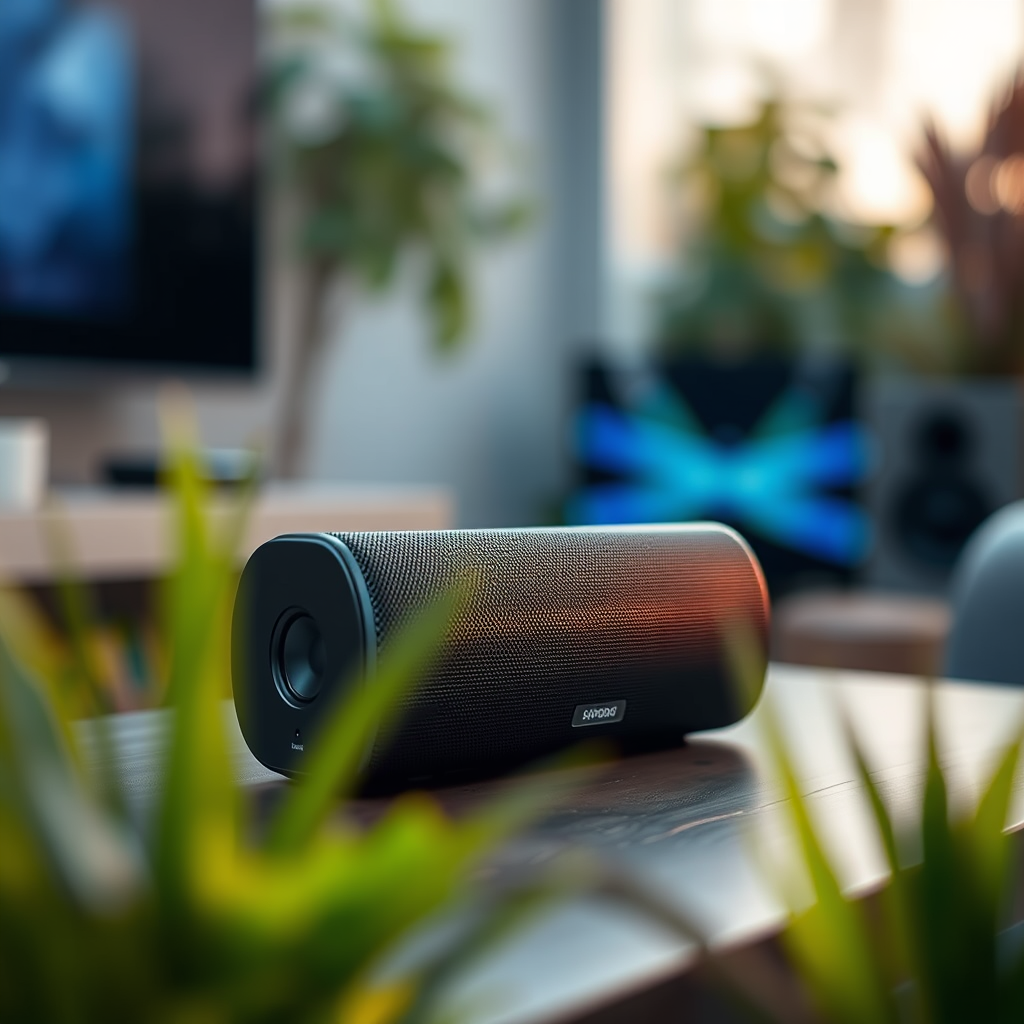
Once the Bluetooth is enabled, put your speakers into pairing mode according to the manufacturer’s instructions. After a few moments, your TV should detect the speakers, and you can select them from the list of available devices. This method offers a clean setup without the clutter of wires and is particularly advantageous for those who prioritize space and aesthetics in their home theater arrangements.
Connecting via Optical or AUX Cables
For those who prefer a wired connection, many TVs are equipped with optical audio outputs or AUX ports that facilitate a direct connection to external speakers. Optical cables transmit digital audio signals, which can deliver superior sound quality compared to traditional analog signals. To connect via optical, simply plug one end of the cable into the optical output on your TV and the other end into the corresponding input on your speakers.
Alternatively, using an AUX cable is straightforward and effective. Most external speakers come with a 3.5mm audio jack, so you can connect directly from the TV’s headphone output. After establishing the connection, ensure that you adjust the TV’s audio settings to select the correct output, which might involve switching from TV speakers to external speakers in the audio settings menu.
Utilizing HDMI ARC
If both your TV and external speakers support HDMI ARC (Audio Return Channel), this is one of the best methods to connect your audio devices. HDMI ARC allows audio to travel both ways along the same cable, simplifying your connections and minimizing the number of cables required. To use this method, connect an HDMI cable from the HDMI ARC port on your TV to the HDMI ARC port on your soundbar or external speakers.
This method not only provides high-quality audio but also enables seamless control of sound settings using your TV remote. Make sure to enable HDMI ARC in your TV settings for optimal performance. This option is especially beneficial for users who enjoy a home theater experience, as it supports high-definition audio formats and simplifies overall setup.
Exploring USB Speaker Options
Some modern TVs have USB ports designed for connecting USB-powered speakers. This is a convenient option if you want a straightforward setup without the complications of wired or wireless connections. Simply plug your USB speakers into the TV’s USB port and ensure your TV recognizes them as an audio output device.
While this option may not provide the same audio quality as optical or HDMI connections, it is an excellent choice for casual viewing or listening. Always check your TV’s specifications to confirm compatibility, as not all TVs support audio output through USB.
Adapting with TV Soundbars
Soundbars have become a popular choice for enhancing TV audio without the need for a full surround sound system. They can be connected directly to the TV via optical or HDMI without requiring a receiver. Most soundbars come with multiple connectivity options, including Bluetooth, which allows for flexibility based on your preferences.
When connecting a soundbar, consider its placement for optimal sound distribution. Position it in front of the TV or mount it on the wall for a more immersive experience. Soundbars often come with built-in subwoofers or can be paired with external subwoofers for deep bass, making them an excellent choice for movie enthusiasts.
Adjusting TV Audio Settings
After connecting your external speakers, it’s crucial to configure your TV’s audio settings to ensure that the sound is routed correctly. Navigate to the audio settings menu on your TV and select the output type that corresponds to your connection method—whether it is Bluetooth, optical, HDMI ARC, or AUX.
Make adjustments to settings such as balance and equalizer options to enhance sound quality further. For example, you can increase bass levels or adjust treble depending on your listening preferences. Familiarizing yourself with these settings can significantly improve your audio experience, allowing for a more tailored sound that complements your viewing content.
Troubleshooting Common Issues
Even with a straightforward setup, issues may arise when connecting external speakers to your TV. If you encounter sound problems, first check the physical connections to ensure everything is securely plugged in. Additionally, confirm that the correct audio output is selected on your TV.
If audio still fails to play through the external speakers, restarting both the TV and the speakers can help refresh the connection. Moreover, verifying that your speakers are powered on and set to the correct input can often resolve connectivity problems. If you continue to experience issues, consulting the user manuals for both your TV and speakers may provide additional troubleshooting steps.
Comparison of Connection Methods for External Speakers (2023)
| # | Connection Method | Audio Quality | Ease of Setup | Cost |
|---|---|---|---|---|
| 1 | Bluetooth | Good | Easy | $100+ |
| 2 | Optical | Excellent | Moderate | $20+ |
| 3 | AUX | Good | Easy | $10+ |
| 4 | HDMI ARC | Excellent | Moderate | $30+ |
| 5 | USB | Fair | Easy | $50+ |
| 6 | Soundbars | Very Good | Easy | $100+ |
In summary, connecting external speakers to your TV without a receiver is not only feasible but also provides various methods to choose from. Whether you opt for Bluetooth, optical, AUX, HDMI ARC, or USB connections, each method offers its unique advantages. By adjusting your TV’s audio settings and troubleshooting common issues, you can achieve an enhanced audio experience that complements your viewing habits. Explore these options to elevate your entertainment experience today!
Frequently Asked Questions
How can I connect external speakers to my TV without a receiver?
You can connect external speakers directly to your TV using a 3.5mm audio jack or RCA outputs, depending on the available connections on your TV. Simply plug the speakers into the appropriate output ports on your TV, and ensure you adjust the audio settings to output sound through the external speakers.
What type of external speakers work best for connecting to a TV without a receiver?
The best external speakers for connecting to a TV without a receiver are those with a built-in amplifier, such as powered speakers or active speakers. These types of speakers come with their own power source, allowing for direct connection via audio cables without needing an additional receiver.
Why is my TV not recognizing the external speakers I’ve connected?
If your TV is not recognizing the external speakers, ensure that the audio output settings are correctly configured in your TV’s menu. Additionally, check the connection cables for any damage and ensure they are plugged in securely; sometimes, using a different cable or port can resolve the issue.
Which cables do I need to connect external speakers to my TV without a receiver?
To connect external speakers to your TV, you typically need a 3.5mm audio cable (if your speakers have a headphone input) or RCA cables (red and white connectors) for TVs with corresponding audio outputs. If using Bluetooth speakers, ensure your TV supports Bluetooth and follow the pairing process in the TV settings.
What should I do if I want to connect multiple external speakers to my TV without a receiver?
To connect multiple external speakers to your TV without a receiver, consider using a speaker splitter cable or an audio switch that allows multiple outputs. However, be cautious about the power load; ensure the combined impedance of the speakers is compatible with your TV’s output to avoid damaging the audio components.
References
- https://www.lifewire.com/how-to-connect-external-speakers-to-your-tv-1846823
https://www.lifewire.com/how-to-connect-external-speakers-to-your-tv-1846823 - https://www.pcmag.com/how-to/how-to-connect-your-tv-to-an-external-sound-system
https://www.pcmag.com/how-to/how-to-connect-your-tv-to-an-external-sound-system - Google Scholar Google Scholar
https://scholar.google.com/scholar?q=how+to+connect+external+speakers+to+tv+without+receiver - Google Scholar Google Scholar
https://scholar.google.com/scholar?q=TV+external+speakers+connection+methods - Google Scholar Google Scholar
https://scholar.google.com/scholar?q=connecting+speakers+to+TV+without+receiver - how to connect external speakers to tv without receiver – Search results
https://en.wikipedia.org/wiki/Special:Search?search=how+to+connect+external+speakers+to+tv+without+receiver - https://www.ncbi.nlm.nih.gov/search/research-articles/?term=how+to+connect+external+speakers+to+tv+without+receiver
https://www.ncbi.nlm.nih.gov/search/research-articles/?term=how+to+connect+external+speakers+to+tv+without+receiver

[…] you have multiple audio outputs (TV speakers, soundbar via HDMI ARC, optical audio), choose the earbuds explicitly for the test. Otherwise, Roku might prioritize the […]
[…] 2), so port choice matters immediately during installation. If your TV has HDMI but is labeled “HDMI ARC,” you can still use it for standard streaming; ARC only affects audio routing, not video […]
[…] External audio: when using HDMI ARC/eARC or Bluetooth, confirm the active audio output in the streaming app and TV […]
[…] Use TV audio settings (sound mode, lip-sync) carefully—some audio enhancement modes can add […]
[…] you have a soundbar or receiver connected via HDMI ARC/eARC or optical, your audio routing may also need a quick verification. In my personal use, I found […]
[…] “can any soundbar work with any TV” comes down to whether both have compatible ports—like HDMI ARC/eARC or optical—and the TV’s audio output settings. If your TV only offers analog audio and […]
[…] an external soundbar. If you’re adding a soundbar, verify audio output ports (often optical or HDMI ARC) rather than relying solely on built-in […]
[…] Projector: projector + soundbar (HDMI ARC/eARC where supported) or AVR + […]
[…] Audio output type: 3.5mm, optical (TOSLINK), or HDMI ARC/eARC (less common on […]
[…] A soundbar with HDMI ARC/eARC […]
[…] HDMI ARC (less common on basic projectors, but possible on home-theater […]
[…] Modern smart TVs sometimes default to different audio paths (internal speakers vs Bluetooth vs HDMI ARC), which can make VCR audio disappear even when the VCR is […]