
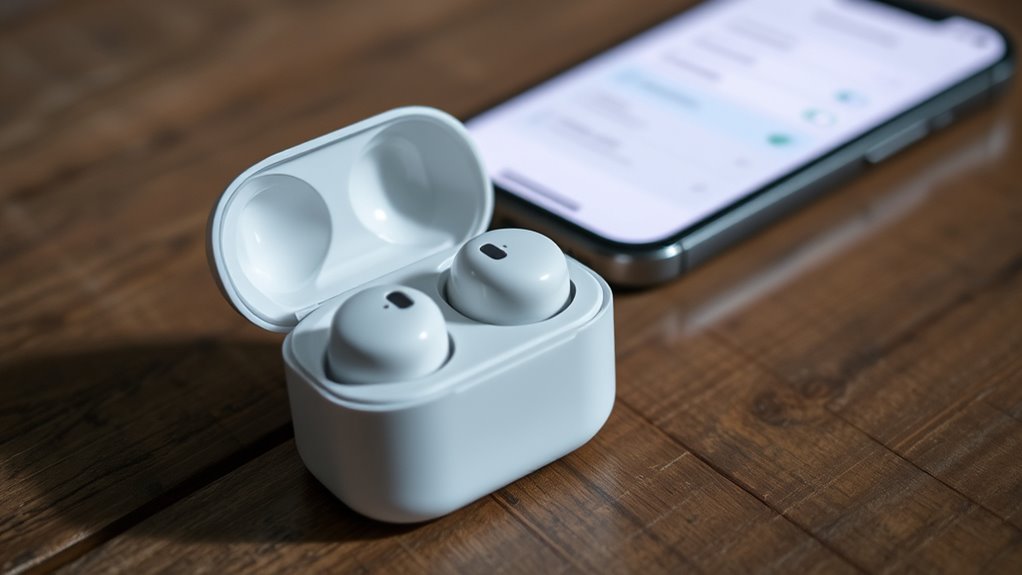

To connect your Samsung earbuds to your iPhone, first make certain the earbuds are charged and in pairing mode. Activate Bluetooth on your iPhone by going to Settings and turning it on. Once Bluetooth is activated, look for your earbuds in the device list and tap to connect. After connecting, test the audio to verify everything works smoothly. If you encounter issues, there are simple troubleshooting steps that can help resolve them.
Preparing Your Samsung Earbuds for Pairing
Before you can connect your Samsung earbuds to your iPhone, you’ll need to prepare them for pairing. Start by ensuring you’re charging your earbuds, as low battery can interfere with the connection process. Place them in the charging case and check if the LED indicators show a charging status. If they’re fully charged and still not connecting, you might need to reset your earbuds. To do this, take them out of the case, press and hold the touch sensors on both earbuds for about seven seconds until the LED flashes red and blue. This will clear any previous pairing, making them ready for a fresh connection. Now you’re all set to pair them with your iPhone!
Activating Bluetooth on Your Iphone
With your Samsung earbuds ready for pairing, the next step is to activate Bluetooth on your iPhone. Start by opening your phone and accessing the “Settings” app. Scroll down until you find “Bluetooth” and tap on it. You’ll see a toggle switch at the top of the Bluetooth settings page. If it’s off, just tap the switch to turn it on. Once activated, your iPhone will search for nearby devices. This is essential for iPhone compatibility with your Samsung earbuds. Make sure your earbuds are in pairing mode, and you’re set for the next step. Activating Bluetooth is quick and straightforward, freeing you to enjoy your favorite audio without hassle.
Connecting Your Earbuds to the Iphone
Now that Bluetooth is activated on your iPhone, it’s time to connect your Samsung earbuds. First, verify your earbuds are in pairing mode. This usually involves holding the touchpad or button until you see a blinking light. On your iPhone, open the Bluetooth settings, and wait for your earbuds to appear in the device list. Tap to connect.
Here’s a quick overview of compatibility considerations and pairing techniques:
| Compatibility Considerations | Pairing Techniques |
|---|---|
| iOS version compatibility | Activate pairing mode |
| Battery life | Select earbuds from list |
| Distance from iPhone | Confirm connection |
| Firmware updates | Reset if needed |
| Device interference | Restart devices if required |
Follow these steps, and you’ll enjoy the freedom of wireless listening in no time!
Testing the Connection
After connecting your Samsung earbuds to your iPhone, it’s important to test the connection to confirm everything is working properly. Start by playing your favorite song or video; listen for clarity and sound quality. Make sure the audio is balanced and check for any interruptions or delays. If you experience issues, consider the device compatibility—some features may not work seamlessly between different brands. You can also try adjusting the volume to see if the connection quality improves. Additionally, walk around your space while listening to check for any dropouts. This simple test verifies you’re fully enjoying your earbuds and can move freely without worrying about your audio cutting out.
Troubleshooting Common Issues
If you’re experiencing issues with your Samsung earbuds while connected to your iPhone, don’t worry—troubleshooting common problems can often resolve the situation quickly. Here are some common issues you might face:
| Issue | Solution | Notes |
|---|---|---|
| Earbud compatibility issues | Verify your earbuds are compatible with iOS | Check for updates |
| Connectivity drops | Restart both devices | Try re-pairing the earbuds |
| Battery life concerns | Charge the earbuds fully | Consider usage habits |
Make certain to keep your earbuds updated and charged. If problems persist, consult the user manual or reach out to customer support for additional assistance. Enjoy your freedom with seamless listening!
Frequently Asked Questions
Can I Use Samsung Earbuds With Other Devices?
Yes, you can use Samsung earbuds with other devices. Think of them as a universal key—thanks to their Bluetooth connectivity, they access a world of Samsung compatibility, letting you enjoy sound wherever you go.
How Do I Reset My Samsung Earbuds?
To reset your Samsung earbuds, press and hold both touchpads for 7 seconds until the LED blinks. This factory reset is great for earbud troubleshooting, restoring settings and resolving connection issues. Enjoy your freedom!
What Is the Battery Life of Samsung Earbuds?
Samsung earbuds boast impressive battery performance, lasting up to 11 hours on a single charge. With a quick charging time, you’ll feel untethered, enjoying your music without worrying about constant recharging. Freedom’s just a charge away!
Are Samsung Earbuds Waterproof?
Samsung earbuds typically have a water resistance rating of IPX2 or higher, meaning they’re splash-resistant but not fully waterproof. You can wear them during workouts, but avoid exposing them to heavy rain or submersion.
Can I Use Only One Earbud at a Time?
Ever wanted to enjoy music with just one earbud? Yes, you can use a single earbud in mono mode! It’s perfect for staying aware of your surroundings while still enjoying your favorite tunes.
