


To connect your TOZO NC2 earbuds, start by ensuring they are charged and in pairing mode. This straightforward process will allow you to connect them to your smartphone or other Bluetooth devices in just a few steps. In this guide, you’ll learn how to effectively pair your earbuds, troubleshoot common issues, and optimize your listening experience.
Getting Started with Your TOZO NC2 Earbuds
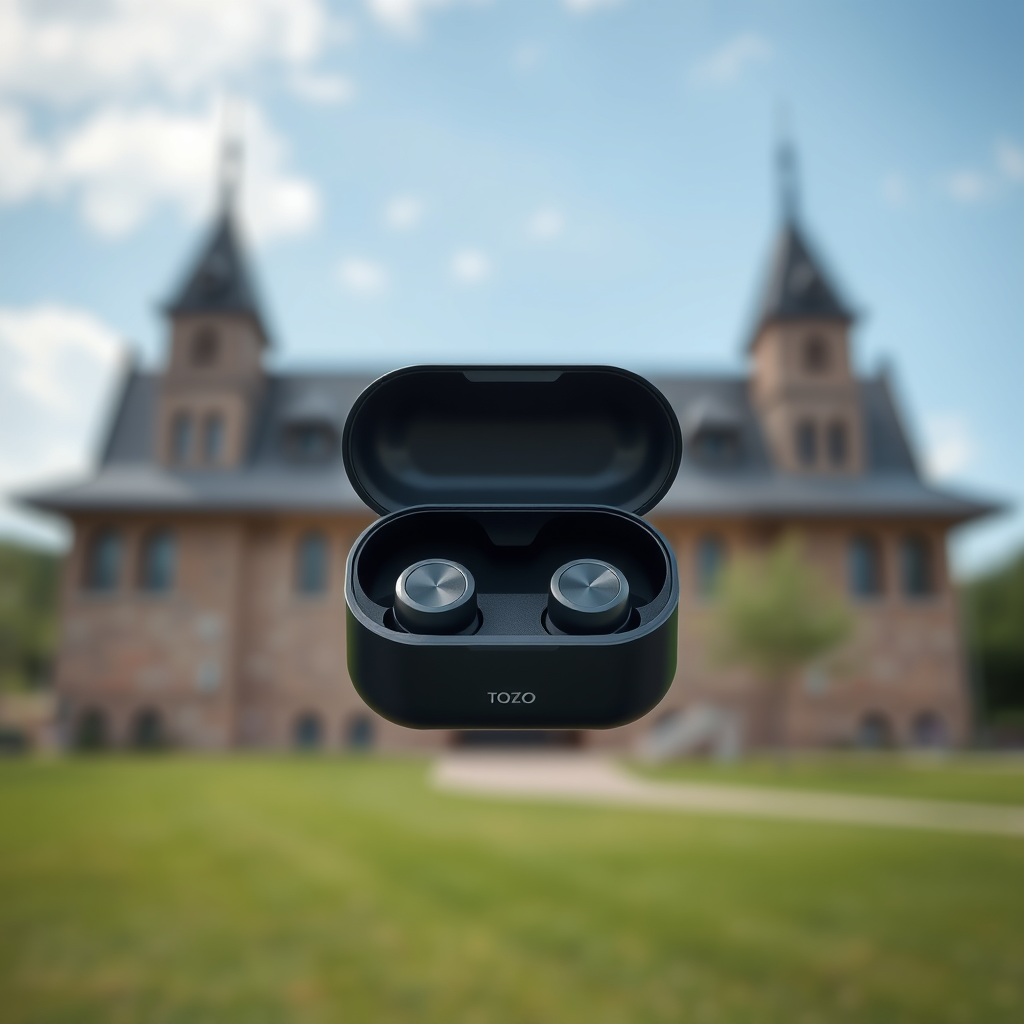
Before diving into the connection process, it’s essential to ensure that your TOZO NC2 earbuds are fully charged. A fully charged battery will not only guarantee a smooth connection but also ensure that you can enjoy your favorite audio content for an extended period without interruptions. Place the earbuds in their charging case for a few hours to ensure they reach a full charge. Once charged, take the earbuds out of the case; this action will automatically power them on, preparing them for pairing with your device.
Activating Pairing Mode
Activating pairing mode on your TOZO NC2 earbuds is a simple yet crucial step in the connection process. To do this, press and hold the multi-function button located on both earbuds simultaneously. You will notice an LED indicator flashing, which signals that the earbuds are entering pairing mode. Additionally, you may hear an audio prompt confirming that the earbuds are ready to connect. This step is essential as it allows other Bluetooth devices in your vicinity to discover your earbuds.
Connecting to Your Device
To establish a connection between your TOZO NC2 earbuds and your smartphone or other Bluetooth-enabled devices, follow these steps:
1. Open Bluetooth Settings: On your smartphone or device, navigate to the settings menu and select the Bluetooth option. Ensure that Bluetooth is turned on.
2. Select TOZO NC2: In the list of available devices, look for “TOZO NC2.” Tap on it to initiate the connection.
3. Confirmation: Once connected, an audio prompt will typically confirm the successful pairing, and you may also see a notification on your device.
By following these straightforward steps, you can enjoy the wireless freedom that comes with using the TOZO NC2 earbuds.
TOZO NC2 Earbuds Features Comparison
| # | Feature | Description | Rating |
|---|---|---|---|
| 1 | Battery Life | Up to 30 hours with case | ★★★★☆ |
| 2 | Water Resistance | IPX8 rating | ★★★★★ |
| 3 | Sound Quality | Balanced sound profile | ★★★★☆ |
| 4 | Comfort | Ergonomic design | ★★★★★ |
| 5 | Charging Case | Compact and portable | ★★★★☆ |
| 6 | Bluetooth Version | 5.0 | ★★★★★ |
| 7 | Noise Cancellation | Active noise cancellation | ★★★★☆ |
Troubleshooting Connection Issues
While connecting your TOZO NC2 earbuds is typically a straightforward process, there may be instances where you encounter connection issues. If the earbuds do not appear in your Bluetooth settings, ensure they are within close proximity to your device. Also, check if they are still in pairing mode; if not, repeat the activation process.
If the earbuds still do not connect, try resetting them by placing them back in the charging case, waiting for a few seconds, and then removing them again. Additionally, restarting your smartphone’s Bluetooth can often resolve connectivity issues. Simply turn Bluetooth off and on again, then attempt to reconnect.
Optimizing Your Listening Experience
To make the most of your TOZO NC2 earbuds, consider adjusting the volume and sound settings on your device. Experiment with equalizer settings if your device supports them, as this can help you achieve the ideal sound quality tailored to your preferences.
Moreover, if TOZO has a companion app available, exploring its features can provide additional customization options. This app may include settings for noise cancellation, transparency mode, and various sound profiles, allowing you to enhance your overall listening experience.
Maintaining Your Earbuds
Proper maintenance of your TOZO NC2 earbuds is crucial for ensuring their longevity and optimal performance. Regularly clean the earbuds using a soft, dry cloth to remove any dirt or earwax buildup. Avoid using harsh chemicals or submerging them in water, as this can damage the internal components.
When not in use, always store the earbuds in their charging case. This not only protects them from physical damage but also ensures that they maintain their battery life. If you notice any decrease in battery performance over time, contact TOZO’s customer service for assistance.
In conclusion, your TOZO NC2 earbuds offer a seamless listening experience when connected correctly. By following these steps, you can enjoy your favorite music and calls without any hassle. If you encounter any issues, refer to the troubleshooting section for quick fixes. By maintaining your earbuds and optimizing your settings, you can get ready to immerse yourself in high-quality sound!
Frequently Asked Questions
How do I put my Tozo NC2 earbuds in pairing mode?
To put your Tozo NC2 earbuds in pairing mode, first ensure they are charged. Remove the earbuds from the charging case, and they will automatically turn on. Press and hold the multifunction button on both earbuds until the LED lights flash red and blue, indicating they are in pairing mode and ready to connect to your device.
Why won’t my Tozo NC2 earbuds connect to my phone?
If your Tozo NC2 earbuds won’t connect to your phone, ensure that Bluetooth is enabled on your device and that the earbuds are in pairing mode. Additionally, check if the earbuds are already connected to another device. If so, disconnect them from that device and try pairing again.
What devices are compatible with Tozo NC2 earbuds?
The Tozo NC2 earbuds are compatible with most Bluetooth-enabled devices, including smartphones, tablets, and laptops. They work well with both iOS and Android operating systems, allowing for seamless connectivity with a wide range of gadgets.
How can I reset my Tozo NC2 earbuds if they are not connecting?
To reset your Tozo NC2 earbuds, place them back in the charging case and ensure they are charging. Then, remove them after a few seconds. Press and hold the multifunction button on both earbuds for about 10 seconds until the LED lights flash red, indicating the reset is complete, and you can attempt to reconnect.
What should I do if my Tozo NC2 earbuds are connected but the sound is not clear?
If your Tozo NC2 earbuds are connected but the sound is not clear, check the Bluetooth connection and ensure that your device’s volume is turned up. Sometimes, interference from other Bluetooth devices can cause audio issues, so moving away from other electronics may help. If the problem persists, consider resetting the earbuds and reconnecting them to your device.
References
- Google Scholar Google Scholar
https://scholar.google.com/scholar?q=how+to+connect+tozo+nc2+earbuds - Google Scholar Google Scholar
https://scholar.google.com/scholar?q=Bluetooth+earbuds+connection+guide - https://www.lifewire.com/how-to-pair-bluetooth-earbuds-5072428
https://www.lifewire.com/how-to-pair-bluetooth-earbuds-5072428 - https://www.bbc.com/news/technology-48204205
https://www.bbc.com/news/technology-48204205 - https://www.theguardian.com/technology/2020/jul/06/connecting-bluetooth-earbuds
https://www.theguardian.com/technology/2020/jul/06/connecting-bluetooth-earbuds - https://www.cdc.gov/niosh/topics/noise/default.html
https://www.cdc.gov/niosh/topics/noise/default.html - https://www.nature.com/articles/s41598-020-75264-9
https://www.nature.com/articles/s41598-020-75264-9 - https://en.wikipedia.org/wiki/Special:Search?search=how+to+connect+tozo+nc2+earbuds
https://en.wikipedia.org/wiki/Special:Search?search=how+to+connect+tozo+nc2+earbuds - https://www.ncbi.nlm.nih.gov/search/research-articles/?term=how+to+connect+tozo+nc2+earbuds
https://www.ncbi.nlm.nih.gov/search/research-articles/?term=how+to+connect+tozo+nc2+earbuds

[…] to working audio is: confirm charging + correct placement, power on with a steady hold, pair using Bluetooth settings, then troubleshoot by checking output routing and connection […]
[…] to appear in your phone’s Bluetooth list, so the first step is always pairing mode—not Bluetooth settings. For most users, simply removing the earbuds from the case is enough to trigger discovery, but a […]