
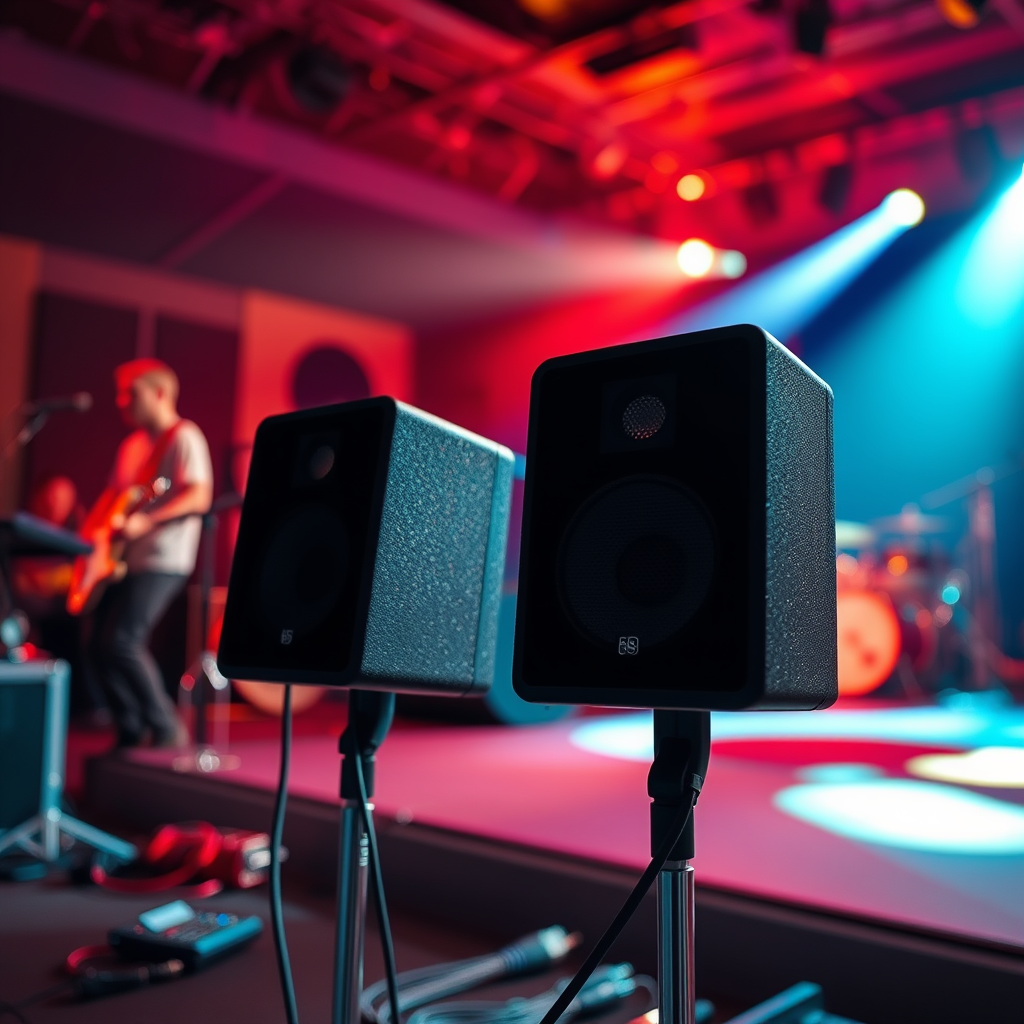

Connecting two speakers together can significantly enhance your audio experience, providing a fuller sound and a more dynamic listening environment. Whether you are setting up a home theater system or simply want to enjoy music with richer sound, this guide will walk you through various methods to connect speakers, both wired and wireless. By following the instructions provided, you will be able to enjoy improved sound quality with ease.
Understanding Speaker Types

Before diving into the connection methods, it is essential to understand the two primary types of speakers: passive and active.
Passive speakers require an external amplifier to drive them, meaning they cannot produce sound on their own. They usually have no built-in power source, which allows for versatility in terms of audio systems, as different amplifiers can be used to achieve various sound profiles.
Active speakers, on the other hand, have built-in amplifiers and power sources. This means they can be plugged directly into an audio source, such as a smartphone or computer, without needing an external amplifier. They often come with additional features like Bluetooth connectivity, making them user-friendly.
Another critical aspect to consider when connecting speakers is impedance matching. Speakers typically have impedance ratings measured in ohms (Ω), commonly 4, 6, or 8 ohms. Matching the impedance of your speakers with that of your amplifier is crucial for optimal sound quality and performance. If the impedance is mismatched, it can lead to distortion or even damage to the equipment.
Wired Connection Methods
Wired connections are often preferred for their reliability and sound quality. Here are some effective wired methods to connect your speakers:
1. Use Speaker Wire for Direct Connections to an Amplifier:
The most straightforward method is to run speaker wire directly from your amplifier to each speaker. Ensure that you use high-quality speaker wire to minimize signal loss. Typically, 16-gauge wire is suitable for short runs, while 14-gauge is recommended for longer distances. Connect the positive terminal of the amplifier to the positive terminal of the speaker and the negative terminal of the amplifier to the negative terminal of the speaker.
2. Explore the Use of a Stereo Receiver for Multiple Speaker Setups:
If you are looking to connect multiple speakers, a stereo receiver can be a great solution. Most receivers have multiple output channels, allowing you to connect two or more pairs of speakers. Some receivers also offer settings for speaker impedance, which can help you balance the load across all connected speakers.
Wireless Connection Options
In today’s digital age, wireless connections are immensely popular for their convenience. Here are two prevalent wireless options:
1. Utilize Bluetooth Technology for Easy Pairing:
Many modern speakers support Bluetooth, making it easy to connect them without any messy wires. To set up a Bluetooth connection, ensure both speakers are in pairing mode and connect them to your device (e.g., smartphone or tablet) via Bluetooth settings. Keep in mind that Bluetooth connections may have limited range and can be susceptible to interference.
2. Learn About Wi-Fi Speaker Systems for Seamless Integration:
Wi-Fi speakers, such as those that support systems like Sonos or Google Home, allow for high-quality streaming without the limitations of Bluetooth. These systems can connect multiple speakers over your home network, enabling synchronized audio playback throughout your space. They often come with dedicated apps for easy control and customization.
Configuring Settings for Optimal Sound
Once your speakers are connected, it’s essential to configure the settings for optimal sound quality. Here are some steps to consider:
1. Adjust the Balance and Volume Settings on Your Device:
Most audio devices have balance controls that allow you to adjust the sound output between the left and right speakers. This can help in achieving a more immersive audio experience. Additionally, ensure that the volume levels are appropriately set to prevent distortion.
2. Experiment with Audio Settings to Find What Sounds Best:
Many devices come with equalizer settings that allow you to adjust bass, midrange, and treble frequencies. Take some time to experiment with these settings to find the audio profile that best suits your listening preferences.
Troubleshooting Common Issues
While connecting two speakers can be straightforward, you may encounter some common issues. Here are some troubleshooting tips:
1. Identify Connectivity Problems and How to Resolve Them:
If you’re having trouble connecting your speakers, first check all connections to ensure they are secure. For wireless connections, ensure that the devices are within range and that Bluetooth or Wi-Fi is enabled.
2. Check Compatibility Between Devices and Speakers:
Ensure that your audio source is compatible with your speakers. For example, if you are using an amplifier, make sure it can support the impedance of your speakers. Additionally, check for any firmware updates or compatibility issues that may affect connectivity.
Additional Enhancements
To further enhance your audio setup, consider the following options:
1. Consider Using a Speaker Splitter for More Connections:
If you want to connect more than two speakers to a single output, a speaker splitter can be a useful tool. However, be cautious about impedance ratings; connecting too many speakers can lead to reduced sound quality or damage to your amplifier.
2. Explore Soundbars or Subwoofers for a Richer Sound Experience:
For those looking to boost their audio further, adding a soundbar or subwoofer can provide depth and clarity to your sound. Soundbars are particularly effective in enhancing dialogue clarity in movies, while subwoofers add powerful bass for music and cinematic experiences.
Top 7 Speaker Brands and Features (2024)
| # | Brand | Type | Impedance (Ω) | Price Range |
|---|---|---|---|---|
| 1 | Bose | Active | 8 | $200-$700 |
| 2 | Sony | Passive | 6 | $150-$500 |
| 3 | JBL | Active | 8 | $100-$600 |
| 4 | Klipsch | Passive | 8 | $300-$900 |
| 5 | Audioengine | Active | 4 | $200-$800 |
| 6 | Pioneer | Passive | 6 | $150-$450 |
| 7 | Bang & Olufsen | Active | 8 | $500-$1500 |
By understanding your speaker options and the various ways to connect them, you can significantly elevate your audio experience. Whether you choose wired or wireless methods, remember to configure your settings for optimal performance and troubleshoot any issues that arise.
In conclusion, connecting two speakers is a straightforward process that can lead to a much more enjoyable listening experience. Follow the methods outlined in this guide, and don’t hesitate to explore additional enhancements like soundbars and subwoofers. We encourage you to experiment with connecting your speakers and share your experiences or any questions in the comments section below.
Frequently Asked Questions
How do I connect two speakers to one audio source?
To connect two speakers to one audio source, you can use a speaker splitter cable or a multi-channel amplifier. Simply plug the splitter into your audio source and connect each speaker to the respective outputs. Ensure that the impedance of the speakers is compatible with the audio source to avoid damaging your equipment.
What type of cables do I need to connect speakers together?
The type of cables you need depends on the speakers you are using. For most passive speakers, standard speaker wire with banana plugs or bare wire connections is sufficient. For active speakers, you may need RCA or TRS cables, so always check the speaker specifications for the correct cable type.
Why won’t my connected speakers play sound together?
If your connected speakers aren’t playing sound together, check if they are properly wired and that the audio source is set to output sound through both speakers. Additionally, ensure that the volume levels are appropriately adjusted and that the speakers are compatible with your audio source. Sometimes, a faulty cable or connection could also be the culprit.
Which method is best for connecting two Bluetooth speakers together?
The best method for connecting two Bluetooth speakers together is to use a feature called “Party Mode” or “Stereo Pairing,” available in many Bluetooth speaker models. This allows both speakers to sync and play audio simultaneously. Check the user manual for your specific speakers to see if this feature is supported and how to activate it.
How can I connect two speakers in series or parallel?
To connect two speakers in series, connect the positive terminal of the first speaker to the positive terminal of the audio source and the negative terminal of the first speaker to the positive terminal of the second speaker. For a parallel connection, connect the positive terminals of both speakers to the positive terminal of the audio source, and do the same with the negative terminals. Each method affects impedance differently, so ensure your audio source can handle the load.
References
- https://en.wikipedia.org/wiki/Speaker_(audio
https://en.wikipedia.org/wiki/Speaker_(audio - https://www.sciencedirect.com/topics/engineering/loudspeaker
https://www.sciencedirect.com/topics/engineering/loudspeaker - Loudspeaker | Definition, Types, & Facts | Britannica
https://www.britannica.com/technology/loudspeaker - Efficient fault tolerance | Nature
https://www.nature.com/articles/nature20479 - https://pubmed.ncbi.nlm.nih.gov/30409695/
https://pubmed.ncbi.nlm.nih.gov/30409695/ - https://www.verywellmind.com/how-to-connect-two-speakers-2794394
https://www.verywellmind.com/how-to-connect-two-speakers-2794394 - Google Scholar Google Scholar
https://scholar.google.com/scholar?q=how+to+connect+two+speakers+together - Google Scholar Google Scholar
https://scholar.google.com/scholar?q=speaker+connection+techniques - Google Scholar Google Scholar
https://scholar.google.com/scholar?q=loudspeaker+setup+guidelines - how to connect two speakers together – Search results
https://en.wikipedia.org/wiki/Special:Search?search=how+to+connect+two+speakers+together
