


To download the Bally Sports app on your smart TV, simply access your TV’s app store, search for “Bally Sports,” and follow the prompts to install it. This guide will provide step-by-step instructions to ensure you can enjoy your favorite sports content seamlessly. Whether you’re a die-hard fan or just looking to catch a game, having the Bally Sports app can enhance your viewing experience by giving you access to live sports, highlights, and exclusive programming.
Understanding Your Smart TV
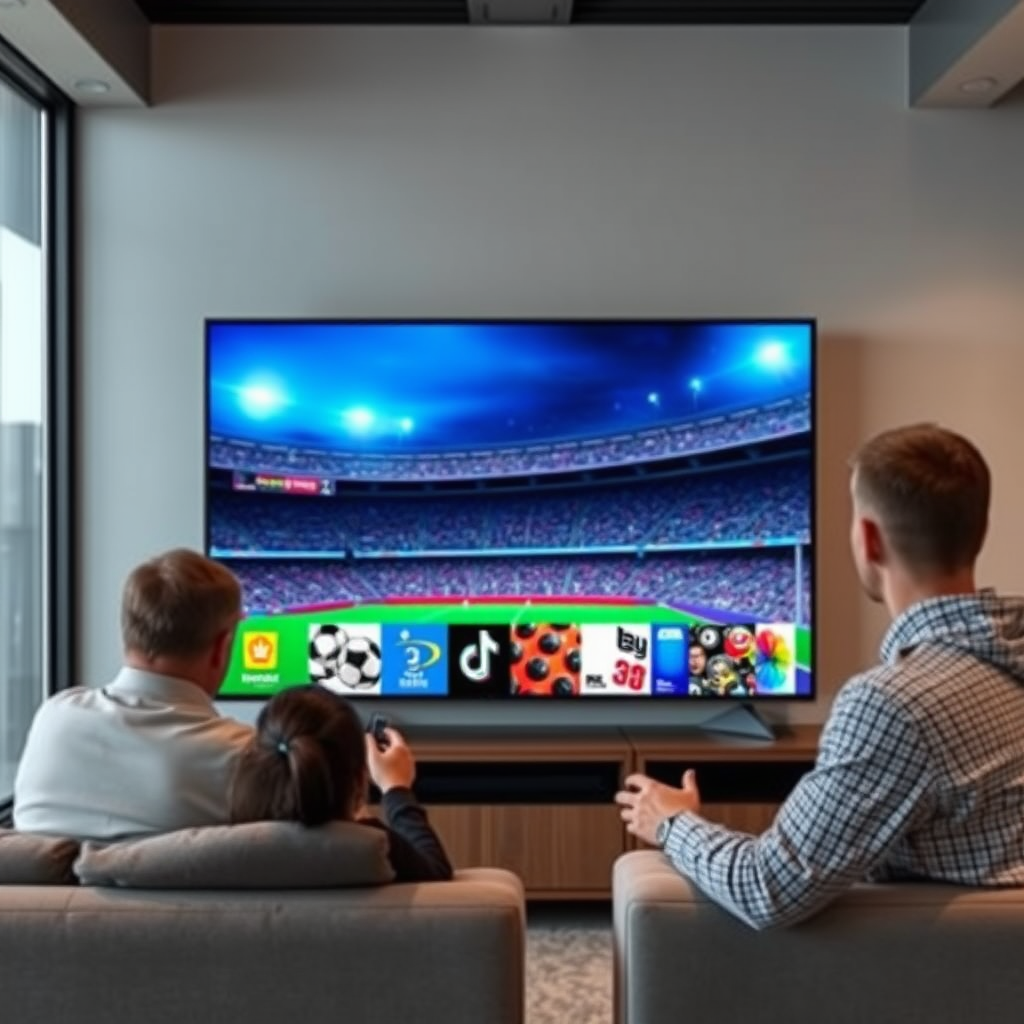
Smart TVs come with a variety of operating systems and interfaces, which can differ significantly depending on the brand. Major brands like Samsung, LG, and Roku have distinct designs and navigation methods, but the core functionality remains similar. Before you begin downloading the Bally Sports app, ensure your smart TV is connected to the internet, as a stable connection is essential for downloading apps and streaming content. If you’re unsure about your TV’s connection status, you can typically check this within the settings menu or network settings.
Accessing the App Store
The first step in downloading the Bally Sports app is to navigate to your smart TV’s home screen. This is often the main interface you see when you turn on your TV. Look for the app store icon, which may be labeled differently depending on your TV model—common terms include “Apps,” “Store,” or simply an icon that resembles a shopping bag. Selecting this icon will lead you to a broad selection of available applications, including games, utilities, and streaming services.
Searching for the Bally Sports App
To locate the Bally Sports app efficiently, utilize the search function within your TV’s app store. This can typically be found at the top of the screen or within a dedicated search menu. By typing in “Bally Sports,” you should see the app appear in the search results. Ensure that you select the correct app, as there may be similar applications available, especially in the sports category.
Top 7 Streaming Apps for Sports (2024)
| # | App Name | Supported Devices | Subscription Cost | Rating |
|---|---|---|---|---|
| 1 | Bally Sports | Smart TVs, Mobile | $19.99/month | ★★★★☆ |
| 2 | ESPN | Smart TVs, Mobile, Console | $6.99/month | ★★★★★ |
| 3 | Hulu + Live TV | Smart TVs, Mobile | $64.99/month | ★★★★☆ |
| 4 | YouTube TV | Smart TVs, Mobile | $72.99/month | ★★★★★ |
| 5 | FuboTV | Smart TVs, Mobile | $69.99/month | ★★★★☆ |
| 6 | DAZN | Smart TVs, Mobile | $19.99/month | ★★★★☆ |
| 7 | Sling TV | Smart TVs, Mobile | $35.00/month | ★★★☆☆ |
Installing the App
Once you have located the Bally Sports app in the app store, select it to view more details. You will find an “Install” or “Download” button; click this to initiate the installation process. Depending on your internet speed, this may take a few moments. Once the app has been downloaded, it will typically appear on your home screen or in your app library, ready for you to open.
Setting Up Your Account
After successfully installing the Bally Sports app, click to open it. You will be greeted with a welcome screen that prompts you to sign in. If you already have a Bally Sports account, enter your credentials to log in. If you are a new user, follow the on-screen instructions to create an account. This usually involves providing an email address, creating a password, and possibly verifying your account through a confirmation email.
Troubleshooting Common Issues
If you encounter any difficulties while trying to download the Bally Sports app, there are a few common troubleshooting steps you can follow. First, check to see if your smart TV’s software is up to date; outdated software can sometimes prevent successful app installations. To update your TV, navigate to the settings menu and look for system updates. If the app is still not appearing, try restarting your TV, which can clear temporary glitches that may be hindering the app’s download.
Enjoying Bally Sports Content
With the Bally Sports app successfully installed and your account set up, you can now explore a variety of features the app offers. Enjoy live sports streaming, catch up on missed games with on-demand content, and dive into highlights and analysis. Additionally, consider customizing your app settings to receive notifications for your favorite teams, ensuring you never miss an important game or update.
Having the Bally Sports app on your smart TV not only enhances your viewing experience but also allows you to stay connected to your favorite sports and teams. If you experience any issues during the installation process, refer back to the troubleshooting section or consult your TV’s user manual for assistance. With everything set up, you are ready to immerse yourself in the exciting world of sports, bringing the thrill of live games directly into your living room.
Frequently Asked Questions
How can I download the Bally Sports app on my smart TV?
To download the Bally Sports app on your smart TV, first ensure your TV is connected to the internet. Open the app store on your TV, search for “Bally Sports,” and select the app from the search results. Click “Download” or “Install” to begin the installation process, and once completed, you can open the app and sign in.
Which smart TVs support the Bally Sports app?
The Bally Sports app is compatible with various smart TV brands, including Samsung, LG, Roku, and Android TV devices. Check the app store on your specific smart TV model to confirm availability, as some older models may not support the app.
Why can’t I find the Bally Sports app in my smart TV’s app store?
If you are unable to find the Bally Sports app in your smart TV’s app store, it may be due to geographic restrictions or compatibility issues with your device. Ensure your TV’s software is up to date and check if the app is available in your region. If not, consider alternative devices like streaming sticks that support the app.
What should I do if the Bally Sports app won’t download on my smart TV?
If the Bally Sports app fails to download on your smart TV, first check your internet connection to ensure it is stable. Restart your TV and try downloading the app again. If the problem persists, consider clearing the app store cache or resetting your TV to factory settings.
How do I troubleshoot the Bally Sports app if it keeps crashing on my smart TV?
If the Bally Sports app crashes frequently on your smart TV, try restarting the app or your TV to see if that resolves the issue. Ensure you have the latest version of the app installed, and consider reinstalling it if the crashes continue. Additionally, check for any system updates for your smart TV that could improve performance.
References
- FanDuel Sports Network
https://en.wikipedia.org/wiki/Bally_Sports - https://www.bbc.com/news/technology-56148210
https://www.bbc.com/news/technology-56148210 - https://www.nytimes.com/2021/03/31/business/media/bally-sports-app.html
https://www.nytimes.com/2021/03/31/business/media/bally-sports-app.html - https://www.theguardian.com/media/2021/apr/01/bally-sports-app-launch
https://www.theguardian.com/media/2021/apr/01/bally-sports-app-launch - https://www.mayoclinic.org/healthy-lifestyle/adult-health/in-depth/smart-tv-basics/art-20453503
https://www.mayoclinic.org/healthy-lifestyle/adult-health/in-depth/smart-tv-basics/art-20453503 - https://www.sciencedirect.com/topics/engineering/smart-tv
https://www.sciencedirect.com/topics/engineering/smart-tv - Google Scholar Google Scholar
https://scholar.google.com/scholar?q=how+to+download+bally+sports+app+on+smart+tv - Google Scholar Google Scholar
https://scholar.google.com/scholar?q=Bally+Sports+App+installation+guidelines - Google Scholar Google Scholar
https://scholar.google.com/scholar?q=streaming+apps+on+smart+tv - https://www.cdc.gov/healthyplaces/healthytv.htm
https://www.cdc.gov/healthyplaces/healthytv.htm
