

If you’ve misplaced your Soundcore earbuds, don’t worry—there are several effective ways to locate them quickly. Whether you’ve lost them at home or while out and about, this guide will walk you through practical steps to help you find your missing earbuds. From utilizing the Soundcore app to retracing your steps, this comprehensive guide will ensure you have the best chance of recovering your earbuds without too much hassle.
Use the Soundcore App
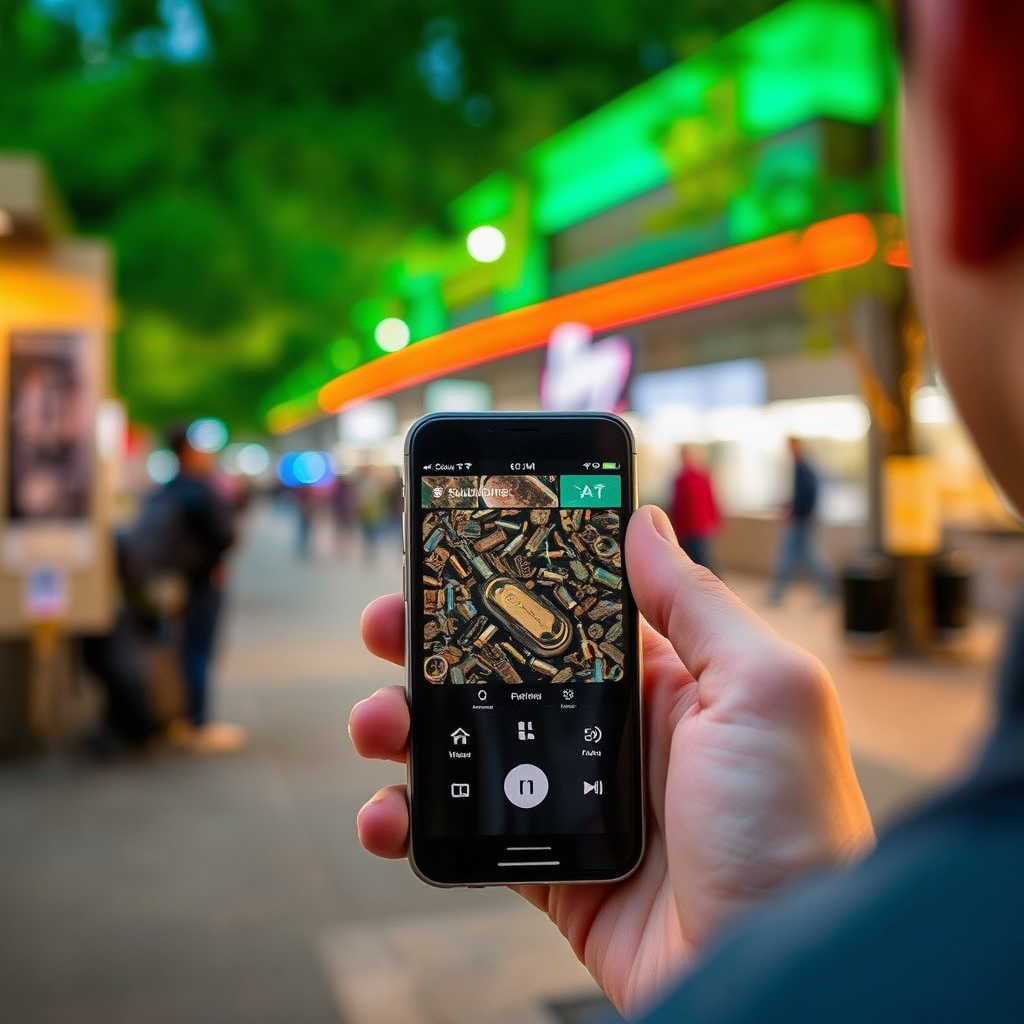
The Soundcore app is your first line of defense when searching for misplaced earbuds. Here’s how to make the most of its features:
– Download the Soundcore App: If you haven’t already installed the Soundcore app on your smartphone, head to your device’s app store (available for both Android and iOS) and download it. The app is designed to enhance your audio experience and provides a variety of functionalities, including the ability to find your earbuds.
– Use the “Find My Earbuds” Feature: Once the app is installed, connect it to your earbuds. If your earbuds have been connected to your smartphone at any point, the app will display their last known location on a map. Additionally, you can use the “Find My Earbuds” feature, which triggers the earbuds to emit a sound, making it easier for you to locate them if they are nearby.
Check Bluetooth Connection History
Another effective way to track down your missing Soundcore earbuds is by checking your device’s Bluetooth connection history. This approach can provide you with useful insights:
– Access Your Device’s Bluetooth Settings: Open the Bluetooth settings on your smartphone or tablet. Look for the list of paired devices to see if your Soundcore earbuds are still connected or if they show as “Previously Connected.”
– Look for the Last Connection Time: If your earbuds are listed as connected, check the timestamp of the last connection. This information can help you pinpoint where you were last using them, allowing you to narrow your search area effectively.
Search Common Areas
Misplacing earbuds often leads to them being left in common areas. To improve your chances of finding them, consider the following:
– Retrace Your Steps: Think back to the last time you used your earbuds. Did you wear them at home, the office, or during a workout? Make an effort to revisit these locations and look closely in areas where you typically use them.
– Check Under Furniture and Inside Bags: Earbuds can easily slip under couches, chairs, or tables. Additionally, check bags, gym equipment, and even inside your car. Sometimes, they can get lodged in places that are not immediately visible.
Utilize a Flashlight
If you’re searching in dimly lit areas, a flashlight can be your best friend:
– Illuminate Dark Areas: Use a flashlight to light up corners, under furniture, and other dark spaces where your earbuds might be hiding.
– Look for Reflective Surfaces: Soundcore earbuds often have shiny surfaces that can catch the light. Shining a flashlight can help highlight these surfaces, making it easier to spot them.
Ask for Help
Sometimes, a fresh perspective can make all the difference:
– Enlist Friends, Family, or Coworkers: If you’re unable to locate your earbuds on your own, don’t hesitate to ask for assistance. Having another set of eyes can help cover more ground and spot what you might have missed.
– Organize a Search Party: If the earbuds went missing in a public space, consider gathering a small group to help search. This can significantly increase the chances of finding them.
Consider Replacement Options
If all your efforts to find your Soundcore earbuds prove unsuccessful, there are several options to consider:
– Check Soundcore’s Warranty or Replacement Programs: If your earbuds are still under warranty, you may be eligible for a replacement. Visit Soundcore’s official website for detailed information on their policies regarding lost or damaged earbuds.
– Explore Options for Purchasing a New Pair: If a replacement isn’t feasible, consider buying a new pair. Keep an eye out for discounts and deals, especially during promotional periods or sales events.
Top Soundcore Earbuds Features Comparison (2024)
| # | Model | Battery Life | Water Resistance | Noise Cancellation |
|---|---|---|---|---|
| 1 | Soundcore Liberty 3 Pro | 8 hours | IPX4 | Yes |
| 2 | Soundcore Life P3 | 7 hours | IPX5 | Yes |
| 3 | Soundcore Spirit X2 | 9 hours | IP68 | Yes |
| 4 | Soundcore Life A1 | 6 hours | IPX7 | No |
| 5 | Soundcore R100 | 5 hours | IPX4 | No |
| 6 | Soundcore Life P2 | 6.5 hours | IPX7 | Yes |
| 7 | Soundcore Liberty Air 2 Pro | 7 hours | IPX4 | Yes |
The process of finding your Soundcore earbuds can be straightforward if you follow these steps. Remember to utilize the technology at your fingertips, retrace your steps, and ask for help if needed. If all else fails, consider looking into replacement options to ensure you can keep enjoying your audio experience. With this guide, you can navigate the search process with confidence and efficiency, ensuring that your audio enjoyment remains uninterrupted.
Frequently Asked Questions
How can I locate my lost Soundcore earbuds?
To locate your lost Soundcore earbuds, first ensure they are powered on and within Bluetooth range. Use the Soundcore app, which has a “Find My Earbuds” feature that can help you locate them if they are connected to your device. If they are out of battery or not connected, unfortunately, you may need to search for them manually.
What should I do if my Soundcore earbuds are not showing up in my Bluetooth settings?
If your Soundcore earbuds are not appearing in your Bluetooth settings, try resetting them by placing them in the charging case and pressing the button on the case for a few seconds. Ensure that Bluetooth is enabled on your device and that the earbuds are charged. If the issue persists, consult the user manual for further troubleshooting steps.
Why can’t I find my Soundcore earbuds using the app?
If you cannot find your Soundcore earbuds using the app, it may be due to several reasons, such as the earbuds being out of battery or turned off. Additionally, they must be connected to your device via Bluetooth for the app to track their location. Ensure your earbuds are charged and within range of your smartphone.
Which Soundcore earbuds have the best tracking features?
The Soundcore Liberty Air 2 Pro and Soundcore Life P2 models offer advanced tracking features, including seamless pairing and reliable Bluetooth connectivity. These earbuds can be easily located using the Soundcore app, making them suitable for users who frequently misplace their devices. Consider these models for the best tracking capabilities.
How do I set up the Soundcore app to help find my earbuds?
To set up the Soundcore app for finding your earbuds, download the app from the App Store or Google Play, and create an account if you don’t have one. Once installed, pair your Soundcore earbuds with your device through the app, allowing you to utilize the “Find My Earbuds” feature. Make sure to keep the app updated for optimal performance.
References
- Google Scholar Google Scholar
https://scholar.google.com/scholar?q=how+to+find+lost+earbuds - https://www.bbc.com/news/technology-48418127
https://www.bbc.com/news/technology-48418127 - https://www.nytimes.com/2020/05/20/technology/personaltech/lost-earbuds.html
https://www.nytimes.com/2020/05/20/technology/personaltech/lost-earbuds.html - Google Scholar Google Scholar
https://scholar.google.com/scholar?q=how+to+locate+Bluetooth+earbuds - https://www.sciencedirect.com/topics/engineering/bluetooth-earbuds
https://www.sciencedirect.com/topics/engineering/bluetooth-earbuds - https://www.ncbi.nlm.nih.gov/pmc/articles/PMC7075092/
https://www.ncbi.nlm.nih.gov/pmc/articles/PMC7075092/ - https://www.theguardian.com/technology/2020/mar/12/lost-earbuds-how-to-find-your-bluetooth-earphones
https://www.theguardian.com/technology/2020/mar/12/lost-earbuds-how-to-find-your-bluetooth-earphones - https://www.cdc.gov/nceh/ehs/ehs/earbuds.html
https://www.cdc.gov/nceh/ehs/ehs/earbuds.html - Google Scholar Google Scholar
https://scholar.google.com/scholar?q=how+to+find+my+soundcore+earbuds - how to find my soundcore earbuds – Search results
https://en.wikipedia.org/wiki/Special:Search?search=how+to+find+my+soundcore+earbuds
