

If your speakers are blown out, you can try to fix them by identifying the issue and following some straightforward repair steps. This guide will walk you through diagnosing the problem, gathering the necessary tools, and performing repairs to restore your speakers to optimal functionality. By the end of this article, you’ll be equipped with the knowledge to tackle blown speakers effectively and ensure a better audio experience.
Understanding Blown Out Speakers
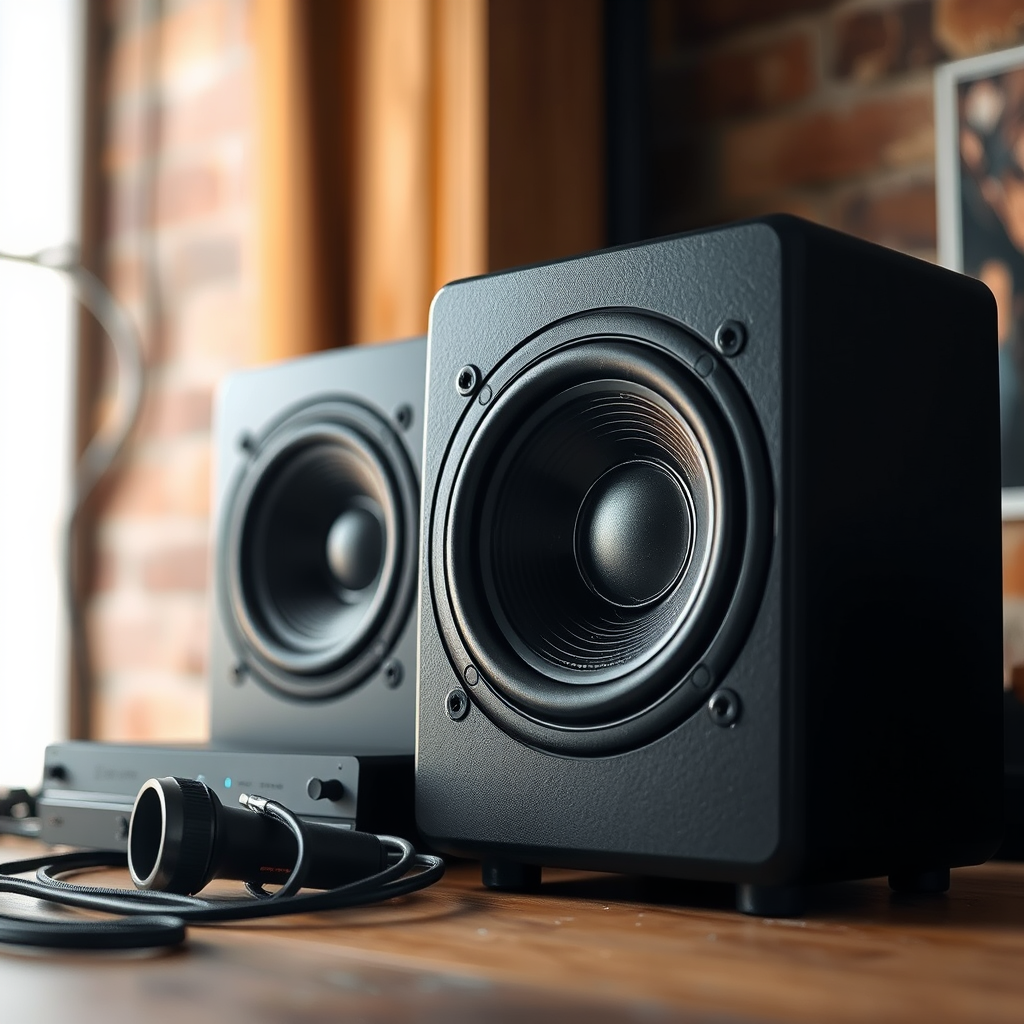
Blown speakers can significantly diminish your audio experience, manifesting in several telltale signs. Key indicators of blown speakers include distortion, a lack of sound clarity, rattling noises, and reduced volume levels. If you notice that your music sounds muddled or certain frequencies are missing, these are strong signs that your speakers may be blown.
The underlying causes of blown speakers can vary greatly. Overuse, particularly at high volumes, is a common factor that leads to speaker damage. Prolonged exposure to excessive power can strain the speaker components, resulting in failure. Additionally, poor-quality speakers are often more susceptible to damage, as they may not be designed to withstand high performance. Electrical issues, such as short circuits or improper connections, can also lead to blown speakers, compromising their functionality.
Tools and Materials Needed
To successfully repair blown speakers, you’ll need to gather some essential tools and materials. Here’s a list of items you will require:
– Screwdrivers: A set of Phillips and flat-head screwdrivers will be necessary to remove the speaker from its enclosure.
– Soldering Iron: This tool is essential for reconnecting any loose or broken wires within the speaker.
– Multimeter: A multimeter will help you test for continuity and diagnose electrical issues.
– Replacement Parts: Depending on the damage, you may need new speaker cones, voice coils, or wires. Ensure you have compatible parts for your specific speaker model.
– Adhesive: Strong adhesive can be useful for reattaching any components that may have come loose.
Having these tools and materials on hand will streamline the repair process, allowing you to address the issue quickly and efficiently.
Diagnosing the Problem
The first step in fixing blown speakers is diagnosing the problem accurately. Using a multimeter, you can test the speakers for continuity, ensuring that electrical signals can flow through the components. Set your multimeter to the resistance setting and connect the probes to the speaker terminals. A reading close to zero indicates continuity, while an infinite or very high reading suggests a break in the circuit.
Visual inspection is also crucial. Carefully examine the speaker for any visible signs of damage, such as tears in the cone, disconnections in the wiring, or burnt components. Look for any signs of corrosion at the terminals, which could indicate electrical issues. Identifying these problems early will guide your repair efforts more effectively.
Common Signs of Speaker Damage (2024)
| # | Issue | Description | Severity |
|---|---|---|---|
| 1 | Distortion | Muddled sound quality | High |
| 2 | Rattling Sounds | Loose components | Medium |
| 3 | Lack of Sound | Silence or very low output | High |
| 4 | Burnt Smell | Possible electrical damage | Critical |
| 5 | Visible Damage | Tears or cracks in the cone | High |
| 6 | Intermittent Sound | Cutting in and out | Medium |
| 7 | Crackling Noises | Distorted output at higher volumes | High |
Repairing the Speakers
Once you have diagnosed the issue, it’s time to proceed with the repair. Begin by carefully removing the speaker from its enclosure. This typically involves unscrewing several screws and gently lifting the speaker out. Be cautious not to damage the wiring during this process.
If the problem lies with the speaker cone or voice coil, you will need to replace these components. Start by detaching the blown cone or voice coil, which may require cutting any glued connections. After removing the damaged parts, clean the area to ensure a secure fit for the new components.
To install the new cone or voice coil, align it carefully with the existing structure and use adhesive where necessary. Ensure that it is securely attached and allow it to cure as per the adhesive instructions. After the components are in place, reconnect any wiring, ensuring that all connections are firm and well-insulated.
Testing the Repair
After completing the repairs, it’s crucial to test the speakers before reassembling everything. Reconnect the speaker to the audio system and power it on at a low volume. Gradually increase the volume to check for clarity and sound quality. Listen attentively for any distortion or rattling sounds, which may indicate that the repair was not successful or that there are additional issues present.
If the sound quality is satisfactory, proceed to reassemble the speaker enclosure securely. Make sure all screws are tightened and that there are no loose parts. This final check ensures that your repairs will hold up during regular use.
Preventative Measures
To prolong the life of your speakers and prevent future damage, consider the following preventative measures:
1. Avoid High Volumes: Consistently playing music at high volumes can strain speaker components. Opt for moderate volume levels to maintain sound quality and prolong speaker life.
2. Use Quality Equipment: Invest in high-quality speakers and audio equipment. While they may come at a higher initial cost, they tend to offer better durability and sound performance.
3. Regular Maintenance: Conduct regular checks on your speakers for signs of wear and tear. Cleaning dust and debris from components can help maintain optimal performance.
4. Proper Connection: Ensure that all connections are secure and appropriately rated for your speaker system to avoid electrical issues.
In summary, fixing blown out speakers involves diagnosing the issue, gathering the right tools, and executing repairs with care. By following these steps, you can restore your audio experience and prevent future problems. If you’re unsure at any point, consider consulting a professional for assistance to ensure the best results and maintain the integrity of your audio setup.
Frequently Asked Questions
What are the signs that my speakers are blown out?
Common signs of blown out speakers include distorted sound, buzzing or crackling noises, reduced volume, and a complete lack of sound. You may also notice that the speaker cones are physically damaged or pushed in. Identifying these signs early can help prevent further damage to your audio equipment.
How can I test if my speakers are truly blown out?
To test if your speakers are blown out, try connecting them to a different audio source or amplifier. If the sound remains distorted or absent, the speakers may be damaged. Additionally, check the wiring and connections to ensure the issue isn’t related to these components before concluding that the speakers are blown.
Why do speakers blow out, and how can I prevent it?
Speakers can blow out due to overdriving them with too much power, using them at high volumes for extended periods, or exposure to moisture. To prevent this, ensure you match the speaker’s power rating with your amplifier and avoid high volume levels, especially for prolonged listening sessions.
What is the best way to fix blown out speakers?
The best way to fix blown out speakers is to replace the damaged components, such as the speaker cone or voice coil, if possible. If the damage is extensive, consider purchasing a new speaker. For DIY enthusiasts, kits are available to help with the repair process, but professional assistance may provide a more reliable fix.
Which tools do I need to repair blown speakers at home?
To repair blown speakers at home, you will need basic tools such as a screwdriver, soldering iron, and adhesive for reattaching components. Additionally, having a multimeter to check connections and resistance can be helpful. If you’re replacing parts, make sure to have the necessary replacement components on hand for a successful repair.
References
- Loudspeaker
https://en.wikipedia.org/wiki/Loudspeaker - https://www.sciencedirect.com/topics/engineering/loudspeaker
https://www.sciencedirect.com/topics/engineering/loudspeaker - https://pubmed.ncbi.nlm.nih.gov/24613678/
https://pubmed.ncbi.nlm.nih.gov/24613678/ - https://www.bbc.com/news/technology-57912193
https://www.bbc.com/news/technology-57912193 - https://www.nytimes.com/2021/09/27/technology/speaker-repair.html
https://www.nytimes.com/2021/09/27/technology/speaker-repair.html - National Institutes of Health (NIH) |
https://www.nih.gov/ - World Health Organization (WHO)
https://www.who.int/ - Google Scholar Google Scholar
https://scholar.google.com/scholar?q=how+to+fix+blown+out+speakers - Google Scholar Google Scholar
https://scholar.google.com/scholar?q=loudspeaker+repair - Google Scholar Google Scholar
https://scholar.google.com/scholar?q=speaker+damage+repair

[…] name the single top-performing speaker brand—but only after testing what matters most: clarity at high volumes, deep bass, and clean mids in typical factory-to-upgrade setups. Get the verdict so you can choose […]
[…] habits for hearing preservation. WHO and national health agencies emphasize that listening at high volumes for prolonged periods can contribute to noise-induced hearing issues—exactly the scenario where […]