


To hook up speakers to a receiver, start by identifying the speaker wire connections on both your receiver and speakers. This process involves matching the positive and negative terminals and securing the wires properly. In this article, you’ll learn the essential steps and tips to ensure your audio setup functions flawlessly, allowing you to enjoy an immersive sound experience.
Understanding Your Receiver and Speaker Types
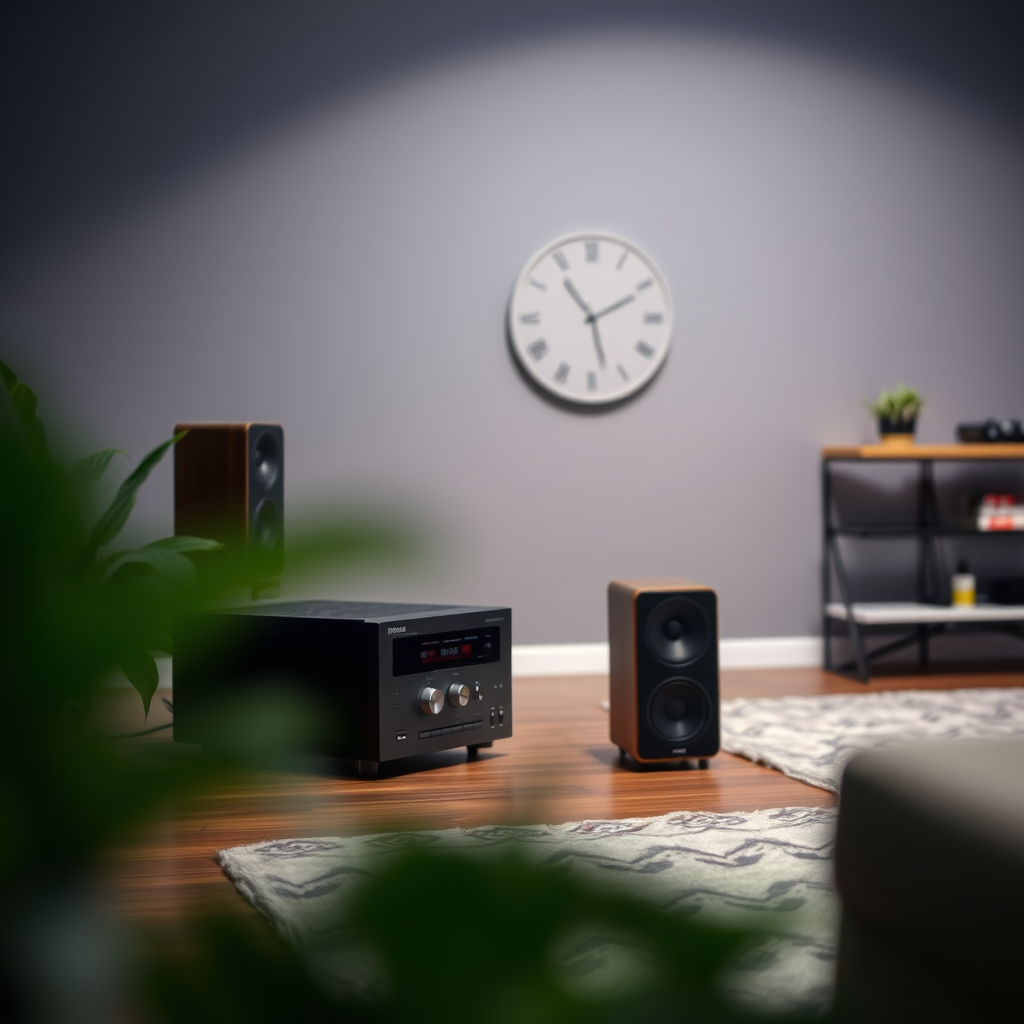
Before diving into the installation process, it’s crucial to understand the types of speakers and receivers available in the market.
Passive vs. Active Speakers: Passive speakers require an external amplifier or receiver to power them, while active speakers come with built-in amplifiers. If you are using passive speakers, make sure your receiver is compatible with the speakers’ impedance rating, usually 4, 6, or 8 ohms. Active speakers, on the other hand, are generally easier to set up since they only need to be connected to a power source and an audio source.
Receiver Channels and Power Output: Most home audio receivers offer multiple channels (typically 2, 5, or 7) that determine how many speakers can be connected and how sound is distributed. The power output, measured in watts, is also essential; it should match the power handling capability of your speakers to avoid distortion or damage. A receiver that produces 50 watts per channel is suitable for most average-sized rooms, but larger spaces may require higher power output for optimal performance.
Preparing Your Space
Setting up your speakers effectively begins with preparing your space.
Choosing Optimal Locations for Your Speakers: The placement of your speakers can significantly affect the sound quality. Ideally, speakers should be at ear level when seated, and you should position them symmetrically around your listening area to create a balanced soundstage. For surround sound setups, ensure that speakers are placed at the correct angles and distances according to the recommended configurations.
Cable Management: A clean setup not only enhances the aesthetic appeal but also ensures safety. Plan the routing of speaker wires to avoid clutter and trip hazards. Use cable ties or conduits to keep wires organized and minimize interference from other electronic devices. Additionally, consider the distance from the receiver to the speakers to ensure you have enough wire length without excessive slack.
Connecting Speaker Wires
The connection process is critical for achieving high-quality audio.
Matching Positive (+) and Negative (−) Terminals: Each speaker has two terminals marked with either red (positive) or black (negative). When connecting, always match the positive terminal of the receiver to the positive terminal of the speaker, and do the same for the negative terminals. This ensures that your speakers are in phase, producing coherent sound without cancellation.
Stripping Speaker Wires: Use a wire stripper to remove about half an inch of insulation from the ends of your speaker wires. This length is adequate for a secure connection. Twist the exposed copper strands to prevent fraying, and insert them into the corresponding terminals, securing them tightly to ensure good contact and prevent disconnection during use.
Top 7 Speaker Brands in 2024
| # | Brand | Speaker Type | Power (W) | Impedance (Ω) |
|---|---|---|---|---|
| 1 | Bose | Active | 150 | 8 |
| 2 | Yamaha | Passive | 100 | 6 |
| 3 | Sonos | Active | 180 | 8 |
| 4 | Klipsch | Passive | 200 | 8 |
| 5 | JBL | Active | 120 | 4 |
| 6 | Polk Audio | Passive | 150 | 8 |
| 7 | Pioneer | Passive | 160 | 6 |
Configuring Your Receiver Settings
Once your speakers are connected, the next step is configuring your receiver settings to ensure optimal sound quality.
Accessing the Setup Menu: Use the remote control or physical buttons on your receiver to access the setup menu. Most receivers will guide you through an automatic speaker calibration process, which can help tailor the audio output to your specific room acoustics.
Adjusting Speaker Settings: In the setup menu, specify the size and distance of your speakers. This information helps the receiver optimize the sound output. For example, if you have large floor-standing speakers, indicate that they are “large” in the settings. For smaller bookshelf speakers, select “small” to allow the receiver to direct bass frequencies to a subwoofer, if available. Additionally, adjust settings for crossover frequency, which is crucial for blending bass sounds seamlessly.
Testing Your Setup
After configuration, it’s time to test your speaker setup.
Play a Variety of Audio Sources: Start by playing different types of audio content, including music, movies, and sound effects. This will help you evaluate the speaker performance across various frequencies and dynamics. Pay attention to clarity in dialogue, depth of bass, and overall balance in sound.
Adjust Volume Levels and Speaker Balance: Use the receiver’s balance settings to ensure that sound is evenly distributed across all speakers. This is especially important in surround sound setups where imbalance can detract from the immersive experience. Gradually adjust the volume levels to find a comfortable listening range that doesn’t cause distortion.
Troubleshooting Common Issues
Occasionally, you may encounter problems with your audio setup.
Identifying Connection Problems: If you experience no sound or distortion, the first step is to check all wire connections. Ensure that wires are securely connected to both the receiver and the speakers. Inspect the speaker wires for any damage or fraying, which could lead to poor sound quality.
Checking Receiver Settings: If issues persist, revisit the receiver settings. Ensure that the correct input source is selected and that the speaker configuration matches your actual setup. For example, if you have a 5.1 surround sound system but the receiver is set to stereo, you won’t benefit from the full audio experience.
Additional Tips for Enhancing Audio Experience
To further enhance your audio experience, consider the following tips.
Speaker Placement for Better Acoustics: Experiment with speaker placement to optimize sound. Avoid placing speakers too close to walls or corners, which can cause bass to become boomy. Use room acoustics to your advantage; soft furnishings can help absorb sound and improve clarity.
Upgrading Cables or Adding Subwoofers: Investing in higher-quality speaker cables can improve sound transmission. If you want to take your audio experience to the next level, consider adding a subwoofer to handle low frequencies more effectively. This addition can significantly enhance the depth and richness of your audio.
By following these steps, you’ll be well on your way to enjoying high-quality sound from your audio system. Ensure proper connections, configure settings aptly, and test different configurations to discover the setup that works best for your space. For more audio tips and tricks, stay tuned for our upcoming articles!
Frequently Asked Questions
How do I determine the right speaker wire gauge for my receiver?
To determine the right speaker wire gauge for your receiver, consider the distance between your receiver and speakers. For runs up to 50 feet, 16-gauge wire is typically sufficient, while runs over 50 feet may require 14-gauge wire to ensure optimal sound quality and minimize power loss. Always check your receiver’s specifications to match the wire gauge with the power output.
What is the proper way to connect speakers to a receiver?
To properly connect speakers to a receiver, first, ensure the receiver is powered off. Use the appropriate gauge speaker wire to connect the positive (+) terminal of the receiver to the positive terminal of the speaker, and do the same for the negative (-) terminals. It’s important to maintain the correct polarity to avoid phase issues that can distort sound quality.
Why is my sound distorted after hooking up my speakers to the receiver?
Sound distortion after hooking up speakers to a receiver can occur due to incorrect wiring, such as reversed polarity or poor connections. Additionally, ensure that your receiver is not set to a volume level that exceeds the speaker’s capacity, as this can lead to clipping and distortion. Always double-check your settings and connections for optimal performance.
What type of speakers work best with my home theater receiver?
The best type of speakers for your home theater receiver depends on your space and audio preferences. For a well-balanced sound, consider a 5.1 or 7.1 surround sound speaker system that includes a subwoofer, surround, and front speakers. Additionally, ensure that the speakers’ impedance matches your receiver’s specifications, typically 6 to 8 ohms for home audio systems.
Which connections should I use to hook up my speakers to my receiver?
When hooking up speakers to your receiver, use the binding posts or spring clips provided for a secure connection. Binding posts offer a more robust connection and can be used with banana plugs, while spring clips are suitable for bare wire connections. Ensure that the connections are tight and free of frayed wire ends to maintain sound quality.
References
- Home cinema
https://en.wikipedia.org/wiki/Home_theater - https://www.lifewire.com/how-to-connect-your-speakers-to-a-receiver-1846843
https://www.lifewire.com/how-to-connect-your-speakers-to-a-receiver-1846843 - https://www.crutchfield.com/S-K1g7q2V5HpD/learn/how-to-connect-speakers-to-a-receiver.html
https://www.crutchfield.com/S-K1g7q2V5HpD/learn/how-to-connect-speakers-to-a-receiver.html - https://www.pcmag.com/how-to/how-to-choose-a-home-audio-receiver
https://www.pcmag.com/how-to/how-to-choose-a-home-audio-receiver - https://www.hifiengine.com/manuals/
https://www.hifiengine.com/manuals/ - Login
https://www.audiocircle.com/index.php?topic=180528.0 - Google Scholar Google Scholar
https://scholar.google.com/scholar?q=how+to+hook+up+speakers+to+receiver - Google Scholar Google Scholar
https://scholar.google.com/scholar?q=speaker+receiver+connections - Google Scholar Google Scholar
https://scholar.google.com/scholar?q=home+theater+setup+guidelines
