


To hook up speakers to an amplifier, you’ll need to connect the speaker wires to the appropriate terminals on both the amplifier and the speakers. This process is straightforward and involves ensuring the correct polarity and connections. In this guide, you’ll learn step-by-step instructions, tips for troubleshooting, and essential considerations to enhance your audio experience.
Gather Your Materials
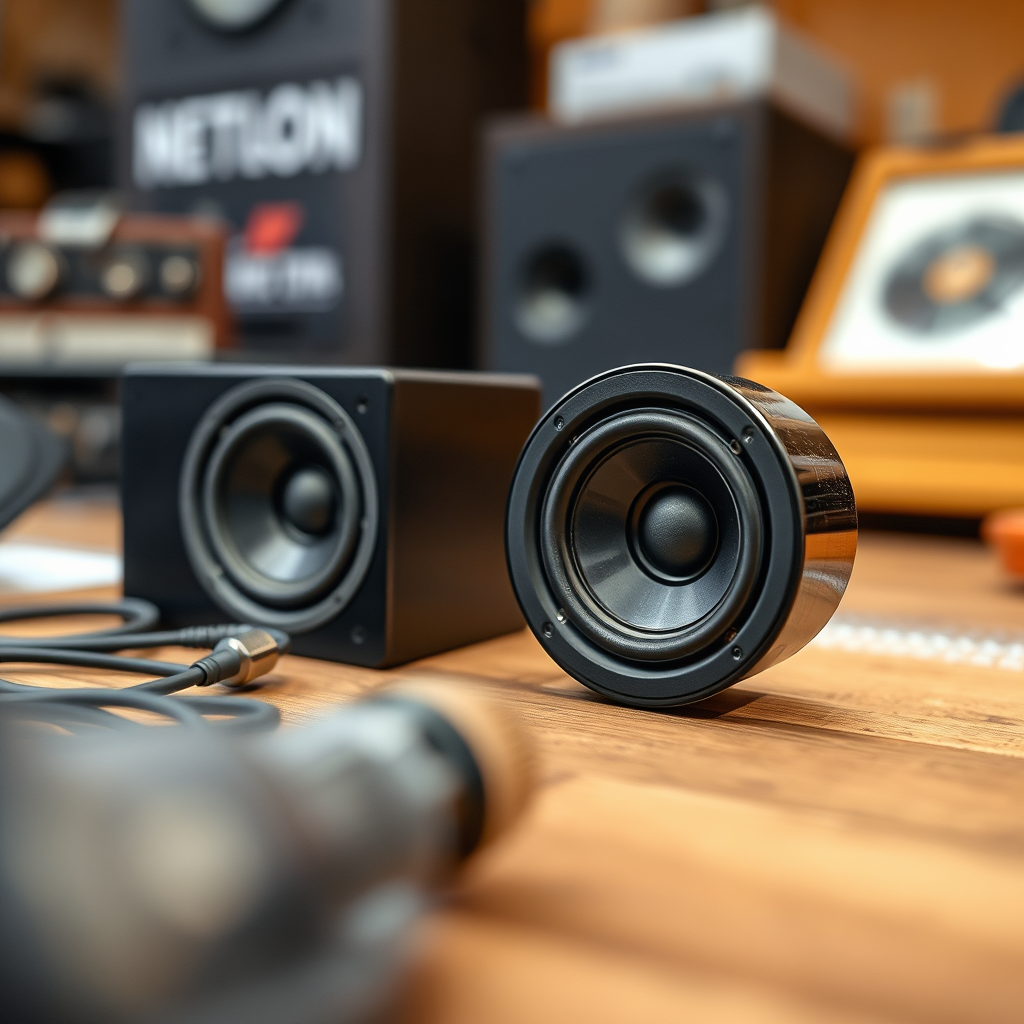
Before diving into the process of connecting your speakers to an amplifier, it’s crucial to gather all necessary materials. This not only streamlines the setup but also minimizes the risk of errors during the installation. Here’s a list of items you will need:
– Amplifier: Ensure that your amplifier is compatible with the speakers you plan to use. Check the power ratings and impedance specifications to avoid damage.
– Speakers: Choose speakers that suit your audio needs, whether they are bookshelf, floor-standing, or subwoofers.
– Speaker wire: Use an appropriate gauge of speaker wire. Generally, 16-gauge wire is sufficient for most home audio setups, while heavier gauge wire (14 or 12-gauge) is ideal for longer runs or high-powered systems.
– Wire strippers and connectors: If your speaker wire does not come pre-terminated, you will need wire strippers to expose the copper strands and possibly connectors to ensure a secure fit.
Understand the Connections
Understanding the connections between your amplifier and speakers is vital for achieving optimal sound quality. Here’s what you need to know:
– Identify the Speaker Terminals: Both the amplifier and speakers will have distinct terminals for connections. Amplifiers typically feature binding posts, while speakers may have spring clips or binding posts.
– Recognize Positive and Negative Connections: It’s essential to connect the wires correctly to avoid phase issues, which can lead to poor sound quality. Typically, the positive terminal is marked with a red color or a “+” sign, while the negative is marked with black or a “−” sign.
Miswiring these connections can result in a phase cancellation effect, where certain frequencies may be diminished or sound “hollow.”
Prepare the Speaker Wire
Once you have gathered your materials and understood the connections, the next step is preparing the speaker wire appropriately:
– Measure and Cut the Speaker Wire: Use a tape measure to determine the length needed for each connection. It is wise to leave a little extra length to avoid tension on the wires.
– Strip the Ends of the Wire: Use wire strippers to remove a portion of the insulation from each end of the wire, exposing enough copper to create a solid connection. Generally, stripping about half an inch is adequate.
Connect the Speakers to the Amplifier
Now that your speaker wires are prepared, it’s time to connect them to the amplifier and the speakers:
– Attach the Wires: Connect the positive wire (usually red) to the positive terminal on both the amplifier and the speakers. Then connect the negative wire (usually black) to the negative terminals in the same manner. Make sure the connection is tight to prevent any audio issues.
– Check for Secure Connections: A secure connection is essential for optimal performance. Wiggle the wires gently to ensure they do not come loose and that there is no interference from the surrounding environment.
Power On and Test the Setup
With the connections established, it’s time to power on your amplifier and test the setup:
– Turn On the Amplifier: After ensuring all connections are secure, turn on the amplifier. It’s advisable to start with a low volume to avoid overwhelming your speakers.
– Play Audio: Select a track that you are familiar with and play it through your audio source. Listen for clarity, balance, and overall sound quality. Adjust the volume levels and balance settings as needed to enhance the experience.
Troubleshooting Common Issues
Sometimes, despite careful setup, issues may arise. Here are some common troubleshooting tips:
– Check for Loose Connections: If no sound is heard, start by checking all connections. Look for loose or improperly connected wires and rectify them.
– Ensure the Amplifier is Powered: Double-check that the amplifier is powered on and set to the correct input source. Sometimes, the source may be set to a different input, leading to confusion.
– Inspect for Damage: If audio quality is poor, inspect the speaker wires for any damage or fraying, which could impair sound quality.
Maintenance and Care
To ensure longevity and optimal performance of your audio setup, regular maintenance is essential:
– Regularly Inspect Connections: Check the connections periodically to ensure they are secure and free from corrosion, which can occur over time.
– Clean Terminals and Wires: Dust and dirt can accumulate on terminals and wires, leading to poor audio performance. Use a soft cloth to clean them gently.
– Replace Worn Components: If you notice any wear in your speaker wires or connectors, replace them to maintain sound quality.
Common Speaker and Amplifier Specifications
| # | Specification | Typical Value | Importance |
|---|---|---|---|
| 1 | Power Output | 50-200W | High |
| 2 | Impedance | 4-8 Ohms | High |
| 3 | Frequency Response | 20Hz – 20kHz | Medium |
| 4 | Sensitivity | 85-95 dB | High |
| 5 | Connector Type | Binding posts/Spring clips | Medium |
| 6 | Size | 5-10 inches | Low |
| 7 | Material | Wood, Plastic, Metal | Medium |
| 8 | Brand | Various | Low |
| 9 | Warranty | 1-5 years | Medium |
| 10 | User Reviews | 4.5/5 | High |
Summarizing the steps to hook up speakers to an amplifier, you should ensure proper connections, test your setup, and troubleshoot any issues that arise. By following these guidelines, you’ll create a great audio experience. If you found this guide helpful, consider sharing it with others looking to enhance their sound systems.
Frequently Asked Questions
How do I determine the right speaker wire gauge for my amplifier?
The right speaker wire gauge depends on the distance between your amplifier and speakers, as well as the power output of your amplifier. For shorter runs (up to 25 feet), 16-gauge wire is often sufficient, but for longer distances or higher power, consider using 14-gauge or even 12-gauge wire to minimize signal loss and ensure optimal performance.
What connections do I need to hook up my speakers to an amplifier?
To hook up your speakers to an amplifier, you will typically need speaker wire, which connects the amplifier’s speaker outputs to the speaker terminals. Ensure your amplifier has compatible outputs, such as binding posts or spring clips, and your speakers have corresponding inputs for a secure connection.
Why is my amplifier not producing sound when connected to speakers?
If your amplifier is not producing sound, check the speaker connections to ensure they are secure and properly wired. Also, verify that the amplifier is powered on, the volume is adjusted correctly, and the input source is selected appropriately. Additionally, inspect the speaker and amplifier for any blown fuses or defects.
Which type of amplifier is best for connecting to home speakers?
The best type of amplifier for connecting to home speakers depends on your specific needs and setup. A stereo receiver is ideal for a basic home audio system, while a multi-channel amplifier is suitable for home theater setups. For high-fidelity sound, consider a high-quality integrated amplifier that combines both preamp and power amp functions.
How can I improve the sound quality when hooking up speakers to an amplifier?
To improve sound quality when hooking up speakers to an amplifier, ensure you use high-quality speaker wire and maintain proper connections to reduce interference. Position your speakers optimally within the room for better acoustics, and consider using isolation pads or stands to minimize vibrations. Additionally, experimenting with the amplifier’s equalization settings can help tailor the sound to your preference.
References
- https://en.wikipedia.org/wiki/Audiovisual_system
https://en.wikipedia.org/wiki/Audiovisual_system - https://www.oberlin.edu/arts-and-sciences/academic-resources/guide/speakers-and-amplifiers
https://www.oberlin.edu/arts-and-sciences/academic-resources/guide/speakers-and-amplifiers - Google Scholar Google Scholar
https://scholar.google.com/scholar?q=how+to+hook+up+speakers+to+amplifier - Amplifier | Audio, Signal Processing & Volume Control | Britannica
https://www.britannica.com/technology/amplifier - https://www.sciencedirect.com/topics/engineering/amplifier
https://www.sciencedirect.com/topics/engineering/amplifier - Google Scholar Google Scholar
https://scholar.google.com/scholar?q=speaker+amplifier+connections - https://www.researchgate.net/publication/326491823_How_to_Hook_Up_Speakers_to_An_Amplifier
https://www.researchgate.net/publication/326491823_How_to_Hook_Up_Speakers_to_An_Amplifier - https://www.nytimes.com/2020/01/10/technology/personaltech/how-to-set-up-your-sound-system.html
https://www.nytimes.com/2020/01/10/technology/personaltech/how-to-set-up-your-sound-system.html - https://www.audioholics.com/tweaks/how-to-connect-your-speakers-to-an-amplifier
https://www.audioholics.com/tweaks/how-to-connect-your-speakers-to-an-amplifier - how to hook up speakers to amplifier – Search results
https://en.wikipedia.org/wiki/Special:Search?search=how+to+hook+up+speakers+to+amplifier
