
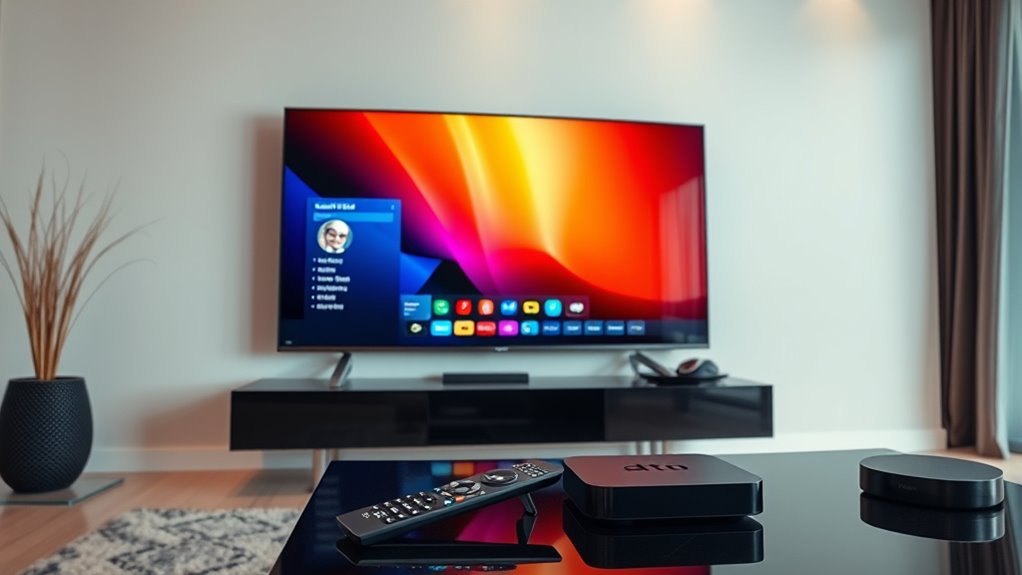

To know if your TV is a smart TV, look for internet connectivity options like Wi-Fi or an Ethernet port. Check for pre-installed streaming apps such as Netflix, Hulu, or YouTube, which indicate smart functionality. An intuitive user interface and responsive remote with voice control features are also telltale signs. By identifying these elements, you can confirm if your TV is smart, and you’ll find even more details on this topic if you explore further.
Understanding Smart TV Features
When exploring whether a TV is a smart TV, it’s essential to recognize several key features that define this technology. Smart TVs come equipped with smart features that allow you to access streaming services, browse the internet, and use various apps. This functionality distinguishes them from traditional TVs. Additionally, device compatibility plays a significant role; a smart TV should seamlessly connect with other devices, like smartphones and tablets, enabling you to share content effortlessly. Look for built-in Wi-Fi, Bluetooth options, and support for popular streaming platforms. By understanding these characteristics, you can confidently determine if a TV meets your needs for a modern viewing experience, granting you the freedom to enjoy entertainment on your terms.
Checking for Internet Connectivity
How can you tell if a TV truly qualifies as a smart TV? One key indicator is its internet connectivity options. Here’s how to check:
To determine if a TV is a smart TV, check for internet connectivity features like Wi-Fi settings and Ethernet ports.
- Wi-Fi Settings: Navigate to the settings menu. If you see Wi-Fi options, the TV can connect wirelessly to the internet.
- Ethernet Port: Look at the back or side of the TV. A dedicated Ethernet port means you can connect it directly to a router for a stable connection.
- Network Setup: If you can access network setup menus, it’s likely a smart TV since non-smart TVs don’t typically offer this feature.
Identifying Pre-installed Apps
What apps come pre-installed on a TV can offer significant clues about its smart capabilities? If you find popular streaming services like Netflix, Hulu, or YouTube already loaded, it’s a strong indicator that your TV is smart. These pre-installed apps suggest the TV has internet connectivity and the ability to access an app store. Conversely, if you see only basic channels or no apps at all, it’s likely a standard model. A smart TV typically provides an app store for downloading additional services, further enhancing your viewing experience. So, take a moment to explore the pre-installed apps; they can reveal a lot about your TV’s smart features and overall functionality.
Evaluating Streaming Capabilities
Could you easily access your favorite streaming services? Evaluating a TV’s streaming capabilities is essential in determining if it’s a smart TV. Here’s what to check for:
- Pre-installed Apps: Look for popular streaming services like Netflix, Hulu, or Amazon Prime Video.
- Content Compatibility: Confirm it supports various formats and resolutions, including 4K and HDR, for a superior viewing experience.
- Download Options: Determine if you can download additional streaming apps to expand your entertainment options.
If your TV checks these boxes, you’re likely looking at a true smart TV. Enjoy the freedom of accessing a wide range of content at your fingertips, making your viewing experience more personalized and convenient.
Assessing User Interface and Remote Control Functions
Have you considered how the user interface and remote control functions impact your experience with a TV? A smart TV’s user interface should be intuitive and user-friendly, allowing you to navigate seamlessly between apps and settings. Additionally, remote functions play an essential role in how easily you can access content and control your viewing experience.
Here’s a quick comparison to help you assess these features:
| Feature | Importance | Example |
|---|---|---|
| User Interface Design | Ease of navigation | Clean, organized menus |
| Voice Control | Hands-free operation | Smart assistants integration |
| Customization Options | Personal preference | Changing home screen layout |
| Remote Functionality | Quick access to features | Dedicated app buttons |
Evaluating these aspects can greatly enhance your TV viewing freedom.
Frequently Asked Questions
Can a Regular TV Be Upgraded to a Smart TV?
Yes, you can upgrade a regular TV to a smart TV using devices like streaming sticks or boxes. These smart upgrades expand your streaming options, allowing you to enjoy a variety of online content effortlessly.
What Brands Are Known for Reliable Smart TVS?
Samsung’s reliability stands out, while LG offers impressive features. Sony excels in performance, ensuring quality viewing experiences. If you’re budget-conscious, TCL provides affordability without sacrificing essential smart capabilities, making it a solid choice.
How Long Do Smart TVS Typically Last?
You might say smart TVs enjoy a decent run, typically lasting around 5 to 7 years. Smart TV longevity can vary, but with proper care, you can expect an average lifespan that suits your viewing needs.
Are Smart TVS More Expensive Than Regular TVS?
Smart TVs generally cost more than regular ones due to advanced smart features. When you do a price comparison, consider the benefits like streaming apps and connectivity options, which might justify the higher investment for your entertainment needs.
Do Smart TVS Require Software Updates?
Yes, smart TVs need software updates, just like a car needs regular maintenance to run smoothly. Update frequency varies, but keeping your TV updated guarantees peak performance and access to the latest features and security enhancements.
