
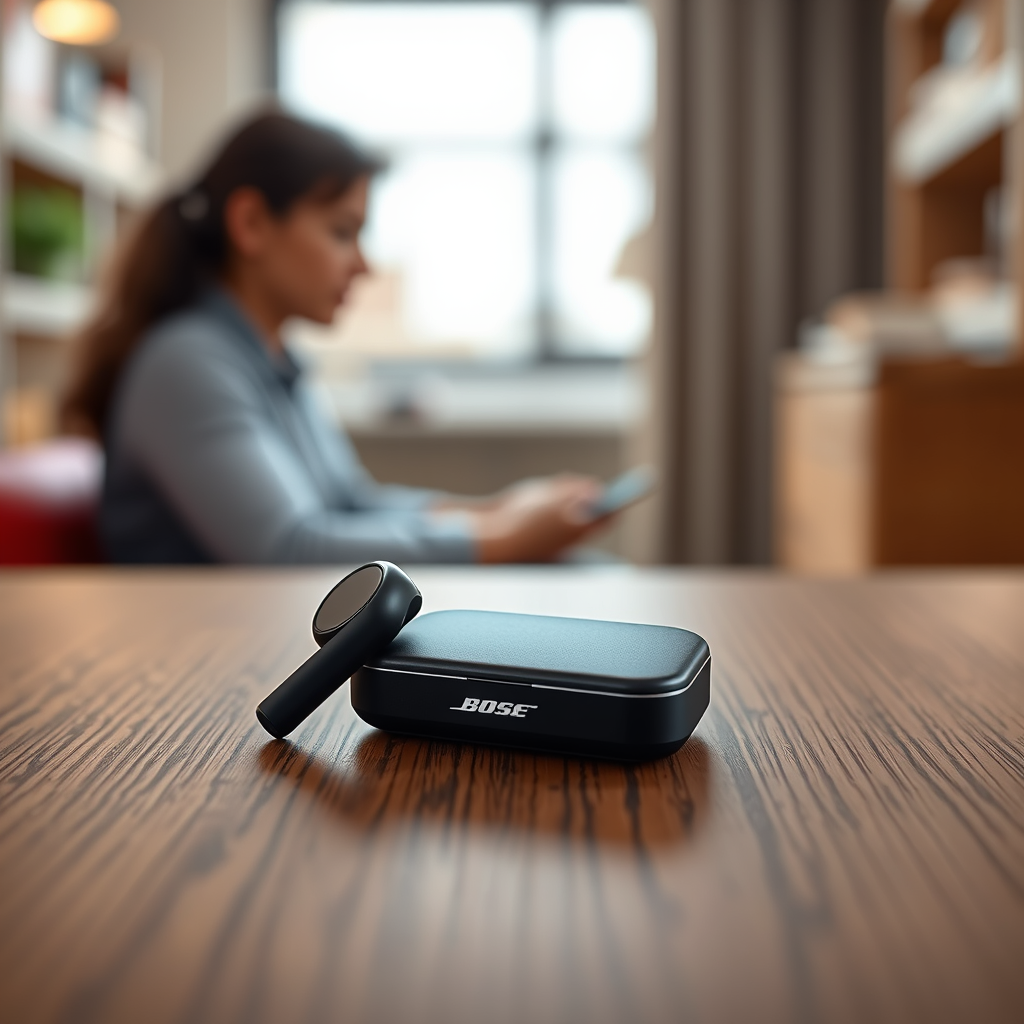

To determine if your Bose earbuds are charging, check the LED indicators on the charging case or the earbuds themselves. A steady or blinking light typically signifies that the charging process is active. In this article, we will explore various methods to confirm whether your earbuds are charging and troubleshoot common issues that may arise during the process.
Understanding the LED Indicators

Many Bose earbuds feature LED lights that indicate charging status. These indicators are designed to provide users with clear visual cues regarding the state of their earbuds. A solid red light usually means that the earbuds are actively charging, while a solid green light indicates that they have reached a full charge. Additionally, some models may have blinking indicators that suggest the earbuds are in the process of charging or connecting to a power source. Familiarizing yourself with these signals can help you effectively manage your charging routine and ensure your earbuds are always ready for use.
Using the Charging Case
To check if your Bose earbuds are charging, place them in the charging case and ensure that it is connected to a power source, such as a wall adapter or a USB port. Once the earbuds are securely placed inside, check the LED light on the charging case itself. This light not only indicates the charging status of the earbuds but also displays the overall battery level of the case. If the LED indicator is flashing, it typically means that the earbuds are charging. Conversely, if the light is steady and green, the earbuds are fully charged. Understanding these signals can enhance your user experience and help you prevent battery-related issues.
Connecting to the Bose App
For a more detailed view of your earbuds’ battery status, consider downloading the Bose Connect app, available for both iOS and Android devices. This app provides real-time information about your earbuds, including whether they are charging and their current battery level. Once connected, the app displays a user-friendly interface showing the battery percentages of both the earbuds and the charging case. Additionally, the Bose Connect app can alert you when the battery is low, helping you stay ahead of any potential issues.
Bose Earbuds Charging Features Comparison
| # | Feature | Bose QuietComfort Earbuds | Bose Sport Earbuds | Battery Life |
|---|---|---|---|---|
| 1 | Charging Case Indicator | Yes | Yes | Up to 18 hours |
| 2 | Earbuds Indicator | Yes | Yes | Up to 5 hours |
| 3 | Fast Charging | Yes | Yes | 15 minutes = 2 hours |
| 4 | Bluetooth Range | 30 feet | 30 feet | N/A |
| 5 | Water Resistance | IPX4 | IPX4 | N/A |
| 6 | Voice Assistant Integration | Yes | Yes | N/A |
| 7 | App Compatibility | Bose Connect | Bose Connect | N/A |
Troubleshooting Charging Issues
If you find that your Bose earbuds are not charging as expected, there are several troubleshooting steps you can take. First, verify that the charging contacts on both the earbuds and the case are clean. Dust and debris can hinder the charging process, so gently wipe the contacts with a soft cloth. Next, ensure that the charging cable and power source are functioning properly. If you suspect the cable is faulty, try using a different one or plugging it into another outlet. Lastly, reset your earbuds by following the manufacturer’s instructions, which can often resolve charging issues.
Tips for Maintaining Battery Health
Maintaining the battery health of your Bose earbuds is crucial for ensuring longevity and optimal performance. One key tip is to avoid letting your earbuds discharge completely before charging. Instead, aim to charge them when they reach around 20-30% battery life. Additionally, always store your earbuds in their charging case when not in use. This practice helps protect the battery and keeps them ready for your next listening session. Regularly updating the Bose Connect app will also ensure you have the latest features and optimizations for battery management.
Frequently Asked Questions
What should I do if my earbuds aren’t charging?
If your earbuds are not charging, begin by checking the charging contacts for cleanliness, ensuring the case is properly connected to a power source, and trying a different charging cable or outlet. If the issue persists, consult the Bose support page or consider reaching out to customer service.
How long does it take for Bose earbuds to fully charge?
The charging time can vary by model, but typically, Bose earbuds take about 1 to 2 hours to reach a full charge. The charging case itself may take a bit longer, so ensure you keep it plugged in when not in use to maintain the battery levels.
In summary, understanding how to check if your Bose earbuds are charging is essential for maintaining their performance and usability. By utilizing the LED indicators, the Bose Connect app, and following proper maintenance tips, you can enhance your overall experience with these popular audio devices.
Frequently Asked Questions
How can I tell if my Bose earbuds are charging?
To check if your Bose earbuds are charging, look for the LED indicator light on the charging case. When you place the earbuds in the case, the light should turn on, typically showing an amber or red color, indicating that they are charging. Once fully charged, the light will usually change to white or turn off.
What does the charging indicator mean on my Bose earbuds?
The charging indicator on your Bose earbuds provides important information about their battery status. A steady amber or red light indicates that the earbuds are charging, while a solid white light means they are fully charged. If you see a blinking light, it often signifies that the battery is low and needs to be charged soon.
Why aren’t my Bose earbuds charging properly?
If your Bose earbuds aren’t charging properly, first ensure they are correctly seated in the charging case. Check for any debris on the charging contacts of both the earbuds and the case, as dirt can hinder the connection. Additionally, make sure the charging case itself has power; if the case’s battery is depleted, the earbuds won’t charge.
Which charger should I use to charge my Bose earbuds?
It’s best to use the original charging cable and adapter that came with your Bose earbuds to ensure optimal charging. If you need a replacement, use a compatible USB cable that meets the required voltage specifications. Avoid using third-party chargers that may not provide the correct power output, potentially damaging your earbuds.
What should I do if my Bose earbuds won’t charge at all?
If your Bose earbuds won’t charge, try resetting them by placing them in the charging case and holding the button for 10 seconds. If they still fail to charge, inspect the charging contacts for damage and try using a different power source or cable. If the problem persists, contacting Bose customer support for assistance or repair options may be necessary.
References
- Customer Support
https://www.bose.com/en_us/support/article/how_to_charge_your_bose_wireless_earbuds.html - Customer Support
https://www.bose.com/en_us/support/article/battery_and_charging.html - Customer Support
https://www.bose.com/en_us/support/article/bose_earbuds_charging_issue.html - https://www.bose.com/en_us/support/article/bose_earbuds_battery_life.html
https://www.bose.com/en_us/support/article/bose_earbuds_battery_life.html - Google Scholar Google Scholar
https://scholar.google.com/scholar?q=Bose+earbuds+charging+indicator - Google Scholar Google Scholar
https://scholar.google.com/scholar?q=wireless+earbuds+charging+status - Google Scholar Google Scholar
https://scholar.google.com/scholar?q=Bose+earbuds+how+to+charge - https://www.sciencedirect.com/topics/engineering/wireless-earbuds
https://www.sciencedirect.com/topics/engineering/wireless-earbuds - https://www.britannica.com/technology/earphones
https://www.britannica.com/technology/earphones - Google Scholar Google Scholar
https://scholar.google.com/scholar?q=how+do+i+know+if+my+bose+earbuds+are+charging

[…] firmly in the case and ensure the charging pins are clean. Also confirm you’re using the correct charging cable and power source, since a weak charger can fail to power the case correctly. Finally, try a different phone or […]
[…] pins on both the earbuds and case (a dry, soft cloth works; avoid liquids) and try a different charging cable and power source. If the earbuds still won’t power on, check for firmware/app prompts or battery wear, and […]
[…] JLab earbuds take about 1–2 hours to reach a full charge when placed in the charging case. Charging time can vary slightly depending on the model and whether the earbuds are completely depleted. For best results, […]