
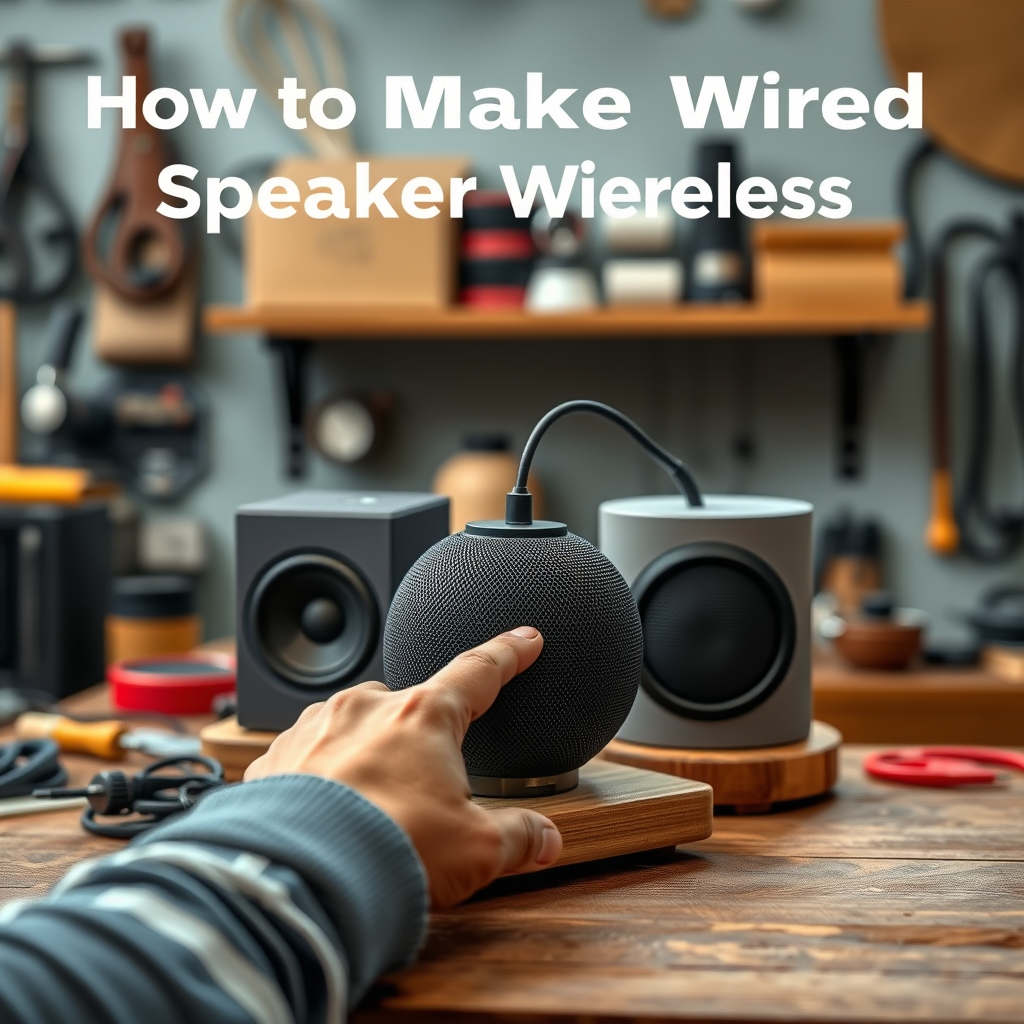

To transform your wired speakers into a wireless audio system, you can use Bluetooth adapters or wireless transmitters. This guide will walk you through the necessary steps and options to achieve a seamless wireless setup for your audio needs. By following these instructions, you can enjoy the flexibility of wireless sound without the need to replace your existing wired speakers.
Understanding Your Wired Speakers
Before embarking on the journey to make your wired speakers wireless, it is crucial to understand the type of speakers you have. Speakers can either be passive or active. Passive speakers require an external amplifier to drive the sound, while active speakers have built-in amplifiers and can directly connect to audio sources.
Additionally, knowing the various connection ports available on your speakers is essential. Common ports include RCA, 3.5mm, and speaker wire terminals. This understanding will guide you in selecting the appropriate wireless adapter or transmitter that matches your speakers’ specifications.
Choosing the Right Wireless Adapter
When it comes to converting wired speakers to a wireless setup, selecting the right wireless adapter is critical. Bluetooth adapters designed specifically for speakers are widely available and can easily connect to various audio sources, including smartphones, tablets, and laptops. Look for adapters that support the latest Bluetooth technology, such as Bluetooth 5.0, for better range and connectivity.
Another option is to consider wireless transmitters. These devices often offer lower latency than Bluetooth adapters, which is essential for maintaining sound quality, especially when watching videos or playing games. Choosing a transmitter with aptX Low Latency support can significantly enhance your listening experience by minimizing audio lag.
Setting Up the Bluetooth Adapter
To set up a Bluetooth adapter, begin by following the manufacturer’s instructions for connecting the adapter to your speakers. Typically, this involves plugging the adapter into the appropriate audio port, such as the 3.5mm jack or RCA connectors. Ensure that the speakers are powered on before proceeding.
Once the adapter is connected, the next step is to pair it with your smartphone or other devices. This usually involves placing the adapter in pairing mode and selecting it from the Bluetooth settings on your device. After successful pairing, you should be able to stream audio wirelessly through your speakers.
Top 7 Bluetooth Adapters for Wired Speakers (2024)
| # | Adapter Name | Bluetooth Version | Range | Latency | Rating |
|---|---|---|---|---|---|
| 1 | TaoTronics TT-BR05 | 5.0 | 100 ft | < 40ms | ★★★★☆ |
| 2 | Mpow BH259A | 5.0 | 66 ft | < 100ms | ★★★☆☆ |
| 3 | TUNAI Wand | 5.0 | 100 ft | < 30ms | ★★★★★ |
| 4 | Anker Soundsync | 5.0 | 100 ft | < 40ms | ★★★★☆ |
| 5 | Auris Blume | 4.2 | 30 ft | < 20ms | ★★★★★ |
| 6 | TaoTronics TT-BR04 | 5.0 | 100 ft | < 40ms | ★★★★☆ |
| 7 | Auris Blume HD | 4.2 | 30 ft | < 20ms | ★★★★☆ |
Using a Wireless Transmitter
If you opt for a wireless transmitter, the setup process differs slightly. Begin by connecting the transmitter to your audio source, such as a computer, television, or another device. This typically involves using an appropriate audio cable, such as an RCA cable or a 3.5mm jack, depending on the available ports on your audio source.
Once connected, you will need to power on the transmitter and set it to pairing mode. Just like with Bluetooth adapters, ensure that your speakers are ready to receive the signal from the transmitter. Understanding the range and limitations of the transmitter is vital; most wireless transmitters operate efficiently within a range of 30 to 100 feet, depending on the model and environmental factors.
Troubleshooting Common Issues
Even with the best setups, you may encounter some common issues. Connectivity problems often arise from distance or interference from other electronic devices. If you experience connectivity drops, try moving closer to the transmitter or eliminating potential sources of interference.
Audio quality issues may also occur. If you notice a lag in sound or dropouts, check the connection between the audio source and the transmitter to ensure it is secure. Additionally, ensure that the transmitter is compatible with your speakers and that all devices are updated with the latest firmware, if applicable.Enhancing Your Audio Experience
To further enhance your audio experience, explore the additional features offered by various wireless adapters. Some adapters allow for multi-device pairing, enabling you to easily switch between devices without needing to disconnect and reconnect each time.
Moreover, consider upgrading to higher-quality adapters that support advanced audio codecs, such as aptX HD, for superior sound performance. This can be particularly beneficial if you are an audiophile or enjoy high-fidelity sound.
In conclusion, transforming your wired speakers into a wireless audio system is achievable with the right tools and knowledge. By understanding your speakers, selecting suitable wireless adapters or transmitters, and following the setup instructions carefully, you can enjoy the freedom of wireless audio. Troubleshooting common issues and enhancing your setup with upgraded equipment will further elevate your listening experience. Don’t hesitate to explore these methods and enjoy your newfound wireless audio setup!
Frequently Asked Questions
How can I convert my wired speakers to wireless speakers?
To convert wired speakers to wireless, you can use a wireless audio transmitter and receiver kit. Connect the transmitter to your audio source (like a TV or computer) using a standard audio cable, and attach the receiver to your wired speakers. This setup allows you to enjoy high-quality audio without the hassle of wires.
What are the best devices to make wired speakers wireless?
Some of the best devices for making wired speakers wireless include Bluetooth adapters and Wi-Fi audio transmitters. Brands like Audioengine, TaoTronics, and Logitech offer reliable products that provide seamless audio streaming. Choosing a device that supports your speaker’s impedance and your audio source is crucial for optimal performance.
Why should I make my wired speakers wireless?
Making your wired speakers wireless can enhance your audio experience by eliminating clutter and allowing flexible placement around your home. It also lets you connect multiple audio sources without the need for extensive cabling, making it easier to enjoy music or movies from various devices throughout your living space.
Which Bluetooth adapter is best for converting wired speakers to wireless?
The best Bluetooth adapter for converting wired speakers to wireless often depends on your specific needs, but the TaoTronics TT-SK03 and the Logitech Bluetooth Audio Adapter are popular choices. They provide excellent sound quality, low latency, and easy connectivity with various devices, making them ideal for transforming your wired setup.
How do I set up a wireless audio system with my existing wired speakers?
To set up a wireless audio system, first select a suitable wireless audio transmitter and receiver. Connect the transmitter to your audio source and the receiver to your wired speakers. Follow the manufacturer’s instructions for pairing the devices, and ensure your speakers are powered on and correctly connected to enjoy a hassle-free audio experience.
References
- https://www.lifewire.com/convert-wired-speakers-to-wireless-1846857
https://www.lifewire.com/convert-wired-speakers-to-wireless-1846857 - Google Scholar Google Scholar
https://scholar.google.com/scholar?q=how+to+make+wired+speakers+wireless - Google Scholar Google Scholar
https://scholar.google.com/scholar?q=wireless+speaker+conversion - Google Scholar Google Scholar
https://scholar.google.com/scholar?q=DIY+wireless+audio+solutions - https://www.bbc.com/news/technology-48167444
https://www.bbc.com/news/technology-48167444 - https://www.sciencedirect.com/topics/engineering/wireless-audio
https://www.sciencedirect.com/topics/engineering/wireless-audio - https://www.nature.com/articles/s41598-020-75316-1
https://www.nature.com/articles/s41598-020-75316-1 - how to make wired speakers wireless – Search results
https://en.wikipedia.org/wiki/Special:Search?search=how+to+make+wired+speakers+wireless - https://www.ncbi.nlm.nih.gov/search/research-articles/?term=how+to+make+wired+speakers+wireless
https://www.ncbi.nlm.nih.gov/search/research-articles/?term=how+to+make+wired+speakers+wireless
