
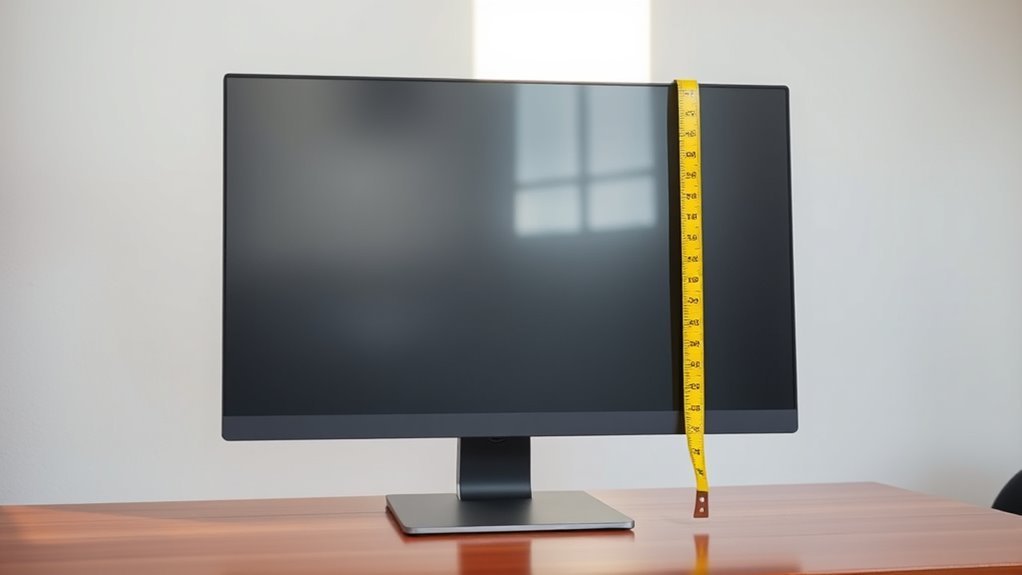

To measure your computer monitor screen size, grab a measuring tape or ruler. Measure diagonally from the bottom left corner to the top right corner, focusing on the visible screen area and excluding the bezel. Record the length in inches. Remember that the aspect ratio affects your viewing experience, making wider ratios better for multimedia and square ones ideal for productivity. Want to know more about choosing the right monitor size for your needs? Keep going!
Understanding Screen Size Measurement
When it comes to measuring a computer monitor’s screen size, it’s important to know that size is typically expressed in inches, specifically the diagonal length from one corner of the screen to the opposite corner. Understanding this measurement helps you grasp the screen dimensions effectively. Additionally, the aspect ratio plays a significant role in how the screen appears. Common ratios like 16:9 or 4:3 affect both the visual experience and how you utilize your space. A wider aspect ratio can enhance gaming or movie-watching, while a standard ratio suits typical office tasks. So, when choosing a monitor, keep in mind both the diagonal measurement and the aspect ratio to guarantee it meets your needs and preferences.
Tools Required for Measuring
To accurately measure your computer monitor’s screen size, you’ll need a few specific tools. The two most useful are a measuring tape and a digital caliper. Each tool offers distinct advantages, giving you the freedom to choose based on your preference.
| Tool | Purpose |
|---|---|
| Measuring Tape | Ideal for larger screens |
| Digital Caliper | Perfect for precise measurements |
With a measuring tape, you can easily measure diagonal lengths, while a digital caliper provides exact readings for smaller dimensions. Using these tools, you’ll feel empowered to determine your monitor’s size with confidence. Knowing what you need simplifies the process, letting you focus on enjoying your screen time.
Steps to Measure Your Monitor
Although measuring your monitor might seem straightforward, following a structured process guarantees accuracy. To get precise monitor dimensions, just follow these steps:
- Gather your tools: Use a measuring tape or ruler for the best results.
- Measure the diagonal: Place one end of the tape at the bottom left corner of the screen and stretch it to the top right corner. Make sure you measure only the visible screen area, not the bezel.
- Record the measurement: Write down the diagonal length in inches, as this is the standard way to describe monitor sizes.
Interpreting the Measurements
Understanding your monitor’s measurements is essential for selecting the right display for your needs. When you look at the screen dimensions, remember that the size is measured diagonally, from one corner to the opposite corner. This measurement helps you gauge how much screen real estate you have.
Next, consider the display aspect ratio, which is the relationship between the width and height of the screen. Common ratios include 16:9 and 4:3, and they influence how content is displayed. A wider aspect ratio might be better for movies, while a more square ratio can be ideal for tasks like word processing. By interpreting these measurements, you can find a monitor that truly fits your lifestyle and preferences.
Choosing the Right Monitor Size for Your Needs
How do you choose the right monitor size that fits your needs? It’s essential to evaluate a few factors to enhance your experience. Here’s a quick guide:
Choosing the right monitor size involves evaluating resolution, viewing distance, and your specific needs for an optimal experience.
- Monitor Resolution: Higher resolutions, like 4K, require larger screens for clarity. Aim for a balance between size and pixel density.
- Viewing Distance: The distance you sit from your monitor greatly affects your choice. Closer distances might need smaller screens, while larger screens work better from afar.
- Purpose: Are you gaming, editing, or just browsing? Different activities benefit from different sizes.
Frequently Asked Questions
Does Screen Size Affect Gaming Performance Significantly?
Does a bigger screen really enhance your gaming experience? Absolutely! A larger monitor boosts screen immersion, letting you lose yourself in the game. However, it won’t directly impact frame rates or performance metrics.
Can I Measure a Curved Monitor the Same Way?
Yes, you can measure a curved monitor using the same techniques as flat screens. Just guarantee you measure diagonally from corner to corner, accounting for the curve’s depth to get an accurate size representation.
What Is the Difference Between Screen Size and Resolution?
Screen size refers to the monitor’s physical dimensions, while resolution clarity indicates the number of pixels displayed. A larger screen size doesn’t always mean better clarity; resolution plays an essential role in image sharpness.
How Do I Find My Monitor’s Aspect Ratio?
Finding your monitor’s aspect ratio is like piecing together a puzzle. Just divide the width by the height of the monitor dimensions. This ratio helps you understand how images fit on your screen.
Does Monitor Size Impact Eye Strain Levels?
Yes, monitor size can impact eye strain levels. Larger screens often require more screen distance, which can help reduce strain. Prioritizing eye health includes adjusting both screen size and distance for ideal comfort.
