
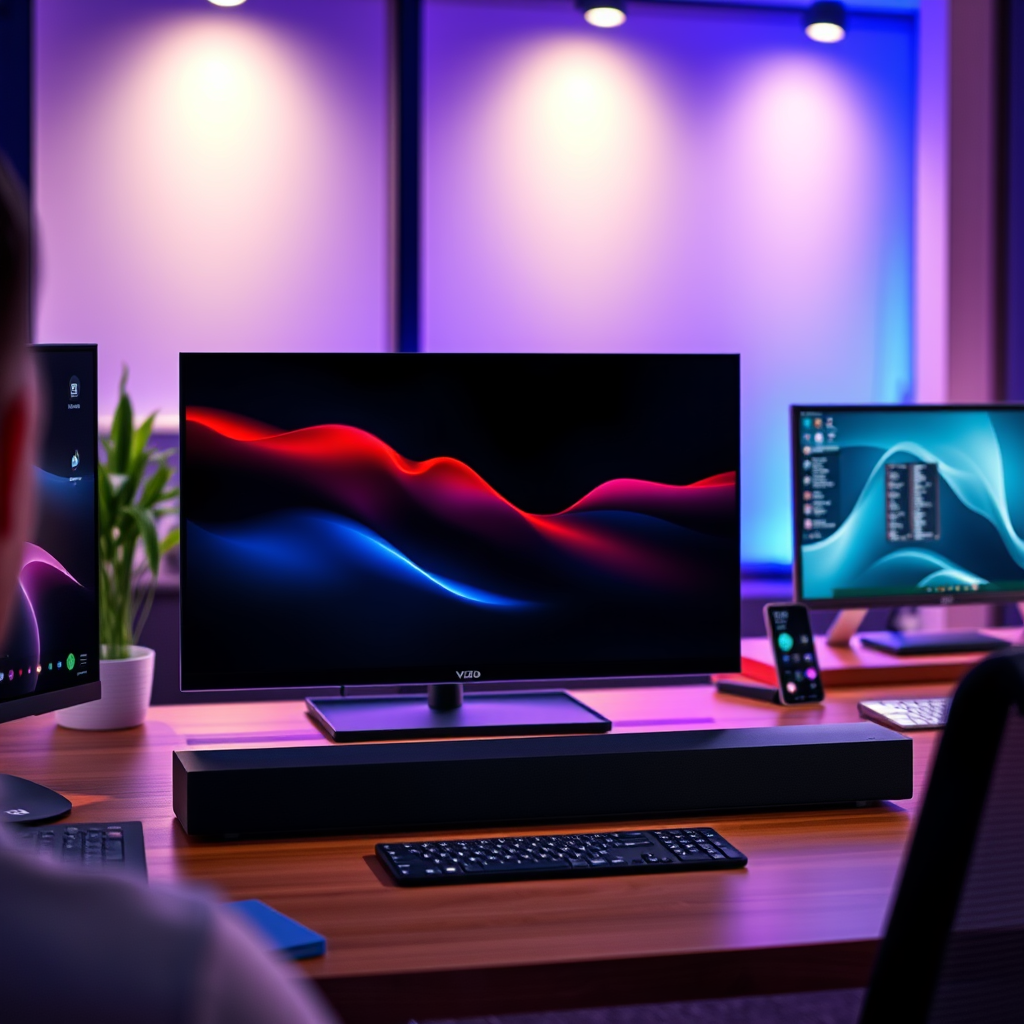

Pairing your Vizio soundbar with a Vizio TV is a straightforward process that enhances your audio experience. By following a few simple steps, you can connect these devices wirelessly via Bluetooth or using an HDMI cable. This guide will walk you through each method to ensure you enjoy high-quality sound from your soundbar.
Understanding Connection Options
When it comes to connecting your Vizio soundbar to your Vizio TV, you have two primary options: Bluetooth and HDMI ARC (Audio Return Channel). Each method has its advantages, and understanding these can help you choose the best option for your setup.
– Bluetooth Connection: Most Vizio soundbars support Bluetooth connectivity, which allows for easy wireless pairing. This method is particularly convenient if you want to avoid cable clutter. Bluetooth is suitable for casual listening, streaming music, or watching TV without the hassle of wires.
– Wired Connection: HDMI ARC is another option for a direct wired connection that can provide superior audio quality. This method is ideal for those who prioritize sound fidelity, as it can handle more complex audio signals and often integrates with your TV’s remote control for seamless volume adjustments. Additionally, using HDMI ARC can simplify your setup by reducing the number of cables needed.
Preparing Your Devices
Before starting the pairing process, it is crucial to prepare both your Vizio TV and soundbar for connection.
– Power On Devices: Ensure that both the Vizio TV and soundbar are powered on. This may seem basic, but it’s an essential step that can prevent frustration later in the process.
– Set Soundbar to Pairing Mode: To initiate Bluetooth pairing, activate the pairing mode on your soundbar. This is typically indicated by a blinking light on the soundbar, signaling that it is ready to connect to another device.
Pairing via Bluetooth
Connecting your Vizio soundbar to your Vizio TV via Bluetooth is a quick and easy process. Here’s how you can do it:
– Access TV Settings: Navigate to the audio settings on your Vizio TV. This is usually found within the main menu under the “Settings” option.
– Select Soundbar: Look for the list of available Bluetooth devices and select your soundbar from this list. Once selected, your TV and soundbar should connect automatically, allowing you to enjoy enhanced audio without any wires.
Top Vizio Soundbars Compared (2023)
| # | Model | Bluetooth | HDMI ARC | Sound Quality Rating |
|---|---|---|---|---|
| 1 | Vizio SB36512-F6 | Yes | Yes | ★★★★☆ |
| 2 | Vizio SB2920-C6 | Yes | No | ★★★☆☆ |
| 3 | Vizio SB3621n-E8M | Yes | Yes | ★★★★☆ |
| 4 | Vizio SB3831-D0 | Yes | Yes | ★★★★☆ |
| 5 | Vizio SB4551-D5 | Yes | Yes | ★★★★★ |
| 6 | Vizio SB3831-D0 | Yes | Yes | ★★★★☆ |
| 7 | Vizio SB2920-C6 | Yes | No | ★★★☆☆ |
Pairing via HDMI ARC
If you prefer a wired connection for optimal audio quality, HDMI ARC is the way to go. Here’s how to set it up:
– Connect HDMI Cable: Take an HDMI cable and connect it from the HDMI ARC port on your soundbar to the HDMI ARC port on your Vizio TV. Ensure that you are using the correct ports, as not all HDMI ports support ARC functionality.
– Adjust TV Settings: Once the cable is connected, navigate to the TV settings to select the soundbar as the default audio output device. This will ensure that all audio is routed through the soundbar, enhancing your viewing experience.
Troubleshooting Common Issues
Despite the straightforward nature of these processes, you may encounter some issues. Here are some common problems and their solutions:
– No Sound: If you experience no sound after pairing, check the volume levels on both the TV and soundbar. Ensure that the soundbar is not muted and that the volume is set to an audible level.
– Connection Issues: If you have trouble connecting via Bluetooth, ensure that both devices are within close proximity and that no other Bluetooth devices are interfering. It may also help to restart both devices and attempt the pairing process again.
Additional Features and Settings
To enhance your audio experience further, consider exploring additional features and settings available on your soundbar.
– Sound Modes: Many Vizio soundbars come with multiple sound modes, such as Movie, Music, and Night Mode. Experimenting with these modes can provide a more tailored listening experience based on your content type.
– Firmware Updates: Regularly check for firmware updates for both your TV and soundbar. Keeping your devices updated ensures that you have the latest features and bug fixes, optimizing performance.
Final Touches for Optimal Experience
For the best audio experience, pay attention to these final touches:
– Adjust Audio Settings: Fine-tune the audio settings on both your TV and soundbar. This includes adjusting bass and treble levels, as well as any additional sound enhancements that may be available.
– Placement of Soundbar: Position your soundbar appropriately to ensure optimal sound distribution. Ideally, the soundbar should be placed directly in front of the TV and at ear level for a more immersive experience.
By following these steps, you can easily pair your Vizio soundbar with your Vizio TV for an improved audio experience. If you encounter any issues, refer back to the troubleshooting section for quick solutions. Enjoy your enhanced sound!
Frequently Asked Questions
How do I connect my Vizio soundbar to my Vizio TV?
To connect your Vizio soundbar to your Vizio TV, start by using an HDMI cable to connect the HDMI ARC port on your TV to the HDMI OUT port on your soundbar. Alternatively, you can use an optical cable or connect via Bluetooth for a wireless setup. Make sure to select the correct input on your soundbar and enable any necessary settings on your TV for optimal sound.
What is the best way to pair my Vizio soundbar with my Vizio TV?
The best way to pair your Vizio soundbar with your Vizio TV is through the HDMI ARC connection, as it allows for both audio transfer and control through a single cable. Ensure that both devices are turned on, and navigate to the audio settings on your TV to select the soundbar as the audio output. This method provides the highest quality sound and is user-friendly.
Why won’t my Vizio soundbar connect to my Vizio TV?
If your Vizio soundbar won’t connect to your Vizio TV, check that both devices are powered on and that the cables are securely connected. Ensure that you have selected the correct input on your soundbar and that the TV audio settings are configured to output through the soundbar. If using Bluetooth, make sure the soundbar is in pairing mode and within range.
Which settings should I adjust to optimize sound when pairing my Vizio soundbar with my Vizio TV?
To optimize sound, go into your Vizio TV’s audio settings and select ‘External Speakers’ or ‘Soundbar’ as the audio output. You may also want to adjust the audio format to PCM or Bitstream, depending on your soundbar capabilities. Additionally, explore the sound modes on your soundbar to enhance your listening experience based on the content being played.
How can I troubleshoot pairing issues between my Vizio soundbar and Vizio TV?
If you experience pairing issues, start by power cycling both your Vizio TV and soundbar. Check all connections, including HDMI and optical cables, for any damage or loose fittings. Additionally, reset the soundbar to factory settings if problems persist, and ensure your TV’s firmware is up to date to avoid compatibility issues.
References
- https://www.vizio.com/en/support/faq/how-do-i-pair-my-sound-bar-to-my-tv
https://www.vizio.com/en/support/faq/how-do-i-pair-my-sound-bar-to-my-tv - https://support.vizio.com/s/article/How-to-Connect-and-Pair-a-Vizio-Sound-Bar-to-a-Vizio-TV-?language=en_US
https://support.vizio.com/s/article/How-to-Connect-and-Pair-a-Vizio-Sound-Bar-to-a-Vizio-TV-?language=en_US - https://www.lifewire.com/how-to-connect-vizio-soundbar-to-vizio-tv-4771526
https://www.lifewire.com/how-to-connect-vizio-soundbar-to-vizio-tv-4771526 - Google Scholar Google Scholar
https://scholar.google.com/scholar?q=how+to+pair+vizio+soundbar+with+vizio+tv - Google Scholar Google Scholar
https://scholar.google.com/scholar?q=connecting+soundbar+to+TV - Google Scholar Google Scholar
https://scholar.google.com/scholar?q=Vizio+TV+soundbar+setup - – YouTube
https://www.youtube.com/watch?v=3Vh7Tz4Gz8g - how to pair vizio soundbar with vizio tv – Search results
https://en.wikipedia.org/wiki/Special:Search?search=how+to+pair+vizio+soundbar+with+vizio+tv - https://www.ncbi.nlm.nih.gov/search/research-articles/?term=how+to+pair+vizio+soundbar+with+vizio+tv
https://www.ncbi.nlm.nih.gov/search/research-articles/?term=how+to+pair+vizio+soundbar+with+vizio+tv
