
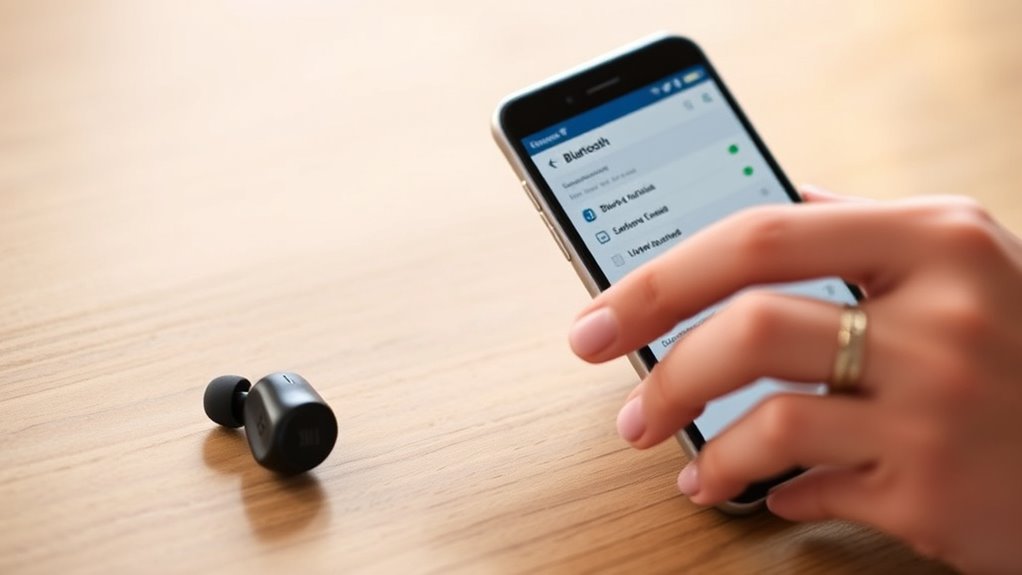

To pair your JBL Bluetooth earbuds, first confirm your device is Bluetooth compatible and within 30 feet. Then, power on the earbuds by pressing the power button until the LED lights up. Enter pairing mode by holding the Bluetooth button until the LED flashes. On your device, access Bluetooth settings and select your JBL earbuds from the list. Once connected, you’ll enjoy high-quality audio. If you face any issues, there are solutions to help you through it.
Understanding Your JBL Bluetooth Earbuds
Understanding your JBL Bluetooth earbuds is essential for maximizing your listening experience. These earbuds leverage advanced Bluetooth technology, allowing you to connect wirelessly to your devices without the hassle of tangled cords. Familiarizing yourself with the earbud features, like touch controls and noise cancellation, can enhance your freedom to enjoy music or take calls seamlessly.
You’ll find battery life indicators and customizable sound settings, which can be adjusted via a companion app, further personalizing your auditory experience. Additionally, knowing how to switch between devices and maintain a stable connection guarantees you won’t miss a beat. Embrace these features to fully enjoy the convenience and quality that JBL Bluetooth earbuds provide, granting you the freedom to listen wherever you go.
Preparing Your Device for Pairing
Before you start pairing your JBL Bluetooth earbuds, it’s important to prepare your device for a smooth connection. First, confirm your device is compatible with Bluetooth technology. Most smartphones, tablets, and computers support this feature, but it’s good to double-check. Next, access your device’s Bluetooth settings. This is usually found in the settings menu; look for “Bluetooth” or “Connections.” Turn on Bluetooth if it’s not already activated. Make sure your device is in range of the earbuds, typically within 30 feet. Finally, clear any previous Bluetooth connections if necessary, as this can improve your chances of a successful pairing. With your device ready, you’ll be one step closer to enjoying your JBL earbuds.
Turning on Your JBL Earbuds
To power on your JBL earbuds, simply press and hold the power button until you see the LED indicator light up. This simple action activates the impressive earbud features designed for your convenience and enjoyment.
Press and hold the power button on your JBL earbuds until the LED lights up to activate their amazing features.
Once they’re powered on, you’ll appreciate:
- Crisp audio quality that brings your music to life
- Long-lasting battery life to keep you connected all day
- Comfortable fit that adapts to your ear shape
- Built-in controls for easy navigation without reaching for your device
- Water resistance, perfect for workouts or outdoor adventures
With your JBL earbuds powered on, you’re one step closer to enjoying an exceptional listening experience that lets you embrace freedom in every moment.
Entering Pairing Mode
Once your JBL earbuds are powered on, entering pairing mode is the next step for connecting them to your device. To start the pairing process, look for the Bluetooth button, usually marked with the Bluetooth symbol. Press and hold this button until you see a flashing LED light, indicating that your earbuds are now discoverable via Bluetooth technology. This may take a few seconds, so be patient. Once you’ve activated pairing mode, your earbuds will be ready to connect to your device. Remember, you’ll need to have Bluetooth enabled on your phone, tablet, or computer to complete the pairing process. Now you’re one step closer to enjoying your favorite tunes wirelessly!
Connecting to Your Device
Connecting your JBL Bluetooth earbuds to your device is a straightforward process. Once you’ve entered pairing mode, follow these steps to establish a connection:
- Confirm your device has Bluetooth compatibility turned on.
- Navigate to the Bluetooth settings on your device.
- Look for your JBL earbuds in the list of available devices.
- Select your earbuds to initiate the connection.
- Wait for confirmation, usually indicated by a sound or a light change on the earbuds.
Once connected, you’ll enjoy the freedom of wireless listening. With features like noise cancellation and touch controls, these earbuds elevate your audio experience. Now you’re ready to immerse yourself in your favorite tunes without any hassle!
Troubleshooting Connection Issues
If you’re experiencing issues with your JBL Bluetooth earbuds not connecting, it can be frustrating, but there are several troubleshooting steps you can take. First, check the battery life of your earbuds; low battery can prevent a proper connection. If they’re fully charged, try performing connection resets by turning Bluetooth off and on again on your device. Also, make certain your earbuds are in pairing mode. If they still won’t connect, remove them from your device’s Bluetooth list and reconnect them. Finally, check for any software updates for both your earbuds and the device. Following these steps should help you regain freedom in your listening experience and resolve your connection issues.
Frequently Asked Questions
Can I Use JBL Earbuds With Multiple Devices Simultaneously?
No, you can’t use JBL earbuds with multiple devices simultaneously. While they offer multi-device connection, they can only actively connect to one device at a time due to Bluetooth compatibility limitations.
How Do I Reset My JBL Bluetooth Earbuds?
To reset your JBL Bluetooth earbuds, hold the power button for about 10 seconds until you see a flashing light. This can help with connectivity issues and is essential for proper earbud maintenance.
Are JBL Earbuds Waterproof or Water-Resistant?
JBL earbuds typically have water-resistant ratings, meaning they can handle sweat and light rain, but aren’t fully waterproof. Check specific models for their ratings to verify they meet your needs during workouts or outdoor activities.
What Is the Battery Life of JBL Bluetooth Earbuds?
JBL Bluetooth earbuds typically offer around 5 to 12 hours of battery life, depending on the model. For ideal battery performance, try charging them fully before use and avoid using them at extreme temperatures.
Can I Use Voice Assistants With JBL Bluetooth Earbuds?
Yes, you can use voice assistants with JBL earbuds. Their voice assistant compatibility allows you to easily access features like music control and navigation, giving you the freedom to enjoy hands-free convenience anytime.
