

Mounting a soundbar to your TV can significantly enhance your audio experience, making it a straightforward yet valuable upgrade. This guide will help you learn the essential steps and tips for securely mounting your soundbar to your television, ensuring optimal sound quality and aesthetics while complementing your home entertainment setup.
Choose the Right Mounting Method
The first step in mounting a soundbar is determining the appropriate mounting method. You have several options, including brackets, adhesive strips, or built-in mounts. Each method has its advantages:
– Brackets provide a sturdy and reliable way to secure your soundbar, especially if it is heavier.
– Adhesive strips offer a no-drill solution, ideal for renters or those who prefer not to damage the wall or TV.
– Built-in mounts are often available on certain TV models and provide a seamless look, eliminating the need for additional hardware.
It is crucial to consider the weight and size of your soundbar when selecting a mounting method. Heavier soundbars require more robust solutions such as brackets, while lighter models may be suitable for adhesive options.
Gather Necessary Tools and Materials
Before you begin mounting your soundbar, gather the necessary tools and materials. A well-prepared workspace will facilitate a smoother installation. You will typically need the following tools:
– Drill: For creating holes if you choose to use brackets.
– Screwdriver: To fasten screws securely.
– Level: To ensure your soundbar is perfectly aligned.
– Measuring tape: To measure distances accurately.
Additionally, ensure you have all the mounting hardware included with your soundbar or purchased separately. This may include screws, wall anchors, and brackets, depending on the mounting method you choose.
Measure and Mark Placement
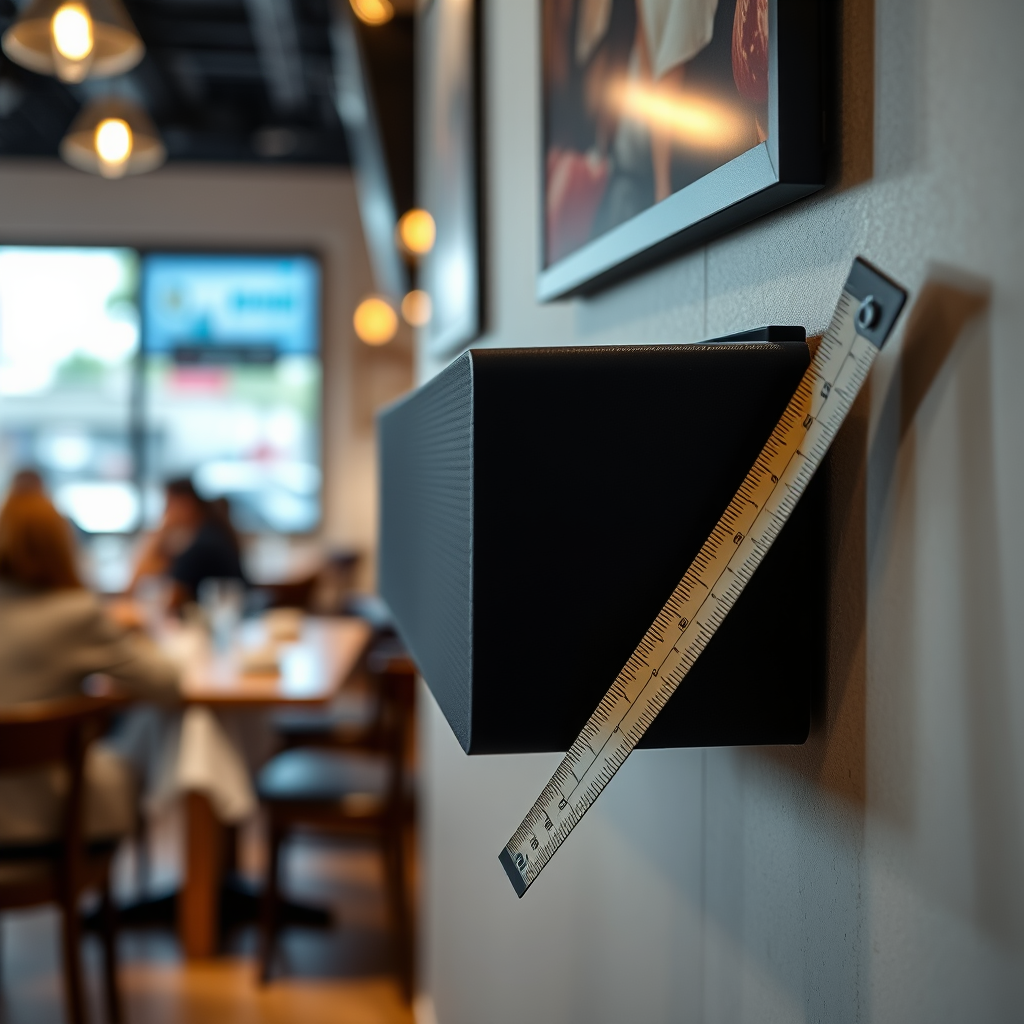
Careful measurement and marking are critical to achieving a professional-looking installation. Begin by identifying the ideal height and position for your soundbar in relation to your TV. The soundbar should ideally be aligned with the center of the television screen for optimal audio delivery, particularly for dialogue.
Use a pencil to mark the drill holes on the wall or the back of your TV. Take the time to use your level to ensure that your marks are straight and properly aligned with the center of your TV. This step is essential as any misalignment can affect both the aesthetic and performance of your soundbar.
Top Soundbar Mounting Methods (2024)
| # | Mounting Method | Weight Capacity | Installation Difficulty | Aesthetics |
|---|---|---|---|---|
| 1 | Brackets | Up to 30 lbs | Moderate | Excellent |
| 2 | Adhesive Strips | Up to 15 lbs | Easy | Good |
| 3 | Built-in Mounts | Varies | Moderate | Excellent |
| 4 | Universal Mounts | Up to 50 lbs | Moderate to Difficult | Very Good |
| 5 | Wall Mounts | Up to 40 lbs | Difficult | Good |
| 6 | Floating Shelves | Varies | Moderate | Very Good |
| 7 | Ceiling Mounts | Up to 20 lbs | Very Difficult | Varies |
Install the Mounting Bracket
Once you have marked the positions, it’s time to install the mounting bracket. Follow the manufacturer’s instructions to securely attach the mounting bracket to either the wall or the back of your TV.
If using brackets, ensure that you drill pilot holes and use wall anchors if necessary to support the weight of your soundbar. It is crucial to ensure that the bracket is level during installation, as a crooked soundbar can detract from both aesthetics and sound performance. Use a level tool to verify that everything is straight before tightening any screws completely.
Attach the Soundbar
With the mounting bracket securely installed, you can now attach the soundbar. Carefully lift and place the soundbar onto the mounted bracket, ensuring it fits snugly.
After placing the soundbar, double-check its stability to ensure it is securely in place. It may help to gently shake the soundbar to confirm that it is firmly attached and won’t fall or shift during use. This step is critical for both safety and performance, as any movement can affect sound quality.
Connect Cables and Set Up Audio
Connecting your soundbar to the TV is the next crucial step. Depending on your model, you will likely use HDMI ARC, optical, or auxiliary cables for the connection. HDMI ARC is often preferred due to its ability to carry both audio and control signals through a single cable, simplifying your setup.
Once you have connected the appropriate cables, configure your TV settings to ensure that audio is output through the soundbar. This may involve selecting the soundbar as the output device in your TV’s audio settings menu or adjusting the volume settings for optimal performance.
Troubleshoot Common Issues
After installation, you may encounter some common issues such as sound lag or connectivity problems. Here are some potential solutions:
– Sound Lag: If there is a noticeable delay between the video and audio, check your soundbar’s settings. Many soundbars have a “lip-sync” feature that can be adjusted.
– Connectivity Issues: If your soundbar isn’t connecting to the TV, ensure that all cables are securely plugged in and that you have selected the correct input source on your soundbar and TV.
– Audio Quality Issues: If the sound quality is not as expected, check the placement of your soundbar. It should ideally be positioned at ear level and not obstructed by other objects.
By addressing these common issues, you can ensure a seamless audio experience that enhances your overall viewing pleasure.
In summary, mounting your soundbar properly is a process that involves careful planning and execution. By choosing the right method, gathering the necessary tools, measuring accurately, and following through with installation and setup, you can significantly enhance your audio experience. With a secure installation and proper configuration, you’ll enjoy a richer, more immersive home entertainment system. Elevate your audio experience today by following these steps to mount your soundbar effectively!
Frequently Asked Questions
What tools do I need to mount a soundbar to my TV?
To mount a soundbar to your TV, you will typically need a drill, a screwdriver, a level, and a stud finder. Depending on your soundbar’s mounting system, you may also require specific brackets or wall anchors. Ensuring you have the right tools will help simplify the installation process and ensure a secure fit.
How do I choose the best mounting location for my soundbar?
The best mounting location for your soundbar is usually directly below your TV, aligned with the screen for optimal sound projection. Make sure to consider any obstructions that could block sound or interfere with the TV’s remote sensor. Additionally, mounting at ear level when seated will enhance your audio experience.
Why should I mount my soundbar instead of placing it on a TV stand?
Mounting your soundbar can improve sound quality by reducing echo and providing a direct line of sight to the listener. It also frees up space on your TV stand, allowing for a cleaner look and more room for other devices. Additionally, wall mounting can prevent accidental damage from knock-overs or spills.
Which mounting brackets are compatible with my soundbar?
Compatibility of mounting brackets with your soundbar depends on the model and design of the soundbar itself. Most soundbars come with specific mounting hardware in the box, but if not, look for universal brackets that can support the weight and size of your soundbar. Always check the manufacturer’s specifications for recommended brackets to ensure a secure fit.
How can I hide the wires when mounting a soundbar to my TV?
To hide wires when mounting a soundbar, consider using cable management systems such as wall-mounted channels or raceways that can conceal cables along the wall. Alternatively, you can drill a small hole behind the soundbar and TV to run the wires through the wall for a clean appearance. Some soundbars also offer wireless connectivity options to eliminate the need for visible cables altogether.
References
- Soundbar
https://en.wikipedia.org/wiki/Soundbar - https://www.pcmag.com/how-to/how-to-mount-a-soundbar
https://www.pcmag.com/how-to/how-to-mount-a-soundbar - https://www.crutchfield.com/S-6KX0SQ2fY2O/learn/how-to-mount-a-soundbar.html
https://www.crutchfield.com/S-6KX0SQ2fY2O/learn/how-to-mount-a-soundbar.html - https://www.sony.com/electronics/support/articles/00032079
https://www.sony.com/electronics/support/articles/00032079 - Google Scholar Google Scholar
https://scholar.google.com/scholar?q=mounting+a+soundbar+to+tv - Google Scholar Google Scholar
https://scholar.google.com/scholar?q=how+to+install+soundbar+mount - Google Scholar Google Scholar
https://scholar.google.com/scholar?q=soundbar+mounting+guidelines - Google Scholar Google Scholar
https://scholar.google.com/scholar?q=how+to+mount+a+soundbar+to+tv - how to mount a soundbar to tv – Search results
https://en.wikipedia.org/wiki/Special:Search?search=how+to+mount+a+soundbar+to+tv - https://www.ncbi.nlm.nih.gov/search/research-articles/?term=how+to+mount+a+soundbar+to+tv
https://www.ncbi.nlm.nih.gov/search/research-articles/?term=how+to+mount+a+soundbar+to+tv
