
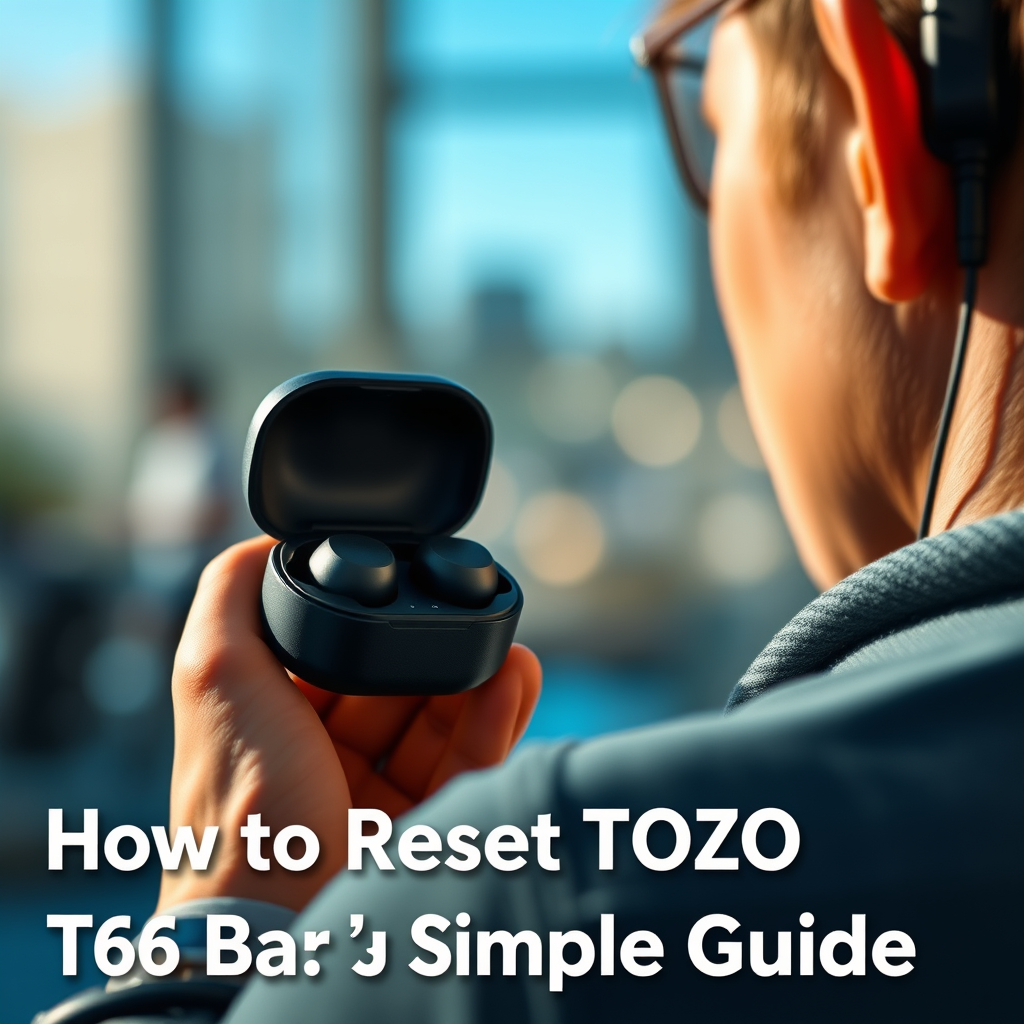

To reset your TOZO T6 earbuds, simply place them in their charging case and press and hold the touch sensors on both earbuds for about 10 seconds until you see the LED lights flash. This straightforward process restores the earbuds to factory settings, effectively resolving connectivity issues or pairing problems. In this guide, you’ll learn the step-by-step reset procedure along with troubleshooting tips, ensuring you can quickly get back to enjoying your audio experience without interruptions.
Understanding the Reset Process
Resetting your TOZO T6 earbuds is an essential troubleshooting step that can resolve various issues while also enhancing your user experience. When you perform a reset, it clears all previous Bluetooth connections. This feature is particularly beneficial if you’re experiencing difficulties in pairing your earbuds with a new device or if they have developed audio quality problems. By restoring the factory settings, you can often resolve issues related to battery performance, audio distortion, or connectivity lags that may arise due to software glitches.
In a world where seamless connectivity and audio fidelity are paramount, knowing how to reset your earbuds can save you significant time and frustration, allowing you to enjoy your music, podcasts, or calls without any hitches.
Preparing for the Reset
Before initiating the reset process, it’s crucial to ensure that your TOZO T6 earbuds are adequately prepared. Here are some steps to follow:
1. Charge Your Earbuds: Ensure that both earbuds are charged. A low battery can interfere with the reset process, so it’s advisable to place them in the charging case for a while to ensure they have sufficient power.
2. Remove Previous Connections: Go to the Bluetooth settings on your device and remove or forget the TOZO T6 earbuds from your list of paired devices. This step prevents conflicts during the reconnection process and helps in establishing a fresh link.
By taking these preparatory steps, you can ensure a smooth resetting experience, minimizing the chances of encountering further issues.
Step-by-Step Reset Instructions
Now that your earbuds are prepared, follow these detailed steps to reset your TOZO T6 earbuds:
1. Open the Charging Case: Start by opening the lid of the charging case where your TOZO T6 earbuds are stored.
2. Remove the Earbuds: Take both earbuds out of the charging case and ensure they are powered on.
3. Press and Hold: Simultaneously press and hold the touch sensors on both earbuds for approximately 10 seconds.
4. Wait for LED Indicators: Keep holding until you observe the LED lights on both earbuds flashing alternately. This visual cue confirms that the reset process is underway.
By carefully adhering to these instructions, you can effectively reset your earbuds, clearing any software-related issues that may have been impacting their performance.
TOZO T6 Earbuds Specifications
| # | Feature | Details | Battery Life | Water Resistance |
|---|---|---|---|---|
| 1 | Bluetooth Version | 5.0 | Up to 6 hours | IPX8 |
| 2 | Charging Case | Yes | 24 hours total | Yes |
| 3 | Noise Cancellation | No | N/A | N/A |
| 4 | Touch Controls | Yes | N/A | N/A |
| 5 | Weight | 4.5 grams per earbud | N/A | N/A |
| 6 | Sound Quality | High Fidelity | N/A | N/A |
| 7 | Microphone | Built-in | N/A | N/A |
Confirming the Reset
Once you have completed the reset steps, it’s vital to confirm that the process was successful.
1. Observe LED Indicators: Check the LED lights on both earbuds. If they are flashing alternately, this indicates that the reset has been effective.
2. Place the Earbuds Back: Return the earbuds to the charging case and close the lid for a few moments. This action helps in stabilizing the connection reset.
By verifying the reset, you can move forward with the confidence that your earbuds are set up afresh and ready for reconnection.
Reconnecting the Earbuds
After a successful reset, the next step is to reconnect your TOZO T6 earbuds to your device. Here’s how:
1. Enter Pairing Mode: Take the earbuds out of the charging case. They should automatically enter pairing mode. If not, press and hold the touch sensors again until they enter pairing mode.
2. Search for Devices: On your smartphone or Bluetooth-enabled device, go to the Bluetooth settings and search for available devices.
3. Select TOZO T6: When you see “TOZO T6” in the list, select it to initiate the pairing process.
4. Confirmation: Once paired, you should receive a confirmation tone in the earbuds. This indicates that they are successfully connected.
This process is typically quick and should allow you to get back to your audio experience in no time.
Troubleshooting Common Issues
Despite following the reset procedure, you may encounter issues that require additional troubleshooting. Here are some recommended steps:
1. Clean Your Earbuds: Accumulated dirt or debris can affect connectivity and sound quality. Use a soft, dry cloth to clean your earbuds and charging contacts.
2. Restart Your Device: Sometimes, the problem lies with your smartphone or tablet. Restart your device to refresh Bluetooth connections and reattempt the pairing process.
3. Consult the Manual: If issues persist, refer to the user manual for any specific troubleshooting tips related to your TOZO T6 earbuds.
These steps can help you address common issues effectively, ensuring a seamless listening experience.
Additional Tips for Earbud Maintenance
Proper maintenance of your TOZO T6 earbuds will extend their lifespan and improve overall performance. Consider these tips:
1. Regular Cleaning: Clean your earbuds regularly using a microfiber cloth to prevent dirt buildup, which can affect sound quality and hygiene.
2. Proper Storage: Always store your earbuds in their charging case when not in use. This practice not only prevents them from getting lost but also helps in maintaining the battery life.
3. Avoid Extreme Temperatures: Keep your earbuds away from extreme heat or cold, as this can negatively impact battery performance and longevity.
4. Update Firmware: Regularly check for firmware updates for your earbuds to enjoy the latest features and improvements.
By following these maintenance tips, you can ensure that your TOZO T6 earbuds remain in optimal condition, offering you high-quality sound and reliable performance.
In conclusion, resetting your TOZO T6 earbuds is a straightforward process that can resolve a variety of connectivity and performance issues. By understanding the reset procedure, preparing adequately, and following the steps outlined in this guide, you can restore your earbuds to their factory settings with ease. Additionally, incorporating regular maintenance practices will enhance your overall audio experience, allowing you to fully enjoy the impressive features that these earbuds offer. Don’t hesitate to apply these insights and get back to enjoying your favorite audio content with clarity and convenience.
Frequently Asked Questions
How do I reset my Tozo T6 earbuds?
To reset your Tozo T6 earbuds, first make sure they are charged. Then, press and hold the touch control on both earbuds for about 10 seconds until the LED indicators flash red and blue. This indicates that the earbuds have been successfully reset and will now be ready to pair with your device again.
Why would I need to reset my Tozo T6 earbuds?
You may need to reset your Tozo T6 earbuds if you’re experiencing connectivity issues, audio quality problems, or if they are not pairing with your device. Resetting can resolve these common issues by restoring the earbuds to their factory settings, which can help improve performance and connectivity.
What should I do if my Tozo T6 earbuds won’t reset?
If your Tozo T6 earbuds won’t reset, ensure they are fully charged and try the reset process again. If the issue persists, try removing them from your Bluetooth device’s paired list before attempting to reset once more. If problems continue, consider reaching out to customer support for further assistance.
Which devices are compatible with Tozo T6 earbuds after resetting?
After resetting, Tozo T6 earbuds are compatible with any Bluetooth-enabled device, including smartphones, tablets, and laptops. Once you reset the earbuds, they will enter pairing mode, allowing you to connect them to devices like iOS, Android, and Windows easily.
What are the benefits of resetting my Tozo T6 earbuds regularly?
Regularly resetting your Tozo T6 earbuds can help maintain optimal performance, improve connectivity, and resolve minor glitches. This practice can also refresh the connection between the earbuds and your devices, ensuring a smoother audio experience and prolonging the lifespan of your earbuds.
References
- Google Scholar Google Scholar
https://scholar.google.com/scholar?q=reset+tozo+t6+earbuds - https://scholar.google.com/scholar?q=how+to+reset+wireless+earbuds Google Scholar
https://scholar.google.com/scholar?q=how+to+reset+wireless+earbuds - Google Scholar Google Scholar
https://scholar.google.com/scholar?q=tozo+t6+earbuds+guide - https://www.lifewire.com/how-to-reset-your-bluetooth-earbuds-5070241
https://www.lifewire.com/how-to-reset-your-bluetooth-earbuds-5070241 - Google Scholar Google Scholar
https://scholar.google.com/scholar?q=how+to+reset+tozo+t6+earbuds - https://en.wikipedia.org/wiki/Special:Search?search=how+to+reset+tozo+t6+earbuds
https://en.wikipedia.org/wiki/Special:Search?search=how+to+reset+tozo+t6+earbuds - https://www.ncbi.nlm.nih.gov/search/research-articles/?term=how+to+reset+tozo+t6+earbuds
https://www.ncbi.nlm.nih.gov/search/research-articles/?term=how+to+reset+tozo+t6+earbuds
