

Setting up speakers can seem daunting, but it’s quite straightforward once you know the steps. To achieve optimal sound quality, it’s essential to understand speaker types, room acoustics, and connection methods. This guide will walk you through the essential steps to successfully set up your speakers, ensuring that you enjoy an immersive audio experience.
Determine Speaker Placement
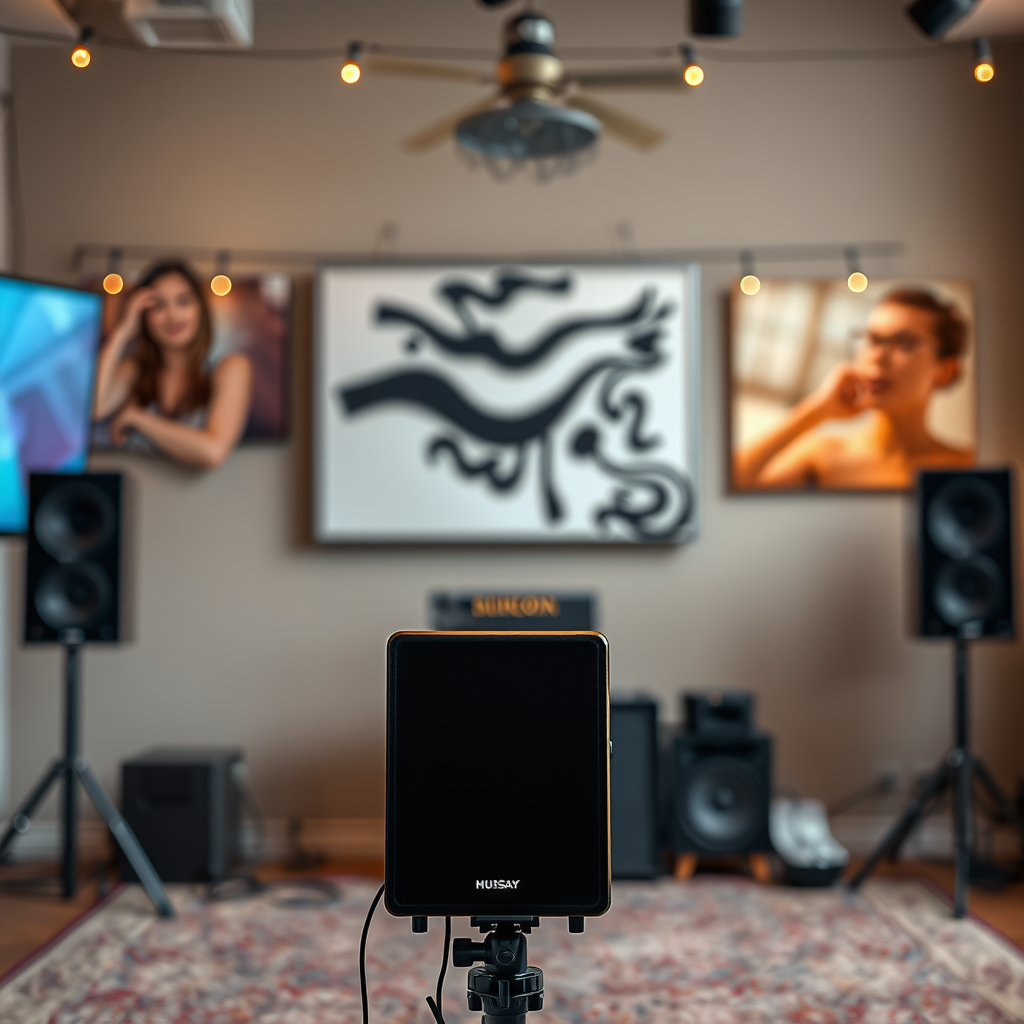
The placement of your speakers is critical for achieving the best audio quality. Start by assessing the room layout to optimize sound distribution. Consider the following factors:
– Room Layout: Identify the dimensions of your room and the furniture arrangement. Ideally, speakers should be positioned to create an equilateral triangle with the listening area.
– Height: Place speakers at ear level when seated. This positioning enhances the clarity of dialogue and the overall sound experience.
– Distance from Walls: Avoid placing speakers too close to walls, as this can cause sound reflections that muddy audio quality. A distance of at least 12 inches from walls is often recommended.
– Seating Arrangements: Take into account where listeners will be seated. Ensure that the primary listening area is directly in front of the speakers for the best sound experience.
By carefully considering these factors, you can significantly improve the audio output of your speaker system.
Connect Your Speakers
Connecting your speakers correctly is essential for optimal performance. Follow these steps:
– Identify the Correct Audio Cables: Depending on your speaker type, you may need speaker wire, RCA cables, or HDMI cables. Make sure you have the right cables for your setup.
– Secure Connections: Ensure that all connections are tight and correctly matched to the output sources. For instance, positive and negative terminals must be connected accurately to avoid phase issues, which can result in poor sound quality.
It’s vital to double-check all connections before proceeding to the next step, as improper connections can hinder performance.
Configure Your Audio Settings
Once your speakers are connected, it’s time to configure your audio settings for the best listening experience. Here’s how:
– Access Audio Settings: Depending on your audio system, you may need to access the settings through a receiver, soundbar, or audio interface. Look for options that allow you to adjust speaker output levels.
– Test Different Sound Profiles: Many systems come with preset sound profiles. Experiment with these settings—such as ‘Concert,’ ‘Movie,’ or ‘Music’—to find the one that best suits your preferences.
By fine-tuning these settings, you can enhance the clarity and richness of the sound produced by your speakers.
Top 7 Speaker Brands by Features (2024)
| # | Brand | Power Output (W) | Frequency Response (Hz) | Connectivity | Rating |
|---|---|---|---|---|---|
| 1 | Bose | 100 | 50 – 20,000 | Bluetooth, RCA | ★★★★☆ |
| 2 | Sony | 120 | 45 – 22,000 | HDMI, Bluetooth | ★★★★★ |
| 3 | JBL | 80 | 45 – 20,000 | Bluetooth, USB | ★★★★☆ |
| 4 | Klipsch | 150 | 38 – 24,000 | Wired, Bluetooth | ★★★★★ |
| 5 | Yamaha | 110 | 40 – 22,000 | HDMI, Optical | ★★★★☆ |
| 6 | Pioneer | 90 | 36 – 20,000 | Bluetooth, RCA | ★★★☆☆ |
| 7 | Audioengine | 75 | 55 – 22,000 | USB, RCA | ★★★★☆ |
Check for Compatibility
Before finalizing your setup, it’s crucial to ensure compatibility between your speakers and audio system. Here’s what to check:
– Speaker Compatibility: Verify that your speakers match the specifications of your audio receiver or amplifier. Pay attention to power ratings and impedance to prevent damage.
– Firmware Updates: Many modern audio devices require firmware updates for optimal performance. Check the manufacturer’s website to ensure all your devices are up to date.
By confirming compatibility, you can avoid issues that might lead to subpar audio performance or equipment damage.
Test the Sound Quality
After setting everything up, testing sound quality is essential to ensure the best audio experience. Here’s how to effectively evaluate your setup:
– Play a Variety of Audio Genres: Include different genres—classical, jazz, rock, and pop—to assess how well your speakers reproduce various sound types. This diversity helps identify any weaknesses in the audio output.
– Adjust Volume Levels and Balance: Experiment with different volume settings and balance adjustments to suit your preferences. Make sure that sounds are evenly distributed across the left and right channels.
This step is crucial for fine-tuning your setup, ensuring that it meets your listening tastes.
Troubleshoot Common Issues
Even with the best setups, issues can arise. Here are common problems and their solutions:
– Distortion: If you experience distortion at high volumes, check your connections and ensure speakers are rated to handle your amplifier’s output.
– Connectivity Issues: If your speakers are not recognized, ensure that all cables are securely connected and that the correct input is selected on your audio device.
– Refer to the Manual: Always refer to the speaker manual for specific troubleshooting tips tailored to your model.
Being proactive in troubleshooting can save you time and enhance your listening experience.
Maintain Your Speakers
Proper maintenance is essential for prolonging the lifespan of your speakers. Follow these tips:
– Regular Cleaning: Dust your speakers regularly using a soft cloth. Ensure that no debris accumulates in the ports or around the drivers.
– Check Connections: Periodically inspect all connections for wear or corrosion. Loose or damaged connections can lead to subpar audio performance.
– Proper Storage: When not in use, store your speakers in a dry, cool place. Avoid exposing them to extreme temperatures or moisture, which can damage components.
Regular maintenance will ensure that your speakers continue to deliver high-quality sound for years to come.
By following these steps, you can ensure that your speakers are set up correctly and deliver the best sound quality possible. Remember to experiment with placement and settings until you find the perfect configuration that suits your listening preferences. Enjoy your enhanced audio experience!
Frequently Asked Questions
How do I set up my speakers for optimal sound quality?
To set up your speakers for optimal sound quality, start by placing them at ear level when seated. Ensure they are positioned at least a few feet apart and angled towards your listening position. Additionally, avoid placing them too close to walls or corners, as this can cause unwanted bass buildup and distort sound clarity.
What cables do I need to connect my speakers to my audio system?
The cables you need depend on your speaker and audio system types. Common options include speaker wire for wired speakers, RCA cables for connecting to a receiver, or HDMI cables if using a soundbar. Always check the specifications of your devices to ensure compatibility and use high-quality cables for the best audio performance.
Why is my speaker not producing sound after setup?
If your speaker is not producing sound after setup, first check all connections to ensure they are secure. Then, verify that the audio source is functioning correctly and that the volume is turned up. Additionally, ensure the correct input source is selected on your receiver or amplifier, as this is a common oversight.
What is the best placement for surround sound speakers in a home theater?
The best placement for surround sound speakers in a home theater involves positioning them slightly above ear level and at an angle of about 110 to 120 degrees from your main seating area. Place the rear speakers behind the sofa or seating area, while the side speakers should be to the sides, ensuring they create an immersive audio experience without overwhelming the front speakers.
Which type of speakers should I choose for a small room?
For a small room, bookshelf or compact speakers are typically the best choice, as they provide excellent sound quality without taking up too much space. Additionally, consider powered speakers that have built-in amplifiers, allowing for easier setup without the need for external equipment. Ensure they can produce sufficient bass, or consider adding a small subwoofer for enhanced low-end performance.
References
- https://en.wikipedia.org/wiki/Speaker_(audio
https://en.wikipedia.org/wiki/Speaker_(audio - https://www.lifewire.com/how-to-set-up-a-home-theater-1846760
https://www.lifewire.com/how-to-set-up-a-home-theater-1846760 - Google Scholar Google Scholar
https://scholar.google.com/scholar?q=how+to+set+up+speakers - Google Scholar Google Scholar
https://scholar.google.com/scholar?q=speaker+setup+instructions - Google Scholar Google Scholar
https://scholar.google.com/scholar?q=audio+speaker+placement+guidelines - https://www.audioholics.com/tutorials/how-to-set-up-your-home-theater-sound-system
https://www.audioholics.com/tutorials/how-to-set-up-your-home-theater-sound-system - how to set up speakers – Search results
https://en.wikipedia.org/wiki/Special:Search?search=how+to+set+up+speakers - https://www.ncbi.nlm.nih.gov/search/research-articles/?term=how+to+set+up+speakers
https://www.ncbi.nlm.nih.gov/search/research-articles/?term=how+to+set+up+speakers
