


Setting up surround sound speakers is crucial for achieving an immersive audio experience that enhances your home theater or entertainment system. By focusing on speaker placement, connection methods, and proper calibration, you can ensure that your surround sound system delivers remarkable performance. This guide will walk you through the essential steps to optimize your audio experience, making your movie nights and gaming sessions truly captivating.
Understanding Speaker Configuration
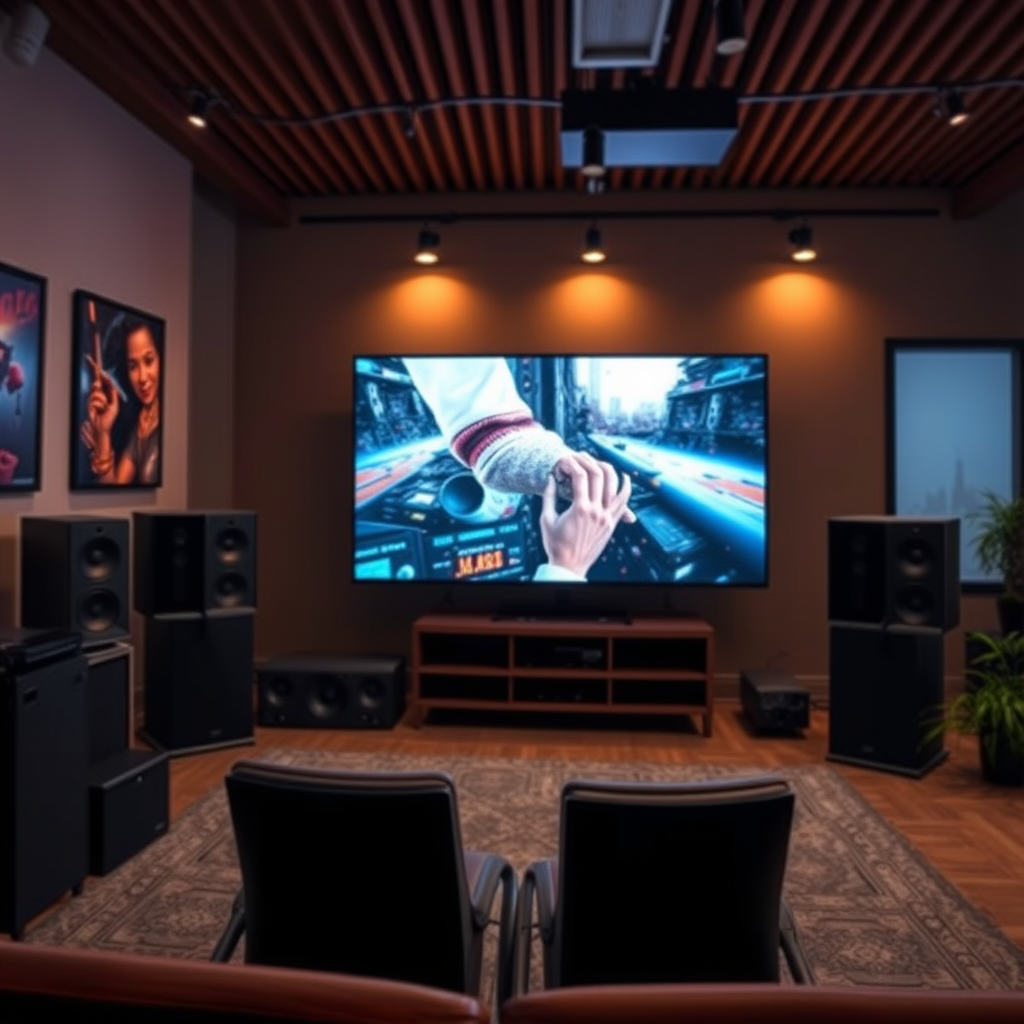
The first step in setting up a surround sound system is understanding the different configurations available. The most common setups include 5.1 and 7.1 systems. A 5.1 surround sound system consists of five speakers (two front speakers, one center speaker, two surround speakers) and one subwoofer, which is ideal for standard home theater setups. The 7.1 system adds two additional surround speakers, providing a more immersive experience, especially in larger rooms.
Choosing the right configuration depends on your room size and audio needs. A smaller room may benefit from a 5.1 setup, which can deliver excellent sound without overwhelming the space. In contrast, a larger room may require a 7.1 system to fill the area with sound effectively. Additionally, consider your listening habits—if you frequently watch movies or play games that use surround sound, investing in the more complex system will enhance your overall experience.
Ideal Speaker Placement
Speaker placement plays a vital role in the effectiveness of your surround sound system. To achieve optimal audio performance, it is essential to follow these guidelines:
– Front Speakers: The left and right front speakers should be positioned at ear level and equidistant from the prime listening area, typically the center sofa or chair. This setup creates a balanced sound stage, allowing you to hear dialogue and music clearly.
– Center Speaker: The center speaker should be directly above or below your television screen, aimed toward the listening area. This positioning ensures that dialogue appears to come directly from the characters on screen.
– Surround Speakers: The two surround speakers should be placed slightly above ear level, ideally at a height of approximately 1.5 to 2 feet above the listener’s ears. They should be positioned to face down toward the listening area, providing an enveloping sound experience.
– Subwoofer: The subwoofer can be placed in various locations, but it is often best situated in a corner of the room to maximize bass response. However, experimentation may be necessary, as the optimal placement can vary based on room acoustics.
Connecting Your Speakers
Once you’ve determined the configuration and placement of your surround sound speakers, the next step is to connect them correctly. The choice of cables will depend on the equipment you are using:
– HDMI Cables: These are commonly used for modern audio-video receivers and provide high-quality sound and video in a single cable. They are ideal for systems that support HDMI ARC or eARC.
– Optical Cables: These cables transmit audio signals using light, delivering high-quality sound with minimal interference. They are a good option for older systems that may not support HDMI.
– Speaker Wire: For traditional wired connections, use high-quality speaker wire to connect each speaker to the receiver. Ensure that you follow the polarity guidelines to maintain the correct phase of the audio signal.
Before finalizing the connections, double-check that all cables are securely connected and that you follow the manufacturer’s guidelines for wiring. Proper connections will help prevent issues such as sound dropouts or distortion.
Calibrating Your Surround Sound System
Calibration is crucial to achieving a balanced audio experience. Many modern AV receivers come with built-in calibration tools that simplify this process. Here’s how to calibrate your surround sound system:
1. Use an Audio Calibration Tool: Most receivers include a microphone that can be placed at the primary listening position. The receiver will emit test tones from each speaker and automatically adjust levels to ensure even sound distribution.
2. Manual Calibration: If you prefer manual adjustments, start by setting the volume levels for each speaker to the same initial level (usually 75 dB). From there, fine-tune the levels based on your listening preferences and the specific characteristics of your room.
3. Distance Settings: Input the distance of each speaker from the main listening position into the receiver. This adjustment will delay the audio from speakers that are further away, helping to maintain synchronization.
4. Equalization Settings: Some receivers allow for advanced equalization settings to adjust the sound profile based on the room’s acoustics. Experiment with these settings to find the most pleasing sound for your environment.
Top 7 Surround Sound Speaker Brands (2024)
| # | Brand | Type | Price Range | Rating |
|---|---|---|---|---|
| 1 | Bose | 5.1 | $499 – $1,199 | ★★★★☆ |
| 2 | Sonos | 5.1 | $699 – $1,499 | ★★★★★ |
| 3 | Yamaha | 7.1 | $599 – $1,299 | ★★★★☆ |
| 4 | Klipsch | 5.1 | $499 – $1,000 | ★★★★☆ |
| 5 | Samsung | 5.1 | $399 – $899 | ★★★★☆ |
| 6 | Onkyo | 7.1 | $599 – $1,199 | ★★★★☆ |
| 7 | Polk Audio | 5.1 | $399 – $899 | ★★★★☆ |
Troubleshooting Common Issues
Even with the best setup, you may encounter common issues that can impact your audio experience. Here are some troubleshooting tips to help you resolve these problems:
– Sound Delay: If you experience a delay between the audio and video, check the audio delay settings on your receiver. Adjusting these settings can help synchronize the sound with the visuals.
– Lack of Audio from Specific Speakers: If certain speakers are not producing sound, ensure that they are properly connected and that the wires are not damaged. You can also check the speaker settings in your receiver to confirm that they are enabled.
– Interference: Wireless surround sound systems may face interference from other electronic devices. Ensure that your wireless speakers are placed away from other devices that could cause signal disruption.
– Receiver Settings: Double-check the settings on your audio receiver. Make sure that the correct input source is selected and that the surround sound mode is active.
Enhancing Your Surround Sound Experience
To further enhance your surround sound experience, consider these additional features and upgrades:
– Adding a Subwoofer: A subwoofer can significantly improve the depth and richness of your audio, especially for action movies and music with heavy bass. Ensure that the subwoofer is properly calibrated to blend seamlessly with the other speakers.
– Room Correction Technology: Some modern receivers come equipped with room correction technology that automatically adjusts sound settings based on the room’s acoustics. This feature can optimize audio performance and improve overall sound quality.
– Acoustic Treatments: If your room has hard surfaces that can create echo or reverberation, consider adding acoustic panels or curtains. These treatments can help absorb sound and improve clarity, resulting in a more enjoyable listening experience.
Setting up surround sound speakers requires attention to detail in placement, connection, and calibration. By following these steps, you can transform your home audio experience into a captivating environment that enhances your entertainment. Don’t hesitate to experiment with different configurations and settings for the best results. With the right setup, you will find yourself immersed in a world of sound that complements your favorite movies and music beautifully.
Frequently Asked Questions
What equipment do I need to set up surround sound speakers?
To set up surround sound speakers, you will need a surround sound receiver, multiple speakers (typically five or seven), speaker wires, and an audio source like a Blu-ray player or streaming device. Additionally, a subwoofer is often included to enhance low-frequency sounds, providing a fuller audio experience.
How do I position my surround sound speakers for optimal sound quality?
Position your surround sound speakers in a way that creates an immersive audio environment. The front left, center, and right speakers should be placed at ear level and equidistant from the listening position, while the surround speakers should be placed slightly above ear level and to the sides or behind the listener. The subwoofer can be placed in a corner or against a wall to maximize bass response.
Why is speaker calibration important when setting up surround sound?
Speaker calibration is crucial because it ensures that all speakers deliver sound at the correct levels and time delays, creating a balanced audio experience. Using a calibration microphone and the receiver’s built-in setup tools can help adjust the distances, levels, and equalization settings for each speaker, enhancing your overall surround sound experience.
What is the best surround sound setup for a small room?
For a small room, a 5.1 surround sound setup is often the best choice, as it provides a good balance of sound quality without overwhelming the space. Opt for compact satellite speakers and a small subwoofer, and position the speakers carefully to maximize sound dispersion while minimizing distortion.
Which cables should I use to connect surround sound speakers to my receiver?
Use high-quality speaker wire to connect your surround sound speakers to the receiver, with 16-gauge wire being a common choice for most setups. Additionally, HDMI cables should be used for connecting your audio source to the receiver, as they support high-definition audio formats and simplify the connection process.
References
- Surround sound
https://en.wikipedia.org/wiki/Surround_sound - https://www.bbc.com/future/article/20201201-how-to-set-up-the-perfect-home-theatre
https://www.bbc.com/future/article/20201201-how-to-set-up-the-perfect-home-theatre - https://www.sciencedirect.com/topics/engineering/surround-sound
https://www.sciencedirect.com/topics/engineering/surround-sound - Google Scholar Google Scholar
https://scholar.google.com/scholar?q=surround+sound+speaker+setup - https://www.edn.com/how-to-set-up-a-surround-sound-system/
https://www.edn.com/how-to-set-up-a-surround-sound-system/ - https://www.nytimes.com/2019/12/05/technology/personaltech/setting-up-surround-sound.html
https://www.nytimes.com/2019/12/05/technology/personaltech/setting-up-surround-sound.html - https://scholar.google.com/scholar?q=how+to+install+surround+sound+speakers Google Scholar
https://scholar.google.com/scholar?q=how+to+install+surround+sound+speakers - https://www.verywellfamily.com/how-to-set-up-a-surround-sound-system-4175704
https://www.verywellfamily.com/how-to-set-up-a-surround-sound-system-4175704 - Google Scholar Google Scholar
https://scholar.google.com/scholar?q=surround+sound+installation+guide - Google Scholar Google Scholar
https://scholar.google.com/scholar?q=how+do+you+set+up+surround+sound+speakers
