
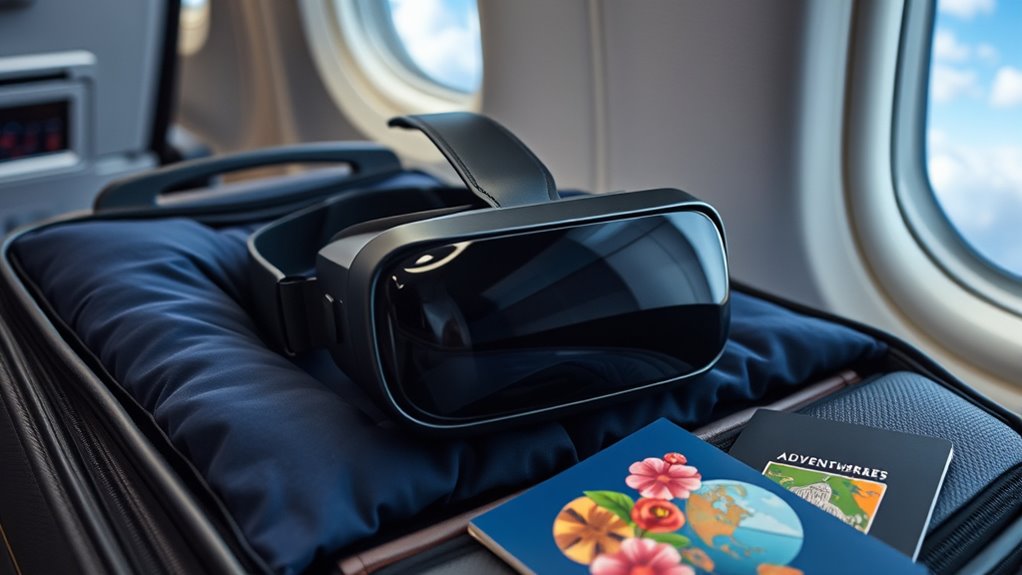

To take your VR headset on a plane, check your airline’s electronic device regulations first. Pack it in a padded carry-on to avoid damage, and remove it for security screening if required. Keep it close to reduce hassle and stay aware of size restrictions. Make sure it’s charged, and keep accessories organized to prevent any issues. For more detailed tips on arriving with your VR gear ready, there’s more to discover below.
Understanding Airline Policies for VR Equipment
Before you pack your VR headset for your next flight, it’s crucial to understand the airline’s policies regarding electronic devices. Different airlines have specific VR equipment regulations that may affect your travel plans. Most commonly, your headset qualifies as part of your carry-on, but you’ll want to check the airline carry-on rules to avoid surprises at security. Some airlines require you to remove devices from your bag for screening, while others may have restrictions on the size or weight of your carry-on items. Familiarizing yourself with these policies not only saves you time at the airport but also guarantees you can enjoy your virtual adventures without hassle. So, take a moment to research before you head out!
Packing Your VR Headset for Travel
Once you’ve checked the airline policies, it’s time to focus on packing your VR headset for travel. Start by gathering suitable packing materials to guarantee safety during transit. A padded travel case is your best friend; it provides protection against bumps and drops. Make sure to wrap the headset and any accessories—like controllers and cables—in soft materials or bubble wrap for extra cushioning. If your headset has detachable components, remove them to save space and reduce the risk of damage. Finally, double-check that everything fits snugly in the travel case to prevent movement. This thoughtful packing will give you peace of mind and allow you to fully enjoy your VR experience as soon as you reach your destination.
Carry-On vs. Checked Luggage: What You Need to Know
Whether you’re a seasoned traveler or flying for the first time, understanding where to stow your VR headset can make a big difference in your journey. For most airlines, it’s best to keep your headset in your carry-on luggage. This way, you can avoid potential damage from rough handling. Plus, with carry-on restrictions, it’s easier to guarantee your gear stays safe and within luggage dimensions. When packing, check the airline’s specific guidelines to avoid surprises at security. Some airlines may have size limits, so make sure your case fits within those parameters. By keeping your VR headset close, you’ll experience less hassle and more freedom to enjoy your travels. Happy flying!
Tips for Protecting Your VR Gear During Transit
To guarantee your VR gear stays safe during transit, it’s essential to take some precautions before you head to the airport. Invest in high-quality protective cases specifically designed for your headset and controllers; they’ll cushion against bumps and drops. When packing, use travel accessories like padded sleeves or foam inserts to minimize movement inside the case. Keep your lenses protected with a lens cover to avoid scratches. If you’re carrying extra accessories, make sure they’re securely stored and organized to prevent damage. Finally, always carry your VR gear in your carry-on. This way, you can keep an eye on it and avoid the rough handling that often comes with checked luggage. Safe travels!
Preparing for Security Checks at the Airport
Maneuvering security checks at the airport can be a breeze if you’re prepared. First, keep your VR headset and other electronic devices easily accessible in your carry-on. When you approach the security screening area, be ready to remove your headset and any larger gadgets from your bag. Place them in the bins provided, just like you would with your laptop.
Make sure your headset is charged and, if needed, have the charging cable handy, as security may ask about its functionality. Also, be aware of any additional rules specific to your airline or destination. By following these simple steps, you’ll breeze through security checks, keeping your travel experience smooth and stress-free. Safe travels!
Setting Up Your VR Headset Upon Arrival
Once you arrive at your destination, it’s time to unpack and organize your VR headset and accessories for easy access. Make sure to adjust the settings to fit your comfort level, enhancing your overall experience. With everything set up, you’ll be ready to jump back into your virtual adventures in no time!
Unpack and Organize Gear
After you’ve landed and retrieved your luggage, it’s time to unpack and organize your VR headset gear for a seamless setup. Start by finding a clean, flat surface to lay everything out. Use unpacking strategies that prioritize the most essential components, like the headset, controllers, and charging cables. Group similar items together to enhance your gear organization—this way, you won’t waste time searching for a specific part when you’re enthusiastic to immerse yourself in your VR experience. Consider packing cubes or small pouches to keep everything tidy and accessible. Once everything’s organized, check for any missing components before you get started. A little effort now guarantees you’re ready to enjoy your virtual adventures without any hassle!
Adjust Settings for Comfort
While setting up your VR headset upon arrival, it’s crucial to adjust the settings for comfort to guarantee an enjoyable experience. Start by adjusting the straps to make certain of a snug fit; adjustable straps can prevent discomfort during extended use. You want your headset to feel secure without being too tight, allowing you to immerse yourself fully in the virtual world.
Next, don’t forget about lens cleaning. Dust or smudges can ruin your visuals, so use a microfiber cloth to gently wipe the lenses. This simple step can enhance clarity and make your experience much more enjoyable. With these adjustments, you’re all set to plunge into your VR adventures comfortably and freely!
Alternatives for VR Experiences While Traveling
If you’re looking for immersive experiences without the bulk of a VR headset, there are plenty of alternatives to explore while traveling. Consider using portable VR options like smartphone-based headsets; they’re lightweight and easy to pack. You can also download travel-friendly games that offer engaging narratives and stunning visuals, ideal for killing time during layovers or long flights. Apps like Google Earth VR let you explore destinations virtually, while augmented reality games can add a layer of excitement to your surroundings. Additionally, you might enjoy interactive storytelling apps that captivate your imagination. These alternatives guarantee you stay connected to immersive experiences without the hassle of a full VR setup, granting you the freedom to enjoy your travels fully.
Frequently Asked Questions
Can I Use My VR Headset During the Flight?
You can’t use your VR headset during the flight due to in-flight restrictions. However, you can enjoy it once you’re at cruising altitude and the crew allows electronic devices. Just stay informed about airline policies!
Are There Size Restrictions for VR Headsets in Carry-On Bags?
In your quest for adventure, size guidelines for carry-on limits typically allow your VR headset, as long as it fits comfortably within the dimensions set by the airline. Always double-check before flying for peace of mind.
What if My VR Headset Gets Damaged During Transit?
If your VR headset gets damaged during transit, consider insurance options for coverage. Use packing tips like cushioned cases and secure placement in your carry-on to minimize risks and guarantee your gear stays safe and sound.
Do I Need to Declare My VR Headset at Security?
You don’t need to declare your VR headset at security, but you will have to follow standard security procedures for electronic devices. Just keep it accessible, and you’ll glide through like a pro!
Can I Bring Extra Accessories for My VR Headset on the Plane?
Yes, you can bring extra accessories for your VR headset on the plane. Just make sure to pack them neatly. Consider lightweight cases for cables, controllers, and other accessory types for easy organization and access.
