
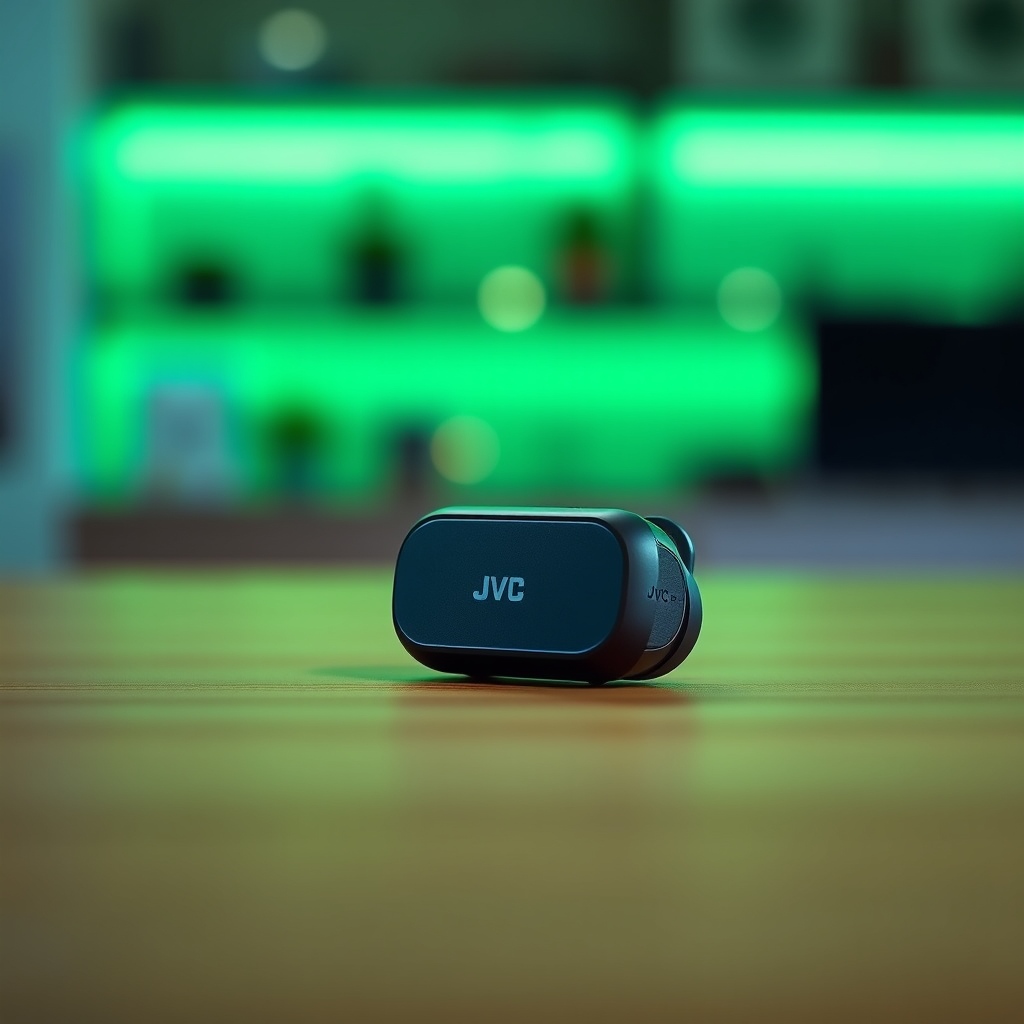

To turn on your JVC wireless earbuds, simply remove them from their charging case, and they should automatically power on. If they don’t, look for a physical power button on the earbuds and press it. This article will guide you through the steps to ensure your earbuds are powered on and ready for use, along with troubleshooting tips and pairing instructions to enhance your listening experience.
Understanding Your JVC Wireless Earbuds
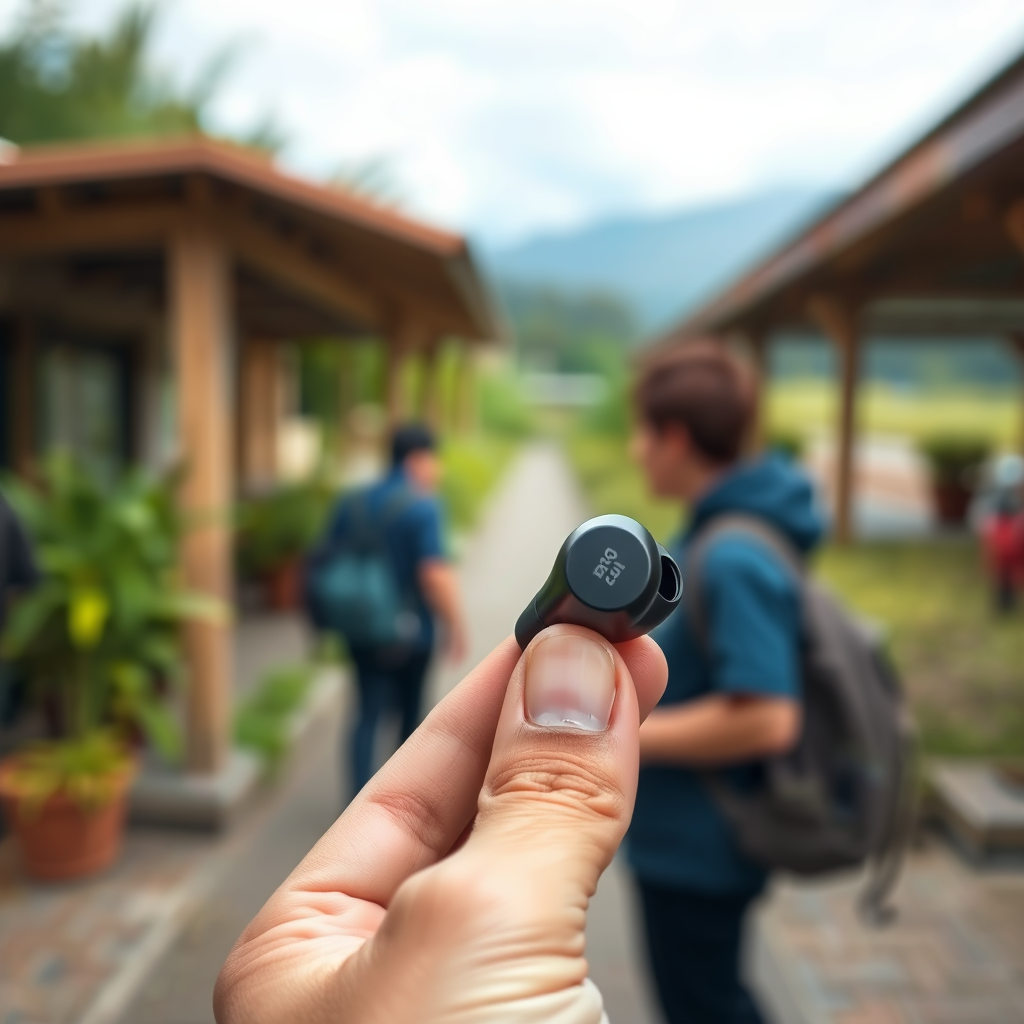
Understanding your JVC wireless earbuds is essential for maximizing their functionality. Each model may have unique features, including a designated power button or touch controls. Familiarizing yourself with these elements can save time and enhance your user experience. The charging case also plays a critical role in the functionality of your earbuds. It not only serves as a portable charging station but also is designed to automatically power the earbuds on and off when they are placed inside or removed.
Knowing the specifications and controls of your specific model is crucial, especially if you encounter issues with powering on or connectivity. Most JVC earbuds come equipped with intuitive features that simplify usage, but understanding their layout and functionality ensures that you can utilize all available options effectively.
Charging Your JVC Wireless Earbuds
Charging your earbuds properly is the first step towards ensuring they are ready for use. To charge your JVC wireless earbuds, place them in their designated charging case. You should see an LED indicator light up, indicating that the earbuds are charging. It is important to allow them to charge fully before your first use to ensure optimal battery performance.
Most JVC earbuds come with a quick charge feature, providing several hours of playback time with just a few minutes of charging. To check the battery status, simply remove the earbuds from the case; the LED indicators will provide a visual cue regarding the remaining battery life. A green light typically signals a full charge, while a red or blinking light indicates that the battery is low or needs charging.
Powering On the Earbuds
To power on your JVC wireless earbuds, simply remove them from the charging case. They are designed to activate automatically. This convenience is one of the primary advantages of wireless earbuds, allowing for a hassle-free listening experience. However, if the earbuds do not power on automatically, you can manually turn them on by locating the physical power button, usually found on the earbuds themselves. Press and hold this button for a few seconds until you see an LED light indicating that the earbuds are now powered on.
It’s worth noting that different models may have varying methods for powering on, so consulting the user manual can provide specific instructions tailored to your model.
JVC Wireless Earbuds Model Comparison
| # | Model | Battery Life | Water Resistance | Charging Time |
|---|---|---|---|---|
| 1 | JVC HA-A10T | 5 hours | IPX4 | 2 hours |
| 2 | JVC HA-A5T | 6 hours | IPX5 | 1.5 hours |
| 3 | JVC HA-A50T | 8 hours | IPX4 | 1 hour |
| 4 | JVC HA-FX39BT | 9 hours | IPX7 | 1.5 hours |
| 5 | JVC HA-A10T | 7 hours | IPX4 | 2 hours |
| 6 | JVC HA-FX1X | 6 hours | IPX5 | 1 hour |
| 7 | JVC HA-A50T | 10 hours | IPX4 | 1 hour |
Connecting to Your Device
Once your JVC wireless earbuds are powered on, the next step is to connect them to your device via Bluetooth. Begin by enabling Bluetooth on your smartphone, tablet, or computer. Typically, this can be done in the settings menu where you will find the Bluetooth option. Once Bluetooth is activated, your device will begin to search for nearby devices.
With the earbuds powered on, they should appear in the Bluetooth settings list. Look for the model name of your JVC earbuds, and select them to establish the connection. If you are prompted for a pairing code, it is usually “0000” or “1234”. Once connected, you should hear an audio cue indicating a successful pairing, and the LED on the earbuds may change color, confirming the connection.
Troubleshooting Tips
If you encounter issues with powering on or connecting your JVC wireless earbuds, consider these troubleshooting steps. First, ensure that the earbuds are charged; if they do not turn on, place them back in the charging case and allow them to charge for a while. If they still do not power on, try resetting the earbuds by pressing and holding the power button for about 10 seconds.
Additionally, check your device’s Bluetooth compatibility. Ensure that it is up to date and that Bluetooth is enabled. If the earbuds do not show up in the Bluetooth settings, try turning the Bluetooth off and on again. If all else fails, consult the user manual for specific instructions related to your model.
Maintaining Your JVC Wireless Earbuds
To keep your JVC wireless earbuds in optimal condition, regular maintenance is essential. Start by cleaning the earbuds and charging case periodically. Use a soft, dry cloth to wipe the exterior and a cotton swab to clean the ear tips. Avoid using any harsh chemicals that may damage the materials.
When not in use, store your earbuds in their charging case to preserve battery life and protect them from external elements. This practice will not only ensure that they are charged and ready for use whenever you need them but will also extend the overall lifespan of your earbuds.
In addition, keep your firmware updated, if applicable. Many modern wireless earbuds come with firmware updates that can improve performance and fix bugs. Check the manufacturer’s website or app for any available updates.
By following these steps, you can easily turn on and connect your JVC wireless earbuds for a seamless audio experience. If you encounter any issues, refer to the troubleshooting tips or consult the user manual for further assistance. Enjoy your listening experience!
Frequently Asked Questions
How do I turn on my JVC wireless earbuds?
To turn on your JVC wireless earbuds, simply remove them from the charging case. Most models will automatically power on when taken out. If they don’t, press and hold the power button on either earbud for a few seconds until you see a light indicator.
What should I do if my JVC wireless earbuds won’t turn on?
If your JVC wireless earbuds won’t turn on, first ensure they are charged by placing them back in the charging case for a few minutes. If the problem persists, try resetting the earbuds by holding down the power button for about 10 seconds, and then attempt to turn them on again.
Why are my JVC wireless earbuds not connecting after turning them on?
If your JVC wireless earbuds turn on but do not connect, ensure Bluetooth is enabled on your device. Try forgetting the earbuds in your device’s Bluetooth settings and then reconnecting them after powering them on again. This often resolves connectivity issues.
Which JVC wireless earbuds models have a dedicated power button?
Many JVC wireless earbuds models, such as the JVC HA-A10T and HA-A30T, come equipped with a dedicated power button. This feature allows for easy on/off operation, enhancing user experience when powering up the earbuds for use.
What is the best way to ensure my JVC wireless earbuds are fully charged before turning them on?
To ensure your JVC wireless earbuds are fully charged, place them in their charging case and connect the case to a power source using the provided cable. Check the LED indicator on the case; a solid light typically means they are charging, while a green or white light indicates a full charge.
References
- JVC
https://en.wikipedia.org/wiki/JVC - Google Scholar Google Scholar
https://scholar.google.com/scholar?q=JVC+wireless+earbuds - https://www.bbc.com/news/technology-51522369
https://www.bbc.com/news/technology-51522369 - https://www.nytimes.com/2020/10/01/technology/personaltech/jvc-earbuds-review.html
https://www.nytimes.com/2020/10/01/technology/personaltech/jvc-earbuds-review.html - Google Scholar Google Scholar
https://scholar.google.com/scholar?q=how+to+turn+on+wireless+earbuds - https://www.jvckw.com/us/en/faq/faq-01.html
https://www.jvckw.com/us/en/faq/faq-01.html - https://www.cdc.gov/niosh/topics/noise/default.html
https://www.cdc.gov/niosh/topics/noise/default.html - https://www.sciencedirect.com/topics/engineering/wireless-earbuds
https://www.sciencedirect.com/topics/engineering/wireless-earbuds - https://pubmed.ncbi.nlm.nih.gov/?term=wireless+earbuds+usage
https://pubmed.ncbi.nlm.nih.gov/?term=wireless+earbuds+usage - Google Scholar Google Scholar
https://scholar.google.com/scholar?q=how+to+turn+on+jvc+wireless+earbuds
