

To turn on your TOZO earbuds, simply remove them from the charging case, and they will automatically power on. This simple process ensures that you can quickly enjoy your music or take calls without any fuss. In this guide, you’ll learn how to connect them to your device, troubleshoot issues, and ensure optimal performance for a seamless audio experience.
Understanding Your TOZO Earbuds
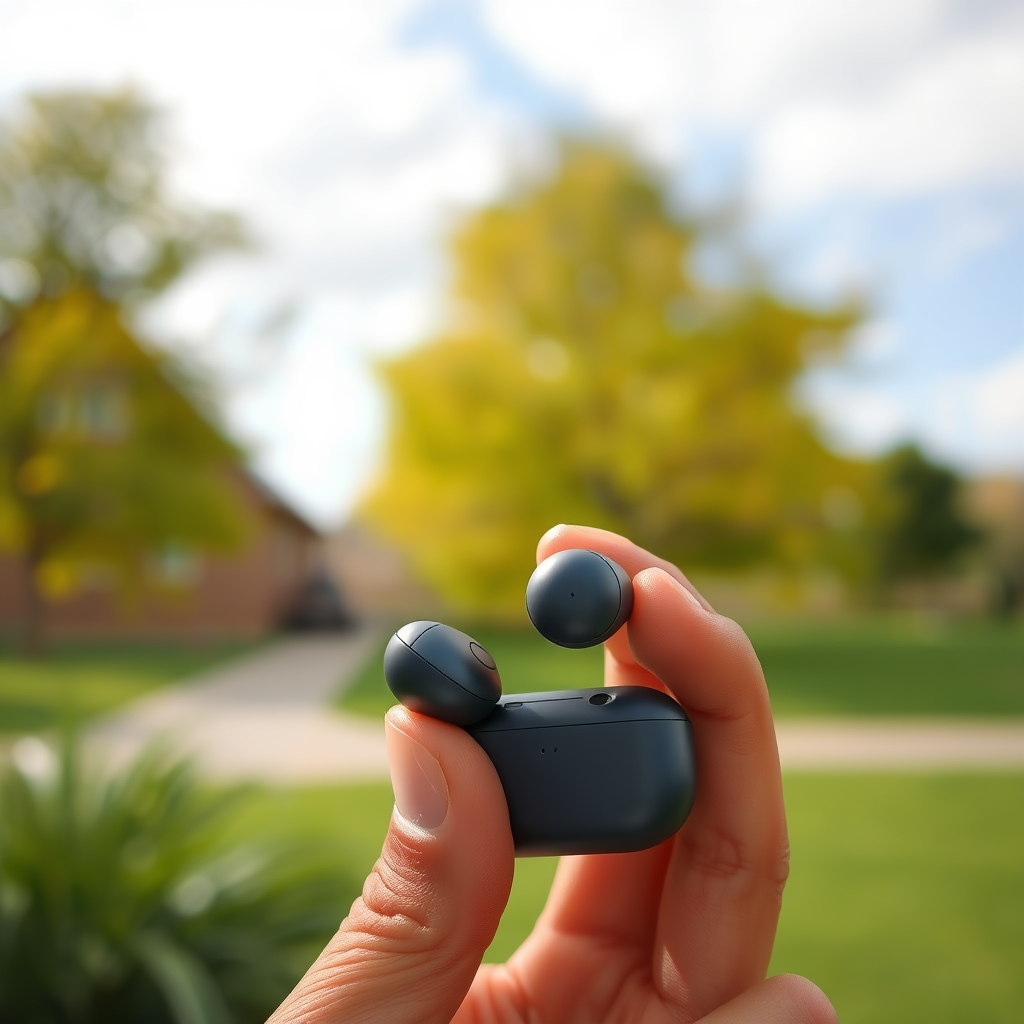
TOZO offers a diverse range of wireless earbuds, each designed with different specifications to cater to varying user preferences. Models such as the TOZO T10, T6, and T12 are among the most popular, each boasting unique features that enhance usability and audio quality.
Overview of different TOZO models
1. TOZO T10: Known for its excellent waterproof rating (IPX8), the T10 provides a secure fit and impressive sound quality, making it ideal for sports enthusiasts.
2. TOZO T6: This model features touch control and a long battery life, making it suitable for everyday use and commutes.
3. TOZO T12: With a sleek design and superior audio fidelity, the T12 focuses on delivering an immersive listening experience.
Key features of TOZO earbuds
– Bluetooth Connectivity: Most TOZO models support Bluetooth 5.0 for faster and more stable connections.
– Water Resistance: Many models offer varying degrees of water resistance, making them suitable for workouts and outdoor use.
– Battery Life: Extended battery life ranging from 24 to 30 hours with the charging case ensures you stay connected throughout your day.
– Touch Controls: Intuitive touch controls allow for seamless management of calls and music.
Importance of knowing your specific model
Understanding your specific TOZO model is crucial for maximizing its features and capabilities. Each model may have different functions and controls, which can influence how you interact with the earbuds. Familiarizing yourself with your model ensures you make the most of your listening experience.
How to Power On Your TOZO Earbuds
Turning on your TOZO earbuds is a straightforward process, thanks to their user-friendly design.
Step-by-step instructions to turn on
1. Open the Charging Case: Lift the lid of the charging case.
2. Remove the Earbuds: Take the earbuds out of the case; they should automatically power on.
3. Check the Indicator Light: A blinking light on the earbuds typically indicates they are powered on and ready to pair.
Auto-power on feature explained
TOZO earbuds are equipped with an auto-power on feature that activates as soon as they are removed from the charging case. This convenience eliminates the need for manual power buttons, allowing for quick access to your audio.
Alternative methods if auto-on fails
If your earbuds do not power on automatically, ensure they are sufficiently charged. If they still do not turn on, try resetting them by placing them back in the charging case for a few seconds.
Connecting TOZO Earbuds to Your Device
Once your TOZO earbuds are powered on, connecting them to your device is the next step toward enjoying your audio.
Pairing process with smartphones and tablets
1. Activate Bluetooth: Enable Bluetooth on your smartphone or tablet.
2. Select TOZO from the list: Look for your TOZO earbuds in the available devices list and select them to initiate pairing.
3. Confirm Connection: Once connected, you may hear a confirmation tone or see a notification on your device.
Troubleshooting common connection issues
If your earbuds fail to connect:
– Ensure that they are in pairing mode.
– Move closer to your device to improve connectivity.
– Restart both the earbuds and your device, then try the pairing process again.
How to disconnect and reconnect
To disconnect, you simply need to turn off Bluetooth on your device or select “Forget” in your Bluetooth settings. To reconnect, follow the pairing process again.
Comparison of Popular TOZO Earbud Models
| # | Model | Battery Life | Water Resistance | Bluetooth Version | Touch Control |
|---|---|---|---|---|---|
| 1 | TOZO T10 | 30 hours | IPX8 | 5.0 | Yes |
| 2 | TOZO T6 | 24 hours | IPX6 | 5.0 | Yes |
| 3 | TOZO T12 | 30 hours | IPX8 | 5.0 | Yes |
Managing Earbud Controls
TOZO earbuds come equipped with intuitive controls that allow you to manage your audio experience effortlessly.
Overview of touch controls and functions
Most TOZO models feature touch controls that enable users to play, pause, skip tracks, and answer calls with simple taps. Familiarizing yourself with these controls enhances usability and minimizes interruptions.
Tips for using voice assistants
TOZO earbuds are compatible with voice assistants like Siri and Google Assistant. Activate your voice assistant by tapping on the earbuds, allowing for hands-free control of your device.
Adjusting volume and playback options
Volume adjustments can typically be made by tapping and holding on the earbuds. This ensures you can easily manage audio levels without needing to reach for your device.
Maintenance Tips for Longevity
To ensure the longevity of your TOZO earbuds, regular maintenance is essential.
Cleaning your TOZO earbuds effectively
Cleaning your earbuds regularly prevents earwax buildup and maintains sound quality. Use a soft, dry cloth to wipe the exterior and a cotton swab to clean the mesh.
Best practices for battery care
For optimal battery performance, avoid exposing your earbuds to extreme temperatures and charge them regularly. It is recommended to use the original charging case to maintain battery health.
Storage recommendations when not in use
Store your TOZO earbuds in their charging case when not in use to protect them from dust and damage. This practice also ensures they are charged and ready for your next listening session.
Troubleshooting Common Issues
Despite their reliability, you may encounter some challenges with your TOZO earbuds.
How to reset your TOZO earbuds
If you experience issues, resetting your earbuds can often resolve them. To reset, place both earbuds in the charging case, hold the button for about 10 seconds, and then remove them to initiate the pairing process.
Addressing audio quality problems
If you notice audio distortion, check for obstructions in the earbud mesh and ensure that your device’s audio settings are correct. Adjusting the EQ settings on your device can also enhance audio clarity.
Resolving connectivity issues
If your earbuds frequently disconnect, try moving closer to your device to improve the Bluetooth connection. Additionally, ensure that no other devices are interfering with the connection.
Maintaining your TOZO earbuds and knowing how to turn them on is essential for a seamless listening experience. By following the steps outlined in this guide, you’ll be able to enjoy your earbuds to the fullest. If you encounter any issues, refer to the troubleshooting section or consult the user manual for additional assistance.
Frequently Asked Questions
How do I turn on my Tozo earbuds for the first time?
To turn on your Tozo earbuds for the first time, simply remove them from the charging case. They should automatically power on, indicated by a flashing LED light. If they don’t turn on, make sure they are charged by placing them back in the case for a few minutes.
Why aren’t my Tozo earbuds turning on?
If your Tozo earbuds aren’t turning on, it could be due to low battery. Ensure they are fully charged by placing them in the charging case for at least 30 minutes. Additionally, check that the charging contacts are clean and free from debris to ensure a proper connection.
What should I do if my Tozo earbuds won’t connect after turning them on?
If your Tozo earbuds won’t connect after turning them on, first ensure Bluetooth is enabled on your device. Then, try forgetting the earbuds from your Bluetooth settings and reconnecting them by placing the earbuds back in pairing mode, which typically involves holding down the touch control on both earbuds until you see the LED flashing.
Which Tozo earbuds models have a touch control feature to turn them on?
Most modern Tozo earbuds models, such as the Tozo T10 and T12, come equipped with touch control features that allow you to turn them on by simply tapping the earbud. This feature adds convenience and enhances user experience, making it easy to manage calls and music without fumbling with buttons.
How can I reset my Tozo earbuds if they won’t turn on?
To reset your Tozo earbuds, first ensure they are charged. Then, remove them from the charging case and hold down the touch control on both earbuds simultaneously for about 10 seconds until the LED lights flash red and white. This process will reset the earbuds, allowing you to set them up again as if they were new.
References
- How to Pair TOZO Earbuds: 4 Ways to Connect All Devices
https://www.wikihow.com/Pair-Tozo-Earbuds - Google Scholar Google Scholar
https://scholar.google.com/scholar?q=Tozo+earbuds+setup - https://www.lifewire.com/how-to-use-tozo-earbuds-5187848
https://www.lifewire.com/how-to-use-tozo-earbuds-5187848 - Google Scholar Google Scholar
https://scholar.google.com/scholar?q=Tozo+earbuds+manual - https://www.bbc.com/news/technology-64645623
https://www.bbc.com/news/technology-64645623 - https://www.reuters.com/article/us-technology-audio/tozo-earbuds-review-2022-idUSKBN2A402W
https://www.reuters.com/article/us-technology-audio/tozo-earbuds-review-2022-idUSKBN2A402W - https://www.sciencedirect.com/search?qs=Tozo%20earbuds
https://www.sciencedirect.com/search?qs=Tozo%20earbuds - https://www.mayoclinic.org/healthy-lifestyle/consumer-health/in-depth/bluetooth-headphones/art-20430735
https://www.mayoclinic.org/healthy-lifestyle/consumer-health/in-depth/bluetooth-headphones/art-20430735 - https://pubmed.ncbi.nlm.nih.gov/?term=Tozo+earbuds
https://pubmed.ncbi.nlm.nih.gov/?term=Tozo+earbuds - Google Scholar Google Scholar
https://scholar.google.com/scholar?q=how+to+turn+on+tozo+earbuds
