
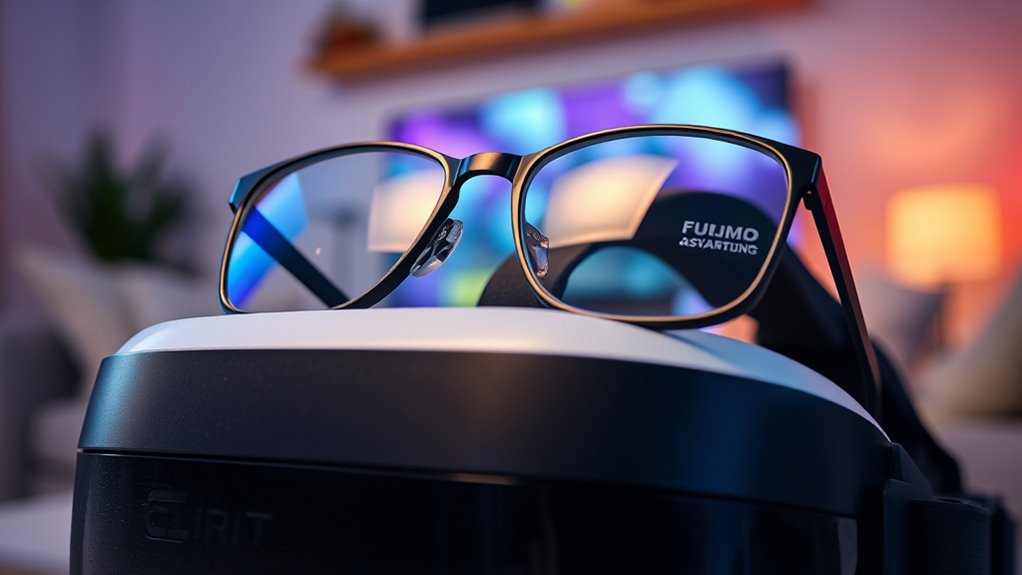

Using VR headsets with glasses can be a great experience, but it requires some adjustments. Start by choosing a headset designed for glasses wearers, ensuring there’s enough space for your frames. Make necessary adjustments for comfort, like padding and lens distance. Consider custom prescription lens inserts to enhance clarity and eliminate pressure from your glasses. Also, remember to take breaks to reduce eye strain. If you want to learn more tips and tricks, keep exploring!
Understanding VR Headset Compatibility With Glasses
When considering a VR headset, it’s essential to understand how it works with your glasses, especially since not all devices accommodate them equally. Different glasses types, like those with larger frames or thicker lenses, can impact your comfort and experience. Many headsets offer adjustable features, but if your lens thickness is significant, it might cause issues such as discomfort or distorted visuals. To enjoy a truly immersive experience, check the headset’s specifications to verify it can fit over your glasses without compromising your view. Some VR headsets even provide custom lens inserts, which can be an excellent alternative if you’re looking for freedom from wearing glasses inside the device. Knowing these factors helps you make an informed choice.
Choosing the Right VR Headset for Glasses Wearers
Choosing the right VR headset can feel overwhelming, especially if you wear glasses, but understanding your options can simplify the process. First, consider the frame size of your glasses; some headsets have more room than others, allowing for a comfortable fit. Look for models specifically designed with glasses in mind, often featuring removable foam padding or extra space. Additionally, lens distance is vital; guarantee the headset can adjust to accommodate the distance between your eyes and the lenses. This adjustment helps minimize distortion and enhances your overall experience. By focusing on these factors, you can confidently select a VR headset that suits your needs, allowing you to immerse yourself in virtual worlds without discomfort.
Tips for Adjusting Your Headset for Maximum Comfort
Once you’ve selected a VR headset that accommodates your glasses, the next step is guaranteeing it’s adjusted for your comfort. Start with padding adjustments; make sure the foam around the eye area is snug but not overly tight, providing a good seal without pressing on your glasses. Next, focus on strap positioning. The top strap should be centered on your head, while the side straps should fit snugly without pulling down on your face.
| Adjustment Type | Tips |
|---|---|
| Padding Adjustments | Guarantee a snug fit without pressure |
| Strap Positioning | Center top strap, adjust sides |
| Eye Relief | Adjust distance for clear vision |
| Weight Distribution | Balance for less neck strain |
| Comfort Check | Wear for a few minutes, reassess |
Enjoy your VR experience!
Using Prescription Lens Inserts for Your VR Headset
If you’re tired of wearing your glasses inside your VR headset, prescription lens inserts can be a game changer. These custom-made inserts fit directly into your headset, freeing you from the discomfort and hassle of glasses. With various prescription lens options available, you can find the perfect fit for your vision needs.
One of the key lens insert benefits is enhanced comfort; no more pinching or pressure from your frames. Plus, they can improve your overall VR experience by providing a wider field of view and reducing glare. By opting for lens inserts, you’ll enjoy immersive gaming or virtual environments without the limitations of traditional eyewear. Say goodbye to glasses and hello to freedom in your VR adventures!
Maintaining Clear Vision While Using VR Headsets
To maintain clear vision while using VR headsets, it’s essential to guarantee your headset is properly adjusted and your eyes are comfortable. Start by ensuring the interpupillary distance matches your eyes; this helps with focus and reduces strain. Use lens fogging solutions, like anti-fog sprays or wipes, to prevent condensation and maintain clarity during immersive experiences. Additionally, practice vision clarity techniques, such as taking regular breaks and adjusting the headset’s fit, to keep discomfort at bay. If your headset allows, tweak the lens distance to find the sweet spot for your vision. With these adjustments, you can enjoy the freedom that VR offers without sacrificing visual quality. Remember, comfort and clarity go hand in hand for an ideal VR experience!
Frequently Asked Questions
Can I Wear Contact Lenses Instead of Glasses With VR Headsets?
Yes, you can wear contact lenses instead of glasses with VR headsets. They’ll offer you the freedom of movement and enhance your vision clarity, ensuring contact lens comfort while immersing yourself in virtual worlds.
How Do I Clean My VR Headset Lenses Without Damaging Them?
To clean your VR headset lenses, use a microfiber cloth and lens cleaning solution or distilled water. Avoid paper towels and harsh chemicals; these safe materials prevent scratches and preserve your headset’s clarity and performance.
Will Wearing Glasses Affect My VR Gaming Performance?
Wearing glasses can impact your VR gaming performance, but with proper glasses compatibility, you can maintain vision clarity. Confirm your headset accommodates them, so you can enjoy an immersive experience without compromising comfort or sight.
Are There VR Headsets Specifically Designed for Larger Glasses?
Yes, some VR headsets offer better headset compatibility for larger glasses, featuring adjustable lenses and spacers. These adjustments can enhance your experience, ensuring comfort and clarity while you explore virtual worlds without sacrificing your vision.
Can I Share My VR Headset With Non-Glasses Wearers?
Absolutely, you can share your VR headset with non-glasses wearers! Just remember to adjust the lenses for comfort and follow sharing etiquette to guarantee everyone enjoys a great experience without any hassle.
